Operator



What is Operator?
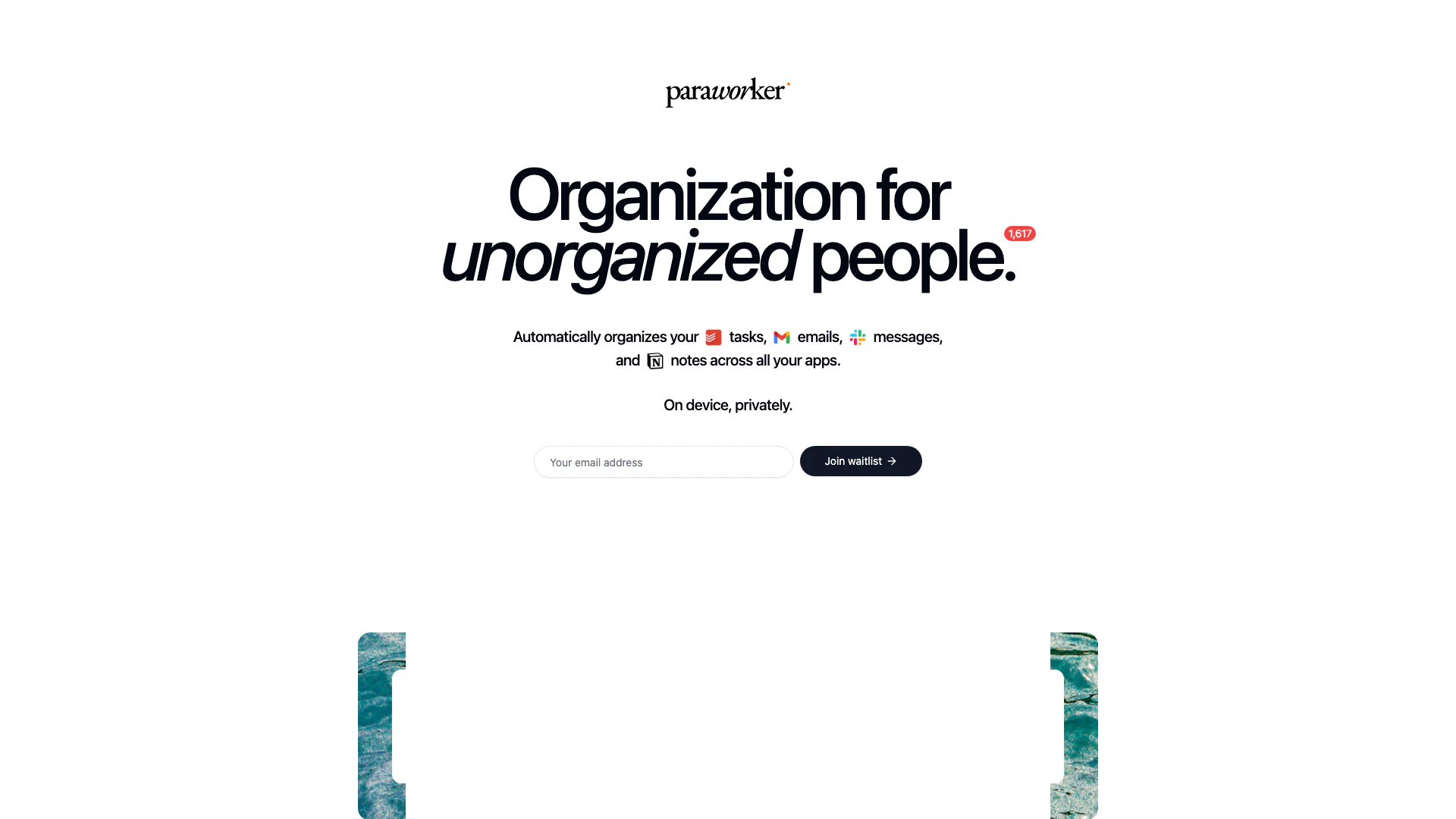
Operator is an innovative organizational tool designed specifically for unorganized individuals, helping them manage their tasks, emails, messages, and notes seamlessly across various applications. By automatically organizing your digital life, Operator enhances productivity without requiring users to alter their existing workflows. The tool operates entirely on-device, ensuring total privacy and security for its users.
How to use Operator?
- Sign up for the waitlist on the Operator website to gain access to the tool.
- Once you have access, download and install the Operator application on your device.
- Connect your preferred applications, such as Todoist, Gmail, Slack, and Notion, to allow Operator to integrate with them.
- Begin using Operator to automatically extract tasks from your emails, notes, and messages.
- Review the organized tasks and manage your workflow efficiently without changing your existing habits.
What are the main features of Operator?
- Automatic Task Organization[1]: Operator automatically organizes tasks from various applications, including emails, messages, and notes.
- Privacy-Focused[2]: The tool operates entirely on-device, ensuring user data remains private and secure.
- Seamless Integration[3]: Connects with popular apps like Todoist, Gmail, Slack, and Notion for a unified experience.
- User-Centric Design: Designed for users to maintain their current workflow without needing to adapt to new systems.
- Task Management: Helps users keep track of important tasks while archiving less critical ones.
Who is Operator for?
Operator is tailored for individuals who struggle with organization and time management, including busy professionals, students, and anyone juggling multiple tasks across various applications. It is ideal for those who wish to streamline their workflow without changing their established habits, making it perfect for people who value privacy and seek to enhance their productivity.
What are the use cases of Operator?
- Task Management: Users can extract tasks from emails and messages, ensuring they never miss important deadlines.
- Email Organization: Automatically categorize and prioritize tasks derived from emails, helping users manage their inboxes more effectively.
- Note Management: Integrate notes from applications like Notion, allowing users to have all their tasks in one organized location.
Product Images



Operator Pros and Cons
Pros
- Automatic Task Organization: Automatically organizes tasks from various apps like Todoist, Gmail, Slack, and Notion, enhancing productivity.
- Privacy Focused: Runs entirely on-device, ensuring total privacy for users' tasks and information.
- Seamless Integration: Integrates with popular applications, allowing users to extract tasks without changing their workflow.
Cons
No cons data detected for this tool