Notate




What is Notate?
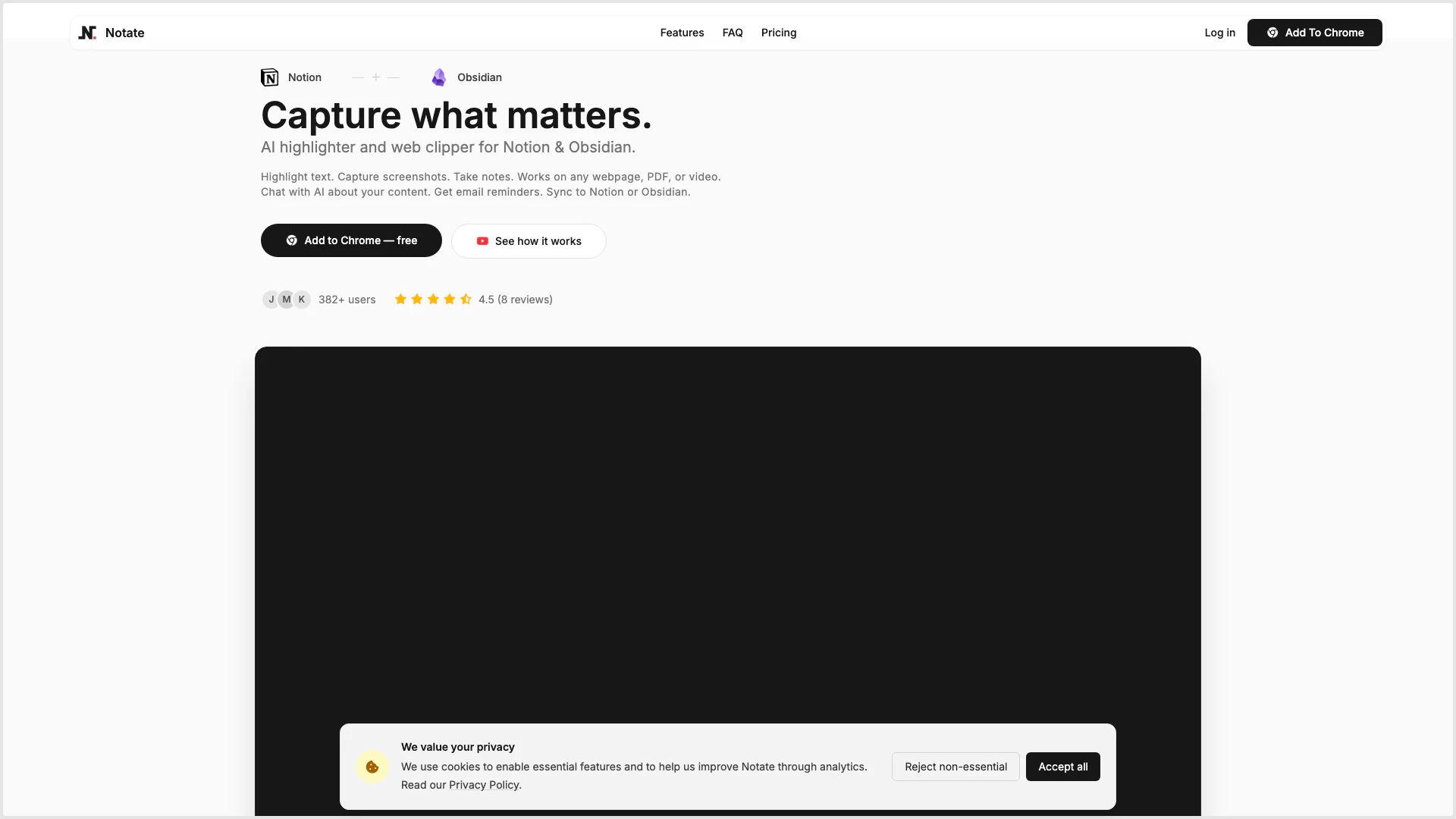
Notate is an innovative AI highlighter and web clipper designed specifically for users of Notion and Obsidian. It allows you to highlight text, capture screenshots, and take notes from any webpage, PDF, or video, making it a versatile tool for content organization and information retention. Notate integrates seamlessly with these popular note-taking platforms, enabling users to sync their highlights and notes effortlessly. With features like AI chat, email reminders, and automatic syncing, Notate enhances the way you interact with your content, ensuring that valuable insights are always at your fingertips.
How to use Notate?
- Install the Notate extension from the Chrome Web Store.
- Open any webpage, PDF, or video where you want to highlight content.
- Use the Notate tool to highlight text or capture screenshots directly from the media.
- Add notes or thoughts instantly, organizing them with tags and filters.
- Sync your highlights and notes to Notion or Obsidian automatically, choosing the desired template setup.
- Use the AI chat feature to ask questions about your highlights or schedule email reminders for revisiting insights.
What are the main features of Notate?
- Highlight Anything: Capture important text, videos, and PDFs with multiple colors and styles.
- Notes & Collections: Instantly add thoughts, organize them, and find anything easily.
- Screenshots: Capture any part of a page for visual references and charts.
- PDF & Video Highlighting: Highlight directly in PDFs and videos, with the ability to jump back to specific timestamps.
- Auto-Scrollback: Automatically return to your highlights, enhancing your workflow with tools like ChatGPT.
- Page Chat: Engage in chat with any page, including local files, without the need for copy-pasting.
- AI Highlights: Get context-aware answers about your highlights through AI interaction.
- Reminders: Schedule email reminders to revisit your highlights and insights.
Who is Notate for?
Notate is designed for a wide range of users including students, researchers, professionals, and anyone who frequently interacts with online content. It is particularly beneficial for those who use Notion or Obsidian as their primary note-taking and organization tools. Whether you are gathering information for a project, studying for exams, or simply wish to keep track of valuable insights from articles and videos, Notate provides a comprehensive solution to streamline the process of highlighting, annotating, and syncing content.
What are the use cases of Notate?
- Academic Research: Students can use Notate to highlight and annotate important information from scholarly articles, PDFs, and videos, organizing their findings efficiently.
- Content Creation: Bloggers and content creators can capture insights from various sources, ensuring they have all relevant information at hand when drafting articles or scripts.
- Project Management: Professionals can utilize Notate to gather and organize data from different web pages and documents, facilitating better collaboration and planning within teams.
Notate Pros and Cons
Pros
- Versatile Highlighting Features: Notate allows users to highlight text, videos, and PDFs with various colors and styles, making it easy to capture important information across different media types.
- Seamless Integration with Notion and Obsidian: The tool offers automatic syncing with Notion and Obsidian, ensuring that highlights are organized and accessible without manual effort.
- AI-Powered Assistance: Notate includes AI features that allow users to chat about their highlights and receive context-aware answers, enhancing the note-taking experience.
Cons
No cons data detected for this tool
Notate Pricing
Free
Get started with the basics * 15 highlights per day * 5 AI chats per month * 3 page chats per month * 3 screenshots per day * Unlimited notes
Individual
For power users * Unlimited highlights * Unlimited AI chats * 100 page chats per month * Unlimited screenshots * Cloud sync across devices * Notion & Obsidian sync
For the latest pricing, please visit this link: https://notate.so/#pricing
Prices are subject to change. Please visit the official website for the most up-to-date pricing information.