Next3dai


What is Next3D?
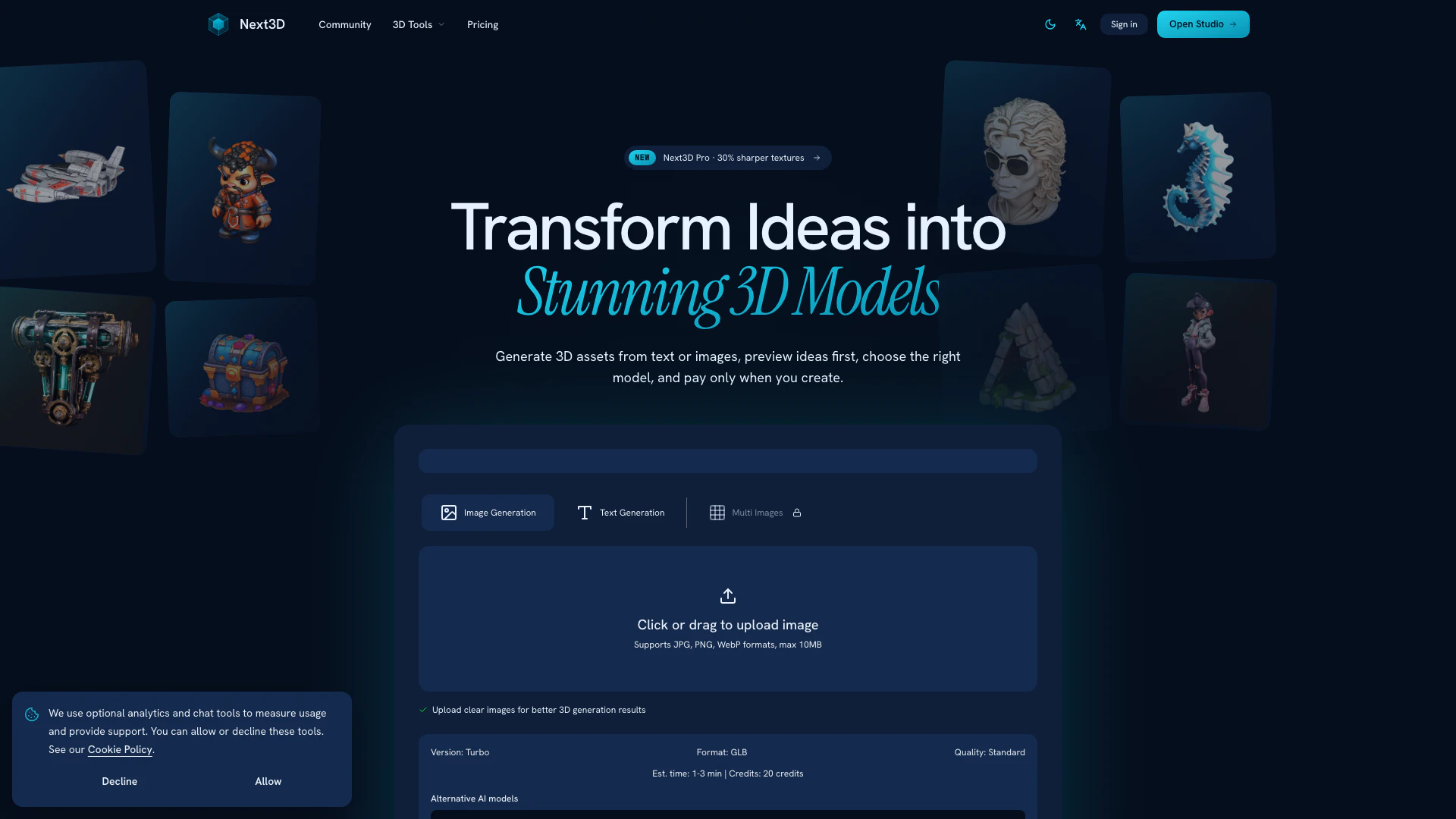
Next3D is an innovative online tool that enables users to create stunning 3D models quickly and easily. By allowing you to turn images or text prompts into previewable, editable, and downloadable 3D assets in just minutes, Next3D leverages advanced AI technology to streamline the 3D modeling process. Unlike traditional 3D software, which often requires extensive training and high-end hardware, Next3D is accessible from any device with internet access, making it a versatile solution for both professionals and hobbyists.
How to use Next3D?
- Upload or Describe: Begin by uploading an image (JPG, PNG, WEBP) or writing a natural language description of the 3D model you want to create. You can also upload multiple views of an image for better results.
- AI Generation: Let the advanced AI process your input. It will generate a high-quality 3D model with proper geometry and textures. You can track the progress in real-time and choose from multiple quality modes.
- Download & Use: Once the model is generated, download it as a GLB file with textures included, ready for use in your projects, games, or apps. If needed, you can convert it to other formats like FBX, OBJ, PLY, or STL.
What are the main features of Next3D?
- Multiple 3D AI models: Choose the best model for each asset instead of being locked into a single generation style.
- Text-to-3D with image preview: Preview your concept image before generating the final 3D model.
- Image-to-3D conversion: Quickly convert reference images into usable 3D assets.
- Pay-as-you-go credits: Flexible pricing with no forced subscriptions.
- Production-ready exports: Download GLB files with textures and convert to FBX/OBJ as needed.
- Browser-based 3D preview: Inspect materials, lighting, and presentation directly in your browser before downloading.
Who is Next3D for?
Next3D is designed for a wide range of users including game developers, product designers, architects, and content creators who need to produce high-quality 3D models efficiently. It caters to both seasoned professionals looking to streamline their workflows and beginners with no prior 3D modeling experience, making it an ideal choice for anyone interested in creating 3D assets without the steep learning curve associated with traditional software.
What are the use cases of Next3D?
- Game Development: Quickly create and iterate on 3D assets for games, reducing prototyping time significantly.
- Product Design: Generate realistic models for product presentations or marketing materials, enhancing visual appeal without high costs.
- Content Creation: Enable YouTube creators and other content producers to develop 3D assets for videos, enhancing their production quality without the need for expensive freelancers.
Next3dai Pros and Cons
Pros
- Fast Model Creation: Next3D allows users to create 3D models in as little as 30 seconds to 2 minutes, significantly reducing the time compared to traditional methods that can take 10-20 hours.
- No Technical Skills Required: Users can create professional-quality 3D models simply by describing what they want, eliminating the need for expert skills in modeling, texturing, or rigging.
- Cost-Effective Solution: Next3D offers a free starting option with flexible pricing, making it a more affordable alternative to traditional 3D software that can cost thousands of dollars annually.
Cons
No cons data detected for this tool