

Neatscribe
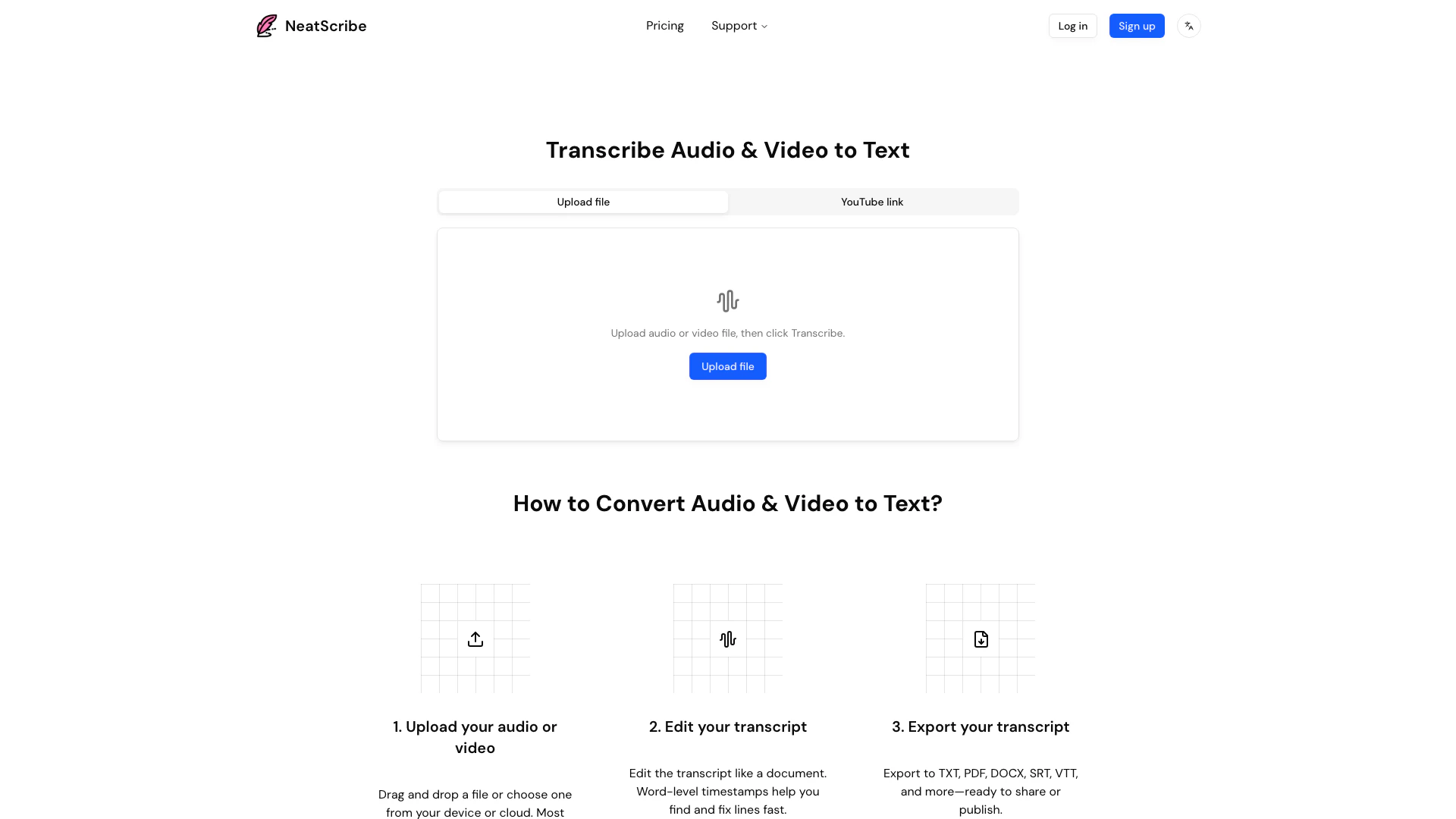



What is Neatscribe?
Neatscribe is a powerful online tool designed for transcribing audio and video files into accurate text quickly and efficiently. It utilizes advanced speech-to-text[2] technology to convert various audio formats[3], making it ideal for users who need to create written records of meetings, interviews, podcasts, and other audio or video content. With Neatscribe, users can upload their files, edit the generated transcripts, and export them in multiple formats, including TXT, PDF, and DOCX. This tool is particularly valuable for professionals and content creators seeking fast and reliable transcription[1] services.
How to use Neatscribe?
- Upload your audio or video: Drag and drop your file or select one from your device or cloud storage. Neatscribe supports a wide range of audio and video formats[4].
- Edit your transcript: Once the transcription is generated, you can edit the text as needed. The tool provides word-level timestamps to help you quickly find and correct any errors.
- Export your transcript: After editing, you can export the transcript in various formats such as TXT, PDF, DOCX, SRT, or VTT, making it easy to share or publish your content.
What are the main features of Neatscribe?
- Fast and accurate transcription of audio and video files.
- Supports a wide range of audio formats, making it versatile for different types of content.
- User-friendly editing interface[5] with word-level timestamps for quick corrections.
- Export options in multiple formats including TXT, PDF, DOCX, SRT, and VTT.
- No daily transcription limits with premium plans, allowing for extensive usage.
- Premium transcription model available for ultra-fast processing and high accuracy.
Who is Neatscribe for?
Neatscribe is tailored for a diverse range of users, including professionals, content creators, students, and businesses that require efficient transcription services. It is particularly beneficial for podcasters, journalists, researchers, and educators who need to convert audio and video content into text for documentation, analysis, or publication. The tool's ease of use and high accuracy make it suitable for anyone looking to streamline their transcription process.
What are the use cases of Neatscribe?
- Transcribing interviews for research or journalistic purposes, allowing for detailed analysis and reporting.
- Creating written records of meetings and conferences to ensure that all discussions are documented and accessible.
- Converting podcasts and webinars into text for blog posts or articles, expanding the content's reach and accessibility.
Neatscribe Pros and Cons
Pros
- Fast Transcription Process: Neatscribe allows users to upload audio or video files and receive accurate transcripts in seconds, enhancing productivity.
- Wide Format Support: Supports various audio and video formats, making it versatile for different transcription needs like podcasts and meetings.
- Multiple Export Options: Users can export transcripts in multiple formats such as TXT, PDF, DOCX, SRT, and VTT, facilitating easy sharing and publishing.
Cons
No cons data detected for this tool
Neatscribe Pricing
Free
Basic features for personal use * 120 credits per month * Limited to transcribe 3 files per day * Commercial use
Pro
Advanced features for professionals * 1200 credits per month * No daily file limit for transcription * Premium transcription model (ultra-fast speed) * Commercial use
Premium
Premium features for professionals * 6000 credits per month * No daily file limit for transcription * Premium transcription model (ultra-fast speed) * Transcription available in 98 languages * Commercial use
For the latest pricing, please visit this link: https://neatscribe.com/pricing
Prices are subject to change. Please visit the official website for the most up-to-date pricing information.





