
Twitter-color Created with Sketch. Amazon-color Created with Sketch. Facebook-color Created with Sketch. github [#142] Created with Sketch. meta_fill Pinterest-color Created with Sketch. ProductHunt-color Created with Sketch. Spotify-color Created with Sketch. Threads Logo Streamline Icon: https://streamlinehq.com Yelp-color Created with Sketch. Youtube-color Created with Sketch.
TopAIToolsTopAITools
  • Free Tools
  • Category
  • Leaderboard
  • Deals
  • Submit
EN
TopAIToolsTopAITools
TopAI

TopAITools

TopAITools, The Best Top AI Tools

AI Glossary|English简体中文繁體中文한국어日本語PortuguêsEspañolDeutschFrançaisTiếng Việt|Map

© 2026 TopAITools. All rights reserved.

About

  • Privacy Policy
  • Terms of use

Contact Us

business@topaitoolsreview.com
Home
AI Writing Assistants
Muware
Last updated: May 10, 2026
Muware logo

Muware

Get deal
5.0|0 Comments|0 Saved
Introduction:
Transform your voice into polished text seamlessly.
Launch Date:
February 5, 2014
Monthly Visits:
--
Inputs:
Audio
Outputs:
Text
Supported Languages:
ENFRDEESJAPTITZHRUKONLARPLSVTRHIUKVIROCSHUFI
AI Models:
OpenAI Whisper
Website
Free Trial
💼Work🎨Creativity
AI Writing Assistants493AI Transcription Service12Multilingual Transcription Tool8
Muware website screenshot showing Transform your voice into polished text ... interface and features
Use tool
Update this tool
Bbc logo

Bbc

Stay updated with reliable news from around the world.

Ait Contacts Extractor For Gmail logo

Ait Contacts Extractor For Gmail

EmailWhiz for Gmail™ - Google Workspace Marketplace

Gmail Gpt logo

Gmail Gpt

GPT for Gmail™ | AI Email Assistant | Gemini - Google Workspace Marketplace

Deepl logo

Deepl

Translate texts & full document files instantly. Accurate translations for individuals and Teams. Millions translate with DeepL every day.

Gemini logo

Gemini

Gemini is Google’s AI assistant for writing and brainstorming.

Muware Overview

What is EchoWrite?

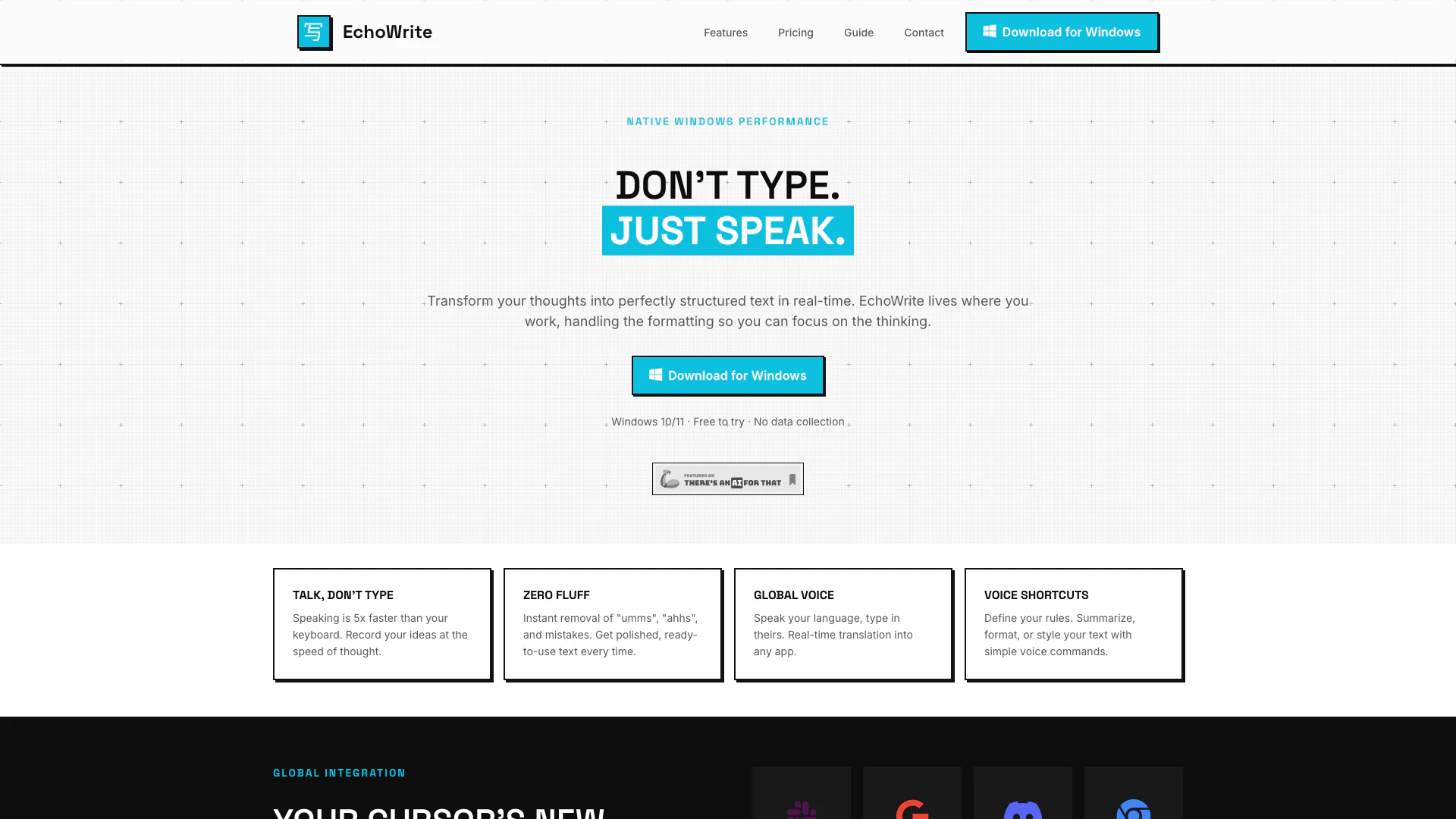
EchoWrite is an innovative tool that transforms your voice into polished text across any Windows application. Utilizing OpenAI's Whisper technology, it offers features such as AI editing and real-time translation, allowing users to convert spoken words into structured text seamlessly. EchoWrite is designed to enhance productivity by enabling users to dictate ideas quickly and accurately, eliminating the need for typing and ensuring that thoughts are captured in real-time.


How to use EchoWrite?

  1. Configure Your Key: Paste your OpenAI API key once, or skip it and use a local model. Your key is encrypted locally, ensuring privacy.
  2. Press Global Hotkey: Use the default `Ctrl+Space` or set your own. EchoWrite listens in the background while you focus on your active window.
  3. Watch it Type: Release the key, and your audio will be transcribed, optionally transformed, and typed out instantly where your cursor is.

What are the main features of EchoWrite?

  • Voice-to-Text Conversion: Instantly convert spoken words into text in any Windows application.
  • AI Editing: Automatically remove filler words and mistakes for polished output.
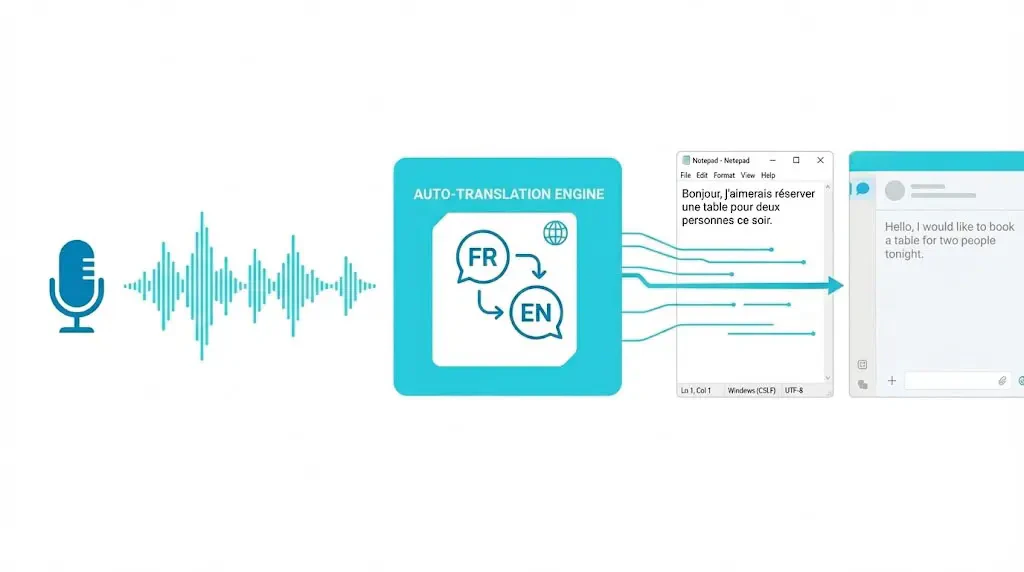
  • Real-Time Translation: Speak in your language and have EchoWrite translate and type in another language.
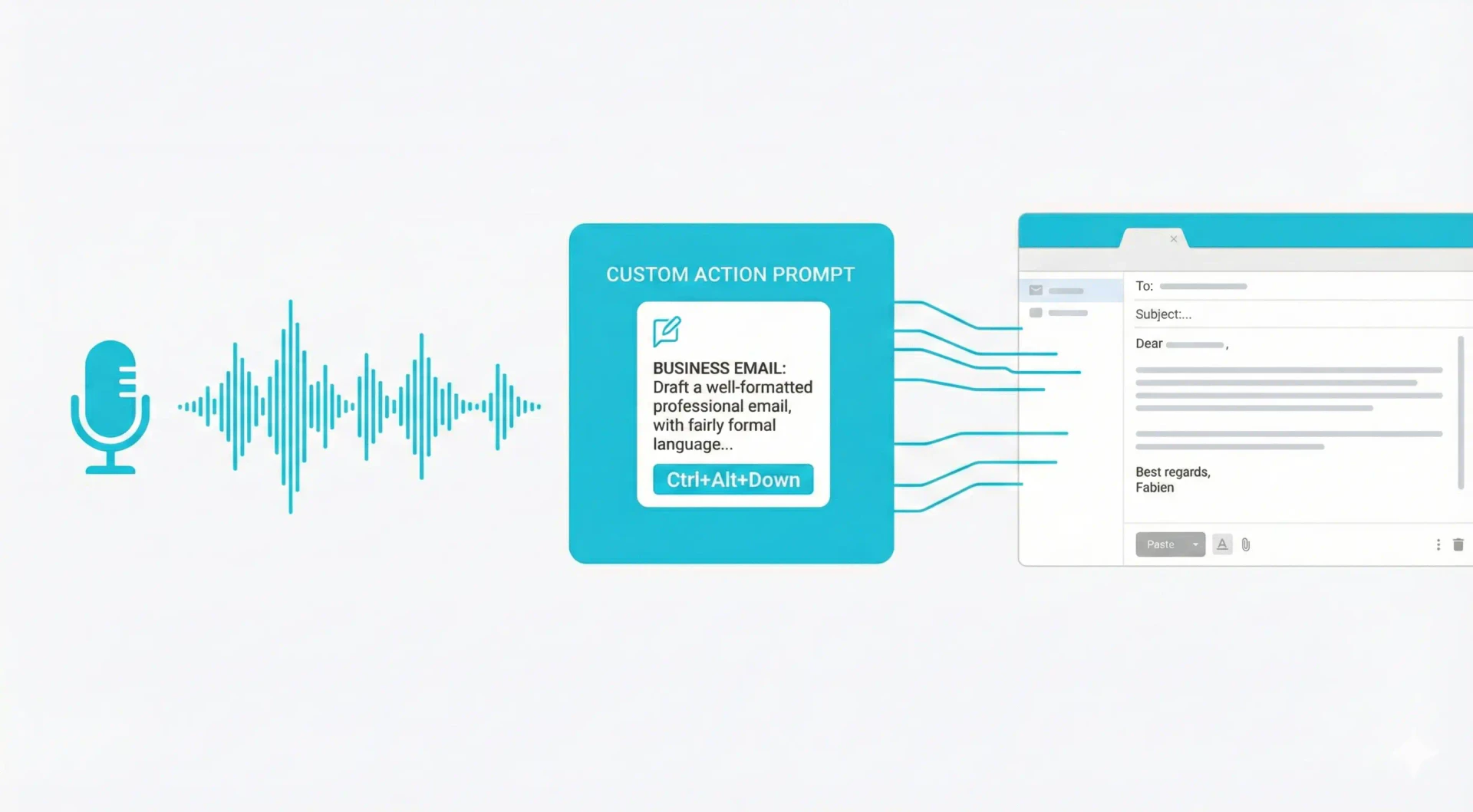
  • Voice Shortcuts: Use voice commands to summarize, format, or style text effortlessly.
  • Local and Cloud Modes: Choose between using OpenAI's API or running models locally for enhanced privacy.

Who is EchoWrite for?

EchoWrite is designed for developers, writers, and professionals who value efficiency and privacy. It is ideal for anyone who needs to quickly transcribe thoughts, create structured documents, or communicate in multiple languages without the hassle of typing. Whether you are drafting emails, coding, or taking notes, EchoWrite streamlines the process, making it suitable for a diverse range of users.


What are the use cases of EchoWrite?

  1. Professional Writing: Authors and content creators can dictate articles or reports, ensuring their ideas are captured quickly and accurately.
  2. Coding: Developers can dictate code logic in plain English, allowing EchoWrite to convert it into formatted code.
  3. Multilingual Communication: Users can speak in their native language and have EchoWrite translate and type in English or other languages, facilitating effective communication.

Product Images
EchoWrite usage step screenshot
EchoWrite real-time translation demonstration
EchoWrite product overview
1 / 3

Muware Pros and Cons

Pros

  • Real-time Voice-to-Text Conversion: EchoWrite allows users to convert their spoken words into polished text in real-time, enhancing productivity and efficiency.
  • Local Processing for Privacy: The tool can operate entirely offline, ensuring that user data remains private and secure without relying on cloud services.
  • Multi-Language Support: EchoWrite supports real-time translation and can handle multiple languages, allowing users to switch languages seamlessly during dictation.

Cons

No cons data detected for this tool

Muware Pricing

Yearly License

$27

Unlimited Dictation (BYOK), Local / Offline Models, Custom Prompts, Real-time Translation, Global Hotkeys, 1 Year of Updates.

Lifetime License

$37

Unlimited Dictation (BYOK), Local / Offline Models, Custom Prompts, Real-time Translation, Global Hotkeys, Lifetime Access & Updates.

For the latest pricing, please visit this link: https://echowrite.muware.xyz/#pricing

Prices are subject to change. Please visit the official website for the most up-to-date pricing information.


Muware Compare

Tool NameIntroductionPricing
Type
RatingLaunch DateLearn more
Quillbot Paraphraser logo
Quillbot Paraph...
Paraphrasing Tool (Ad-Free and No Sign-up Required) - QuillBot AI
Free
💼Work🎨Creativity
December 31, 1984
Get deal
Civitai logo
Civitai
Civitai: The Home of Open-Source Generative AI
Free
🎨Creativity
November 2, 2022
Get deal
Rewind Ai logo
Rewind Ai
Rewind
Free
🙋‍♂️Personal💼Work
February 2, 2018
Get deal

Info current as of post date. Offers and availability may vary by location and are subject to change.

Muware Q&A

Most apps charge you $20/month to 'wrap' an API that costs pennies. EchoWrite is a pro tool: you pay for the software once, and you control your data and costs.

For more FAQs, please visit this link: https://echowrite.muware.xyz/#faq

Muware Launch embeds

Use website badges to drive support from your community for your TopAITools Review. They're easy to embed on your homepage or footer.

FEATURED ONTopaitoolsreview.com

Muware Alternatives

Gemini screenshot

Gemini

Gemini is Google’s AI assistant for writing and brainstorming.

Website
Free
🙋‍♂️Personal💼Work🎨Creativity
Writing & EditingAI Writing AssistantsAI ChatbotAI Creativity and Productivity Enhancer
  • Writing & Editing
  • AI Writing Assistants
  • AI Chatbot
  • AI Creativity and Productivity Enhancer
Use tool
1735.3M
Direct77.16%
Search17.39%
Referrals4.58%
Quillbot screenshot

Quillbot

QuillBot enhances your writing with AI tools for paraphrasing, grammar checking, and more.

Website
Free
💼Work🎨Creativity
Writing & EditingAI Grammar CheckerAI Paraphraser & RewriterAI Writing Assistants
  • Writing & Editing
  • AI Grammar Checker
  • AI Paraphraser & Rewriter
  • AI Writing Assistants
Use tool
47.0M
Search54.07%
Direct44.35%
Referrals1.31%
Aidungeon screenshot

Aidungeon

Play and create AI-generated adventures with infinite possibilities.

Website
FreeWriting & EditingAI Text GeneratorAI Writing Assistants
  • Writing & Editing
  • AI Text Generator
  • AI Writing Assistants
Use tool
3.8M
Direct62.56%
Search33.46%
Referrals2.49%

Muware Tags

voice-to-textReal-time translationAI editingVoice CommandsLocal ProcessingPrivacy FocusedWindows Integration

Also used for

AI Writing Assistants493AI Transcription Service12Multilingual Transcription Tool8Object Remover AiAi Design Generator115Ai Interior Design54Ai Landscape GeneratorAi Real Estate28Ai Realistic Image Generator3Ai Audio Splitter14Ai Rap Lyrics GeneratorAI YouTube Transcript Enhancer2Ttrpg Note Taking Tools4URL Conversion Tools1Web Content Format Converter2
Muware logo
MuwareFree
Get deal

Muware Comments (0)

Your rating

?
0/2000

No comments yet

Be the first to share your thoughts!

Muware Prompts (0)

Prompts And Results

Add your own prompts and outputs to help others understand how to use this AI.

🚀0
🚀0