

Mumblyai




What is Mumblyai?
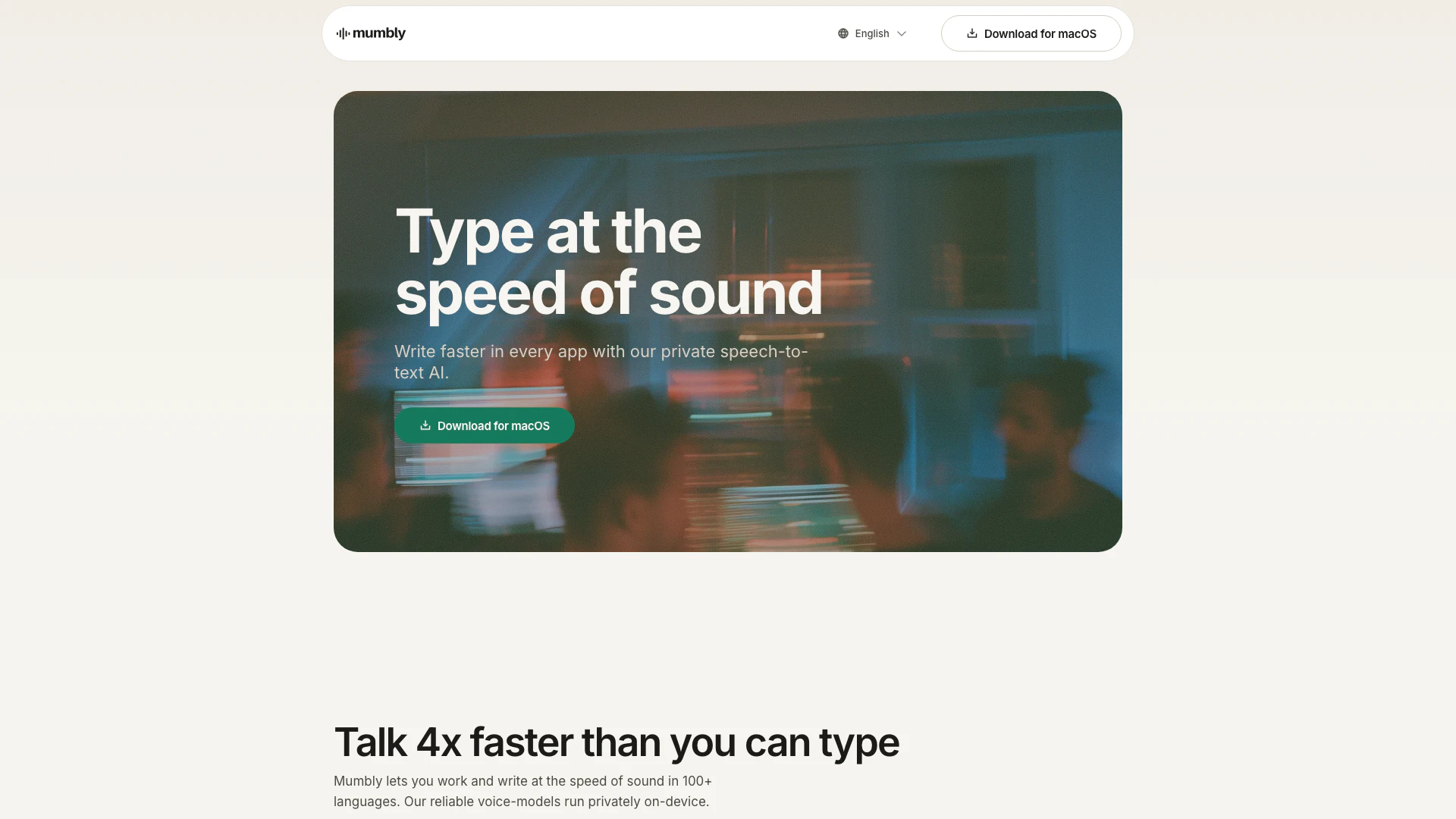
Mumblyai is a private speech-to-text AI tool designed for macOS users. It enables individuals to write faster across various applications by converting spoken words into text in real-time. Operating securely on-device, Mumbly supports over 100 languages and utilizes advanced voice recognition technology to improve transcription accuracy while ensuring user privacy. Its ability to learn from user vocabulary makes it a powerful tool for anyone looking to enhance their productivity in writing tasks.
How to use Mumblyai?
- Download and install Mumbly on your macOS device from the official website.
- Launch the application and grant it the necessary microphone permissions to capture your voice.
- Open any text application (e.g., Notion, Slack, Safari) where you want to write.
- Start speaking naturally; Mumbly will transcribe your speech into text, removing filler words and pauses automatically.
- Review and edit the transcribed text as needed, taking advantage of Mumbly's learning capabilities for your unique vocabulary.
What are the main features of Mumblyai?
- Private Speech-to-Text: Mumbly operates privately on-device, ensuring your voice data and transcriptions remain secure.
- Multi-Language Support: The tool supports over 100 languages, making it versatile for users around the globe.
- Fast Transcription: Users can speak up to four times faster than typing, significantly increasing productivity.
- Seamless Integration: Mumbly works with various macOS applications without needing additional plugins.
- Adaptive Vocabulary: The AI learns and remembers your specific vocabulary, including jargon and names, improving accuracy over time.
Who is Mumblyai for?
Mumblyai is tailored for a wide range of users, including content creators, professionals, students, and anyone who frequently engages in writing tasks. Its fast and accurate speech-to-text capabilities make it particularly beneficial for those who need to generate written content quickly, such as journalists, bloggers, and business professionals. Additionally, Mumbly is an excellent tool for individuals with typing difficulties or those who prefer speaking over typing for convenience and efficiency.
What are the use cases of Mumblyai?
- Content Creation: Ideal for bloggers, writers, and content creators who need to produce text quickly and efficiently.
- Professional Communication: Useful for professionals in meetings or discussions who want to take notes or summarize conversations in real-time.
- Accessibility: Assists individuals with typing difficulties or disabilities by providing a hands-free method to create text documents.
Mumblyai Pros and Cons
Pros
- Fast Speech-to-Text Conversion: Mumbly allows users to write faster by converting speech to text, enabling them to work at the speed of sound in over 100 languages.
- Privacy by Design: The tool runs privately on-device, ensuring that user data and voice recordings do not leave the device, enhancing privacy.
- Adaptive Vocabulary Learning: Mumbly learns the user's vocabulary, including company jargon and specific names, improving accuracy over time.
Cons
- Limited OS Compatibility: Currently, Mumbly is only available for macOS, limiting its accessibility for users on other operating systems.
- Adjustment Period Required: Users may need to adapt their speaking style for optimal transcription accuracy, which could require some initial adjustment.





