Multi Upload Tool


What is Multi Upload Tool?
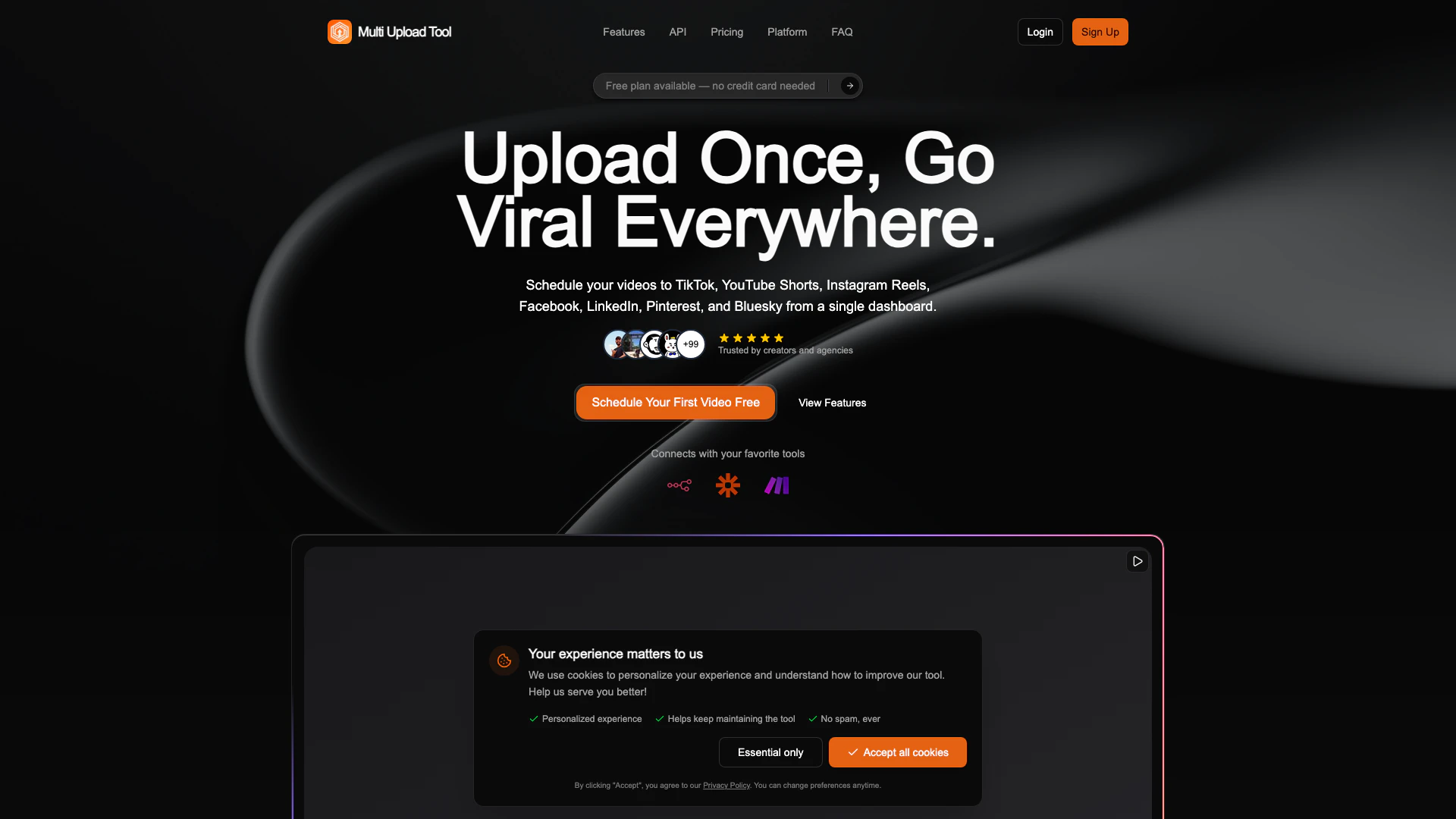
Multi Upload Tool is a powerful platform designed for content creators and marketers to streamline their video publishing process across multiple social media platforms. With this tool, users can post videos to TikTok, YouTube Shorts, Instagram Reels, Facebook, and LinkedIn from a single dashboard. It offers a bulk upload feature via a REST API, making it ideal for those who need to manage large volumes of content efficiently. Additionally, the tool is white-label ready, allowing businesses to customize it for their branding needs. A free plan is available, making it accessible for users to get started without any financial commitment.
How to use Multi Upload Tool?
- Sign Up: Create an account on the Multi Upload Tool website to access the dashboard.
- Connect Your Accounts: Link your social media accounts (TikTok, YouTube, Instagram, Facebook, LinkedIn) to the Multi Upload Tool.
- Upload Videos: Use the bulk upload feature to add multiple videos at once, either through the dashboard or via the REST API.
- Customize Settings: Set platform-specific options for each video, including titles, descriptions, hashtags, and privacy settings.
- Schedule Posts: Choose dates and times for your videos to go live or publish them immediately.
- Monitor Performance: Use the analytics dashboard to track views, engagement, and reach across all platforms.
What are the main features of Multi Upload Tool?
- Cross-Platform Publishing: Post videos to multiple platforms simultaneously, including TikTok, YouTube, Instagram, Facebook, and LinkedIn.
- Bulk Upload: Upload 50+ videos at once, saving time and effort.
- REST API: Integrate with Python and Node.js SDKs for advanced automation and customization.
- Scheduling: Plan your video releases by scheduling them for specific dates and times.
- Unified Analytics: View comprehensive analytics for all posts in one place, comparing performance across different platforms.
- Team Collaboration: Invite team members with different permission levels for collaborative content management.
- White-Label Options: Customize the platform for your brand with a unique domain and branding.
Who is Multi Upload Tool for?
Multi Upload Tool is designed for content creators, social media managers, digital marketers, and agencies looking to simplify their video publishing process. It is ideal for individuals and businesses that need to manage multiple social media accounts and want to maximize their reach by publishing content across various platforms efficiently. Whether you're a small business owner, a social media influencer, or part of a marketing team, this tool provides the necessary features to enhance your video marketing strategy.
What are the use cases of Multi Upload Tool?
- Social Media Campaigns: Launch campaigns across multiple platforms simultaneously, ensuring consistent messaging and branding.
- Content Scheduling: Plan and schedule video releases for optimal engagement times, allowing for strategic marketing efforts.
- Performance Analysis: Utilize unified analytics to assess which types of content perform best on each platform, helping to refine future content strategies.
Multi Upload Tool Pros and Cons
Pros
- Multi-Platform Publishing: Easily publish videos to multiple platforms like TikTok, YouTube Shorts, Instagram Reels, Facebook, LinkedIn, Pinterest, and Bluesky from a single dashboard.
- Bulk Upload Capability: Allows bulk uploading of over 50 videos at once, saving time and effort for users managing large volumes of content.
- Unified Analytics: Provides comprehensive analytics to track views, engagement, and reach across all platforms, helping users optimize their content strategy.
Cons
No cons data detected for this tool