Motnai



What is Motnai?
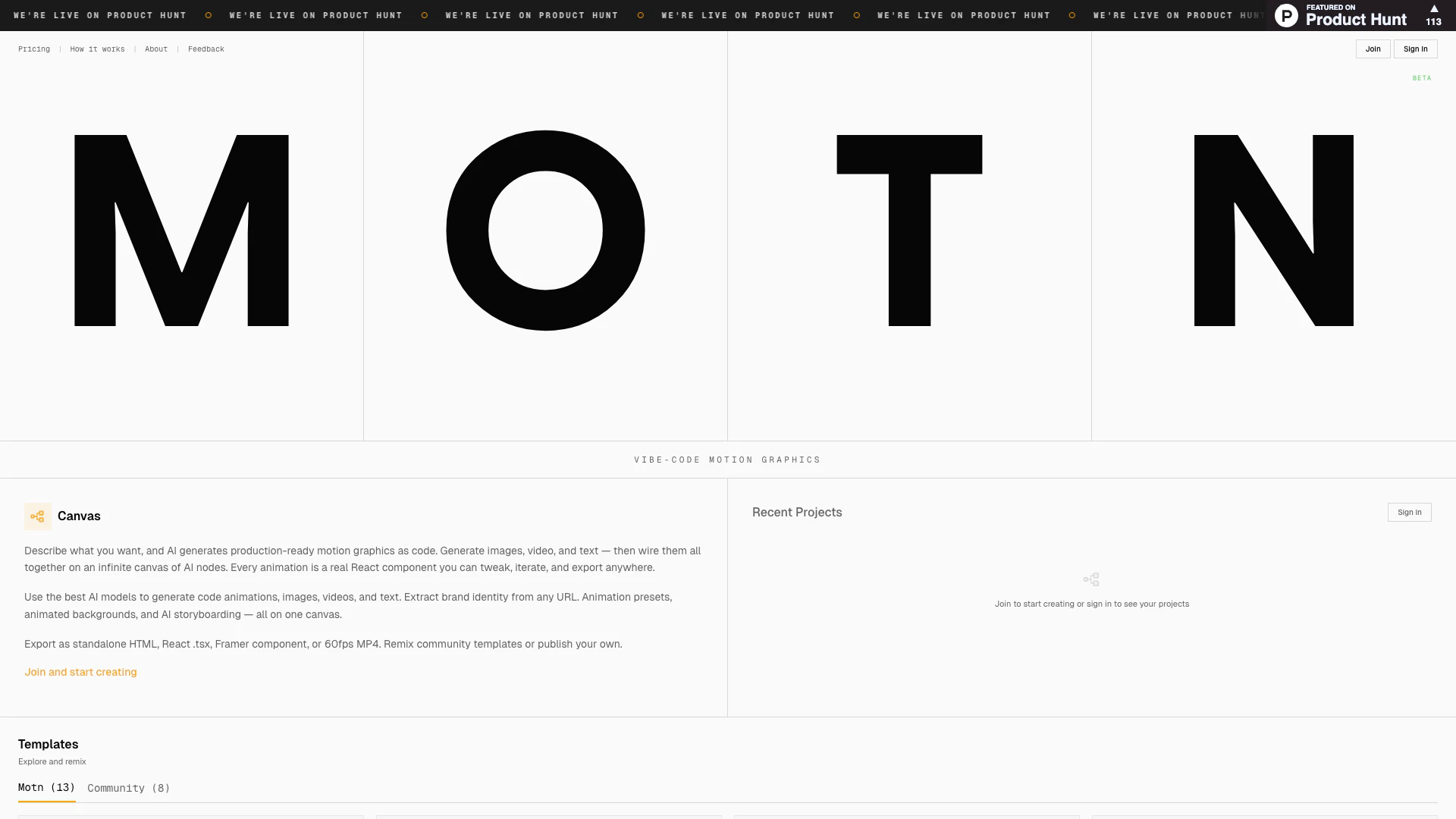
Motnai is an innovative AI motion graphics platform designed to streamline the creation of animations without the complexities typically associated with traditional animation tools. By simply describing the desired animation, users can generate production-ready React code or AI videos within seconds. Motnai eliminates the need for timeline editing and keyframes, allowing for a more intuitive and efficient design process. It serves as a canvas where users can generate images, videos, and text, all of which can be seamlessly integrated and manipulated on an infinite canvas of AI nodes.
How to use Motnai?
- Sign up or log in to your Motnai account on the official website.
- Navigate to the canvas interface where you can describe the animation you want to create.
- Input your description and allow the AI to generate the corresponding motion graphics, which can include images, videos, and text.
- Customize your animations using the generated React components, tweaking them as needed.
- Export your finished animation as standalone HTML, React .tsx, Framer components, or 60fps MP4 format.
What are the main features of Motnai?
- AI-generated motion graphics from simple descriptions
- Production-ready React code for animations
- Infinite canvas for integrating images, videos, and text
- Extraction of brand identity from any URL
- Animation presets and animated backgrounds available
- AI storyboarding capabilities
- Ability to remix community templates or publish your own
- Export options including HTML, React .tsx, Framer components, and MP4.
Who is Motnai for?
Motnai is designed for a diverse range of users, including graphic designers, web developers, marketers, and content creators who seek to simplify the animation creation process. It is ideal for those who may not have extensive animation experience but want to produce high-quality motion graphics quickly and efficiently. Additionally, it caters to teams looking to enhance their branding and storytelling through dynamic visuals.
What are the use cases of Motnai?
- Creating engaging marketing videos and promotional content for social media.
- Developing interactive web applications with integrated animations for a more dynamic user experience.
- Producing educational videos or tutorials that require animated illustrations to convey complex concepts.
- Designing animated presentations or pitch decks that stand out and capture audience attention.
- Enhancing brand identity by generating custom animations that reflect the essence of a brand.
Motnai Pros and Cons
Pros
- AI-Generated Motion Graphics: Motn allows users to describe their animation needs, and it generates production-ready motion graphics code instantly, streamlining the animation process.
- Infinite Canvas: The platform features an infinite canvas where users can wire together images, videos, and text, enhancing creativity and flexibility in design.
- Export Options: Users can export their animations as standalone HTML, React .tsx, Framer components, or high-quality MP4 videos, making it versatile for various applications.
Cons
No cons data detected for this tool