Motioncontrol
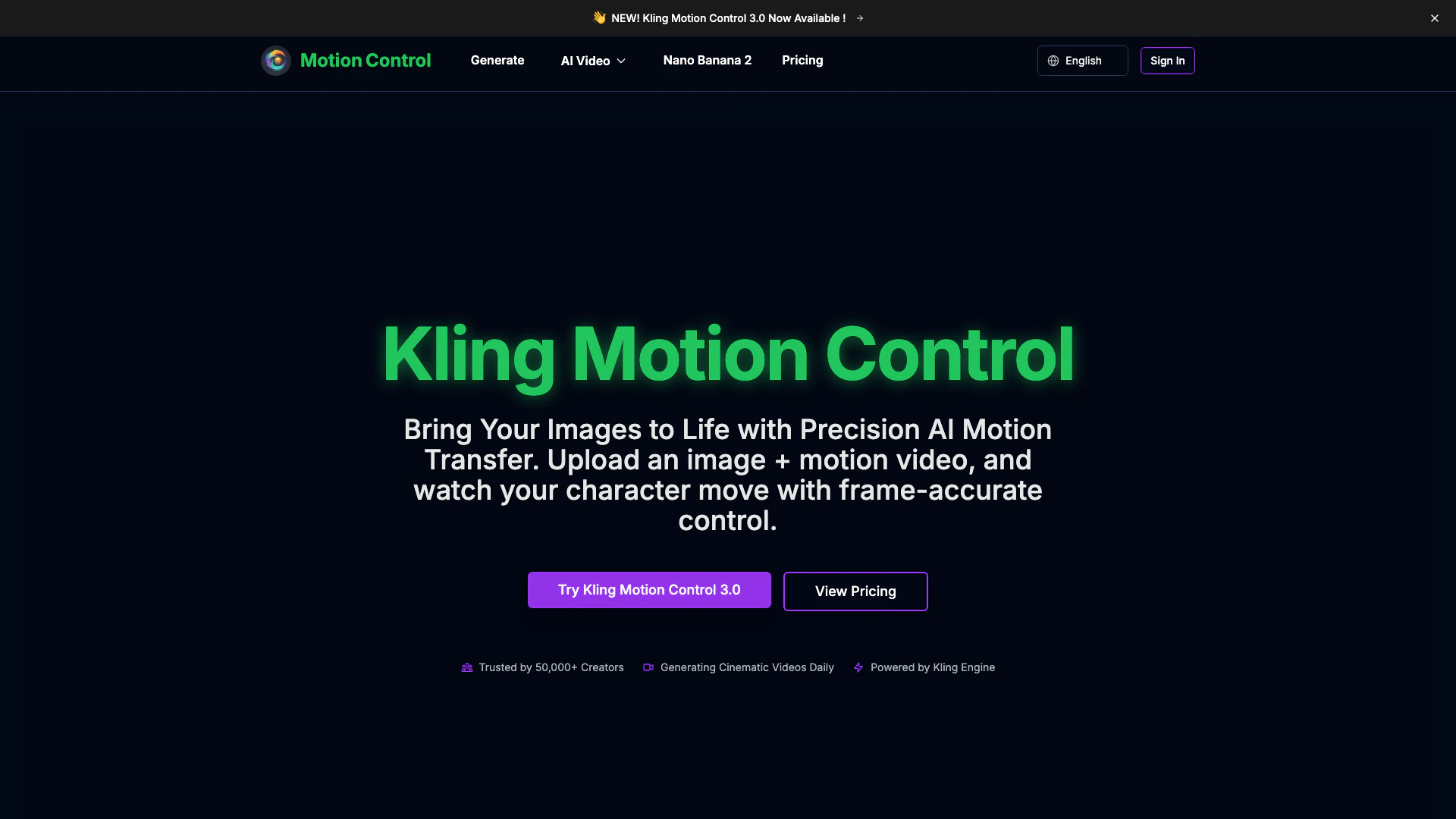


What is Kling Motion Control[1]?
Kling Motion Control is an innovative AI tool designed to bring static images to life by applying precise motion transfer. Users can upload an image alongside a motion reference video, allowing the AI to generate cinematic videos[2] with frame-accurate motion[3] and character consistency[4]. This tool is particularly beneficial for creators seeking professional-grade motion control in a matter of minutes, making it accessible to both amateurs and professionals alike.
How to use Kling Motion Control?
- Upload Reference Image: Start by uploading your character image or any static photo you wish to animate.
- Upload Motion Video: Next, add a motion reference video that demonstrates the action you want to replicate, such as dance moves or gestures.
- Refine with Text Prompts: Optionally, you can add text descriptions to customize scene details or character adjustments.
- Choose Model Version & Generate: Select either Kling Motion Control version 2.6 or 3.0, and click the generate button. The AI will extract motion and apply it to your image, allowing you to download the cinematic video in just minutes.
What are the main features of Kling Motion Control?
- Precise Motion Trajectories: Control character movements or camera flows with frame-by-frame accuracy.
- Superior Character Consistency: Maintain the identity of characters throughout the video generation process.
- Photorealistic Engine[5]: High-definition 1080p output with realistic physics and lighting.
- Complex Action Control: Execute intricate movements with ease, from subtle expressions to full-body actions.
- Rapid Video Generation: Optimized for quick rendering, allowing for fast iteration and production of videos.
Who is Kling Motion Control for?
Kling Motion Control is ideal for a wide range of users including filmmakers, content creators, marketing professionals, and animation studios. It caters to those who require a fast and efficient way to animate characters and create dynamic videos without needing extensive technical skills. Whether you are a hobbyist looking to enhance your creative projects or a professional seeking to streamline production workflows, this tool provides the necessary features to elevate your video content.
What are the use cases of Kling Motion Control?
- Character Animation: Animate characters for video games or animated series by applying motion from reference videos.
- Marketing Videos: Create engaging promotional videos that showcase products in dynamic and visually appealing ways.
- Pre-visualization for Film: Use the tool for pre-visualization of scenes to test movements and character interactions before actual filming.
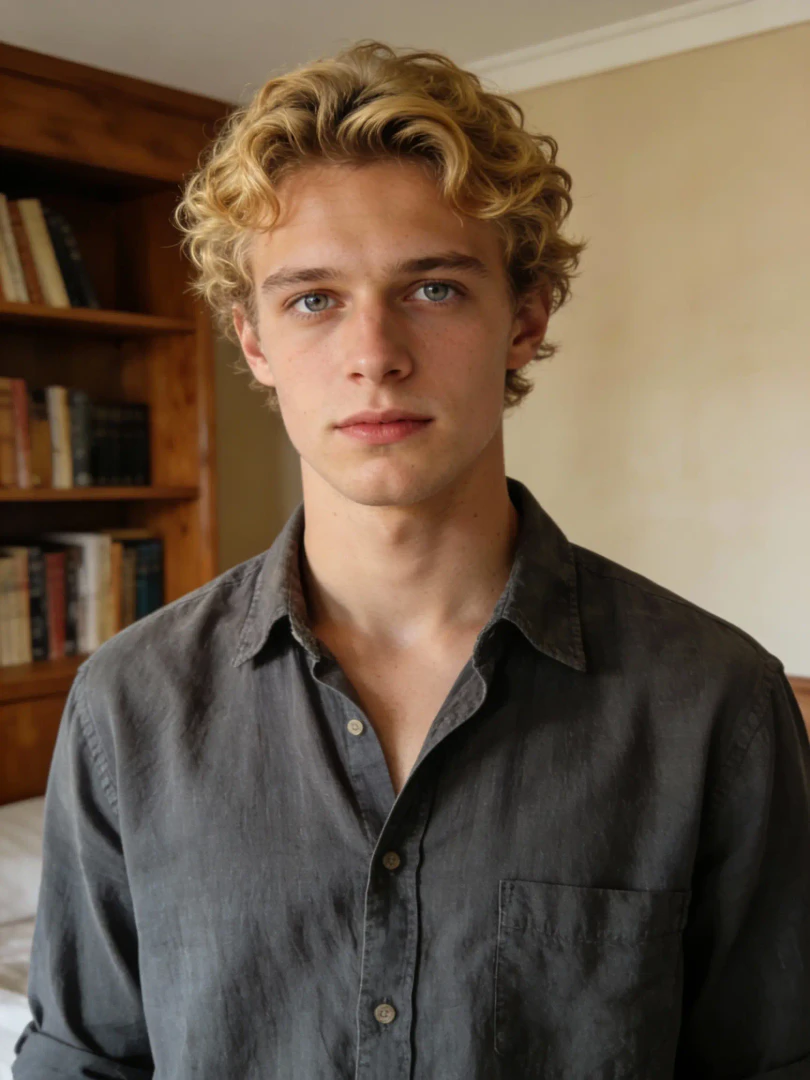
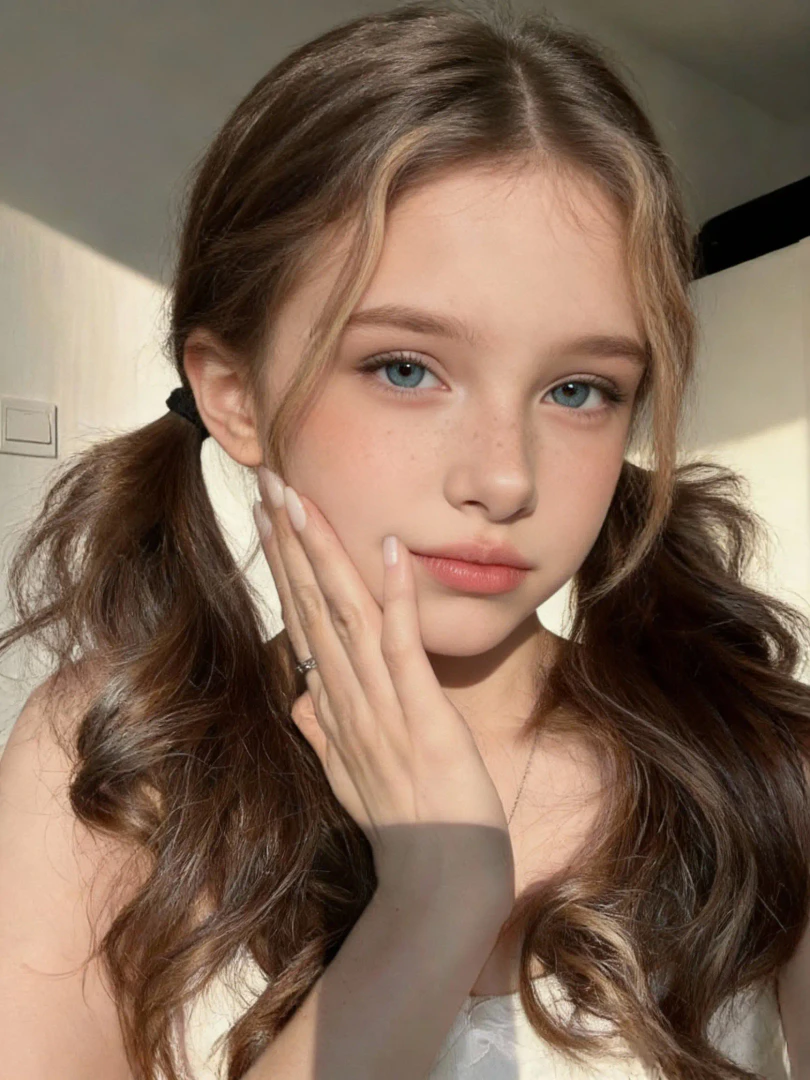
Product Images


Motioncontrol Pros and Cons
Pros
- Precise Motion Control: Kling Motion Control allows for frame-accurate motion transfer, ensuring that character movements are executed with precision, making it ideal for professional video production.
- Superior Character Consistency: The tool maintains character features and attire consistently throughout the video, avoiding issues like morphing faces, which enhances storytelling.
- Rapid Video Generation: Optimized for performance, Kling Motion Control significantly reduces rendering times, enabling users to produce professional-quality videos in minutes.
Cons
No cons data detected for this tool
Motioncontrol Pricing
Starter
Perfect for exploring AI image generation. Includes 18000 credits/year, 1500 credits/month, up to 50 videos/month, access to Kling Motion Control (2.6 & 3.0), Kling 2.6 Model, Veo 3.1 Model, Sora 2 Model, premium quality, priority processing, no ads, no watermarks, email support. Billed annually - Cancel anytime.
Pro
Ideal for content creators and small businesses. Includes 45600 credits/year, 3800 credits/month, up to 126 videos/month, access to Kling Motion Control (2.6 & 3.0), Kling 2.6 Model, Veo 3.1 Model, Sora 2 Model, premium quality, priority processing, no ads, no watermarks, email support. Billed annually - Cancel anytime.
Ultra
Built for professionals and high-volume users. Includes 138000 credits/year, 11500 credits/month, up to 383 videos/month, access to Kling Motion Control (2.6 & 3.0), Kling 2.6 Model, Veo 3.1 Model, Sora 2 Model, premium quality, priority processing, no ads, no watermarks, email support, priority support. Billed annually - Cancel anytime.
For the latest pricing, please visit this link: https://motioncontrol.app/pricing
Prices are subject to change. Please visit the official website for the most up-to-date pricing information.
Analytics of Motioncontrol
Motioncontrol Website Traffic Analysis
Visits Over Time
Traffic Sources
Jan 2026 - Feb 2026 Worldwide Desktop Only
- Search: 43.59%
- Direct: 35.86%
- Referrals: 13.79%
- Social: 3.44%
- Paid Referrals: 1.45%
- Mail: 0.29%
Top Keywords
| Keyword | Volume | CPC | Estimated Value |
|---|---|---|---|
| kling motion control скачать | 0 | $0.00 | $70.00 |
| motion control kling | 2.59K | $0.55 | $10.00 |
| kling ai 2.6 motion control | 1.43K | $0.00 | $0.00 |
| motion control video ai free | 1.03K | $0.00 | $10.00 |
| kling ai 2.6 motion control free | 100 | $0.00 | $0.00 |
Motioncontrol Reviews
Kling Motion Control completely changed how I create content. I can now animate my character designs with professional dance moves in minutes. The character consistency is incredible - no more morphing faces!
As a filmmaker, I'm blown away by the motion accuracy. We use it for pre-visualization and it saves us thousands in production costs. The ability to test different movements before shooting is invaluable.
Game changer for our agency! We can now create dynamic product videos with custom movements in a fraction of the time. Our clients love the cinematic quality and the fast turnaround.
For more reviews, visit this link: https://motioncontrol.app/#reviews