

Twitter-color Created with Sketch. Amazon-color Created with Sketch. Facebook-color Created with Sketch. github [#142] Created with Sketch. meta_fill Pinterest-color Created with Sketch. ProductHunt-color Created with Sketch. Spotify-color Created with Sketch. Threads Logo Streamline Icon: https://streamlinehq.com Yelp-color Created with Sketch. Youtube-color Created with Sketch.
TopAIToolsTopAITools
  • Free Tools
  • Category
  • Leaderboard
  • Deals
  • Submit
EN
TopAIToolsTopAITools
TopAI

TopAITools

TopAITools, The Best Top AI Tools

AI Glossary|English简体中文繁體中文한국어日本語PortuguêsEspañolDeutschFrançaisTiếng Việt|Map

© 2026 TopAITools. All rights reserved.

About

  • Privacy Policy
  • Terms of use

Contact Us

business@topaitoolsreview.com
Home
AI Image Generator
Monkeyai
Last updated: May 21, 2026
Monkeyai logo

Monkeyai

Get deal
5.0|0 Comments|0 Saved
Introduction:
Transform your ideas into stunning visuals with Monkey AI.
Launch Date:
October 18, 2025
Social links:
Monthly Visits:
--
Inputs:
ImageText
Outputs:
Image
Supported Languages:
EN
AI Models:
Nano BananaNano Banana ProVideo Effects
Website
Free Trial
🎨Creativity
AI Image Generator789Ai Image To Image30Ai Text To Image268
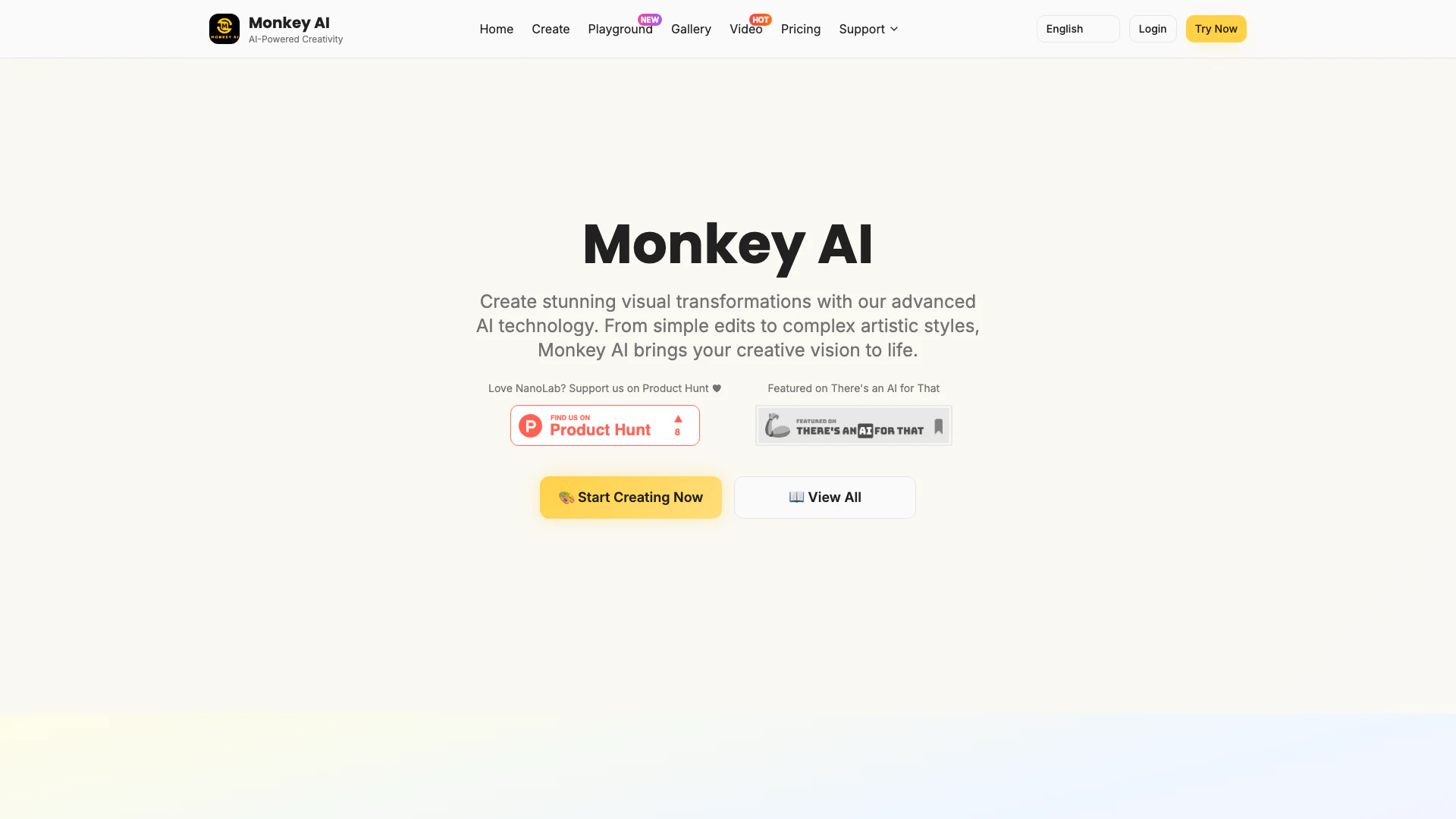
Monkeyai website screenshot showing Transform your ideas into stunning visua... interface and features
Use tool
Update this tool
Plus Ai For Google Slides logo

Plus Ai For Google Slides

Stop creating slides and docs the old way. Make work easier with the best AI tools for Google Slides™ and Google Docs™.

Emailwhiz For Gmail logo

Emailwhiz For Gmail

EmailWhiz for Gmail™ - Google Workspace Marketplace

Linkedin logo

Linkedin

Connect with professionals worldwide on LinkedIn.

Figma logo

Figma

Automate layer renaming in Figma for better organization.

Microsoft logo

Microsoft

Easily create and edit high-quality videos with Clipchamp.

Monkeyai Overview

What is Monkeyai?

Monkeyai is an innovative AI-powered[1] tool designed to create stunning visuals effortlessly. Users can upload their ideas and remix references to transform their imagination into art within seconds. With advanced technology, Monkeyai caters to a variety of creative needs, from simple edits to complex artistic styles, making it a versatile solution for artists, designers, and anyone looking to enhance their visual content.


How to use Monkeyai?

  1. Visit the Monkeyai website and click on the 'Create' button to access the tool.
  2. Upload your ideas or reference images that you want to remix.
  3. Select your desired style or effect from the available options.
  4. Click 'Generate' to allow Monkeyai to create your visual transformation.
  5. Review the generated art and download or share your creation as needed.

What are the main features of Monkeyai?

  • AI-Powered Visual Creation[2]: Transform ideas into stunning visuals using advanced AI technology.
  • Multiple AI Models[3]: Access different AI models for various artistic styles and effects.
  • High-Resolution Outputs: Generate images with a maximum resolution of 8K.
  • Fast Generation: Quickly create visuals, allowing for rapid creative exploration.
  • User-Friendly Interface: Intuitive design makes it easy for users of all skill levels to navigate and create.

Who is Monkeyai for?

Monkeyai is designed for a diverse audience, including artists, graphic designers, marketers, and content creators. Whether you're a professional looking to enhance your portfolio or a hobbyist eager to explore your creativity, Monkeyai offers tools that cater to all skill levels. It's particularly beneficial for those who seek to create unique visuals quickly without extensive technical knowledge.


What are the use cases of Monkeyai?

  1. Artistic Transformations: Create unique artworks from sketches or photos, perfect for artists looking to experiment.
  2. Marketing Materials: Generate eye-catching visuals for advertisements, social media posts, or promotional content.
  3. Character Design: Use Monkeyai to develop and visualize character designs for games or animations.

Product Images
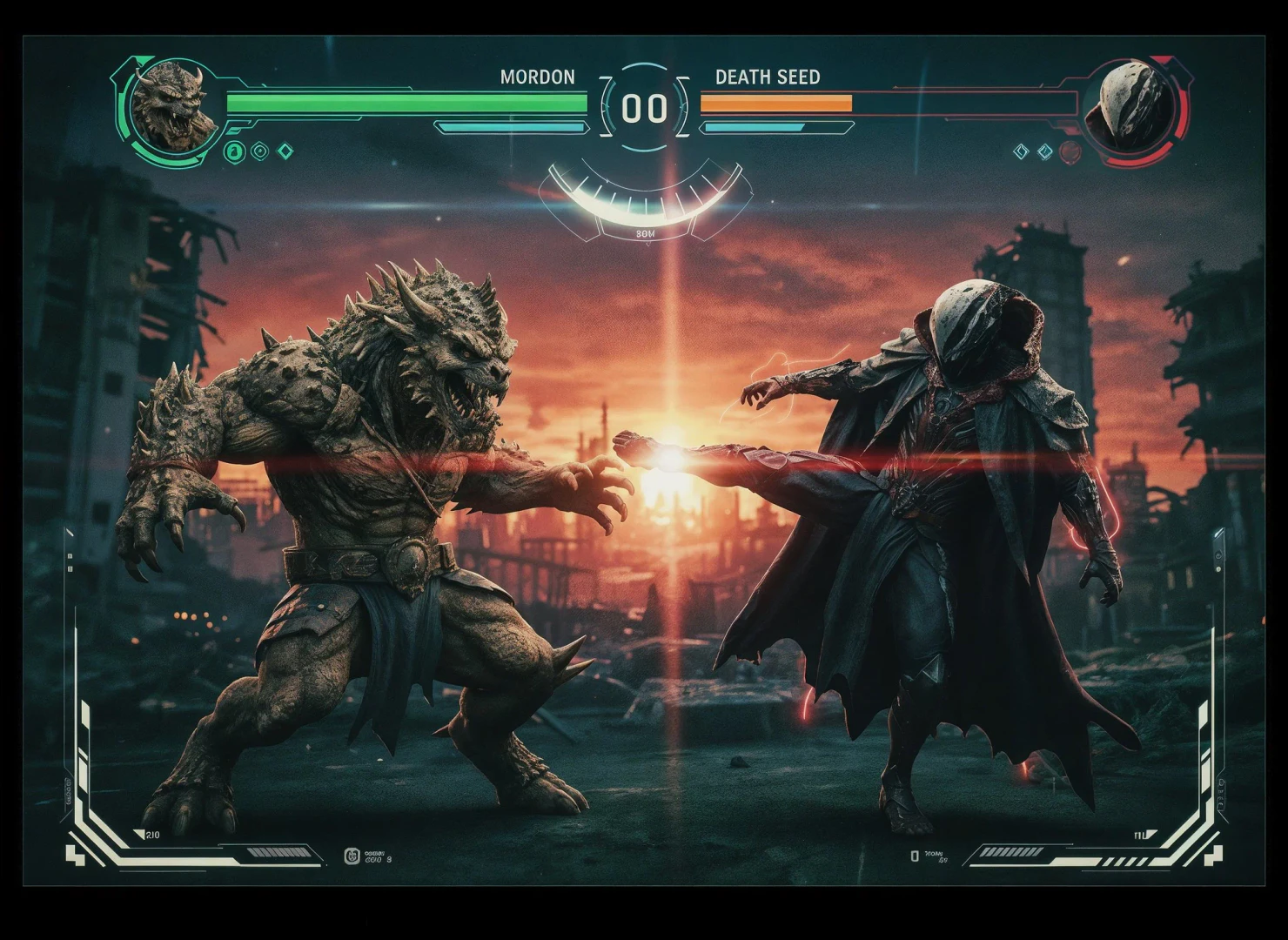
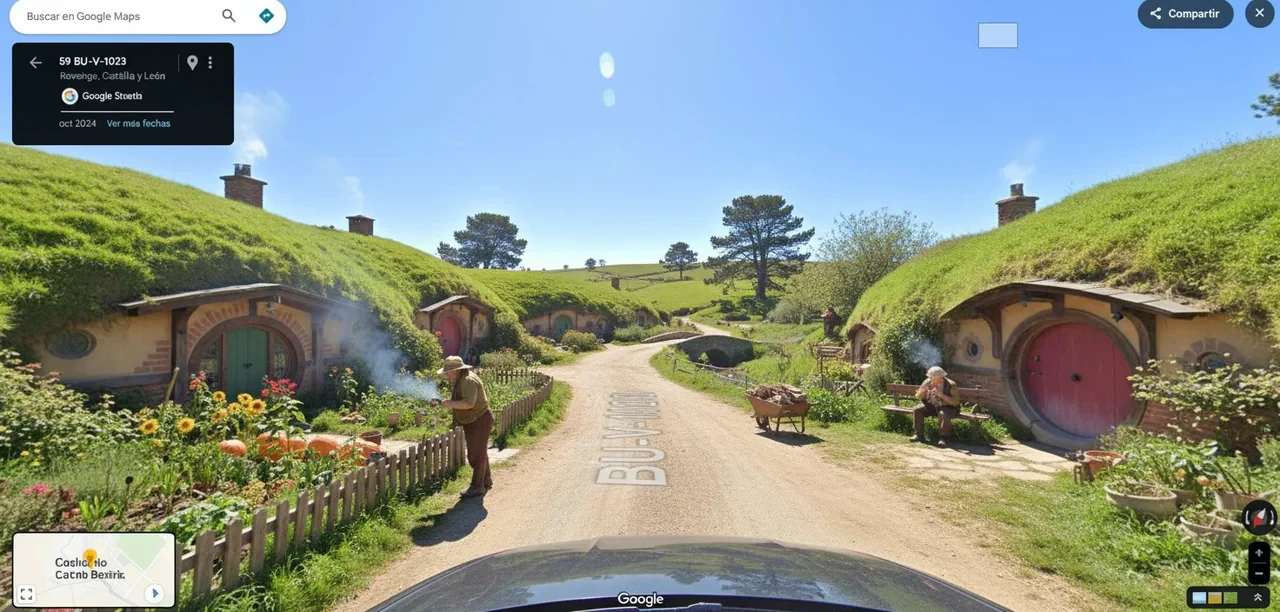
Monkeyai usage step screenshot showing input ideas
Monkeyai operation interface displaying generated art
Monkeyai feature demonstration showing character clothing change
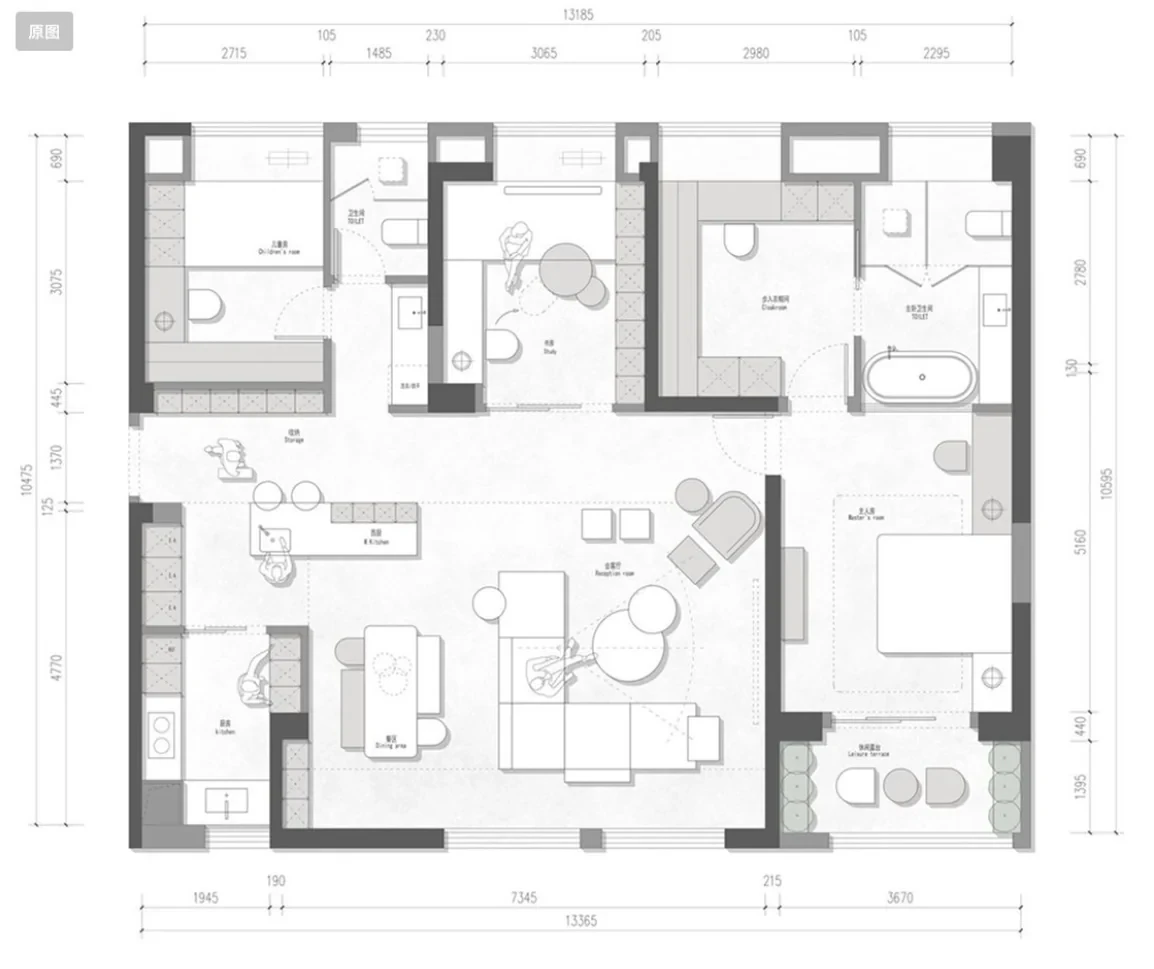
Monkeyai feature displaying 3D rendering of a floor plan
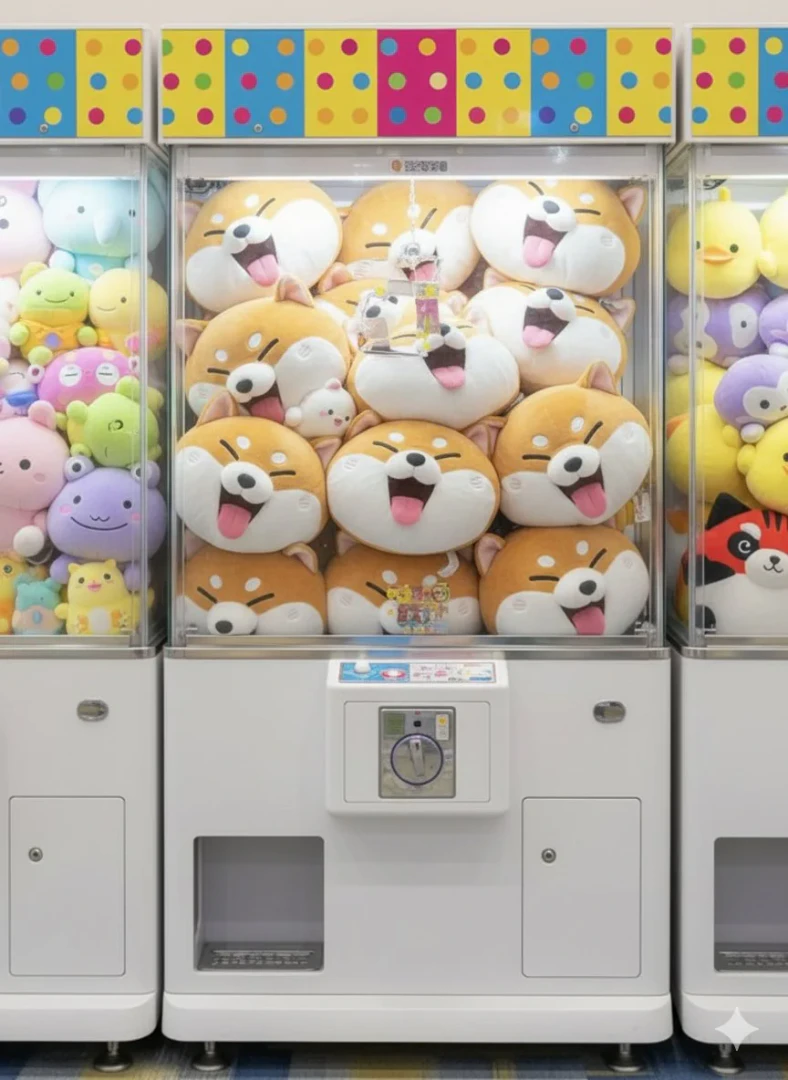
Monkeyai use case example of creating custom crane machine art
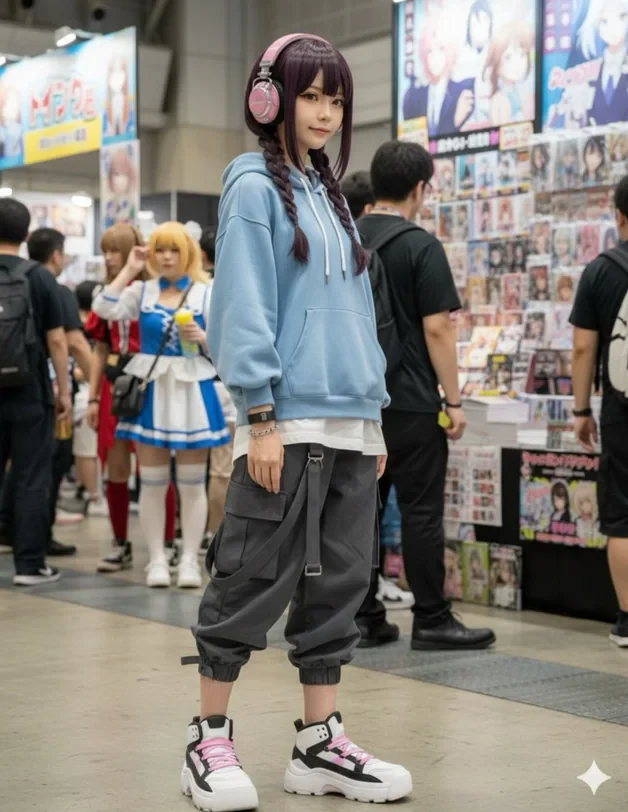
Monkeyai real application scenario of anime to real cosplayer transformation
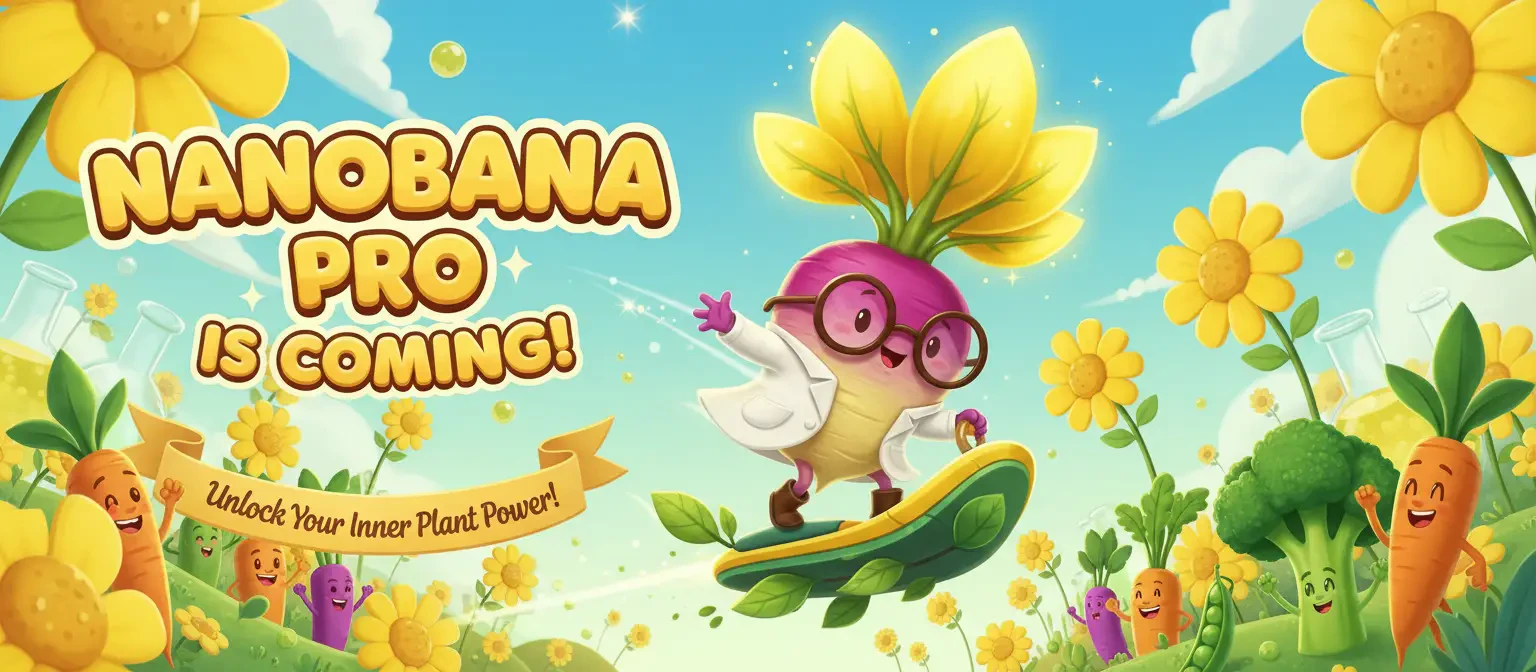
Monkeyai product overview showcasing stunning visuals
Monkeyai user scenario image showcasing art creation
1 / 8

Monkeyai Pros and Cons

Pros

  • Advanced AI Technology: Monkey AI utilizes advanced AI technology to create stunning visual transformations, allowing users to bring their creative visions to life.
  • High Resolution Outputs: The tool supports a maximum resolution of 8K, ensuring high-quality images for professional use.
  • User-Friendly Interface: Monkey AI features an intuitive interface that simplifies the creative process, making it accessible for users of all skill levels.

Cons

No cons data detected for this tool

Monkeyai Pricing

Basic

$5/month

1,200 credits / year, 600 image generations, AI image generation, Community gallery access, Email support, Access all creative case prompts.

Pro

$10/month

3,600 credits / year, 1,800 image generations, Advanced AI image generation, Priority processing, Advanced editing tools, Priority support, Commercial license, Access all creative case prompts.

Max

$20/month

9,600 credits / year, 4,800 image generations, Professional AI image generation, Highest priority processing, All advanced features, Dedicated support, Full commercial license, Batch processing, Access all creative case prompts.

Starter Pack

$14

200 credits, Perfect for trying paid features, no subscription commitment, 100 image generations, Credits never expire.

Creator Pack

$29

500 credits, Close to Pro plan value, but cheaper as one-time purchase, 250 image generations, Credits never expire.

Studio Pack

$69

1,400 credits, For heavy generation needs and professional users, 700 image generations, Credits never expire.

For the latest pricing, please visit this link: https://monkeyai.cc/pricing

Prices are subject to change. Please visit the official website for the most up-to-date pricing information.

Monkeyai Reviews

Monkey Lab completely transformed how I create art! The AI results are incredible and so easy to use. I've generated hundreds of amazing images for my projects.

As a designer, I love how Monkey AI helps me explore creative directions quickly. The quality is outstanding and the interface is super intuitive.

I was skeptical about AI art, but Monkey AI changed my mind. The results are genuinely creative and have helped me break through creative blocks.

For more reviews, visit this link: https://monkeyai.cc#reviews

Monkeyai Compare

Tool NameIntroductionPricing
Type
RatingLaunch DateLearn more
Facetune logo
Facetune
Edit your selfies to get the results you want with powerful and easy-to-use tools. Give your selfies the VIP treatment. Touch up, reshape & apply digital makeup.
Free
🙋‍♂️Personal🎨Creativity
December 1, 2012
Get deal
Shulex Copilot logo
Shulex Copilot
Shulex Copilot ChatGPT E-commerce Tool & Sidebar - Shulex VOC
Free
💼Work🎨Creativity
December 15, 2017
Get deal
Pixelhunter logo
Pixelhunter
🧠 AI-powered image resizer for social media
Free
💼Work🎨Creativity
June 8, 2021
Get deal

Info current as of post date. Offers and availability may vary by location and are subject to change.

Monkeyai Q&A

Monkey Lab is an AI-powered tool that allows users to create stunning visual transformations and artistic styles using advanced AI technology.

For more FAQs, please visit this link: https://monkeyai.cc/faq

Monkeyai Launch embeds

Use website badges to drive support from your community for your TopAITools Review. They're easy to embed on your homepage or footer.

FEATURED ONTopaitoolsreview.com

Monkeyai Alternatives

Dreamina screenshot

Dreamina

Generate stunning images and videos effortlessly with Dreamina's AI.

Website
Free
🎨Creativity
Image Generation & EditingAI Avatar GeneratorAI Image GeneratorAI Romantic Image & Video Generator
  • Image Generation & Editing
  • AI Avatar Generator
  • AI Image Generator
  • AI Romantic Image & Video Generator
Use tool
15.7M
Direct60.15%
Search26.08%
Referrals10.44%
Adobe screenshot

Adobe

Adobe Firefly is an AI-driven tool for creating unique images, videos, and audio.

Website
Free
💼Work🎨Creativity
Image Generation & EditingAI Image GeneratorAI Photo EditorAI Realistic Image Generator
  • Image Generation & Editing
  • AI Image Generator
  • AI Photo Editor
  • AI Realistic Image Generator
Use tool
15.7M
Direct60.39%
Referrals34.84%
Search3.54%
Picsart screenshot

Picsart

Picsart is a versatile platform for creating stunning visual content using AI tools.

Website
Free
🙋‍♂️Personal💼Work🎨Creativity
Image Generation & EditingAI Image GeneratorAI Photo EditorGallery Creation Tool
  • Image Generation & Editing
  • AI Image Generator
  • AI Photo Editor
  • Gallery Creation Tool
Use tool
15.1M
Search66.78%
Direct31.18%
Referrals1.59%

Monkeyai Tags

AI Art GenerationVisual Transformationcreative toolsImage EditingArtistic StylesFast GenerationUser-Friendly Interface

Also used for

AI Image Generator789Ai Image To Image30Ai Text To Image268AI Dating Profile Photo Generator13NSFW AI Art Generator5AI Vectorization Tool11AI Romantic Image & Video Generator58Gallery Creation Tool21SVG Optimization Tool8SVG Compression Tool6Text Behind Image Design Tool1Text To 3d Generator8AI Car Wrap Generator1AI Device Mockup Generator5Code Snippet Image Generator2

Sources (3)

Monkeyai logo
MonkeyaiFree
Get deal

Monkeyai Comments (0)

Your rating

?
0/2000

No comments yet

Be the first to share your thoughts!

Monkeyai Prompts (0)

Prompts And Results

Add your own prompts and outputs to help others understand how to use this AI.

🚀0
🚀0