

Mokker
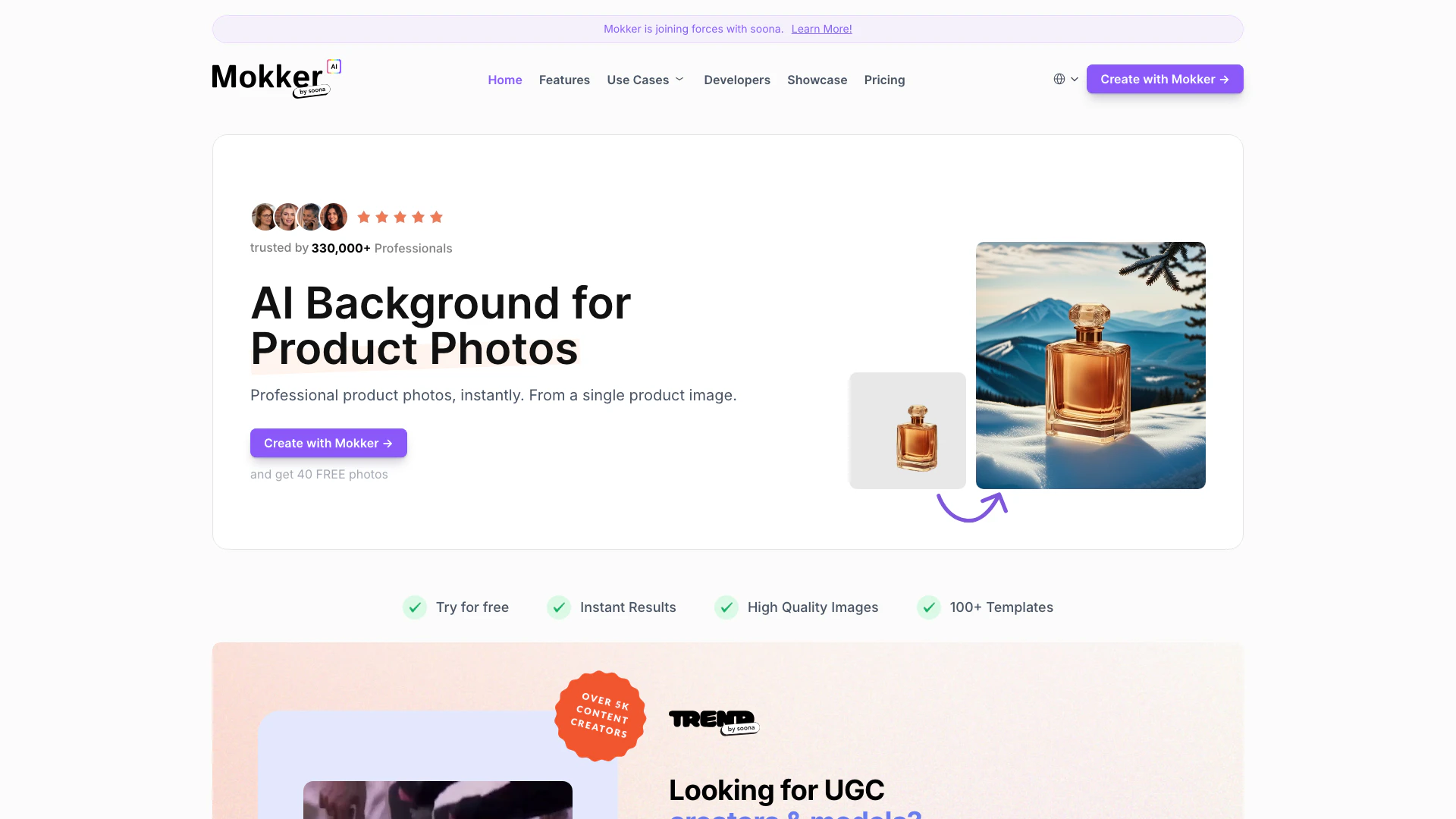





What is Mokker?
Mokker is an innovative AI tool designed to enhance product photography by automatically replacing backgrounds in a realistic manner. Users simply upload a product photo, and Mokker AI takes care of the rest, eliminating the need for tedious photo editing software like Photoshop. This tool is ideal for e-commerce businesses, marketers, and content creators who seek high-quality product images quickly and effortlessly.
How to use Mokker?
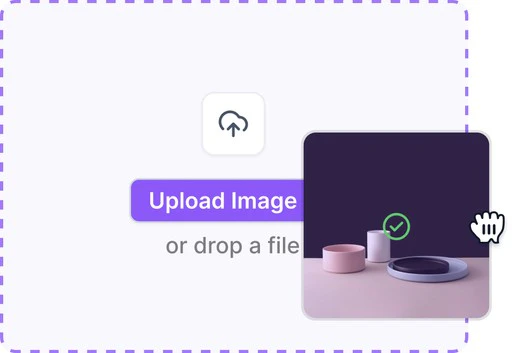
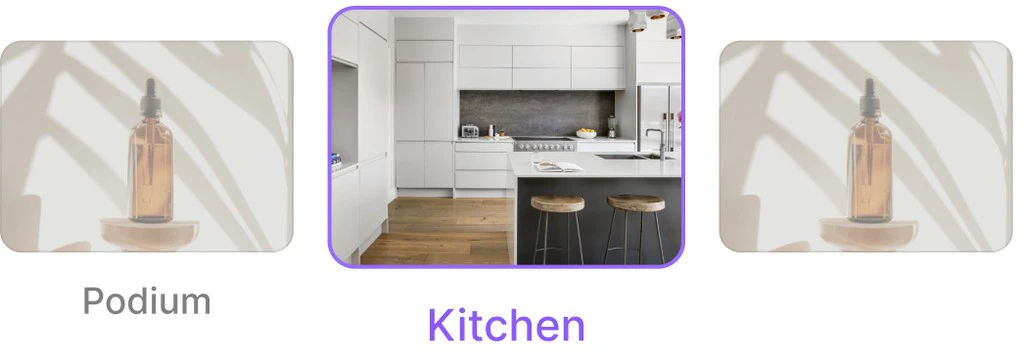
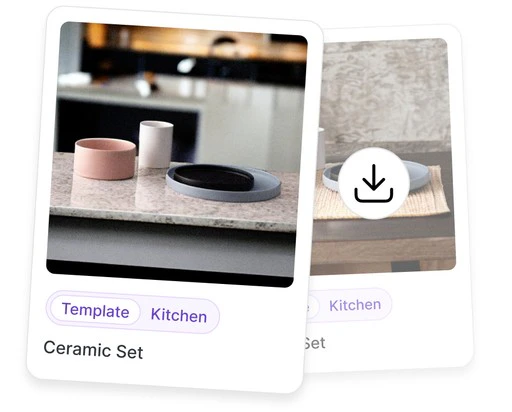
To use Mokker, follow these steps: 1. Upload Photo: Begin by uploading a photo of your product to the Mokker platform. 2. Select Template: Choose from a variety of templates that suit your product's style and industry. You can adjust these templates as needed. 3. Receive Results: Let Mokker AI process your image, and within moments, you'll receive a high-quality product photo with a new background.
What are the main features of Mokker?
Mokker offers several powerful features, including: - AI Background Removal: Automatically replaces backgrounds with realistic alternatives. - 100+ Templates: A wide selection of customizable templates for various industries. - Instant Results: Quickly generates high-quality images, saving time on product photography. - Print-Ready Images: Produces high-resolution images suitable for both online and offline use. - Moodboard Feature: Allows users to upload inspiration photos for tailored outputs.
Who is Mokker for?
Mokker is designed for a wide range of users, including e-commerce businesses, digital marketers, and content creators who require high-quality product images without the hassle of traditional photography. It's particularly beneficial for small business owners, social media managers, and anyone looking to enhance their online presence with professional-looking product photos.
What are the use cases of Mokker?
Mokker can be used in various scenarios, including: 1. E-commerce Product Listings: Enhance product images for online stores to attract more customers. 2. Social Media Marketing: Create eye-catching images for posts and ads that stand out in feeds. 3. Print Marketing Materials: Generate high-resolution images for brochures, flyers, and other print media.
Product Images


Mokker Pros and Cons
Pros
- Instant Background Removal: Mokker AI allows users to upload product photos and instantly removes backgrounds, providing a quick solution for product photography.
- High-Quality Image Generation: The tool generates high-resolution, print-ready images that enhance the quality of marketing materials and online listings.
- Wide Range of Templates: Mokker offers over 100 templates across various industries, allowing users to customize their product images easily.
Cons
No cons data detected for this tool
Mokker Pricing
Free
Test Mokker for Free, 20 photos once, Full access to studio, All templates.
Starter
Perfect for single person businesses. 500 Photos / month, High Quality export, Custom Prompts.
Team
Perfect for small teams. Everything from Starter, Unlimited Photos, Teams Account (3 Seats).
Organization
Perfect for organizations. Starting from 5 seats. Everything from Team, Custom AI Model (coming soon), Priority Support.
For the latest pricing, please visit this link: https://mokker.ai/pricing
Prices are subject to change. Please visit the official website for the most up-to-date pricing information.
Analytics of Mokker
Mokker Website Traffic Analysis
Visits Over Time
Traffic Sources
Dec 2025 - Feb 2026 Worldwide Desktop Only
- Search: 46.15%
- Direct: 39.34%
- Referrals: 9.03%
- Social: 3.91%
- Paid Referrals: 1.05%
- Mail: 0.17%
Top Keywords
| Keyword | Volume | CPC | Estimated Value |
|---|---|---|---|
| mokker ai | 530 | $3.52 | $530.00 |
| mokker | 470 | $0.42 | $320.00 |
| app mokker ai | 140 | $0.00 | $130.00 |
| product swap ai | 130 | $0.00 | $90.00 |
| ai 换产品 | 90 | $0.00 | $80.00 |
Mokker Reviews
Has become a core part of my workflows around my Etsy store. Achieving >50% higher sales volumes thanks to materially better images on my listings while paying less than for manual agencies before. Love this!
Top AI Marketing Tools: 1. Mokker @mokker_ai 2. Ortto.com 3. Reply @ReplyAppTeam 4. Getluna.dev
Best AI tools for Dropshippers and E-Commerce brand owners: 1. ChatGPT 2. Mid-Journey 3. Elevenlabs 4. Replai 5. Mokker 6. Canva 7. MagicBrief 8. Opus Clip What'd I miss?
For more reviews, visit this link: https://mokker.ai#testimonials






Mokker Social Listening
💰省錢大法!一個平台替代所有AI訂閱|一鍵解鎖頂級AI,價...
你真的覺得現在的AI會員,開得“划算”嗎? #openai ...
Искусственный Интеллект Для Ка...
Регистрируйтесь на бесплатный ...
Genspark AI 深度实测!一句话生成 PPT、网站、...
Genspark AI 链接:https://www.gen...
Unlock to view 22 social media results.