

Lm-studio



What is LM Studio?
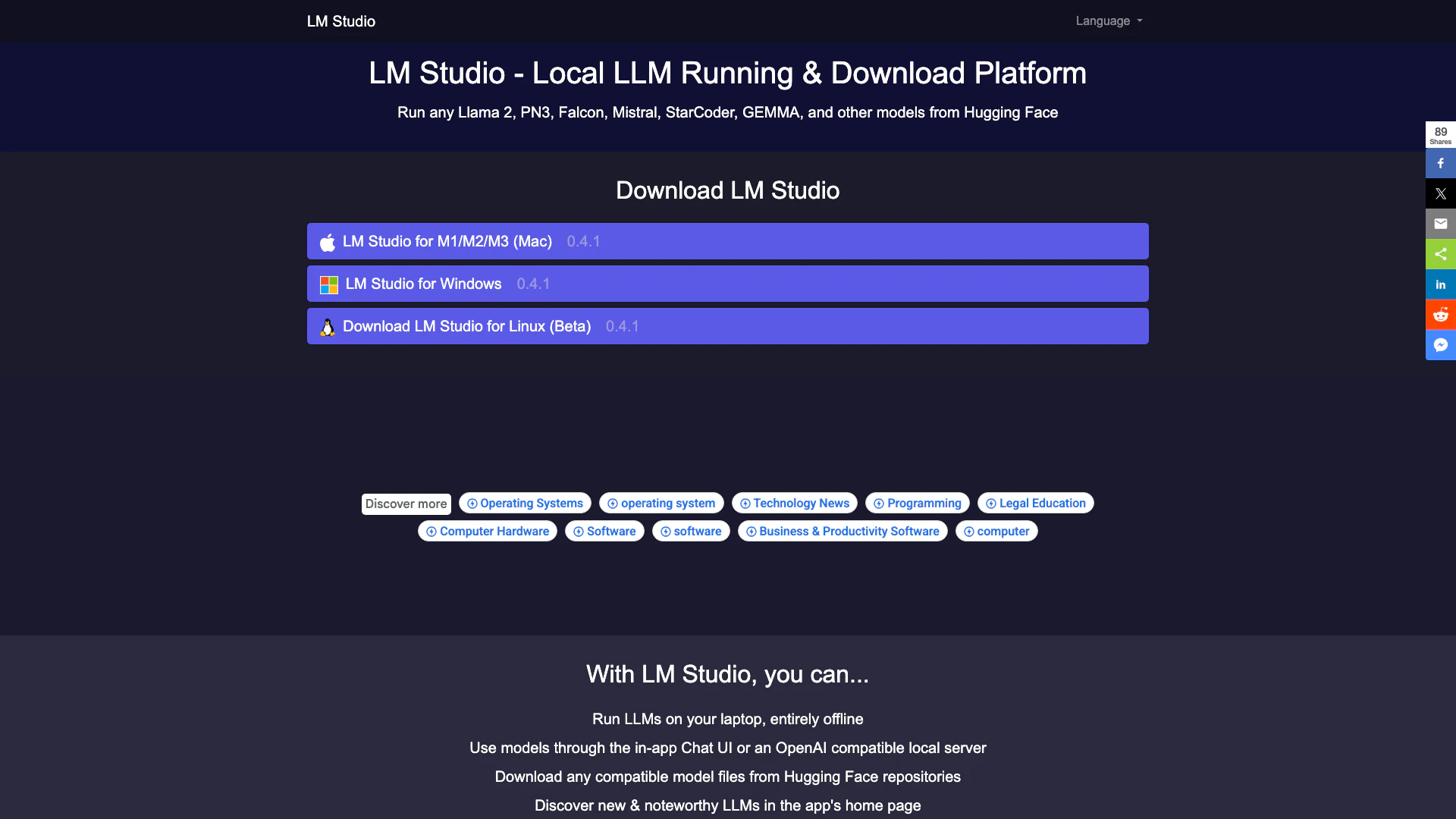
LM Studio is a user-friendly software application that enables users to run and download various AI models locally and offline. It simplifies the use of open-source large language models (LLMs) like Llama 2, PN3, Falcon, Mistral, and others from Hugging Face repositories. Designed for both technical and non-technical users, LM Studio provides an intuitive interface that allows individuals to explore, download, and operate AI models on their computers without the need for programming skills, making AI technology more accessible.
How to use LM Studio?
- Visit the LM Studio website at https://www.lm-studio.me/.
- Choose the version that is compatible with your operating system (Mac, Windows, or Linux).
- Download the installer and open it on your computer.
- Follow the on-screen instructions to complete the installation process.
- Launch LM Studio and explore available AI models, selecting those you wish to run locally.
What are the main features of LM Studio?
- Run LLMs on your laptop entirely offline.
- Use models through the in-app Chat UI or an OpenAI compatible local server.
- Download any compatible model files from Hugging Face repositories.
- Discover new and noteworthy LLMs directly from the app's home page.
- Run multiple AI models simultaneously using the 'Playground' mode for enhanced performance.
- Compatibility checks to ensure your computer can handle the selected AI models.
Who is LM Studio for?
LM Studio is designed for a wide range of users, including AI enthusiasts, researchers, developers, and businesses looking to leverage AI technology without the complexity of coding. Its intuitive interface makes it accessible for individuals with no programming background, allowing them to explore and utilize various AI models for personal projects, research, or commercial applications. Whether you are a student, a professional in tech, or someone interested in AI, LM Studio caters to your needs.
What are the use cases of LM Studio?
- Running language models for natural language processing tasks such as text generation, summarization, and translation.
- Developing AI chatbots for customer support or personal use, utilizing the in-app Chat UI.
- Experimenting with different AI models simultaneously in the Playground mode to compare outputs and performance.
- Downloading and testing various models from Hugging Face for research purposes or software development.
- Using AI models for creative applications like content creation, storytelling, and interactive media.
Lm-studio Pros and Cons
Pros
- Offline Model Running: LM Studio allows users to run various AI models entirely offline on their laptops, ensuring privacy and flexibility.
- User-Friendly Interface: Designed for simplicity, LM Studio enables users without programming skills to easily explore, download, and run AI models through an intuitive interface.
- Multi-Model Capability: The latest update allows users to run multiple AI models simultaneously, enhancing performance and output by leveraging the strengths of different models.
Cons
No cons data detected for this tool
Analytics of Lm-studio
Lm-studio Website Traffic Analysis
Visits Over Time
Traffic Sources
Oct 2025 - Dec 2025 Worldwide Desktop Only
- Search: 53.99%
- Direct: 22.70%
- Referrals: 21.07%
- Social: 1.13%
- Paid Referrals: 0.70%
- Mail: 0.40%
Top Keywords
| Keyword | Volume | CPC | Estimated Value |
|---|---|---|---|
| скачать ии локальный для пкlm studio | 0 | $0.00 | $30.00 |
| lm studio | 239.06K | $2.11 | $110.00 |
| lmstudio | 56.02K | $2.16 | $190.00 |
| lm studia | 290 | $0.00 | $0.00 |
| lm studio desktop | 130 | $0.00 | $0.00 |





