Languagegui
What is LanguageGUI?
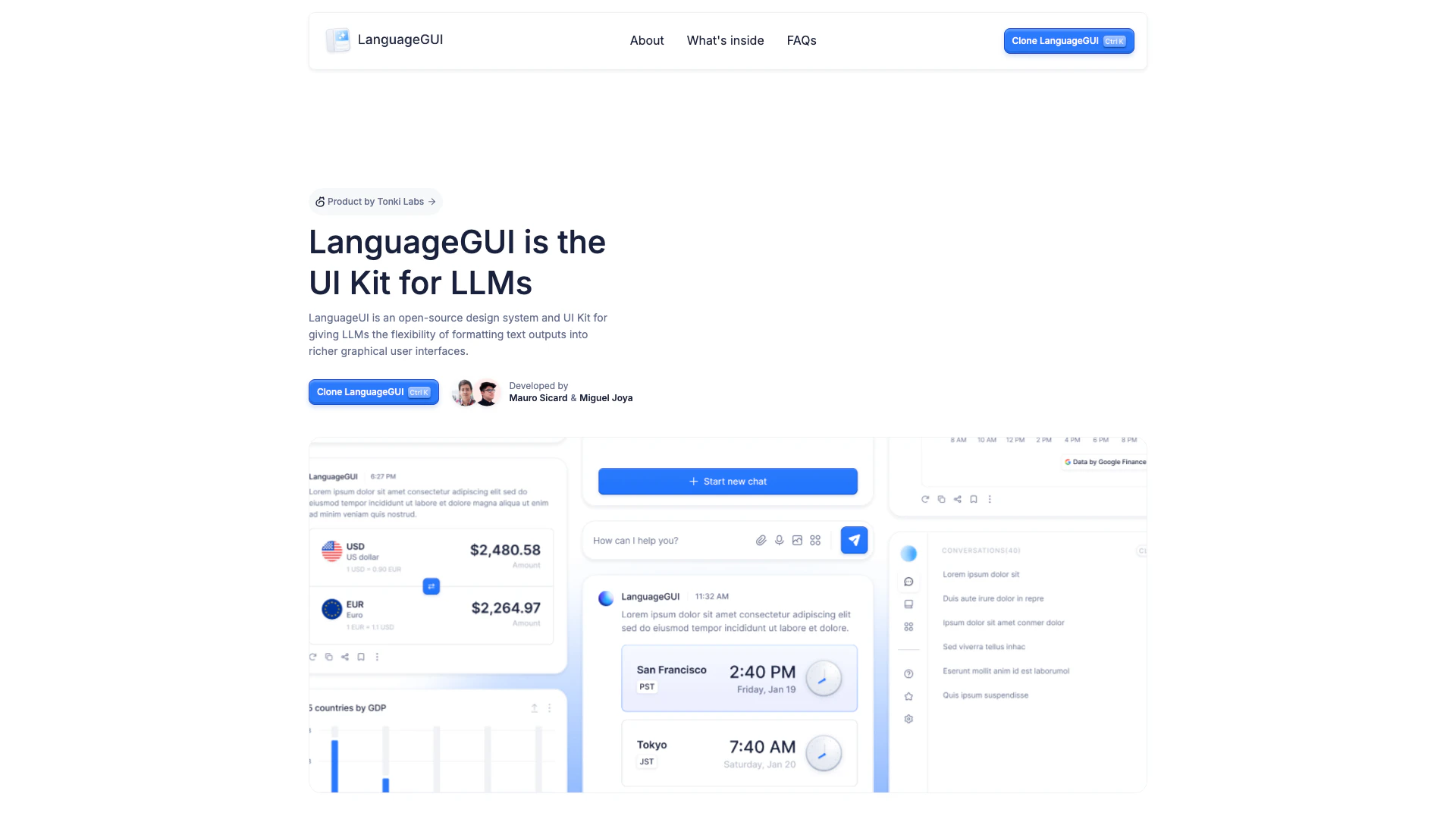
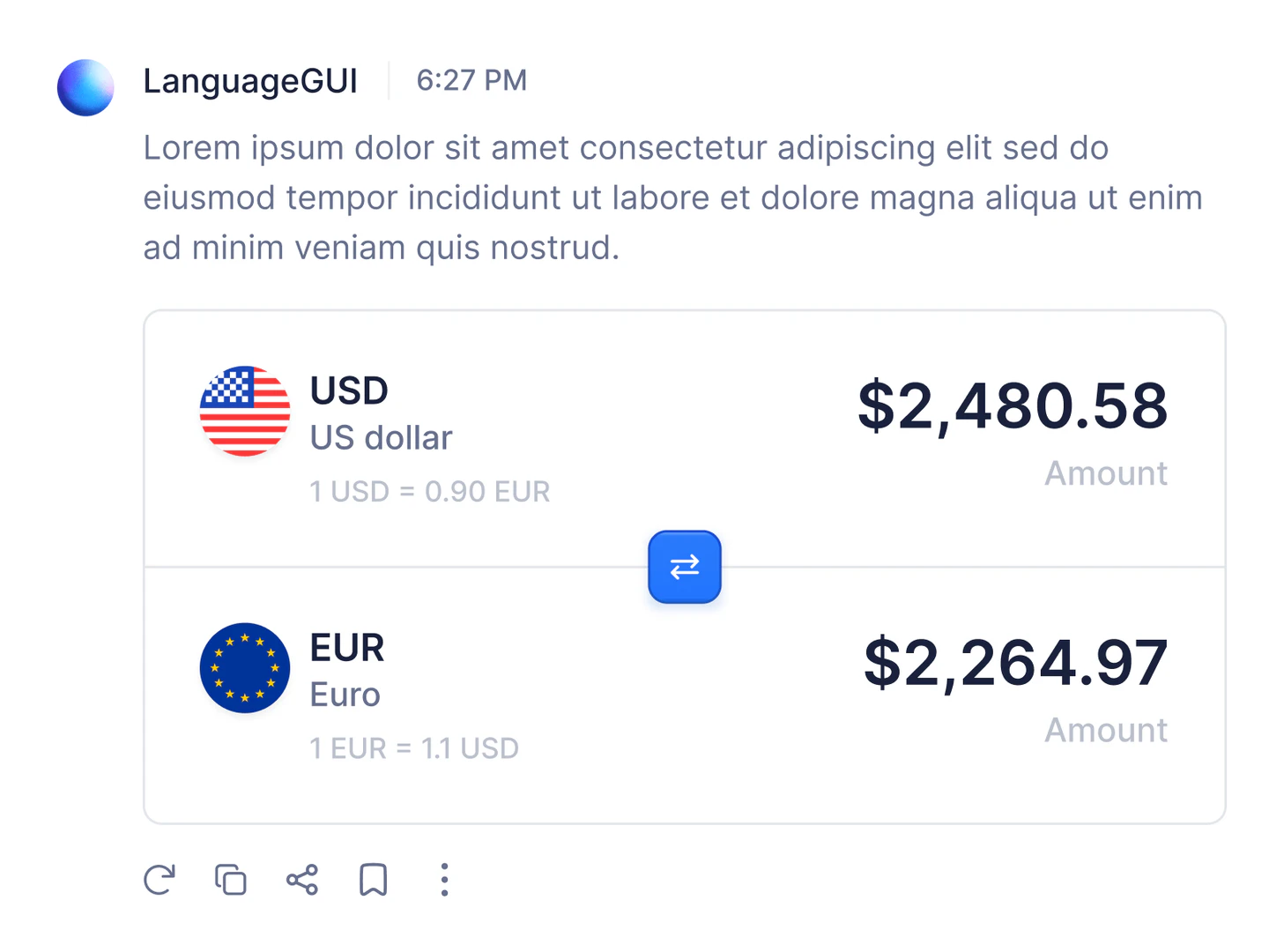
LanguageGUI is an open-source[1] design system[2] and UI Kit[3] designed specifically for Large Language Models[4] (LLMs). It empowers developers to format text outputs into visually appealing and interactive graphical user interfaces. By providing a comprehensive collection of UI components and templates, LanguageGUI enhances the user experience of applications that utilize LLMs, allowing for richer and more engaging interactions. This tool is ideal for developers looking to create conversational interfaces that are not only functional but also aesthetically pleasing.
How to use LanguageGUI?
- Clone LanguageGUI: Start by cloning the LanguageGUI UI Kit from Figma. You can access it through their website.
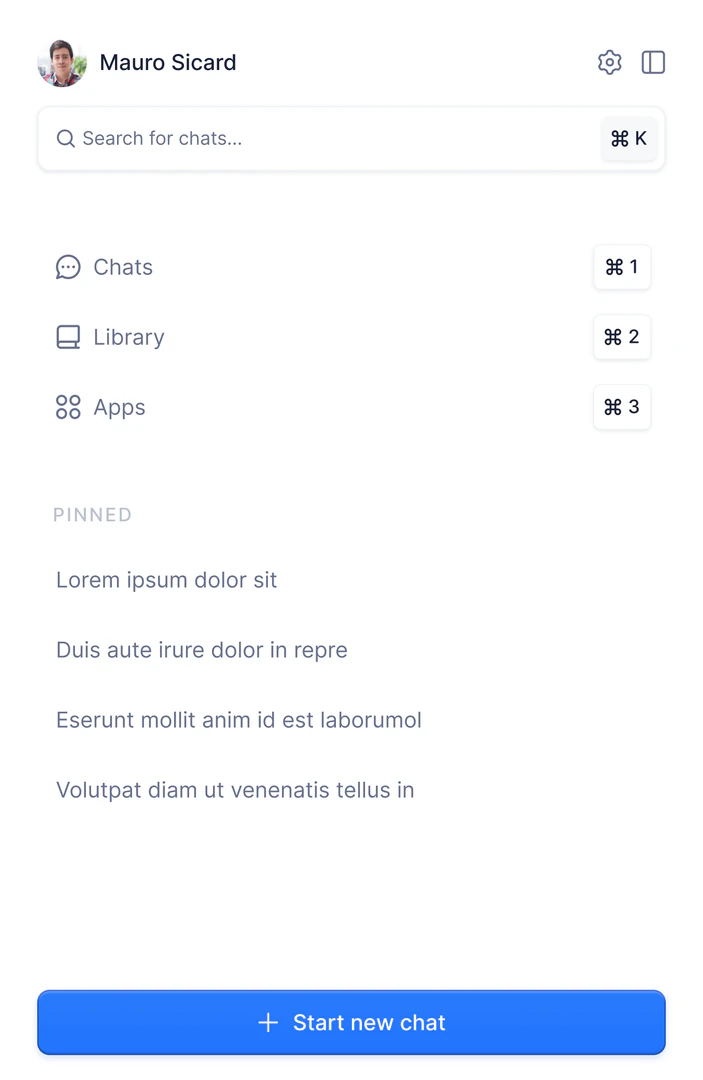
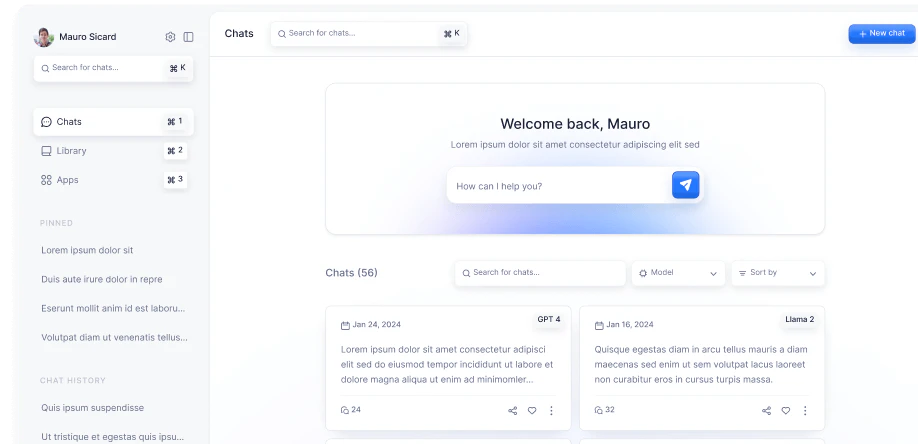
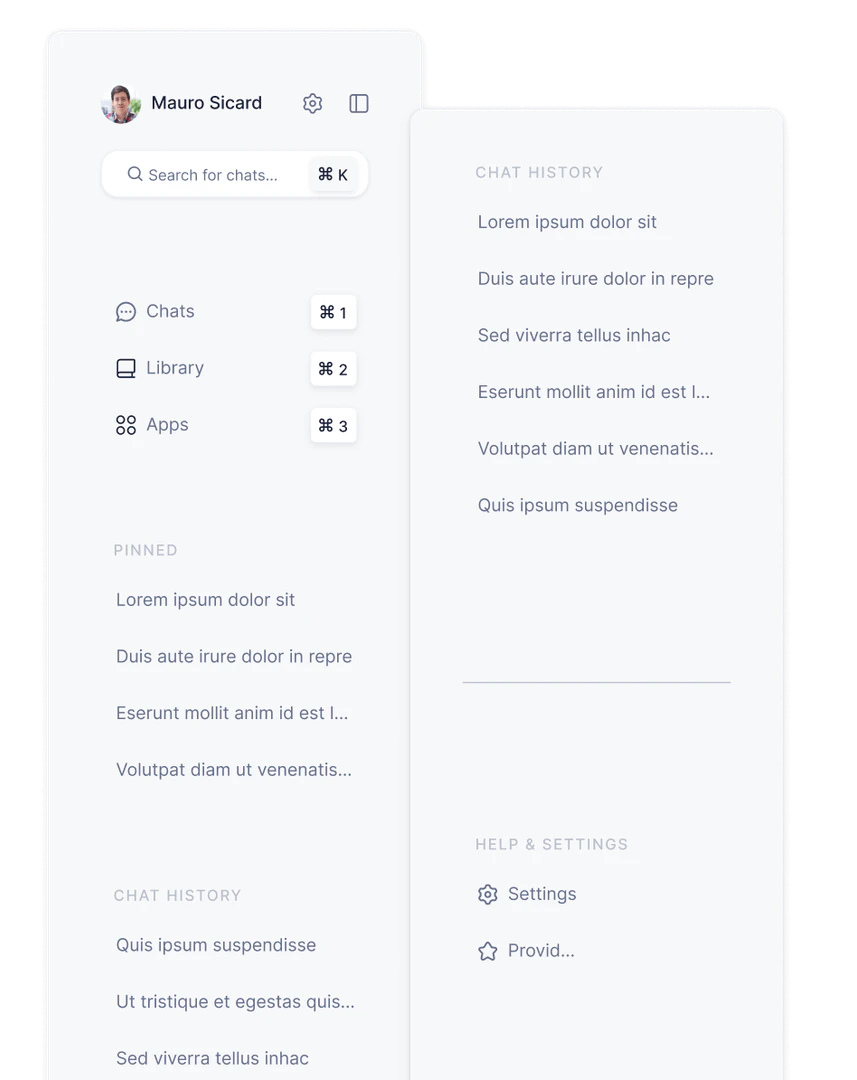
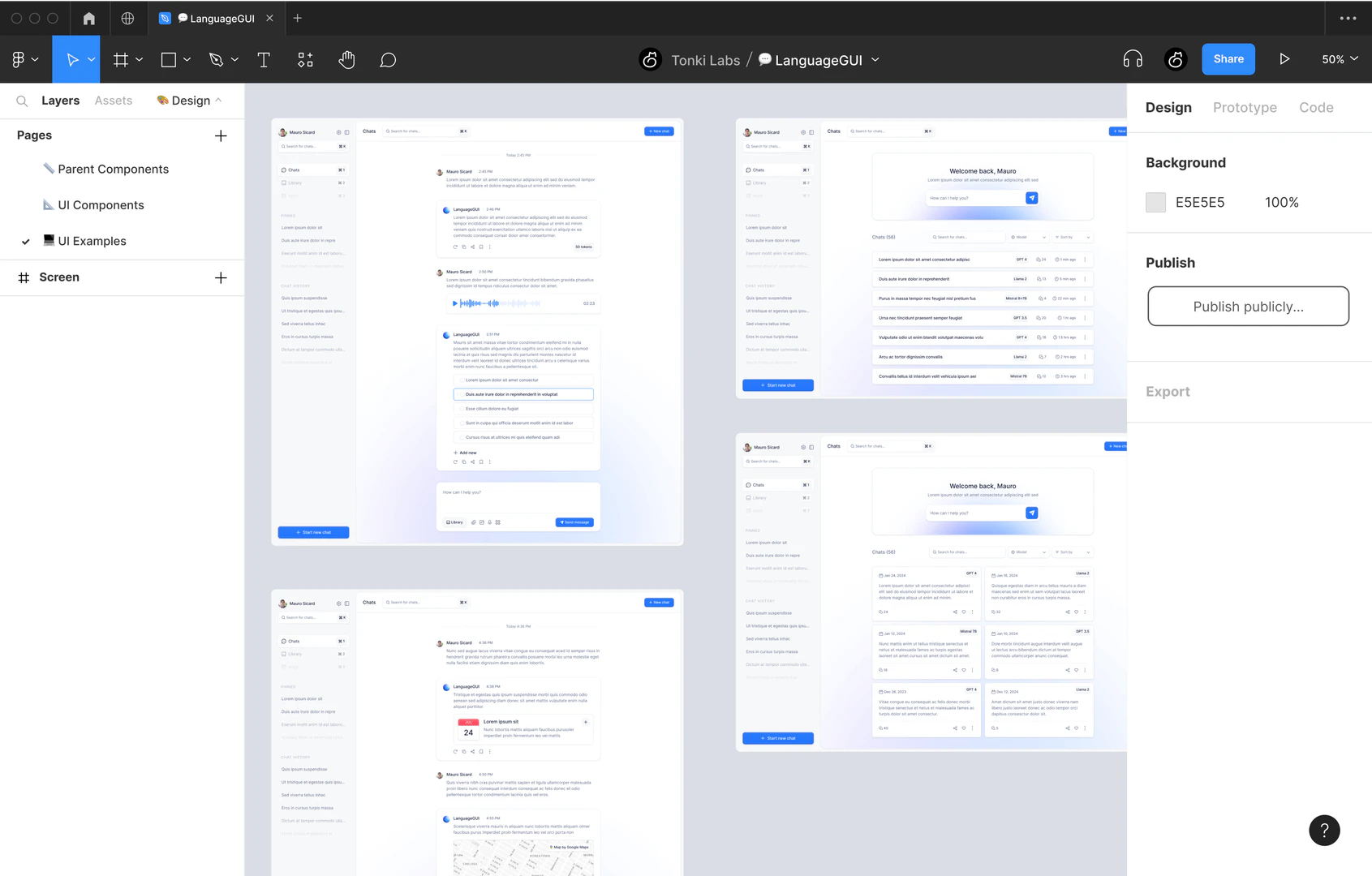
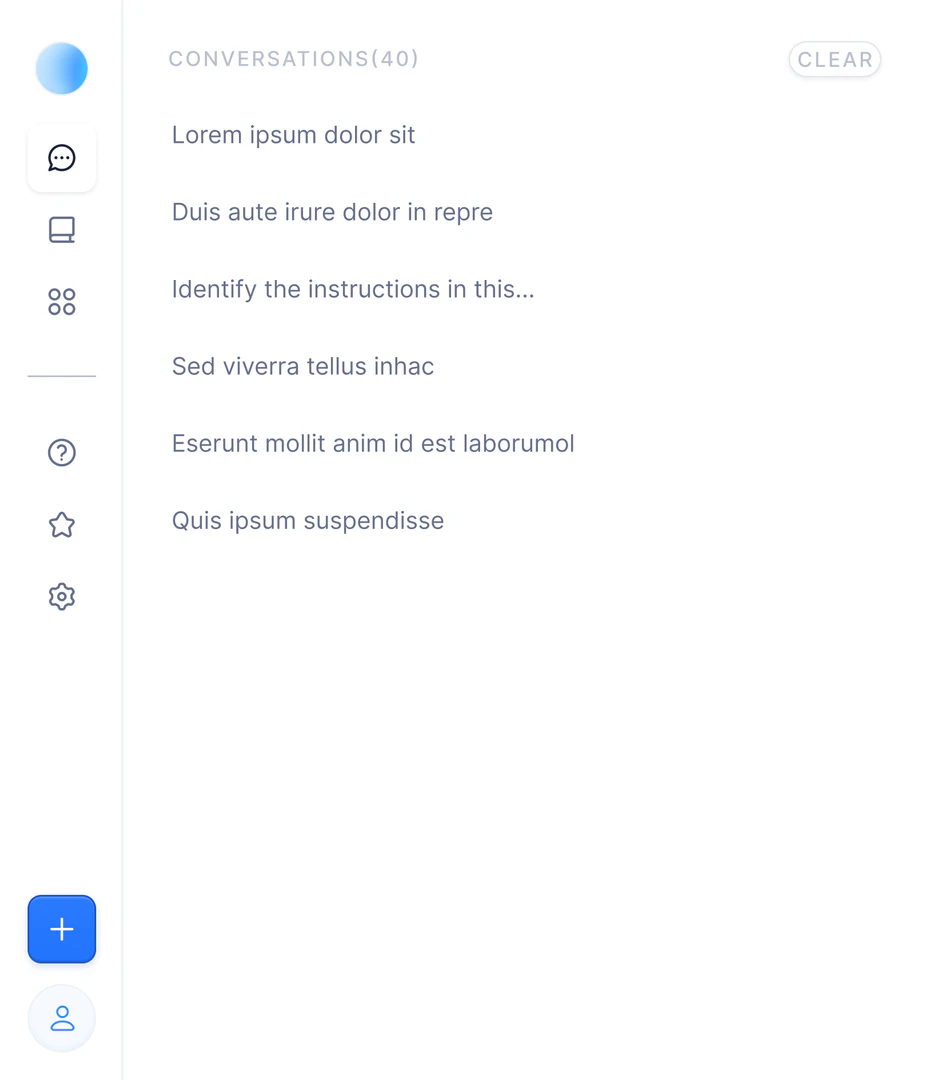
- Explore Components: Familiarize yourself with the various UI components available in the kit. This includes chat bubbles, sidebars, and customizable screens.
- Integrate with Your Project: Implement the components into your application by following the provided guidelines. You can customize the elements to fit your design needs and functionality.
- Test and Iterate: After integrating the components, test the interface with users to gather feedback. Use this feedback to refine the UI for better usability.
What are the main features of LanguageGUI?
- Open-source Design System: LanguageGUI is completely free to use and modify, making it accessible for all developers.
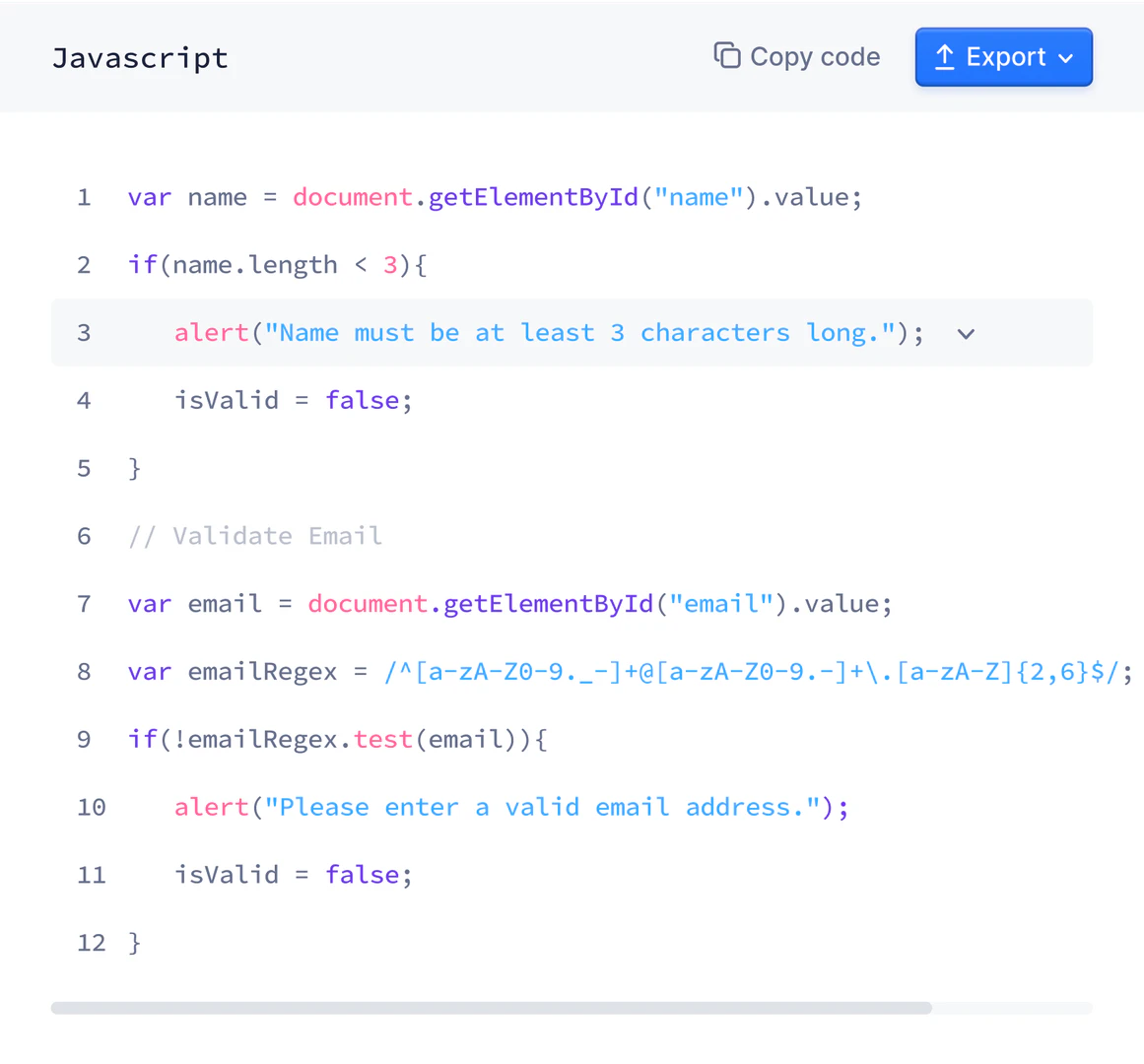
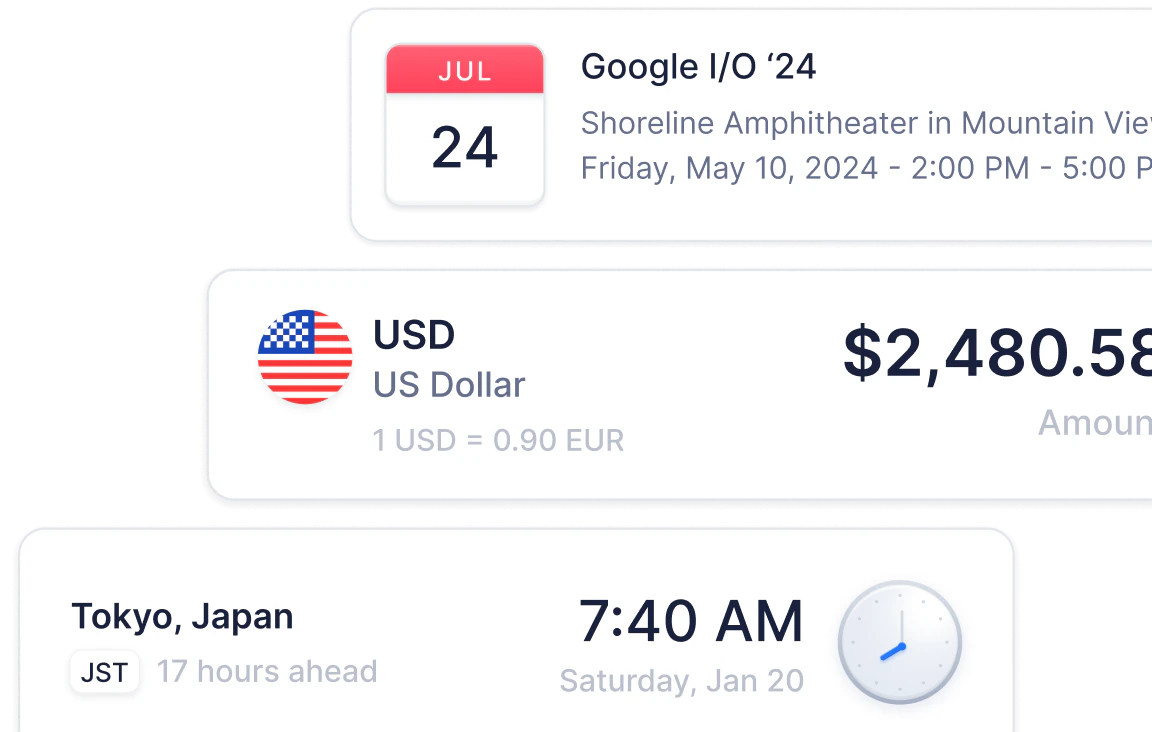
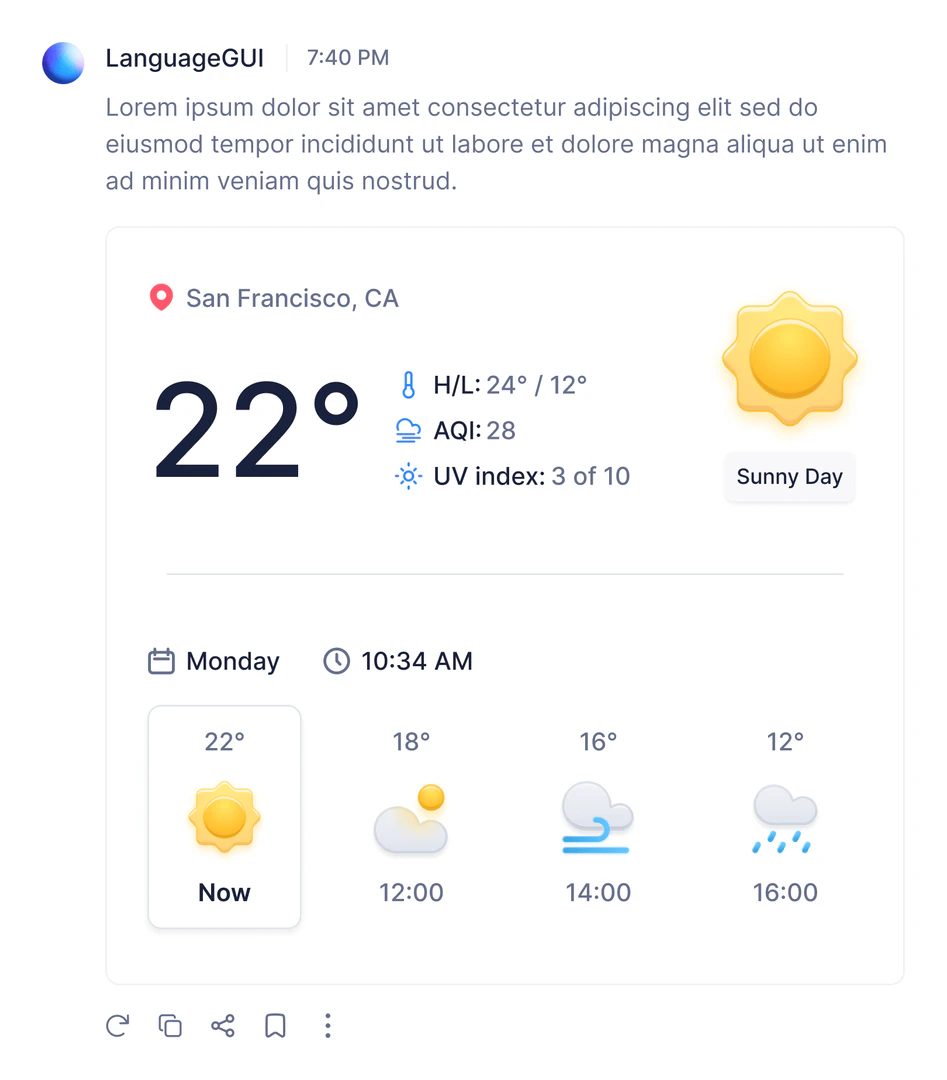
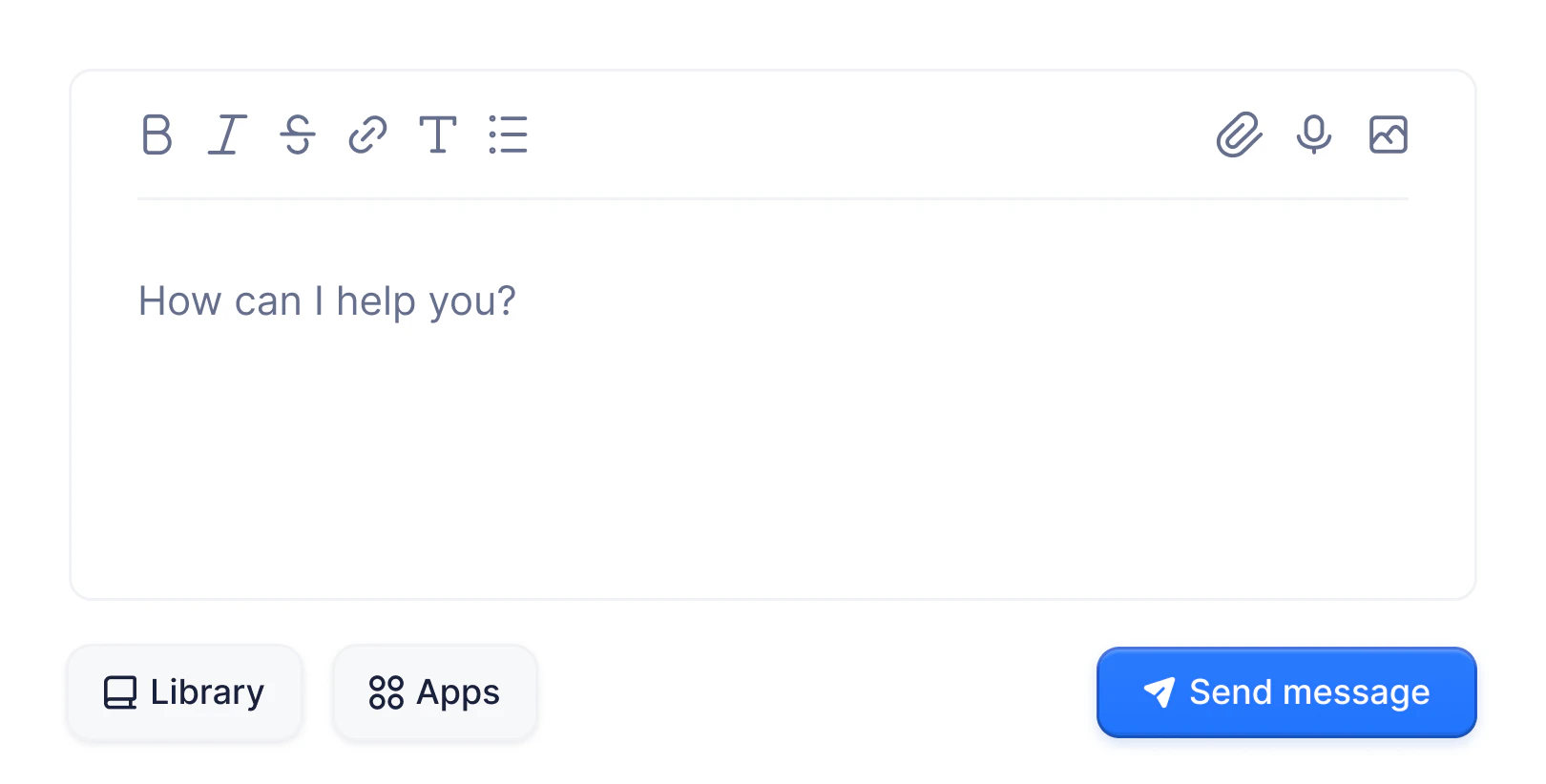
- 100+ UI Components: The kit includes a wide array of UI components such as buttons, chat bubbles, and menus to facilitate rich user interactions.
- Pre-built Screens: It offers over 30 pre-designed screens that help kickstart your design process.
- Conversational UI Widgets: LanguageGUI features more than 10 conversational UI widgets designed for enhanced user engagement.
- Customizable Settings: Developers can customize various settings for chat sidebars and other UI elements to fit specific needs.
Who is LanguageGUI for?
LanguageGUI is aimed at developers, UI/UX designers, and product teams working with Large Language Models (LLMs). It is particularly beneficial for those looking to enhance the user interface of AI-driven applications, making it suitable for startups, established tech companies, and individual developers. The open-source nature of LanguageGUI allows anyone interested in building conversational AI interfaces to utilize and customize the toolkit for their specific projects.
What are the use cases of LanguageGUI?
- Customer Support Chatbots: Implement LanguageGUI components to create interactive and visually appealing chatbots that enhance user support experiences.
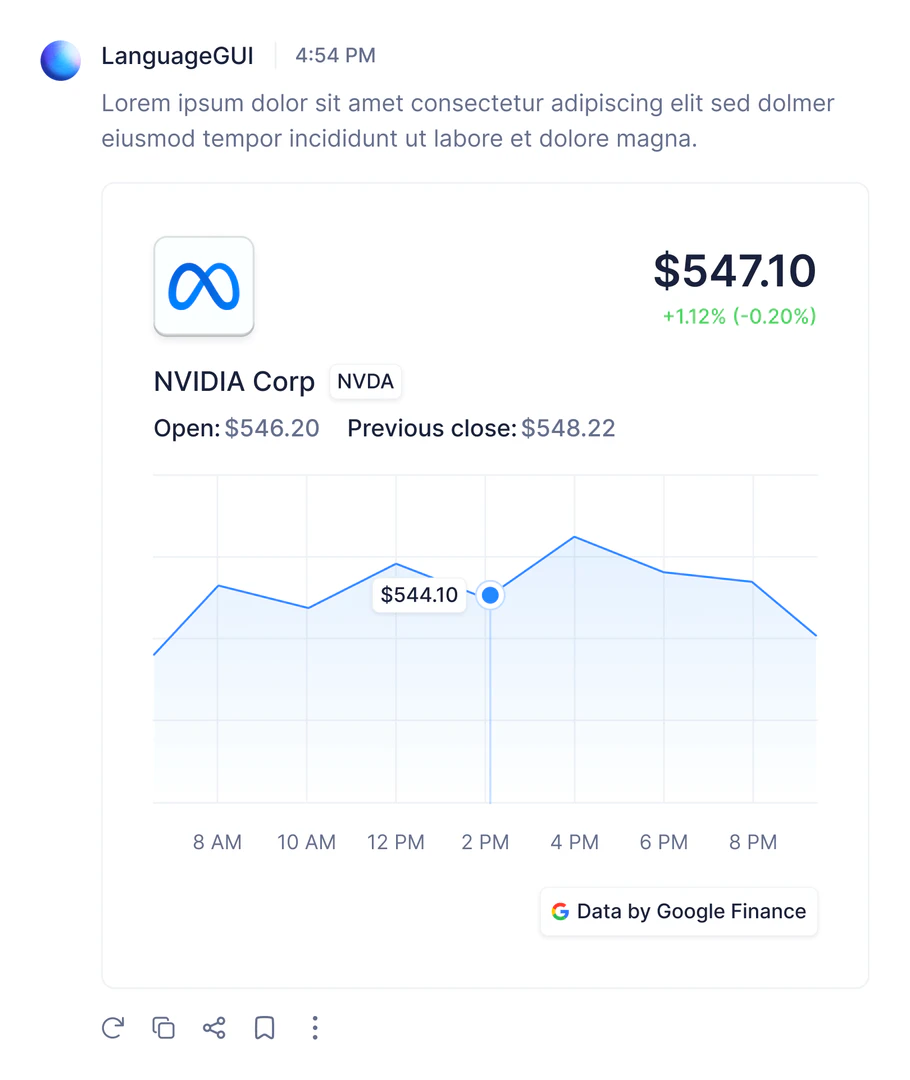
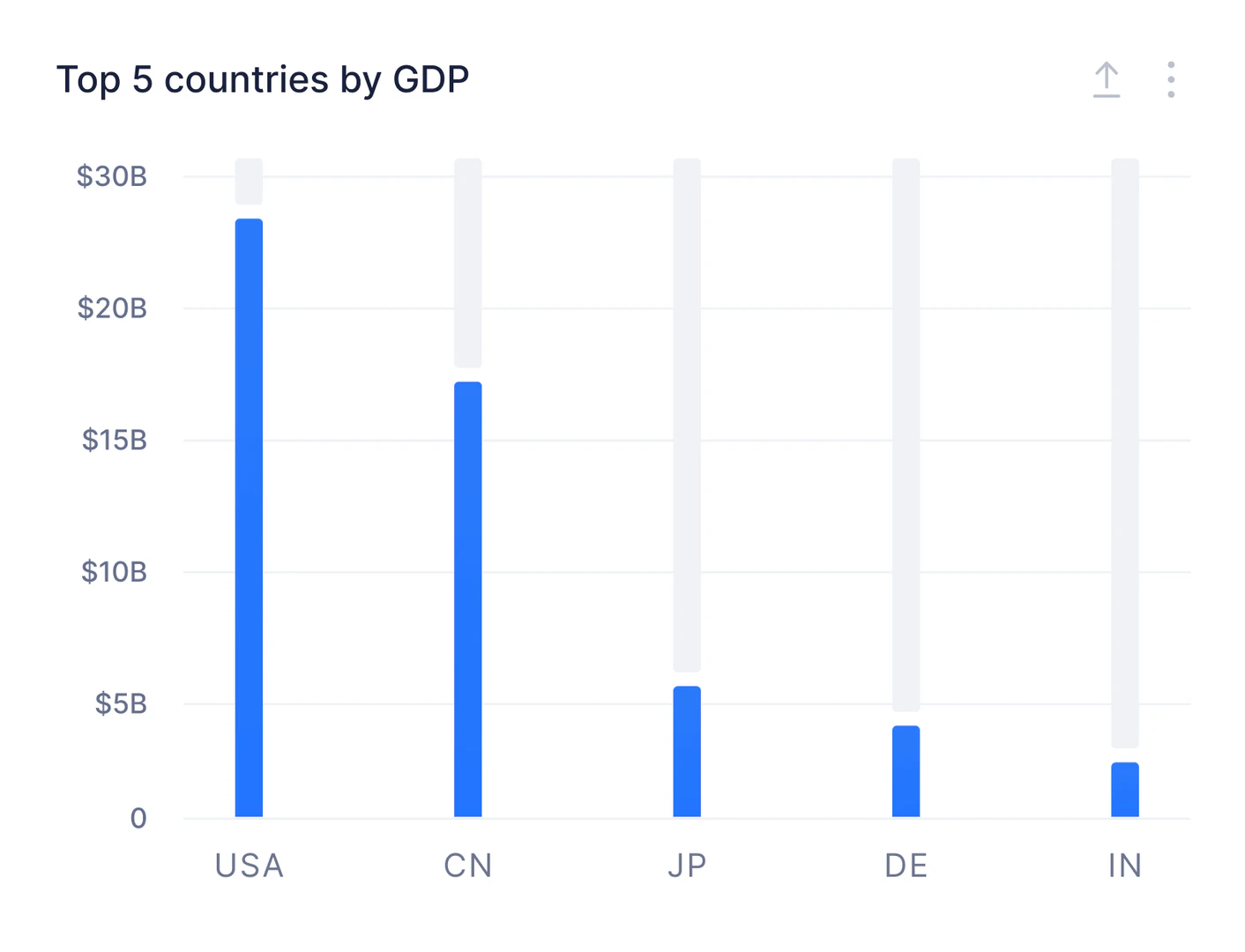
- Data Visualization Interfaces: Utilize the UI Kit to build dashboards that display data in a user-friendly manner, making it easier for users to interpret complex information.
- Conversational AI Applications: Design applications that leverage LLMs to provide conversational interactions in various domains such as education, entertainment, and e-commerce.
Product Images
Languagegui Pros and Cons
Pros
- Open-Source Flexibility: LanguageGUI is an open-source design system, allowing users to customize and adapt the UI Kit for various LLM applications without restrictions.
- Rich UI Components: Includes over 100 UI components, 30+ pre-built screens, and various conversational UI widgets, enhancing the design possibilities for developers.
- Commercial Use Allowed: Released under the MIT License, LanguageGUI can be used freely for both personal and commercial projects without the need for attribution.
Cons
No cons data detected for this tool
Analytics of Languagegui
Languagegui Website Traffic Analysis
Visits Over Time
Top Keywords
| Keyword | Volume | CPC | Estimated Value |
|---|---|---|---|
| langugage gui | 130 | $0.00 | $130.00 |