

Knowledgebase




What is Knowledgebase?
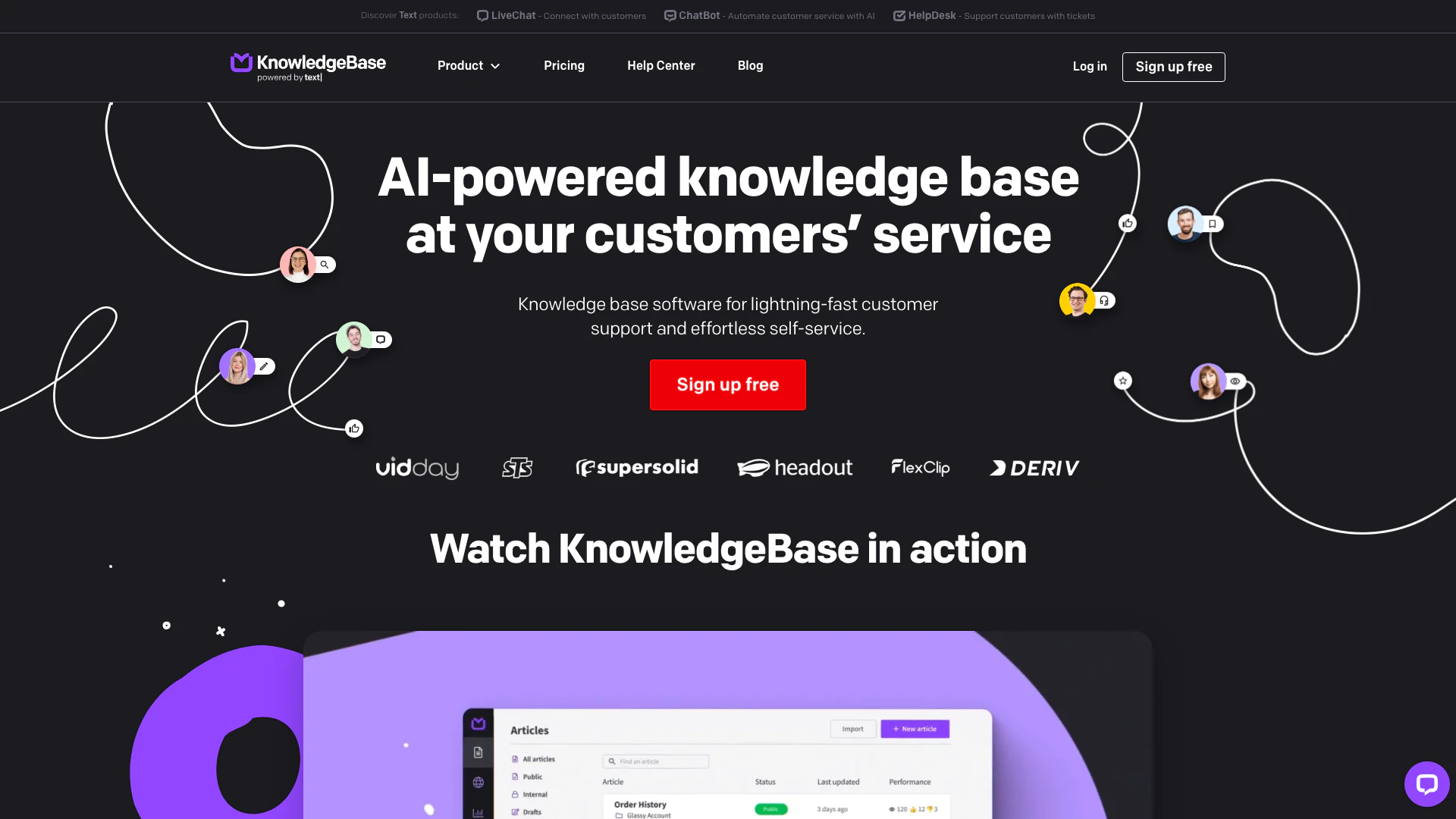
Knowledgebase is a powerful knowledge base software[1] designed to enhance customer support[2] and facilitate effortless self-service[3]. It provides businesses with a centralized platform to manage and share information, enabling customers to find answers independently while assisting support teams in delivering timely responses. This dual functionality allows companies to improve customer satisfaction by providing immediate access to information, thus reducing response times and operational workload.
How to use Knowledgebase?
To effectively use Knowledgebase, follow these steps: 1. Sign Up: Begin by creating an account on the Knowledgebase website and start your free trial. 2. Set Up Your Knowledge Base: Choose the categories and topics you want to cover in your knowledge base. This could include FAQs, troubleshooting guides, and product information. 3. Create Content: Use the AI features to generate articles, titles, and keywords. Edit and format these articles for clarity and conciseness. 4. Organize Information: Structure your content logically with categories and subcategories to facilitate easy navigation for users. 5. Integrate with Support Tools: Connect Knowledgebase with your existing customer support tools, such as LiveChat, to streamline operations. 6. Launch and Monitor: Once ready, launch your knowledge base and monitor user interactions to gather feedback and make necessary adjustments.
What are the main features of Knowledgebase?
Knowledgebase offers a variety of features designed to enhance customer support and self-service capabilities: - AI-Powered Search[4]: QuickAnswer provides tailored responses to customer queries without the need to scroll through articles. - Multi-Workspace Management[5]: Easily manage multiple knowledge bases from a single dashboard, catering to different departments or topics. - Content Creation Tools: Utilize AI to generate articles, titles, and keywords, saving time on content development. - Integration Capabilities: Seamlessly integrate with other tools like LiveChat for enhanced customer interaction. - 24/7 Self-Service: Allow customers to access information at any time, improving satisfaction and reducing support load. - Analytics and Reporting: Track user interactions and gather insights to continuously improve the knowledge base.
Who is Knowledgebase for?
Knowledgebase is designed for businesses of all sizes looking to improve their customer support and self-service capabilities. It is particularly beneficial for: - Customer Support Teams: Helps support agents quickly find answers to customer inquiries, reducing response times and improving service quality. - Small to Medium Enterprises (SMEs): Provides a cost-effective solution for managing customer queries without needing a large support team. - E-commerce and SaaS Companies: Ideal for businesses that require a centralized repository of product information, troubleshooting guides, and customer service resources.
What are the use cases of Knowledgebase?
Knowledgebase can be utilized in various scenarios, including: 1. Self-Service Customer Support: Customers can access a knowledge base to find answers to common questions without needing to contact support, available 24/7. 2. Internal Knowledge Sharing: Companies can create internal knowledge bases for employees to access company policies, procedures, and training materials. 3. Integration with Live Chat: By integrating with LiveChat, support agents can quickly refer to the knowledge base during customer interactions, enhancing response efficiency.
Knowledgebase Pros and Cons
Pros
- Lightning-Fast Customer Support: KnowledgeBase enables quick responses to customer inquiries, enhancing support efficiency and satisfaction.
- Effortless Self-Service: Customers can find answers on their own at any time, reducing the need for direct support and improving user experience.
- AI-Powered Article Generation: Utilize AI to create articles, titles, and keywords swiftly, allowing teams to focus on more critical tasks.
Cons
No cons data detected for this tool
Analytics of Knowledgebase
Knowledgebase Website Traffic Analysis
Visits Over Time
Traffic Sources
Nov 2025 - Jan 2026 Worldwide Desktop Only
- Search: 41.87%
- Direct: 34.68%
- Referrals: 16.49%
- Social: 4.71%
- Paid Referrals: 1.62%
- Mail: 0.14%
Top Keywords
| Keyword | Volume | CPC | Estimated Value |
|---|---|---|---|
| knowledge base | 15.83K | $7.57 | $1120.00 |
| knowledgebase | 4.65K | $19.78 | $470.00 |
| knowledge pages | 190 | $0.00 | $180.00 |
| knowledge base on black bckground | 160 | $0.00 | $150.00 |
| free secure shared knowledge base and calendar | 120 | $0.00 | $120.00 |
Knowledgebase Reviews
What we value a lot about KnowledgeBase is the ability to customize its look so that it stays consistent with our design. Adding our logo, custom domain, and a favicon makes it feel like an integral part of our website. Nabila Gardner, from LivingWell
Our customers want to learn more about video making techniques. With KnowledgeBase, they can browse our resources at their own pace and solve their problems without contacting our customer support. David Lin, from PearlMountain
For more reviews, visit this link: https://www.knowledgebase.com/#reviews




Knowledgebase Social Listening
Build A Claude Knowledge Base ...
👉 Get my Claude CoWork OS (in...
Build your own AI Knowledge Ba...
What is LLM Wiki (aka LLM Know...
How To Use AI & Knowledge Base...
Learn how AI and a great knowl...
Unlock to view 42 social media results.