Knowdust


What is Knowdust?
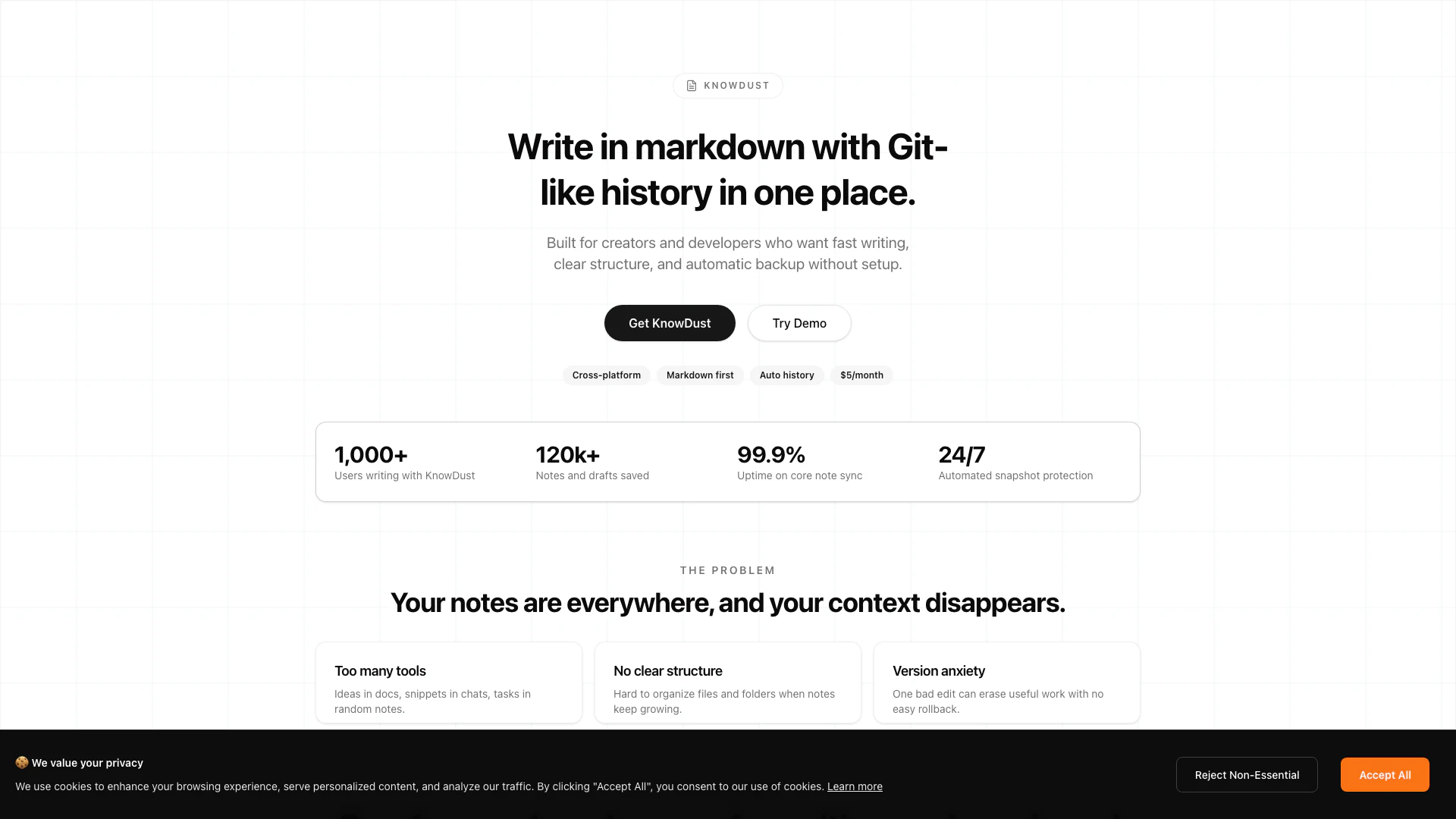
Knowdust is a minimal markdown[1] note-taking[2] application designed for creators and developers who want a streamlined writing experience with automatic backup features. It offers a unique combination of a Write & Preview[3] toggle for seamless content creation and an Auto Git History feature that ensures all changes are tracked and recoverable. With a focus on simplicity and efficiency, Knowdust eliminates the clutter of complex applications, allowing users to concentrate on their writing without the fear of losing their notes. It is available for a one-time purchase, making it an economical choice for those who prefer not to deal with subscriptions.
How to use Knowdust?
- Sign up or purchase Knowdust from the official website.
- Download and install the application on your device (available on multiple platforms).
- Open Knowdust and create a new note using the markdown editor.
- Use the Write & Preview toggle to switch between writing mode and preview mode for better visualization.
- As you write, Knowdust automatically saves your work, creating a Git-like history of changes that you can revert to if necessary.
What are the main features of Knowdust?
- Markdown Support: Write notes using markdown syntax for easy formatting.
- Write & Preview Toggle: Instantly switch between writing and previewing your notes to maintain flow.
- Auto Git History: Every save creates a recoverable checkpoint, ensuring no work is lost.
- Structured Organization: Organize notes in folders and files for better management.
- Minimal Design: Focus on essential features without unnecessary distractions.
Who is Knowdust for?
Knowdust is tailored for creators, developers, writers, and anyone who needs a reliable note-taking solution that prioritizes speed and organization. It is particularly beneficial for individuals who often switch between writing and previewing their notes, as well as those who require a secure and structured environment for managing their ideas and drafts.
What are the use cases of Knowdust?
- Writing Technical Documentation: Developers can use Knowdust to create and maintain technical documents with markdown formatting.
- Drafting Blog Posts: Writers can draft, edit, and preview blog posts seamlessly without losing their progress.
- Organizing Research Notes: Students and researchers can organize their notes in a structured manner, making it easier to retrieve information.
Knowdust Pros and Cons
Pros
- Minimalist Design: KnowDust features a clean and minimalist interface, allowing users to focus solely on writing without distractions from unnecessary features.
- Git-like History: The auto Git history feature saves every edit as a recoverable checkpoint, ensuring users never lose their progress.
- Cross-Platform Compatibility: KnowDust works seamlessly across desktop and mobile devices, making it accessible for users on various platforms.
Cons
No cons data detected for this tool
Knowdust Pricing
Free
Perfect for occasional use with 10 downloads per day, access to all tools, basic export formats, includes advertisements, no batch operations, and standard support.
Pro
For power users & professionals with unlimited downloads, ad-free experience, batch operations, priority support, early access to features, and advanced export options.
Custom
For teams and enterprises with everything in Pro, dedicated support, custom branding & onboarding, and team workflows & volume needs.
For the latest pricing, please visit this link: https://knowdust.com/pricing
Prices are subject to change. Please visit the official website for the most up-to-date pricing information.
Analytics of Knowdust
Knowdust Website Traffic Analysis
Visits Over Time
Traffic Sources
Jan 2026 - Feb 2026 Worldwide Desktop Only
- Search: 41.25%
- Direct: 37.64%
- Referrals: 13.87%
- Social: 3.74%
- Paid Referrals: 2.08%
- Mail: 0.22%
Top Keywords
| Keyword | Volume | CPC | Estimated Value |
|---|---|---|---|
| world state map maker | 0 | $0.00 | $210.00 |
| world map editor | 2.20K | $1.31 | $0.00 |
| edit world map | 440 | $0.00 | $0.00 |
| calculate age precisely based on today date | 140 | $0.00 | $0.00 |
Knowdust Reviews
I moved from three tools to one. Markdown, folders, and history are exactly what I needed.
The Git-like snapshots saved me twice this week. I can edit fearlessly now.
Simple UI, fast load, no bloat. This is the first note app I actually stick with.
For more reviews, visit this link: https://knowdust.com/#testimonials