



Twitter-color Created with Sketch. Amazon-color Created with Sketch. Facebook-color Created with Sketch. github [#142] Created with Sketch. meta_fill Pinterest-color Created with Sketch. ProductHunt-color Created with Sketch. Spotify-color Created with Sketch. Threads Logo Streamline Icon: https://streamlinehq.com Yelp-color Created with Sketch. Youtube-color Created with Sketch.
TopAIToolsTopAITools
  • Free Tools
  • Category
  • Leaderboard
  • Submit
EN
TopAIToolsTopAITools
TopAI

TopAITools

TopAITools, The Best Top AI Tools

AI Glossary|English简体中文繁體中文한국어日本語PortuguêsEspañolDeutschFrançaisTiếng Việt|Map

© 2026 TopAITools. All rights reserved.

About

  • Privacy Policy
  • Terms of use

Contact Us

business@topaitoolsreview.com
Home
AI Lifestyle Assistant
Kitchenai
Last updated: March 3, 2026
Kitchenai logo

Kitchenai

Get deal
4.0|0 Comments|0 Saved
Introduction:
KitchenAI is a prompt engineering studio designed for creating and testing AI prompts.
Launch Date:
October 2, 2024
Monthly Visits:
144
Inputs:
Text
Outputs:
Text
AI Models:
gpt-4gpt-3.5-turbogpt-4-32k+2 more
Website
💼Work🎨Creativity
AI Lifestyle Assistant65Recipe Generation Tools7Social Media Recipe Extraction Tools
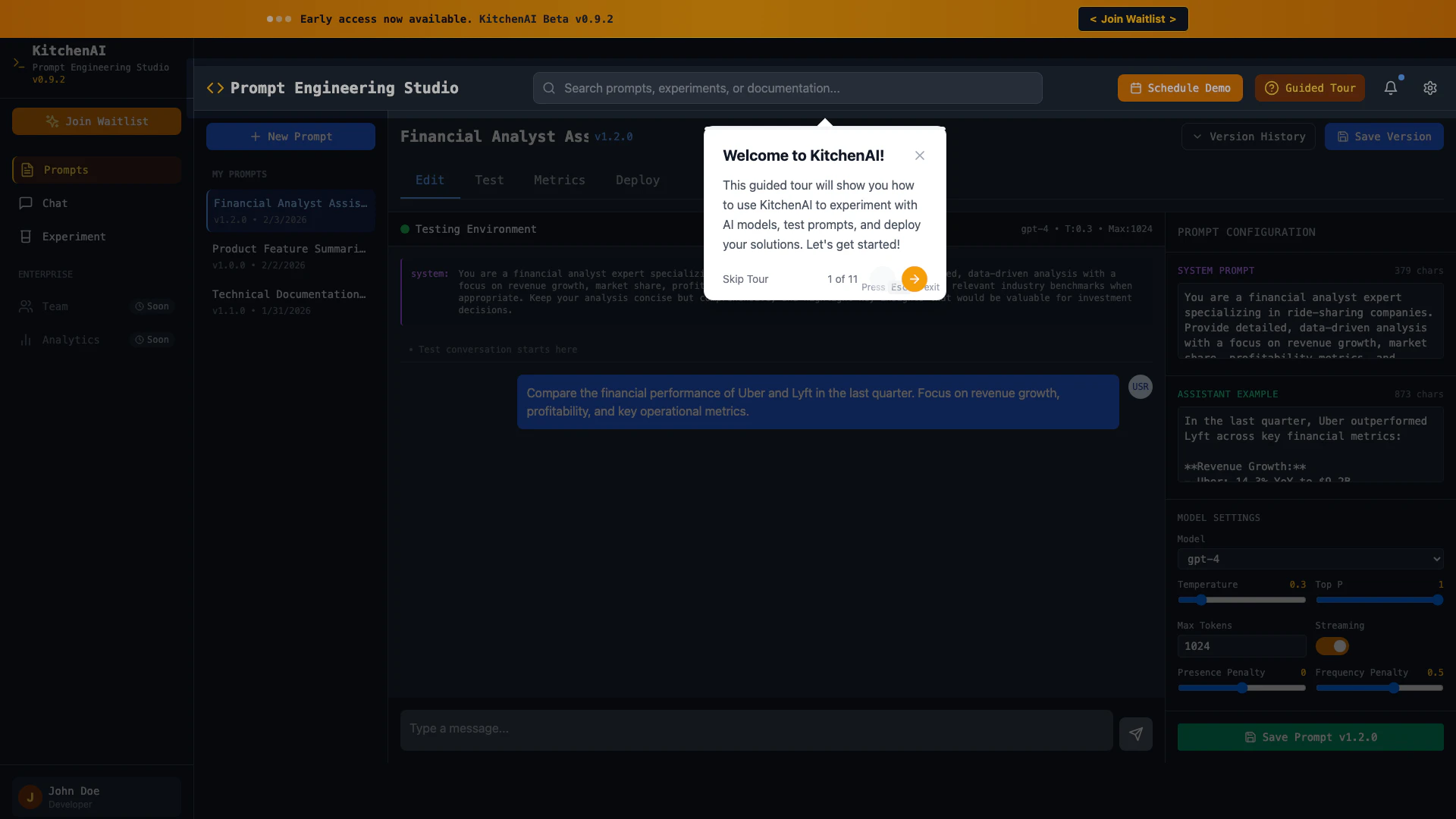
Kitchenai website screenshot showing KitchenAI is a prompt engineering studio... interface and features
Use tool
Update this tool
Rewind Ai logo

Rewind Ai

Rewind

Pixelhunter logo

Pixelhunter

🧠 AI-powered image resizer for social media

Bright Eye logo

Bright Eye

Bright Eye is a multipurpose AI app that allows users to create chatbot characters for any type of use case - from entertainment bots like movie characters, pol…

Autodraw logo

Autodraw

AutoDraw

Tutorai logo

Tutorai

Tutor AI - Your personal AI tutor to learn anything

Kitchenai Overview

What is Kitchenai?

Kitchenai is a cutting-edge Prompt Engineering Studio designed for developers and data analysts. Currently in Beta version 0.9.2, Kitchenai enables users to create, edit, and deploy custom prompts for AI models like GPT-4. It focuses on enhancing user experience in generating tailored prompts for various applications, including financial analysis and technical documentation. With its intuitive interface, Kitchenai streamlines the process of prompt engineering, making it accessible for both novice and experienced users.


How to use Kitchenai?

  1. Sign up for early access on the Kitchenai website.
  2. Once you have access, log in to your Kitchenai account.
  3. Navigate to the 'My Prompts' section to view existing prompts or create a new one.
  4. Use the prompt configuration settings to customize the AI's behavior based on your needs.
  5. Test your prompts in the testing environment to ensure they meet your requirements.
  6. Deploy your prompts for use in various applications.

What are the main features of Kitchenai?

  • Prompt Creation: Easily create and edit prompts tailored to your specific use cases.
  • Testing Environment: Test your prompts in a controlled environment to refine their performance.
  • Version Control: Keep track of different versions of your prompts for better management.
  • Customizable Settings: Adjust settings such as model type and temperature for optimal results.
  • User-Friendly Interface: An intuitive design that simplifies the prompt engineering process.

Who is Kitchenai for?

Kitchenai is designed for developers, data analysts, and professionals who require advanced prompt engineering capabilities for AI applications. It is particularly beneficial for those in fields such as finance, technical writing, and data science, where precise and tailored AI responses are essential. Whether you are a seasoned expert or a newcomer to AI, Kitchenai provides the tools necessary to enhance your productivity and effectiveness in generating AI-driven insights.


What are the use cases of Kitchenai?

  1. Financial Analysis: Generate data-driven insights and reports for investment decisions, focusing on metrics like revenue growth and market share.
  2. Technical Documentation: Create comprehensive technical documents and guides using AI assistance to ensure accuracy and clarity.
  3. Experimentation: Utilize Kitchenai to experiment with different AI models and configurations to find the most effective solutions for specific tasks.

Kitchenai Pros and Cons

Pros

  • User-Friendly Interface: KitchenAI offers a user-friendly interface that simplifies prompt engineering, making it accessible for users of all skill levels.
  • Versatile Prompt Capabilities: The tool supports various prompt configurations, allowing users to create tailored prompts for different applications, enhancing its versatility.
  • Early Access Features: As a beta version, KitchenAI provides early access to innovative features, enabling users to experiment with cutting-edge prompt engineering tools.

Cons

No cons data detected for this tool

Analytics of Kitchenai

Kitchenai Website Traffic Analysis

Visits Over Time

Oct 2025 - Dec 2025 All Traffic
--
AI Tools Rank
144
Monthly Visits
50.19%
Bounce Rate
1.01
Pages Per Visit
0:00
Visit Duration
--
Global Rank
--
Country Rank

Traffic Sources

Oct 2025 - Dec 2025 Worldwide Desktop Only

  • Direct: 41.92%
  • Search: 32.36%
  • Referrals: 12.68%
  • Social: 10.02%
  • Paid Referrals: 1.90%
  • Mail: 0.21%

Top Regions

Oct 2025 - Dec 2025 Desktop Only
RegionPercentage
🇺🇸
United States
100.00%
  1. United States: 100.00%

Top Keywords

KeywordVolumeCPCEstimated Value
shopkitchenai400$0.00$0.00

Kitchenai Compare

Tool NameIntroductionPricing
Type
RatingLaunch DateLearn more
Facetune logo
Facetune
Edit your selfies to get the results you want with powerful and easy-to-use tools. Give your selfies the VIP treatment. Touch up, reshape & apply digital makeup.
Free
🙋‍♂️Personal🎨Creativity
December 1, 2012
Get deal
Tutorai logo
Tutorai
Tutor AI - Your personal AI tutor to learn anything
Free
🙋‍♂️Personal💼Work
September 23, 2007
Get deal
Outfits Ai logo
Outfits Ai
Try on any outfits using AI!
Free
🙋‍♂️Personal🎨Creativity
January 7, 2023
Get deal

Info current as of post date. Offers and availability may vary by location and are subject to change.

Kitchenai Launch embeds

Use website badges to drive support from your community for your TopAITools Review. They're easy to embed on your homepage or footer.

FEATURED ONTopaitoolsreview.com

Kitchenai Alternatives

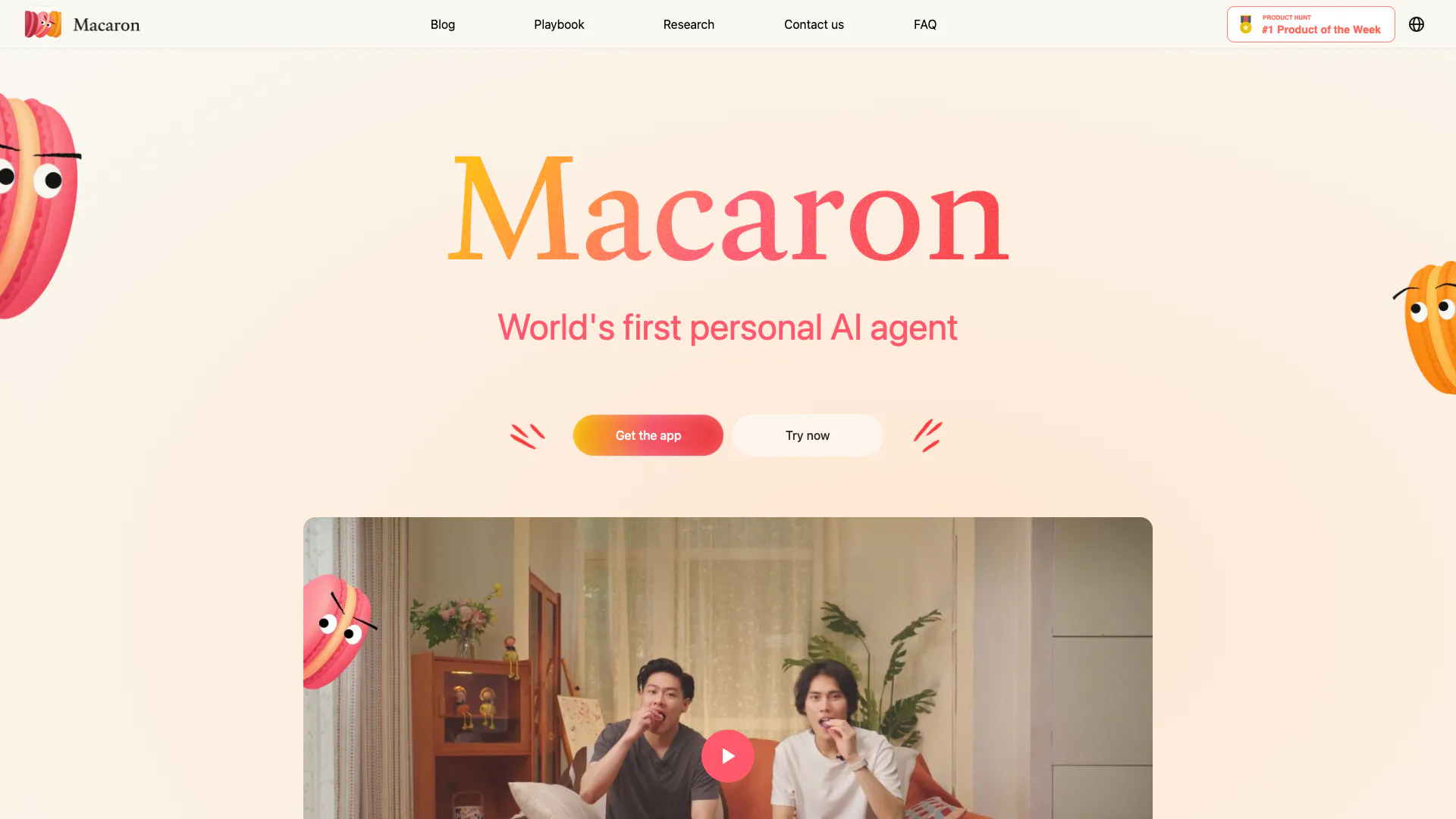
Macaron screenshot

Macaron

Macaron AI enhances your lifestyle with personalized tools.

Website
Free
🙋‍♂️Personal💼Work🎨Creativity
Lifestyle & UtilitiesAI Lifestyle AssistantAI Personalization Tools
  • Lifestyle & Utilities
  • AI Lifestyle Assistant
  • AI Personalization Tools
Use tool
218.9K
Direct48.97%
Search37.24%
Referrals7.97%
Free Trial
Fingerprintforsuccess screenshot

Fingerprintforsuccess

Achieve your goals faster with personalized AI coaching from Marlee.

Website
Free
🙋‍♂️Personal💼Work🎨Creativity
EducationAI Coaching AssistantAI Lifestyle AssistantAI Personalization Tools
  • Education
  • AI Coaching Assistant
  • AI Lifestyle Assistant
  • AI Personalization Tools
Use tool
11.8K
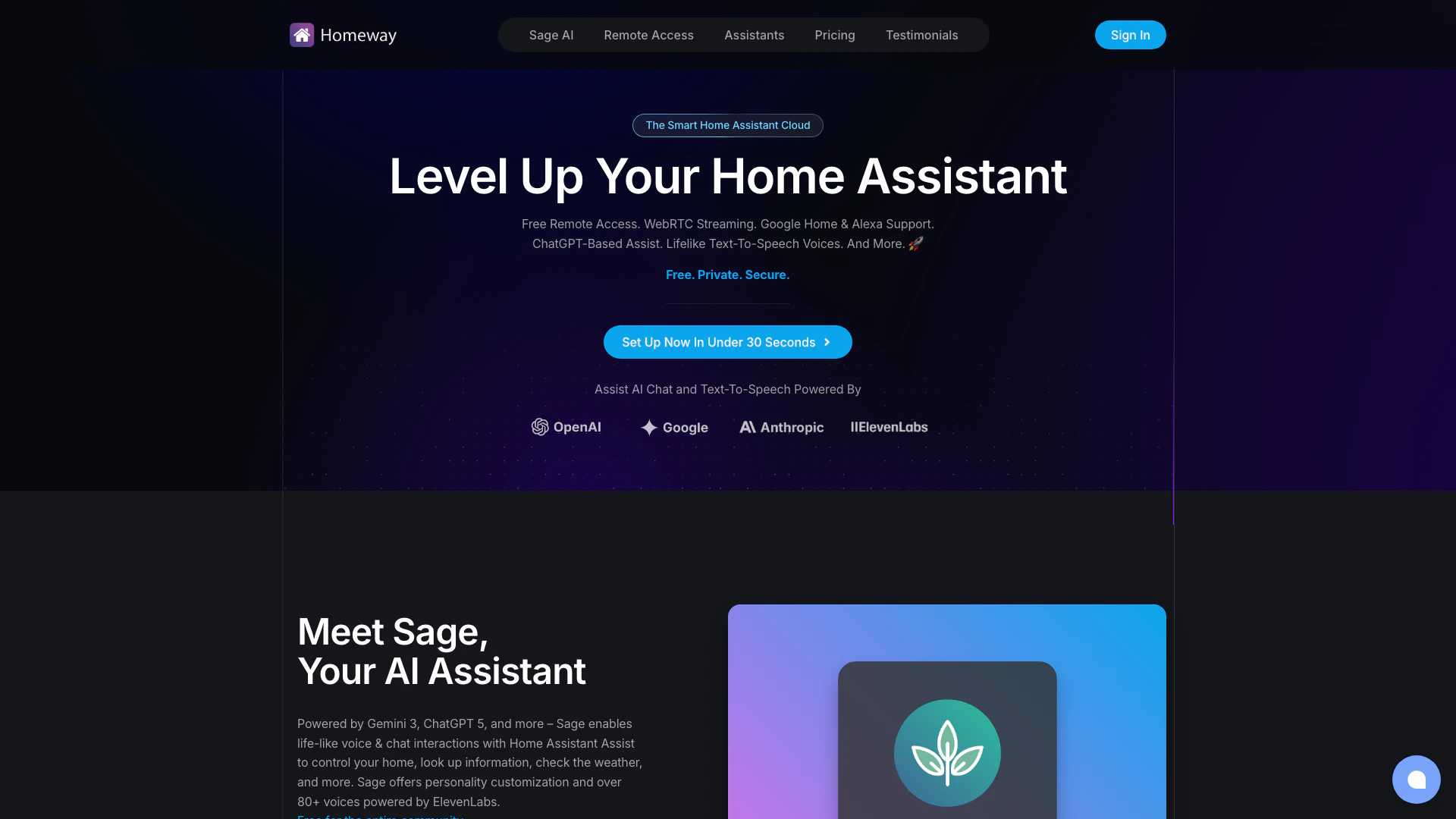
Homeway screenshot

Homeway

Homeway offers secure, free remote access for Home Assistant with advanced AI integration.

Website
Free
💼Work🎨Creativity
Lifestyle & UtilitiesAI DNS ToolsAI Lifestyle AssistantAI Personalization Tools
  • Lifestyle & Utilities
  • AI DNS Tools
  • AI Lifestyle Assistant
  • AI Personalization Tools
Use tool
62.2K
Direct43.69%
Search40.38%
Referrals9.56%

Kitchenai Tags

Prompt EngineeringFinancial AnalysisData-Driven InsightsExperimentation Tools

Also used for

AI Lifestyle Assistant65Recipe Generation Tools7Social Media Recipe Extraction Tools4AI DNS Tools4AI Network Tools4AI Language Learning2Tennis and Pickleball Tools2Sports Performance Analysis2AI Personalization Tools13AI Lifestyle Coaching13Limousine and Black Car Services1Wedding Transportation Services1Local Ride Booking Services1Community Based Transportation Services1Shuttle Scheduling and Pricing Tools1
Kitchenai logo
KitchenaiFree
Get deal

Kitchenai Comments (0)

Your rating

?
0/2000

No comments yet

Be the first to share your thoughts!

Kitchenai Prompts (0)

Prompts And Results

Add your own prompts and outputs to help others understand how to use this AI.

🚀0
🚀0