Kirocast




What is Kirocast?
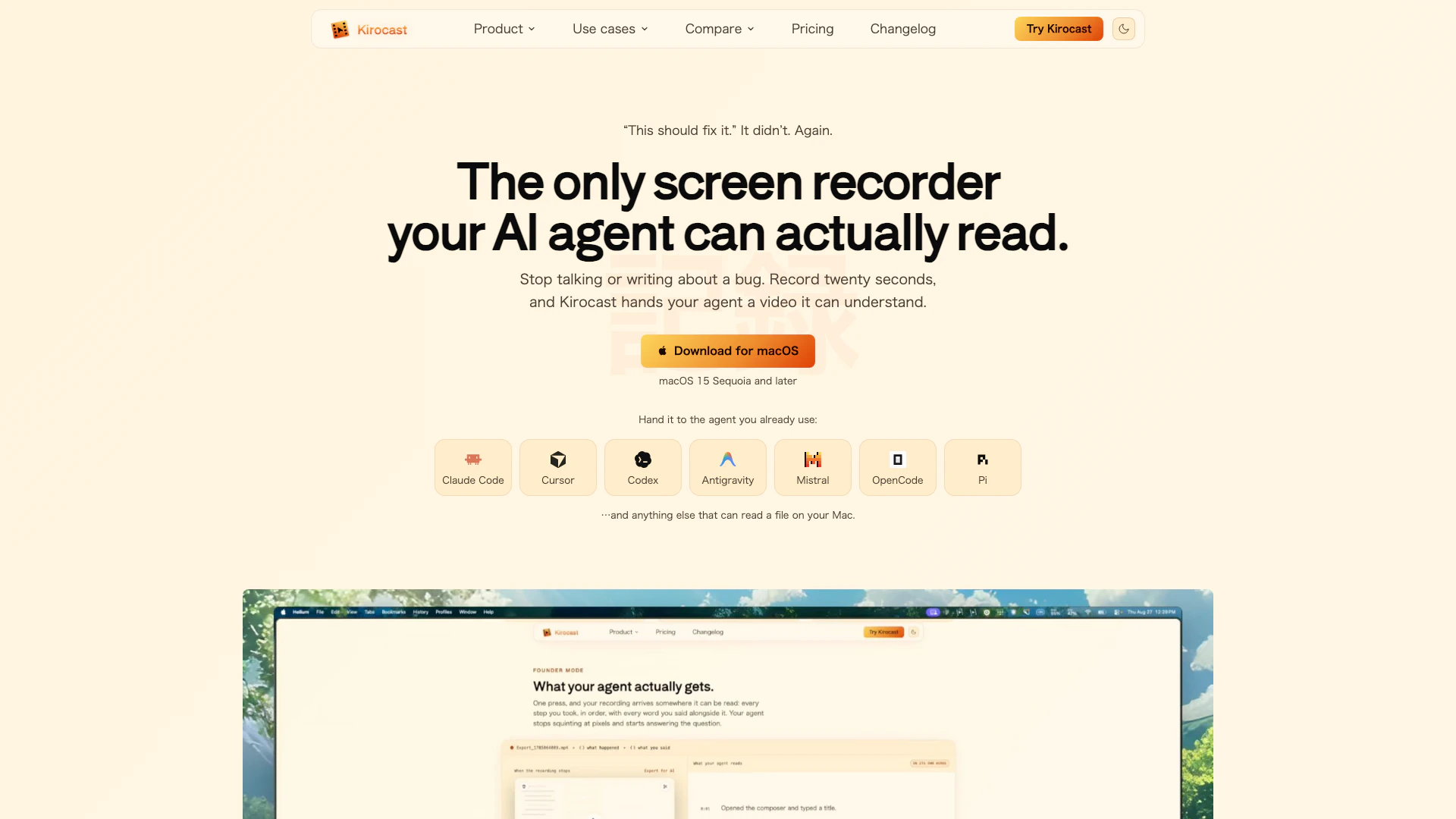
Kirocast is a powerful screen recording tool designed specifically for macOS users, enabling them to capture their screen activity, including audio, clicks, and verbal explanations, all in a user-friendly format. The tool is built to enhance communication between developers and users by providing precise recordings that can be easily parsed by AI agents. Kirocast streamlines the process of reporting bugs and creating product demos, ensuring that every detail is captured accurately and efficiently. With its focus on privacy and local processing, Kirocast stands out as an essential tool for anyone looking to improve their software development and demonstration processes.
How to use Kirocast?
- Download and install Kirocast from the official website on your Mac.
- Open Kirocast and set up your recording preferences, including audio settings and video quality.
- Press the record button to start capturing your screen, and perform the actions you want to demonstrate or report.
- Once finished, stop the recording, and Kirocast will automatically process the video, including smart annotations and captions.
- Review the recording, make any necessary edits, and export the video along with the accompanying data for your AI agent.
What are the main features of Kirocast?
- Local-first app: All recordings, edits, and exports are done on your Mac, ensuring privacy and data ownership.
- Automatic zoom: Kirocast automatically zooms in on your actions once you stop recording, creating a cinematic demo experience.
- Smart annotations: Easily highlight important areas on your screen during recording, which Kirocast captures and allows you to edit later.
- On-device transcription: Kirocast transcribes your audio locally, with automatic captioning that highlights spoken words in real-time.
- Privacy masks: Blur sensitive information before exporting, maintaining confidentiality throughout the process.
- Offline functionality: Record and edit without needing an internet connection, making it ideal for use in various environments.
Who is Kirocast for?
Kirocast is ideal for software developers, product managers, and technical support teams who need to communicate effectively about bugs, features, and user experiences. It is particularly useful for those who work in fast-paced environments where clear documentation and communication are critical. Additionally, Kirocast serves educators and trainers who want to create instructional content for their students or new employees, making it a versatile tool for various professional scenarios.
What are the use cases of Kirocast?
- Debugging UI issues: Quickly record and demonstrate bugs or glitches in software applications to help developers understand and fix issues.
- Creating product demos: Use Kirocast to record product features and functionality, adding annotations and captions for clearer communication during presentations.
- Training and onboarding: Create instructional videos for training new employees or users, showcasing how to navigate and use software effectively.
Kirocast Pros and Cons
Pros
- Comprehensive Recording Features: Kirocast allows users to record their screen along with audio and actions, providing a comprehensive overview of the issue being reported.
- Automatic Captions and Annotations: The app provides automatic captions and annotations, enhancing the clarity and effectiveness of the recorded demos.
- Optimized for Mac Performance: Kirocast is optimized for Mac, utilizing Apple silicon for fast encoding and efficient battery usage.
- Local-First Privacy: All recordings and data processing occur locally on the user's Mac, ensuring privacy and data security.
Cons
- Platform Limitation: The app requires macOS 15 Sequoia or later, limiting its use to newer Mac systems.
- Required User Knowledge: Users need to have a basic understanding of screen recording and editing to fully utilize Kirocast's features.
Kirocast Pricing
Personal
Get Kirocast Personal for $39 during launch. One payment, and every update is included. Launch price — first 500 customers. Save $10. Kirocast license, including all updates. All features included. Use on 1 device. Local, on-device processing.
Teams
Teams pricing is planned at $35 per seat per year with a 3-seat minimum. Planned team features include shared brand presets, seat management and license assignment, invoicing and purchase orders.
For the latest pricing, please visit this link: https://kirocast.com/pricing
Prices are subject to change. Please visit the official website for the most up-to-date pricing information.