Keyframes





What is Keyframes?
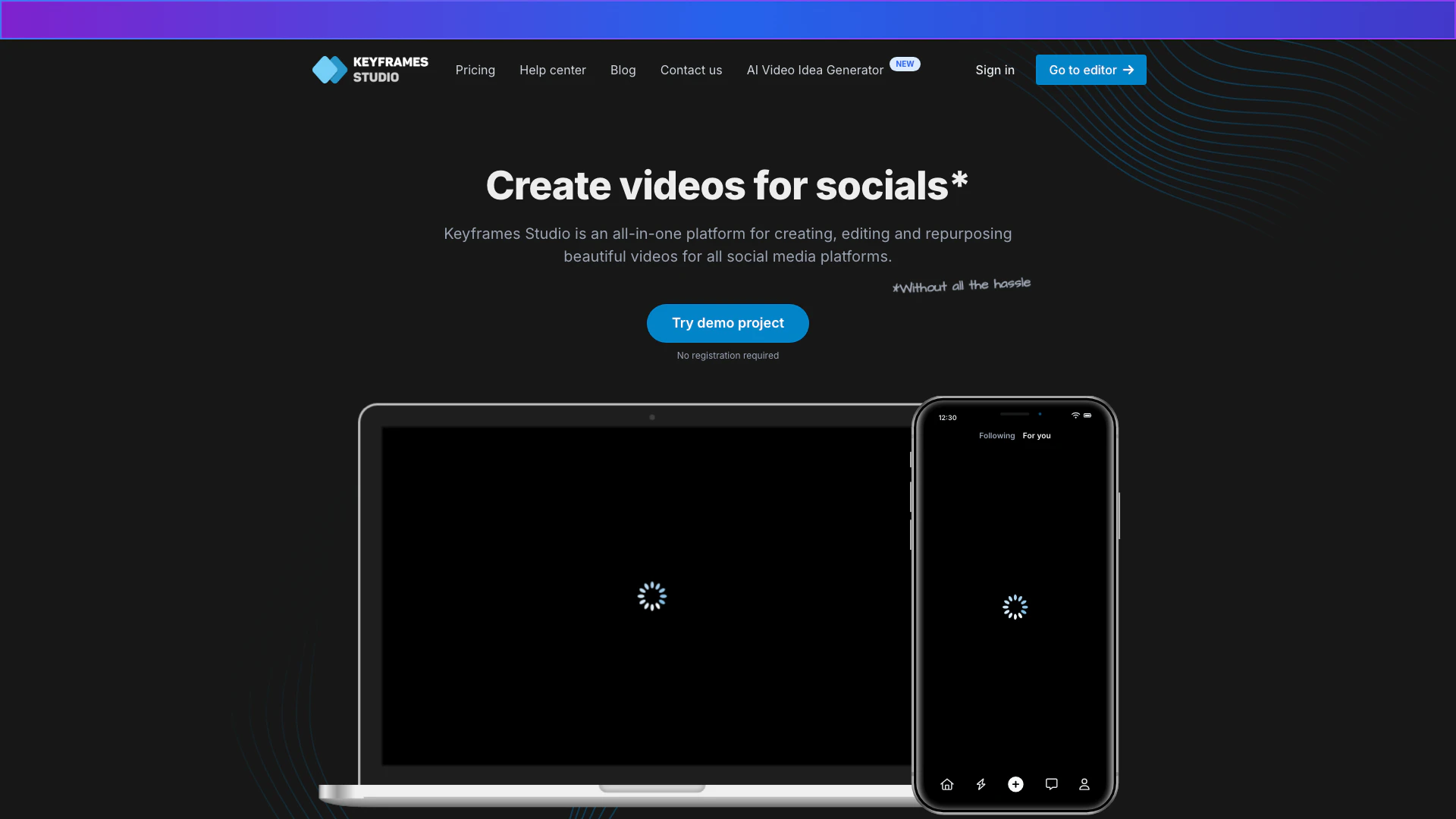
Keyframes is an innovative online video editing[1] platform designed specifically for creating and repurposing videos for social media[2] in just five minutes. It eliminates the hassle of searching for aspect ratios and mastering complex video editing software. With Keyframes, users can effortlessly generate engaging video content with a few clicks, making it ideal for content creators and marketers looking to enhance their social media presence.
How to use Keyframes?
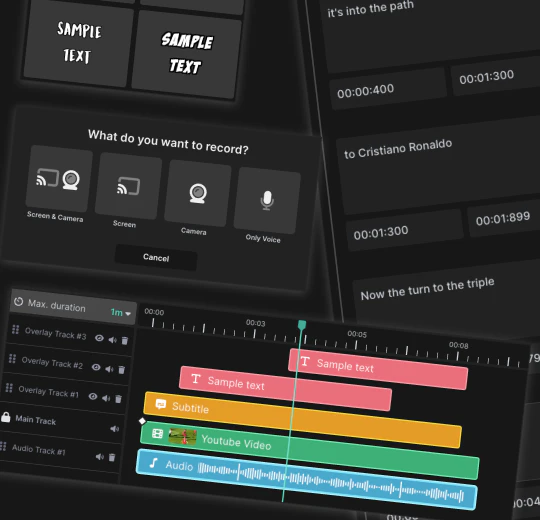
- Provide some media: Upload your own videos or record directly from your screen and camera.
- Set Keyframes: Control the camera movement to create a visually appealing narrative.
- Export: Download your completed video or share it directly to your social media platforms.
What are the main features of Keyframes?
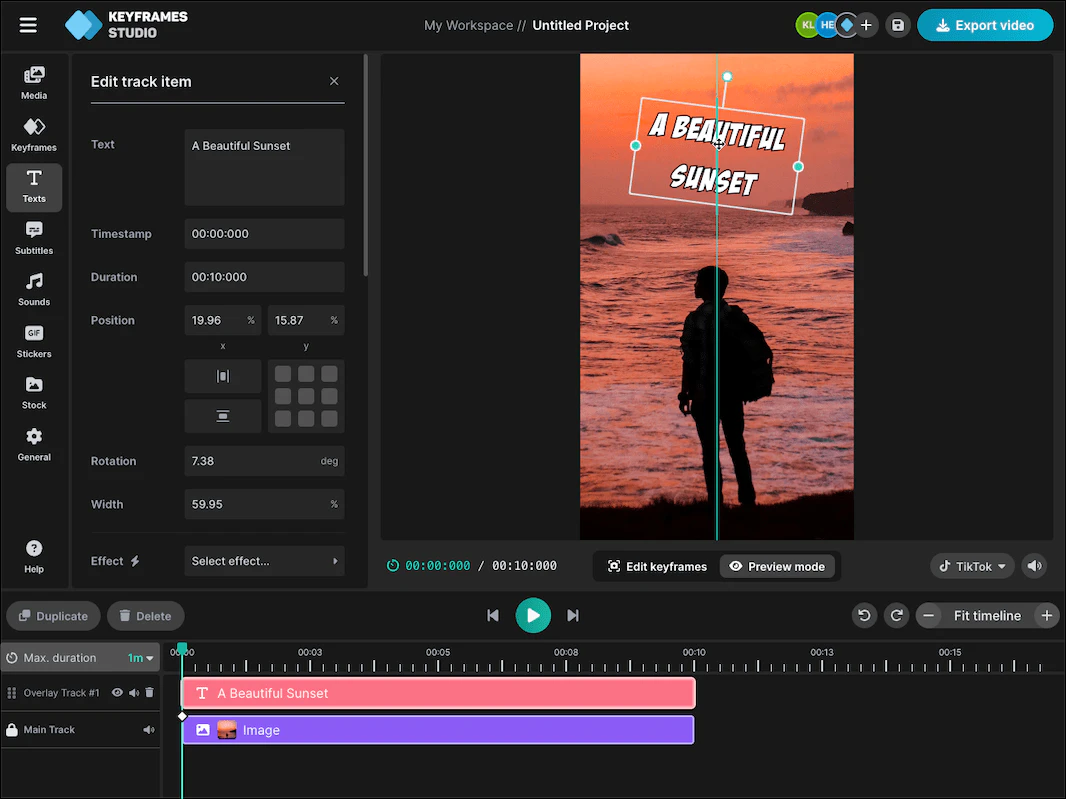
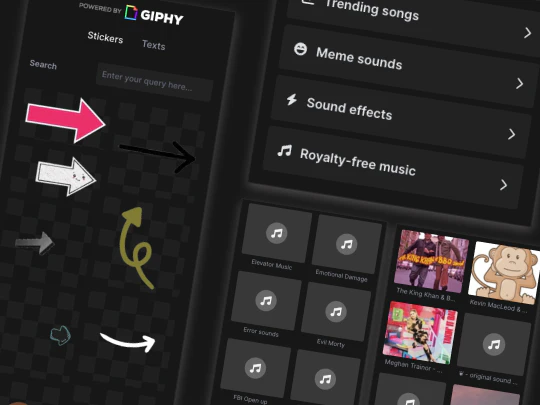
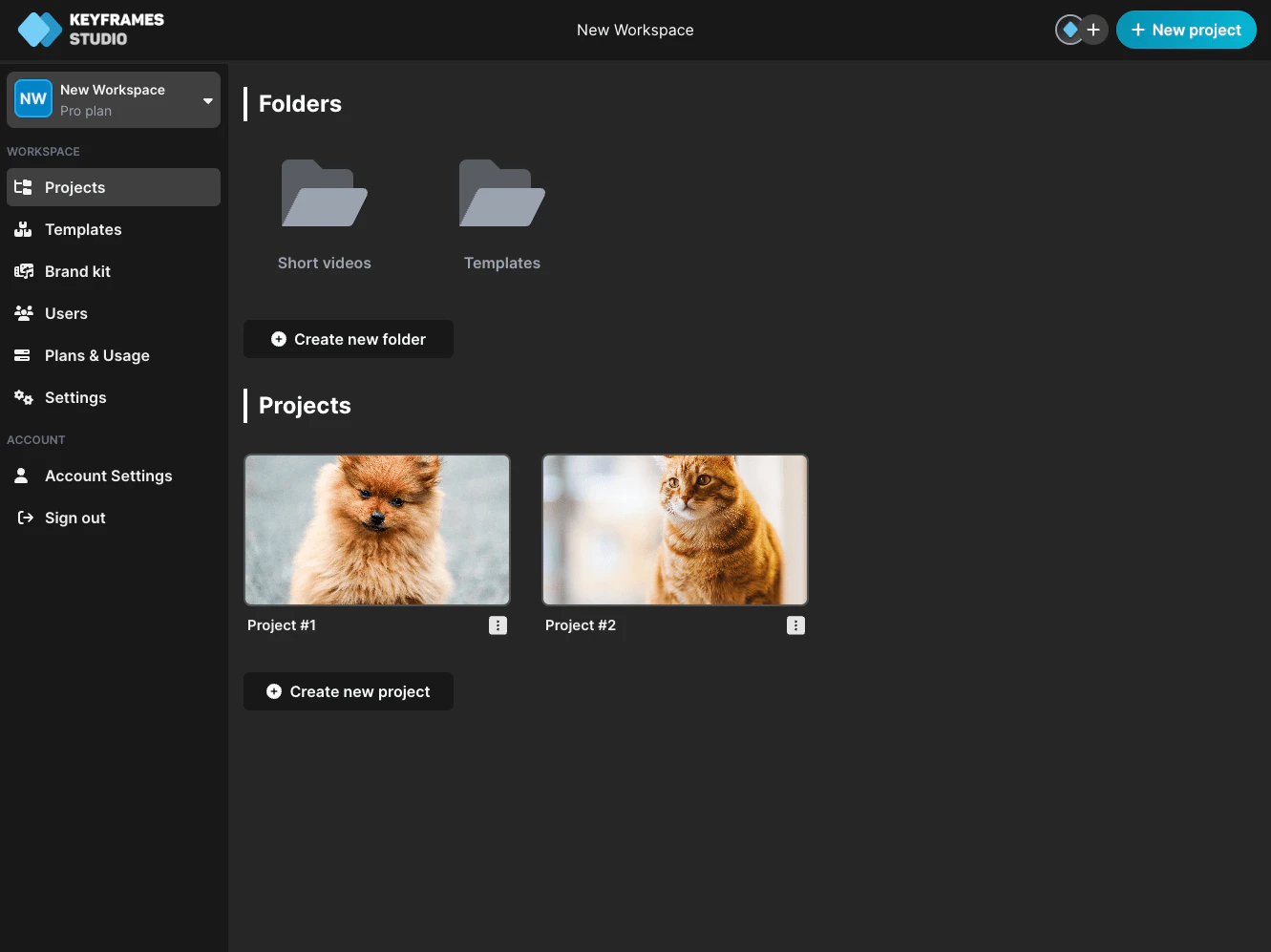
Keyframes offers a variety of powerful features to enhance video creation: - Easy-to-use editor[5]: No prior editing experience is needed; features like resize, trim, and cut are intuitive. - Automatic subtitle generation: Generate subtitles in minutes across 12 supported languages, enhancing accessibility and engagement. - Integration of media libraries[3]: Access stock images, videos, and curated sounds to make videos more dynamic. - Collaboration tools[4]: Invite team members to work on projects together, facilitating seamless collaboration.
Who is Keyframes for?
Keyframes is tailored for a diverse audience, including: - Content creators: Ideal for vloggers, podcasters, and social media influencers who need quick and engaging video solutions. - Digital agencies: Perfect for marketers and social media agencies looking to streamline video production and maintain brand consistency. - General users: Anyone interested in creating videos for personal or professional purposes will find Keyframes easy to navigate and effective.
What are the use cases of Keyframes?
Keyframes can be utilized in various scenarios, including: 1. Creating promotional videos: Businesses can quickly create engaging promotional content for their products or services. 2. Social media content generation: Users can develop eye-catching videos tailored for platforms like Instagram, TikTok, and Facebook. 3. Educational video production: Educators can produce how-to videos or instructional content efficiently, making learning more accessible.
Product Images

Keyframes Pros and Cons
Pros
- User-Friendly Interface: Keyframes Studio offers an intuitive and easy-to-use editor, allowing users with no prior editing experience to create videos effortlessly.
- AI-Powered Features: The platform utilizes AI to automate tasks like subtitle generation and keyframe creation, significantly reducing the time needed for video production.
- Versatile Content Creation: Keyframes Studio supports various media formats and provides templates, making it suitable for different types of content creators, from vloggers to digital agencies.
Cons
No cons data detected for this tool
Keyframes Pricing
Starter
The quickest way to start creating content for social media. Unlimited projects, 5 seats, 20 GB storage, 60 min subtitles/month, 30 min AI generation/month, no brand kit, no watermark.
Professional
More power for businesses, agencies looking to improve their organizational efficiency. Unlimited projects, 20 seats, 50 GB storage, 120 min subtitles/month, 60 min AI generation/month, brand kit included, no watermark.
Enterprise
Custom solutions tailored to your needs. Unlimited projects, custom seats, custom storage, custom subtitles, custom AI generation, brand kit included, no watermark.
For the latest pricing, please visit this link: https://keyframes.studio/pricing
Prices are subject to change. Please visit the official website for the most up-to-date pricing information.
Analytics of Keyframes
Keyframes Website Traffic Analysis
Visits Over Time
Traffic Sources
Nov 2025 - Jan 2026 Worldwide Desktop Only
- Search: 46.71%
- Direct: 28.68%
- Referrals: 13.71%
- Social: 8.11%
- Paid Referrals: 1.50%
- Mail: 0.17%
Top Keywords
| Keyword | Volume | CPC | Estimated Value |
|---|---|---|---|
| keyframes | 6.15K | $0.72 | $320.00 |
| keyframe studios | 60 | $0.00 | $60.00 |
| keyframe.studio | 50 | $0.00 | $50.00 |
| keyframe studio | 50 | $0.00 | $40.00 |
| keyframe ai | 20 | $0.00 | $20.00 |
Keyframes Reviews
Our team's secret weapon for social media videos. Clean, intuitive, and loaded with snazzy templates. If you need a video tool that is like a Swiss Army Knife, Keyframes Studio is your jam.
Keyframes Studio makes it so much easier for us to create engaging how-to-videos to share with our audience. Gone are the days where we need to whip up our phones to record the screen!
For more reviews, visit this link: https://keyframes.studio#reviews