Kapkapai
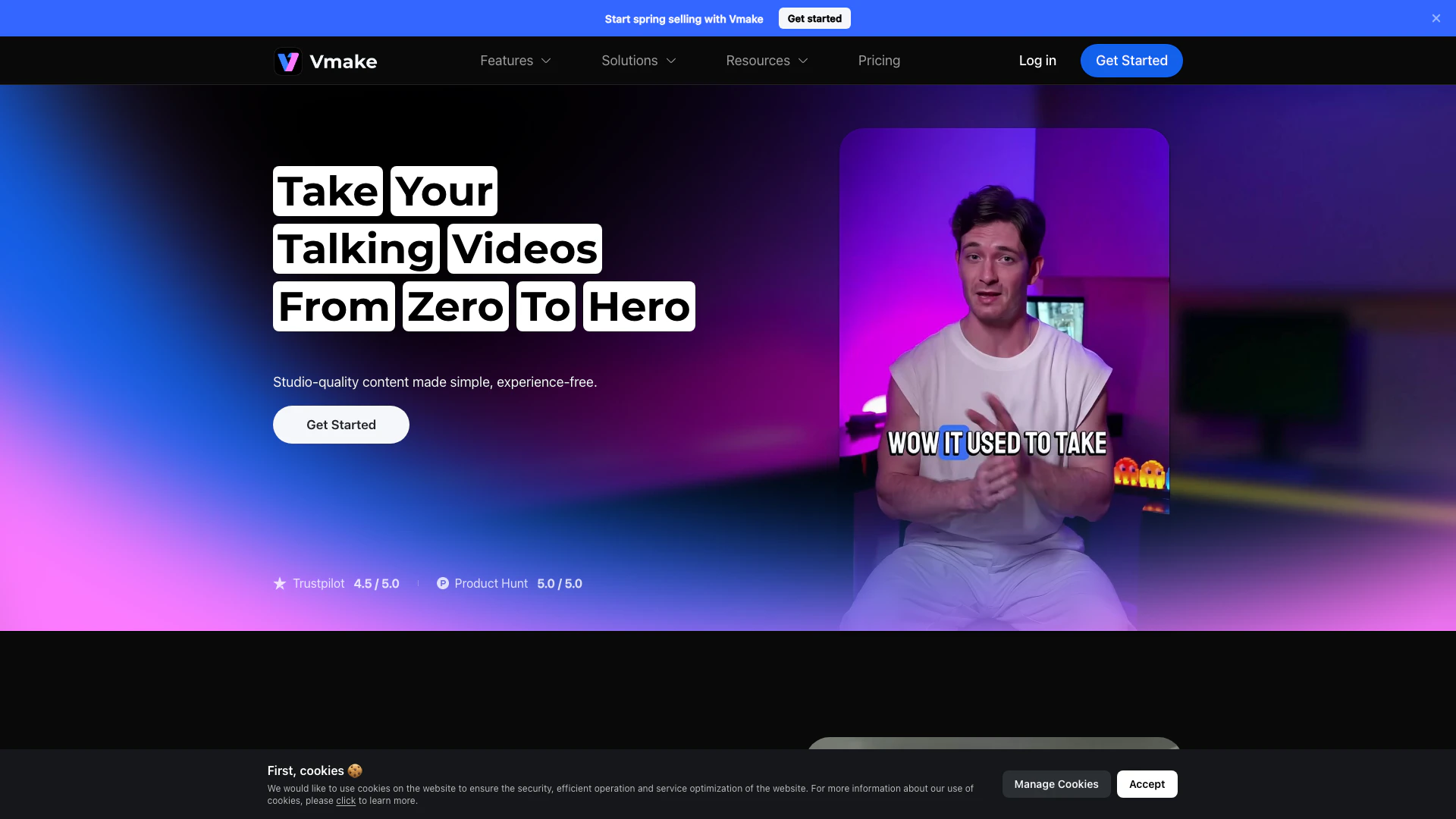



What is Kapkapai?
Kapkapai is a specialized video editing tool designed for creating talking head videos. It simplifies the process of video editing, enabling users to generate creative ideas effortlessly. With its user-friendly interface and advanced features, Kapkapai empowers content creators to produce high-quality videos quickly and effectively, making it an essential tool for anyone looking to enhance their video content.
How to use Kapkapai?
- Sign up or log in to your Kapkapai account on the official website or mobile app.
- Upload your video footage to the platform.
- Utilize the auto-caption feature to generate captions for your talking head videos with just one click.
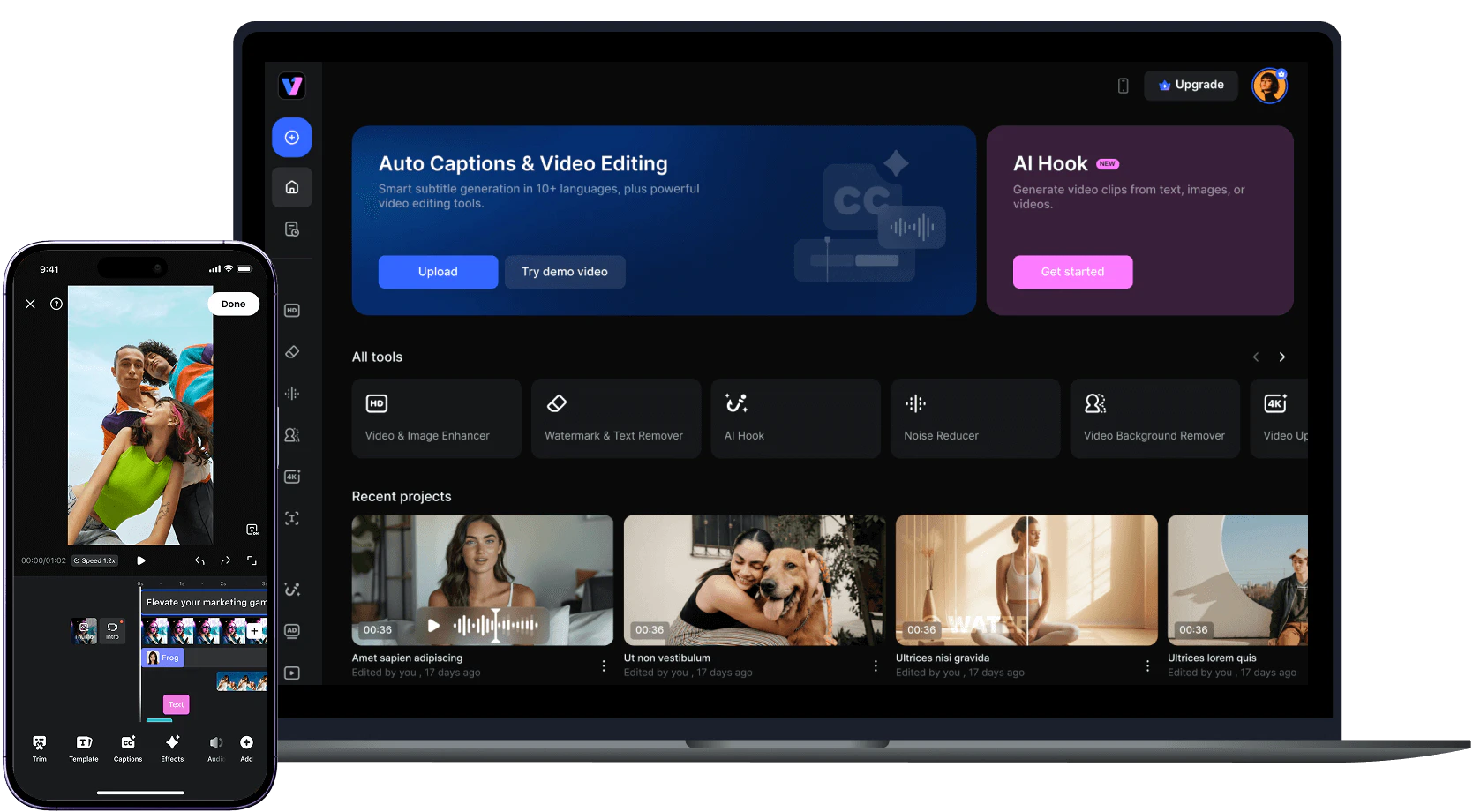
- Edit your video using the various tools available, such as background removal, video enhancement, and text editing.
- Once satisfied with your edits, export the video in your desired format and share it on your preferred platforms.
What are the main features of Kapkapai?
- AI video editing capabilities for seamless integration of effects and transitions.
- Auto captions that generate accurate subtitles to enhance accessibility.
- Background removal to create cleaner and more professional-looking videos.
- Video enhancement tools that improve video quality and clarity.
- Watermark and text remover to eliminate unwanted elements from your videos.
Who is Kapkapai for?
Kapkapai is tailored for content creators, marketers, educators, and anyone involved in video production who wants to create engaging talking head videos. It is particularly beneficial for social media influencers, online course creators, and businesses looking to enhance their video marketing strategies. The tool's intuitive design makes it accessible for users of all skill levels, from beginners to experienced video editors.
What are the use cases of Kapkapai?
- Creating engaging social media videos that capture audience attention quickly.
- Producing educational content for online courses, enhancing learning experiences with clear visuals and captions.
- Developing promotional videos for products or services, helping to increase conversion rates through high-quality visuals.
Product Images

Kapkapai Pros and Cons
Pros
- AI Video Editing Features: Kapkapai offers advanced AI video editing features, including auto captions, video background removal, and watermark removal, making it easy to enhance video quality.
- User-Friendly Interface: The tool is designed for ease of use, allowing users to create professional-looking talking head videos without prior editing experience.
- Versatile Use Cases: Kapkapai caters to various industries such as fitness, e-commerce, and real estate, providing tailored solutions for different video content needs.
Cons
No cons data detected for this tool
Kapkapai Pricing
Pro
4500 credits/month. 50 files/day for Quality Enhancer, Watermark & Text Remover, Video Background Remover, Noise Reducer, Video Upscaler. 50 files/day for Video & Audio to Text. Video Editing available. Auto captions with all styles available + custom templates. Video Export 1080p, 2K. AI Thumbnail: 50 per day, all styles available. AI Animation: 1080p, Commercial Use. AI Creative Ads: 1080p, Commercial Use.
For the latest pricing, please visit this link: https://vmake.ai/pricing
Prices are subject to change. Please visit the official website for the most up-to-date pricing information.