

Jit




What is Jit?
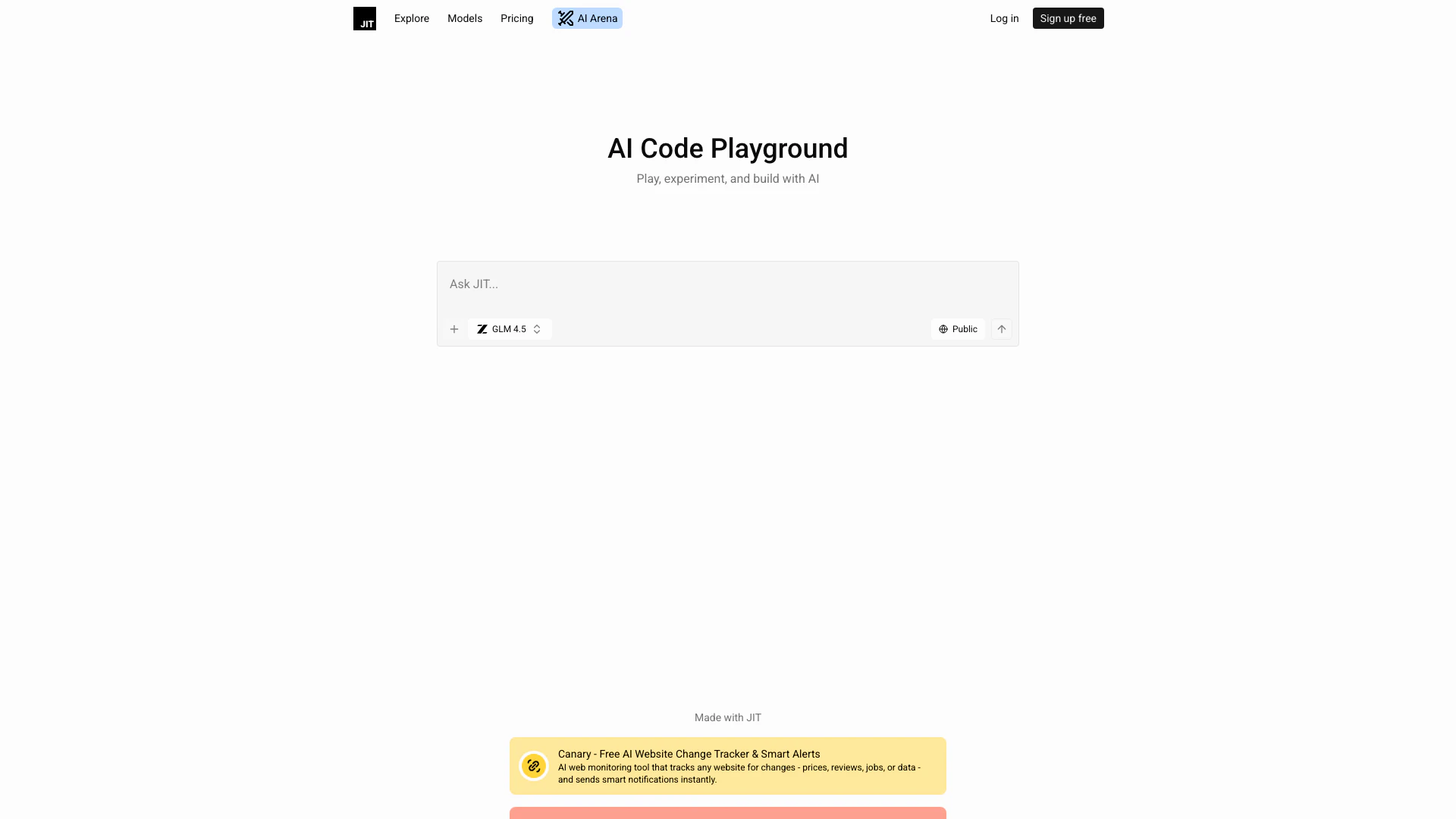
Jit is an innovative AI code playground[1] designed for users to play, experiment, and build with artificial intelligence. It serves as a versatile platform where developers, hobbyists, and learners can create and test their AI projects in a collaborative environment. With its user-friendly interface and robust features, Jit empowers users to explore the capabilities of AI and enhance their coding skills while working on real-time projects.
How to use Jit?
- Sign Up or Log In: Visit the Jit website and create an account or log in if you already have one.
- Create a New Project: Navigate to the code playground and select 'Create New Project' to start a new AI project.
- Experiment with Code: Use the provided tools and features to write and test your code in real-time. Jit supports multiple programming languages and offers a live preview[3] of your work.
- Collaborate: Invite others to collaborate on your project by sharing links and enabling real-time editing.
- Deploy Your Project: Once satisfied with your creation, use the auto-deploy feature to launch your project online.
What are the main features of Jit?
- Multi-language Support[2]: Code in various programming languages seamlessly.
- Live Preview: See changes in real-time as you code.
- Collaboration Tools[4]: Work with others in real-time, share links, and edit collaboratively.
- Versioning[5]: Keep track of your project changes with version control.
- Auto-Deploy: Deploy your projects quickly with a single click.
- Community Resources: Access a wealth of community-generated content and examples.
Who is Jit for?
Jit is tailored for a diverse audience, including software developers, AI enthusiasts, educators, and students. It is ideal for anyone looking to experiment with AI technologies, collaborate on coding projects, or learn programming in a hands-on environment. Whether you are a beginner wanting to explore coding or an experienced developer seeking a platform to innovate and share, Jit provides the tools and community support you need.
What are the use cases of Jit?
- Prototyping AI Models: Quickly build and test AI models for various applications.
- Educational Projects: Use Jit as a teaching tool in classrooms to demonstrate coding and AI concepts.
- Collaborative Coding: Work on group projects where multiple users can contribute and edit code in real-time.
- Web Development: Create and deploy interactive web applications and tools using Jit’s features.
Product Images




Jit Pros and Cons
Pros
- Versatile AI Code Playground: Jit offers a flexible platform for users to play, experiment, and build various AI projects, enhancing creativity and innovation.
- Real-time Collaboration: The tool supports real-time editing and collaboration, allowing multiple users to work together seamlessly on projects.
- Comprehensive Feature Set: Jit includes features like live preview, versioning, and multi-model support, making it a powerful tool for developers.
Cons
No cons data detected for this tool
Jit Pricing
Free Plan
Sign up for free and start using JIT with basic features.
Pro Plan
Unlock advanced features, priority models, and private code.
For the latest pricing, please visit this link: https://jit.codes/
Prices are subject to change. Please visit the official website for the most up-to-date pricing information.




