Jagodana


What is Jagodana?
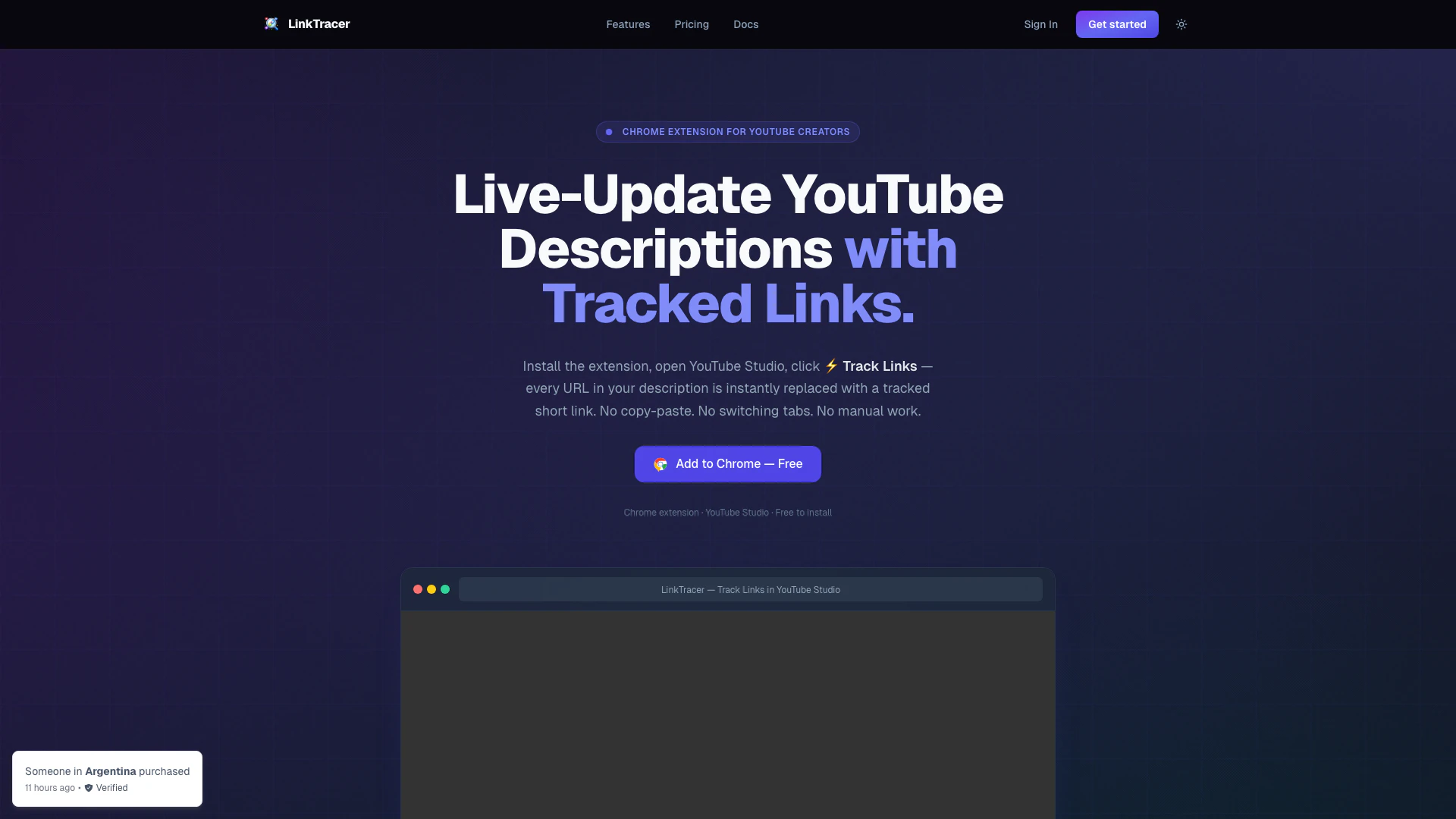
Jagodana is a powerful Chrome extension designed specifically for YouTube creators, enabling them to track links in their video descriptions effortlessly. By integrating seamlessly with YouTube Studio, Jagodana allows users to replace standard URLs with tracked short links in real-time, providing valuable insights into link performance without the need for manual copy-pasting or switching tabs. This tool is essential for creators who want to optimize their content and understand audience engagement through detailed analytics.
How to use Jagodana?
- Install the Extension: Add the Jagodana extension to your Chrome browser. Sign in with your account to activate it.
- Open YouTube Studio: Navigate to the Details page of any video in YouTube Studio. The extension will automatically detect the description editor and identify trackable URLs.
- Track Links: Click the ⚡ Track Links button. All URLs in your description will be replaced with tracked short links instantly, and analytics will begin to roll in without any manual effort.
What are the main features of Jagodana?
- Automatic Link Detection: Instantly detects and queues every URL in your content for tracking.
- Real-Time Click Analytics: Provides immediate insights on link performance, including total clicks and referrer data.
- Multi-Source Tracking: Enables tracking across various platforms such as YouTube, blogs, email newsletters, and social media.
- Role-Based Access Control: Allows team collaboration with different access levels (Admin, Editor, Viewer) to keep data secure.
- One-Click Copy: Simplifies the process of copying optimized content back to your editor or YouTube Studio.
Who is Jagodana for?
Jagodana is tailored for YouTube creators, digital marketers, content strategists, and anyone who produces online content that includes links. It is particularly beneficial for creators looking to enhance their audience engagement by understanding which links perform best. Whether you're a solo creator or part of a team, Jagodana provides the tools necessary to streamline link tracking and optimize content strategies.
What are the use cases of Jagodana?
- YouTube Video Descriptions: Automatically track and analyze links in video descriptions to see which content drives the most traffic.
- Blog Posts: Use Jagodana to manage and track links within blog content, gaining insights into reader behavior and link performance.
- Email Newsletters: Enhance email marketing efforts by tracking links in newsletters, allowing for better understanding of audience engagement and preferences.
Jagodana Pros and Cons
Pros
- Automatic Link Detection: Automatically detects and queues all URLs in YouTube descriptions, blog posts, and newsletters for tracking, saving time and effort.
- Real-Time Click Analytics: Provides real-time analytics on link performance, including total clicks, referrers, and geographic data, helping creators understand audience engagement.
- One-Click Copy Back: Allows users to optimize content and copy it back with all tracked links replaced, ready for immediate use in YouTube Studio or other editors.
Cons
No cons data detected for this tool
Jagodana Pricing
Free Plan
Start free and scale as you grow. Upgrade, downgrade, or cancel anytime.
For the latest pricing, please visit this link: https://social-link-tracer.jagodana.com/#pricing
Prices are subject to change. Please visit the official website for the most up-to-date pricing information.