Imgenhancer





What is Imgenhancer?
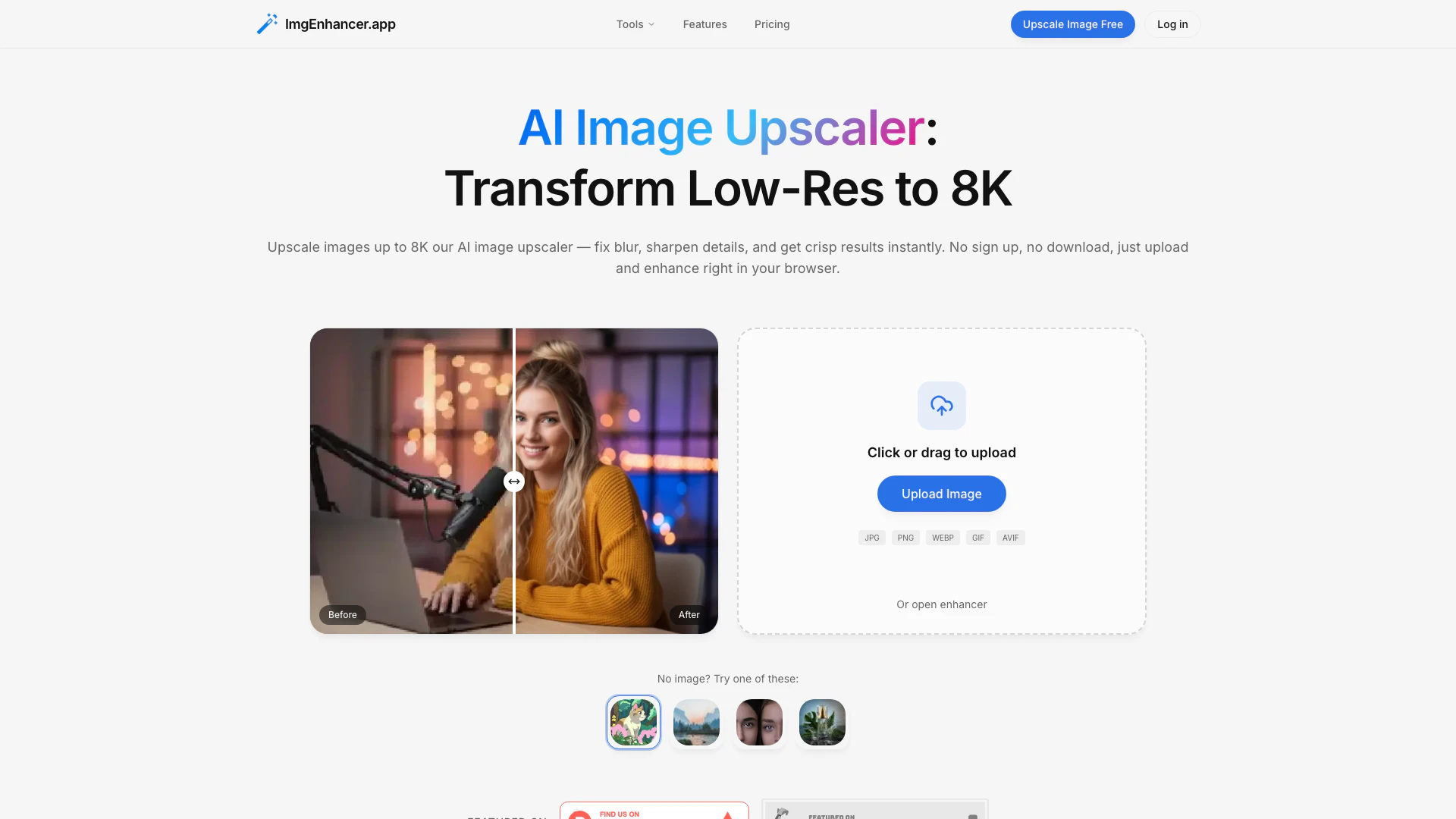
Imgenhancer is an advanced AI image upscaling tool designed to transform low-resolution images into high-quality, upscaled versions up to 8K resolution. It utilizes cutting-edge artificial intelligence technology to enhance image clarity, reduce noise, and sharpen details, making it ideal for various applications such as e-commerce, photography, and social media. With no sign-up required, users can easily upload images directly in their web browser and receive instant enhancements without the need for complex software or prior skills.
How to use Imgenhancer?
- Upload Image: Go to the Imgenhancer website and upload any JPG, PNG, or WEBP image file without needing to create an account.
- AI Upscale: Select your desired target size (1K, 2K, 4K, or 8K) and click the start button. The AI will process your image in just a few seconds.
- Download Result: Once the processing is complete, download your high-resolution, upscaled image for use in web, print, or social media.
What are the main features of Imgenhancer?
- 8K Resolution Output: Provides high-quality upscaling up to 8K resolution, ensuring that images retain natural edges and textures.
- Fast Processing: Delivers results in seconds, thanks to an optimized AI pipeline.
- User-Friendly Interface: Designed for ease of use, allowing anyone to upscale images without prior experience.
- Multiple Format Support: Accepts various image formats including JPG, PNG, and WEBP.
- Privacy Focused: Ensures that user images are not stored long-term and offers options for data deletion.
Who is Imgenhancer for?
Imgenhancer is tailored for a wide range of users including e-commerce sellers, photographers, social media creators, and marketing professionals. It is particularly beneficial for anyone needing to enhance image quality for online listings, portfolios, advertisements, and social media posts. The tool is designed to meet the demands of both casual users and professionals who require high-quality images without the hassle of complex software.
What are the use cases of Imgenhancer?
- E-commerce: Upscale product images to improve clarity and increase buyer confidence.
- Photography: Enhance challenging shots by reducing noise and maintaining detail for portfolios and client presentations.
- Marketing: Create sharper ad creatives for banners and landing pages, ensuring typography and product details are clear.
Product Images





Imgenhancer Pros and Cons
Pros
- High-Quality Upscaling: ImgEnhancer allows users to upscale images up to 8K resolution, ensuring sharp and natural details are preserved.
- Fast Processing Speed: The tool processes images in seconds, providing quick results without long waiting times.
- User-Friendly Interface: No sign-up is required, and the interface is simple, allowing users to upload and enhance images easily.
- Multiple Format Support: Supports various image formats including JPG, PNG, and WEBP, making it versatile for different use cases.
Cons
No cons data detected for this tool
Imgenhancer Pricing
Free
Limited trial for personal use only with a non-commercial license.
Subscription Plan
Best value plan with commercial license included. Billed yearly, auto-renews. Includes fast upscale, remove background, and restore old photo features.
One Time Payment
Purchase credits once and use anytime. Credits never expire, no subscription required.
500 Credits
Purchase 500 credits for use with various tools.
1,000 Credits
Purchase 1,000 credits for use with various tools.
2,000 Credits
Purchase 2,000 credits for use with various tools.
5,000 Credits
Purchase 5,000 credits for use with various tools.
10,000 Credits
Purchase 10,000 credits for use with various tools.
For the latest pricing, please visit this link: https://imgenhancer.app/pricing
Prices are subject to change. Please visit the official website for the most up-to-date pricing information.
Imgenhancer Reviews
I upscale product images before every listing — edges and textures look noticeably sharper.
The AI upscale is natural — textures stay real without over-sharpening.
I can start right away and upscale images fast, which helps me keep my posting schedule.
For more reviews, visit this link: https://imgenhancer.app#reviews