
Imaginex





What is Imaginex?
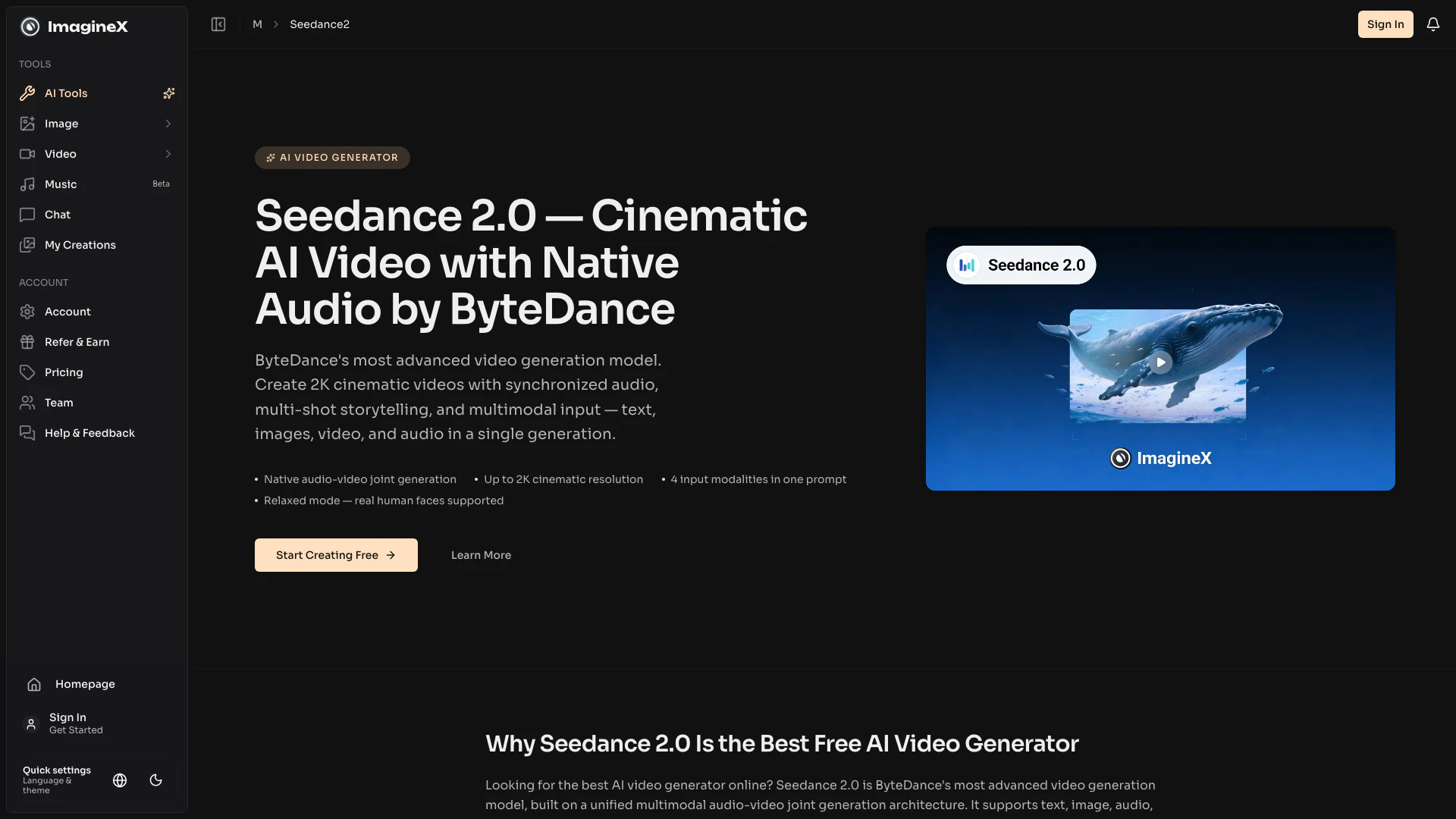
Imaginex is an innovative video creation tool that leverages advanced AI technology to produce cinematic 2K videos with ease. Powered by Seedance 2.0 from ByteDance, it allows users to combine various input modalities such as text prompts, images, videos, and audio tracks to create high-quality video content. With its user-friendly interface and powerful features, Imaginex enables creators to generate visually stunning narratives while maintaining precise control over every aspect of the video production process.
How to use Imaginex?
- Write Your Prompt — Describe the video scene in detail: characters, actions, camera angles, mood, and audio. Reference uploaded assets using [image N], [video N], [audio N] by upload order.
- Add Reference Inputs — Upload reference images (up to 9), video clips (up to 3), or audio tracks (up to 3) to guide character appearance, motion style, video editing, or audio synchronization.
- Select Settings — Choose resolution (up to 2K), aspect ratio (16:9, 9:16, 4:3, 3:4, 21:9, or 1:1), and video duration up to 20 seconds.
- Generate & Download — Seedance 2.0 produces complete audiovisual content in a single generation pass. Download your video with synchronized audio, ready for publishing or further editing.
What are the main features of Imaginex?
- Unified multimodal architecture accepting text, images, videos, and audio inputs.
- Native audio-video joint generation for synchronized sound and visuals.
- Advanced video editing capabilities with natural language instructions.
- Video extension and track fill for seamless transitions between clips.
- In-video text generation for adding titles, subtitles, and speech bubbles.
- Relaxed mode for generating real human faces with higher success rates.
- Multi-shot storytelling for coherent narratives across various scenes.
- Physics-aware motion for realistic object interactions and movement.
- Advanced camera control for complex cinematographic techniques.
Who is Imaginex for?
Imaginex is designed for a wide range of users, including filmmakers, marketers, content creators, and educators who seek to create high-quality video content without the need for extensive technical skills. It is particularly beneficial for those looking to produce cinematic short films, marketing videos, social media content, and educational materials, allowing them to express their creativity through visually engaging narratives.
What are the use cases of Imaginex?
- Short Films — Produce multi-shot narrative sequences with consistent characters, professional editing, and synchronized dialogue.
- Marketing Videos — Create product reveal sequences, brand storytelling, and ad creatives with cinematic quality.
- Video Editing — Replace subjects, swap products, add or remove elements in existing footage without re-shooting.
- Video Extension — Extend clips or stitch multiple shots into longer sequences with seamless AI transitions.
- Social Content — Produce scroll-stopping short-form videos with slogans, subtitles, and native audio.
Imaginex Pros and Cons
Pros
- Unified Multimodal Input: Seedance 2.0 supports multiple input types, including text, images, videos, and audio, allowing for versatile and creative video production.
- Advanced Audio-Video Synchronization: The tool generates synchronized audio and video in a single pass, ensuring accurate lip-syncing and seamless integration of sound and visuals.
- Natural Language Editing: Users can edit videos using natural language commands, making it accessible for those without technical video editing skills.
- Real Human Face Generation: Seedance 2.0's Relaxed mode allows for the generation of realistic human faces, enhancing the quality of video content.
Cons
No cons data detected for this tool
Imaginex Pricing
Free Plan
Create cinematic 2K videos with Seedance 2.0 by ByteDance. Native audio, multi-shot narratives, 4 input modalities. Try free online now.
For the latest pricing, please visit this link: https://imaginex.video/m/seedance2
Prices are subject to change. Please visit the official website for the most up-to-date pricing information.