Imagetoimageaiai



What is Image to Image AI?
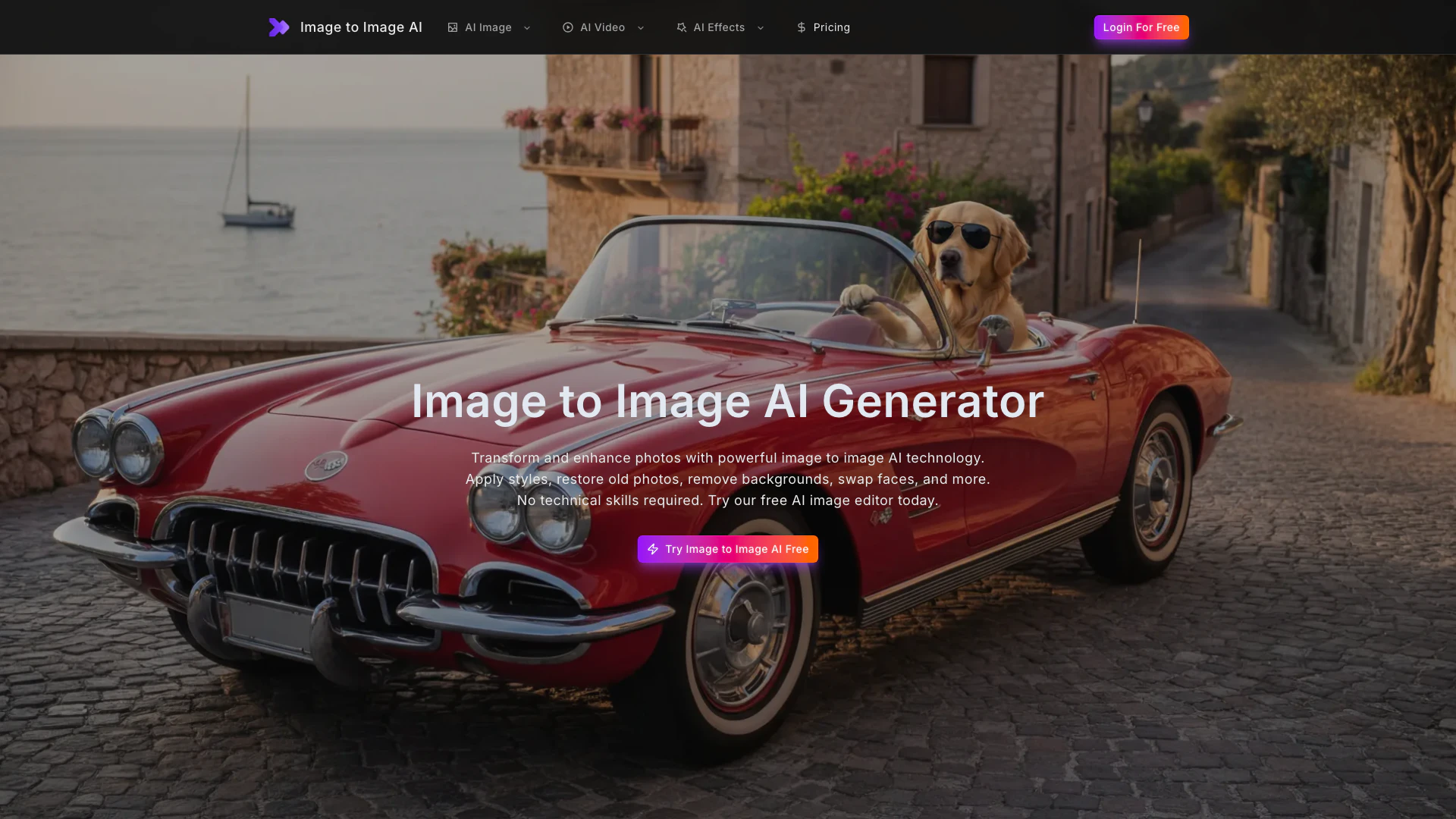
Image to Image AI is a free online image generator[1] and editor that leverages advanced artificial intelligence technology to transform and enhance photos. This tool allows users to perform a variety of tasks including face swap[2]ping, restoring old photos, removing backgrounds, upscaling images, and applying artistic styles. Designed for ease of use, Image to Image AI requires no technical skills, making it accessible for everyone, from casual users to professional creators. With its comprehensive suite of features, users can achieve professional-quality results in just seconds.
How to use Image to Image AI?
To use Image to Image AI, follow these simple steps: 1. Upload Your Photo: Start by uploading the image you wish to transform. The platform supports various formats, including JPG, PNG, and WEBP. 2. Select Transformation: Choose the desired feature from the options available, such as face swap, photo restoration[3], background removal[4], or style transfer[6]. 3. Download Results: Once the transformation is complete, preview your image and download it in high resolution for use in any personal or commercial project.
What are the main features of Image to Image AI?
Image to Image AI offers a wide range of powerful features for photo transformation, including: - AI Image Enhancer: Automatically improves brightness, contrast, sharpness, and color balance. - AI Style Transfer: Applies iconic art styles to photos, such as oil painting and watercolor. - AI Face Swap: Seamlessly swaps faces between images. - Old Photo Restoration: Repairs and enhances old, damaged photos. - AI Image Upscaler: Upscales low-resolution images to high-definition quality. - AI Background Remover: Removes backgrounds with precision. - AI Watermark Remover: Erases unwanted marks from images. - AI Object Remover: Removes distractions from photos while filling in the background seamlessly. - AI Photo Colorizer[7]: Adds realistic colors to black and white photos. - AI Portrait Retouch: Enhances portraits for a professional finish. - AI Anime Converter: Transforms photos into anime-style artwork. - AI Cartoon Generator: Converts images into cartoon illustrations.
Who is Image to Image AI for?
Image to Image AI is designed for a diverse range of users, including: - Social Media Influencers: Those looking to create engaging content with unique visual transformations like face swaps and artistic styles. - Professional Photographers: Photographers who need quick and effective tools for photo restoration and enhancement. - E-commerce Sellers: Sellers who require efficient background removal and image upscaling[5] for product images. - Graphic Designers: Designers seeking to incorporate creative effects into their work without extensive manual editing. - Casual Users: Anyone wanting to enhance personal photos, restore memories, or create fun images without needing technical skills.
What are the use cases of Image to Image AI?
Image to Image AI can be used in various practical scenarios, such as: 1. Creating Social Media Content: Users can generate eye-catching posts with face swaps and artistic effects to engage their audience. 2. Restoring Family Photos: Individuals can bring old family photos back to life by repairing damage and enhancing colors. 3. E-commerce Image Preparation: Sellers can quickly remove backgrounds from product images to create a professional look for their online stores. 4. Graphic Design Projects: Designers can utilize the AI tools to create unique illustrations or enhance existing artwork. 5. Personal Projects: Casual users can experiment with fun effects like cartoonizing their photos or converting them into anime styles.
Product Images

Imagetoimageaiai Pros and Cons
Pros
- Comprehensive Toolset: Image to Image AI offers over 12 powerful features including face swap, photo restoration, and background removal, making it a versatile solution for various photo editing needs.
- User-Friendly Interface: The platform requires no technical skills, allowing users to easily upload photos and apply transformations with just a few clicks.
- High-Quality Outputs: The AI image editor delivers professional-quality results suitable for commercial use, enhancing images without compromising on detail.
Cons
No cons data detected for this tool
Imagetoimageaiai Pricing
Standard
Get Started with the Standard plan.
Premium
Get Premium with enhanced features.
Business
Get Business for advanced needs.
Enterprise
Get Enterprise for the highest level of service.
For the latest pricing, please visit this link: https://www.imagetoimageai.ai/pricing
Prices are subject to change. Please visit the official website for the most up-to-date pricing information.
Imagetoimageaiai Reviews
Honestly didn't expect the face swap to look this real. My followers thought I actually met the celebrities in my posts. The whole process takes about 10 seconds - I'm hooked.
A client brought in water-damaged photos from the 1960s. I ran them through the image to image AI restoration and the output was remarkable - scratches gone, colors restored, faces sharpened. Saved what would have been a 3-hour Photoshop job.
I switched from manual editing to this for my Etsy shop. Background removal on 200+ product photos used to take my whole weekend. Now I batch process them in under an hour, and the cutouts are cleaner than what I was doing by hand.
For more reviews, visit this link: https://www.imagetoimageai.ai#reviews