

Imagetodrawio
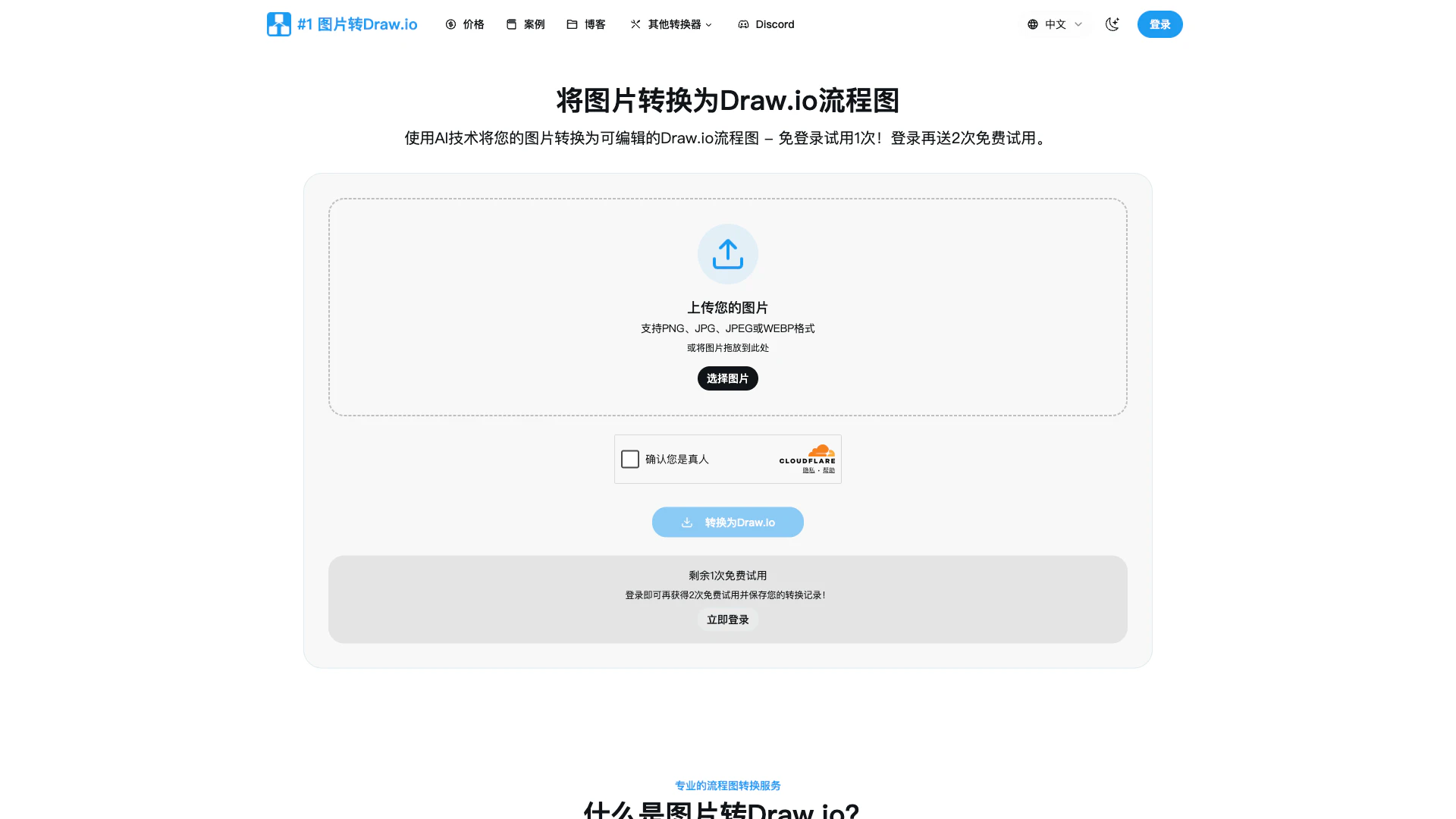




What is Imagetodrawio?
Imagetodrawio is an innovative tool that allows users to convert images into fully editable Draw.io diagrams with AI precision. This service is especially useful for transforming static diagrams captured in screenshots, whiteboard photos, or other image formats into dynamic, editable files compatible with Draw.io. By utilizing advanced AI technology, Imagetodrawio ensures accurate conversions that maintain the integrity of the original design, enabling users to make quick edits without starting from scratch. The tool is designed to enhance productivity for professionals who frequently work with diagrams and need a reliable solution for converting image-based content into editable formats.
How to use Imagetodrawio?
- Start Converting Immediately: No signup required! You can try one conversion for free without creating an account. If you enjoy the service, sign in with Google or GitHub to get two more free trials (total of three).
- Upload That Diagram Image: Drag and drop your diagram image onto the page. Imagetodrawio supports various formats like PNG, JPG, JPEG, and WEBP, making it easy to upload any diagram trapped in an image.
- Hit Convert. Save Hours: Click the 'Convert' button and watch as your static image transforms into an editable diagram in about 1-2 minutes.
- Edit Right Here. Export Anywhere: Your diagram opens in the embedded Draw.io editor, allowing immediate edits and export options.
- Your Conversion History Saves Your Butt: All conversions are saved in your account, so you can access and edit your diagrams anytime without using additional credits.
What are the main features of Imagetodrawio?
- AI-Powered Conversions: Utilizes advanced AI to accurately convert images into editable Draw.io diagrams, recognizing shapes, text, and connections.
- Privacy Focused: Ensures that all uploaded images are processed securely and deleted after conversion, maintaining user privacy.
- Instant Online Editing: Provides an embedded Draw.io editor for immediate diagram editing post-conversion, with no need for downloads.
- Multiple Image Formats Supported: Accepts various image formats including PNG, JPG, JPEG, and WEBP, making it versatile for different use cases.
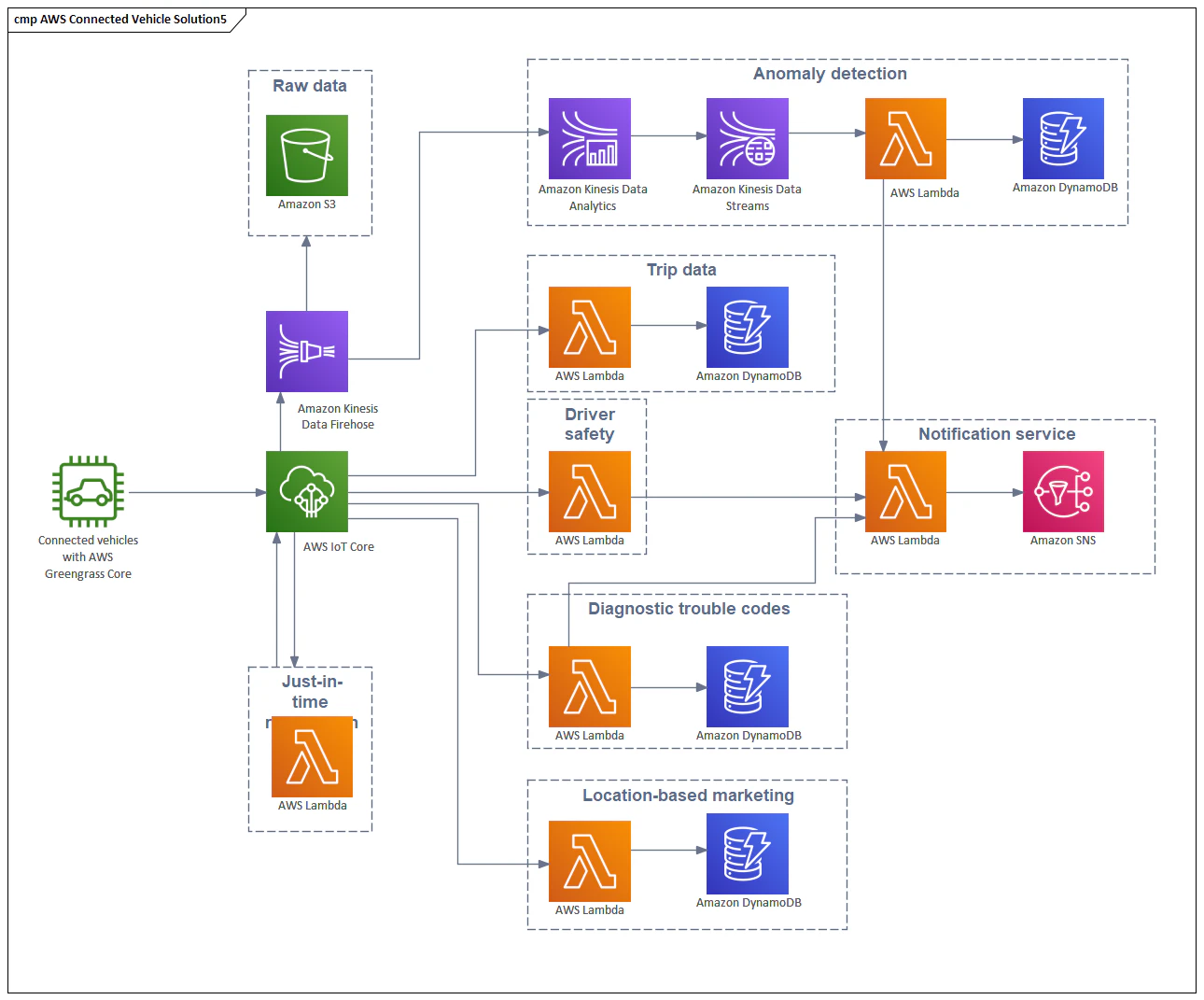
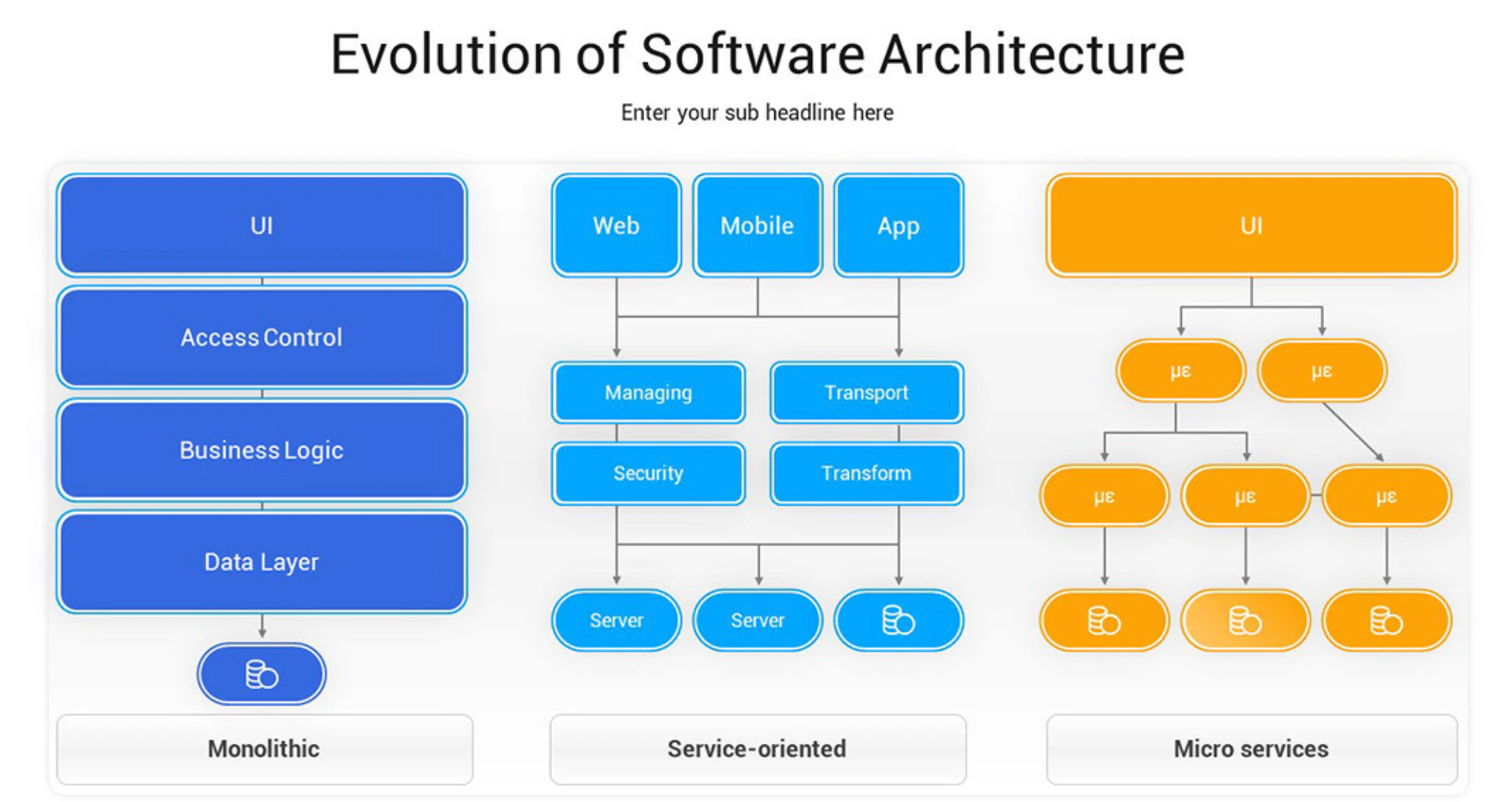
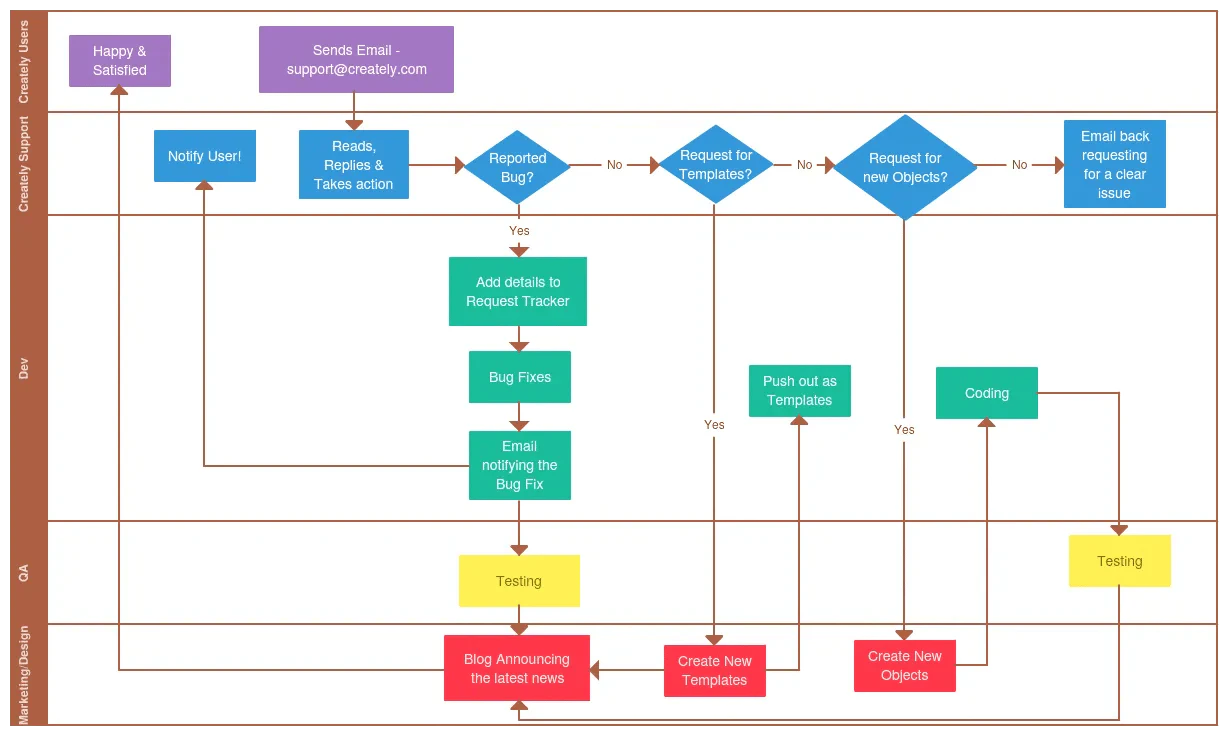
- Professional-Grade Accuracy: Capable of handling complex diagrams such as AWS architectures and detailed flowcharts, ensuring high fidelity in conversions.
Who is Imagetodrawio for?
Imagetodrawio is designed for professionals who frequently work with diagrams, including business analysts, engineers, project managers, and educators. It is particularly beneficial for those who need to convert static images of diagrams into editable formats for collaboration or further development. Users who have lost original Draw.io files, need to update legacy diagrams, or want to convert hand-drawn sketches into professional diagrams will find this tool invaluable. Additionally, teams looking to enhance their workflow by digitizing whiteboard brainstorming sessions will also benefit from Imagetodrawio's capabilities.
What are the use cases of Imagetodrawio?
- Lost Your Draw.io Source File?: Quickly convert a PNG or JPEG of a previously created diagram back into an editable Draw.io format, saving hours of recreation time.
- Hand-Drawn Whiteboard Diagrams: Capture ideas from meetings by converting whiteboard photos into polished, editable diagrams, preserving spontaneous thoughts for later use.
- Found the Perfect Diagram Online?: Adapt existing diagrams found online by converting them into Draw.io format, allowing customization to fit specific needs.
Product Images

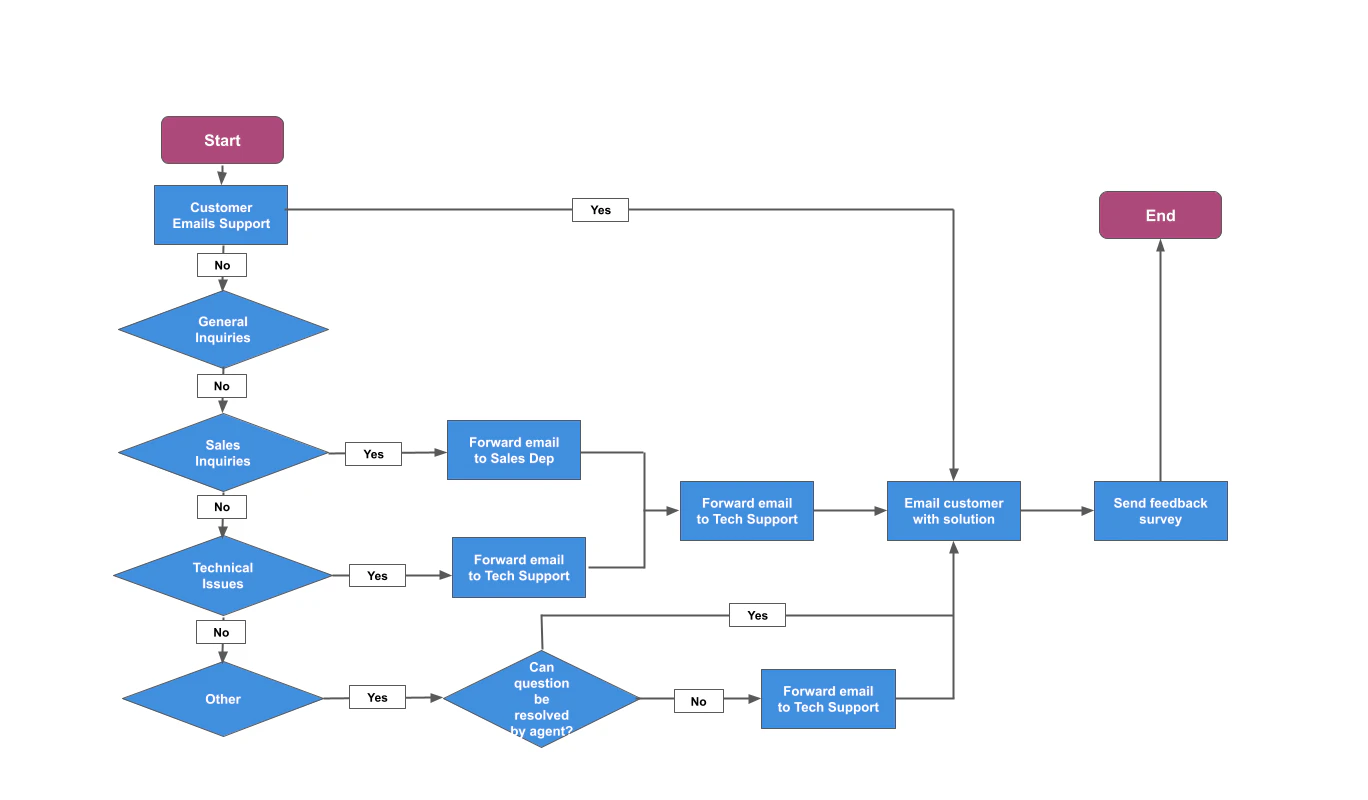
Imagetodrawio Pros and Cons
Pros
- AI-Powered Accuracy: The tool uses advanced AI to ensure precise conversions, recognizing shapes, preserving text, and maintaining connections, even for hand-drawn sketches.
- Instant Online Editing: Converted diagrams open immediately in an embedded editor, allowing users to edit without downloads or installations.
- Privacy Protection: User data is processed securely, with uploaded images deleted after conversion, ensuring privacy and confidentiality.
- Simple Pay-Per-Conversion Model: Users pay only once for each diagram conversion, with no ongoing fees, making it cost-effective for occasional users.
Cons
No cons data detected for this tool
Imagetodrawio Pricing
Free
Perfect for trying out the service. No commitment • Test our AI • See results instantly.
Credit Pack
Perfect for occasional conversions. One-time purchase • Watermark-free • Perfect for light users.
Pro Monthly
For users who convert regularly. Unlimited conversions • No watermarks • Advanced features.
For the latest pricing, please visit this link: https://imagetodrawio.com/pricing
Prices are subject to change. Please visit the official website for the most up-to-date pricing information.
Analytics of Imagetodrawio
Imagetodrawio Website Traffic Analysis
Visits Over Time
Traffic Sources
Nov 2025 - Jan 2026 Worldwide Desktop Only
- Search: 45.69%
- Direct: 30.14%
- Referrals: 19.22%
- Social: 3.41%
- Paid Referrals: 1.28%
- Mail: 0.13%
Top Keywords
| Keyword | Volume | CPC | Estimated Value |
|---|---|---|---|
| 图片流程图,直接转为可编辑的 | 0 | $0.00 | $240.00 |
| drawio绘制的图如何复制到ppt | 0 | $0.00 | $230.00 |
| imagetodraw.io test | 130 | $0.00 | $120.00 |
| draw io scan page turn into diagram | 110 | $0.00 | $110.00 |
| png to draw.io converter | 40 | $0.00 | $150.00 |





