

Heycli





What is Heycli?
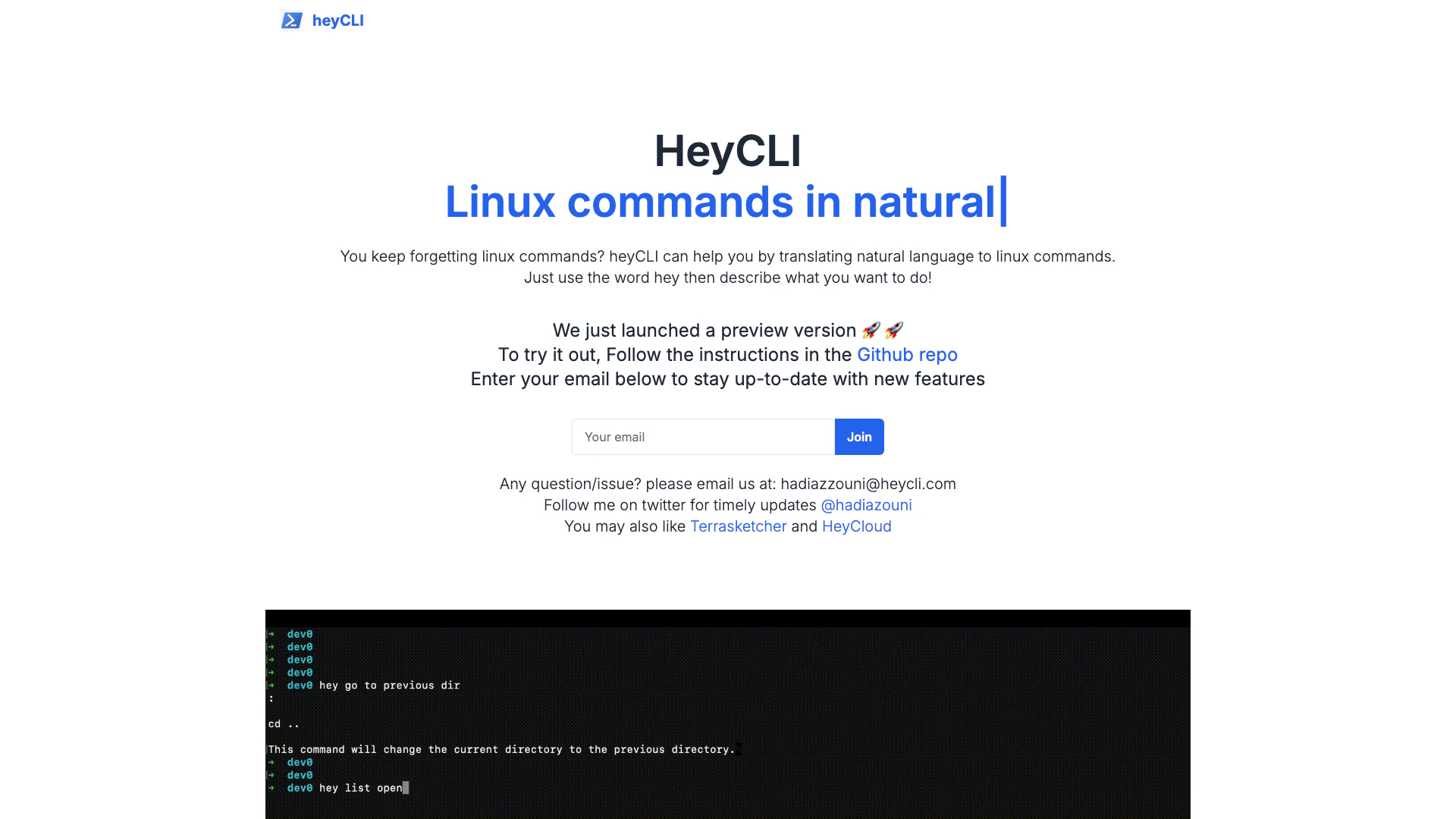
Heycli is an innovative tool that simplifies the use of Linux commands by translating natural language into command-line instructions. It allows users to work in the terminal using plain English, making it accessible for those who may not be familiar with traditional Linux command syntax. By simply starting with the word 'hey' followed by a description of the task, users can easily execute complex commands without needing to memorize the exact syntax. This tool is particularly valuable for beginners and those who frequently forget command structures, enhancing productivity and efficiency in terminal operations.
How to use Heycli?
- Open your terminal application where Heycli is installed.
- Start your command with the word 'hey'.
- Describe what you want to do in plain English (e.g., 'hey list all files in the directory').
- Press Enter, and Heycli will translate your request into the appropriate Linux command and execute it.
What are the main features of Heycli?
- Natural language processing to convert plain English into Linux commands.
- User-friendly interface for seamless terminal interaction.
- Supports a wide range of Linux commands, making it versatile for various tasks.
- Ideal for beginners who struggle with command syntax.
Who is Heycli for?
Heycli is designed for anyone who uses Linux, particularly those who may not be familiar with command-line interfaces. This includes beginners learning Linux, professionals who occasionally need to execute commands but forget the syntax, and developers looking for a more efficient way to interact with the terminal. It caters to users who prefer a more intuitive approach to command execution, thus making Linux more accessible.
What are the use cases of Heycli?
- Beginners learning Linux can use Heycli to execute commands without needing to memorize complex syntax.
- Professionals who frequently use the terminal can save time by quickly translating tasks into commands.
- Developers can streamline their workflow by using natural language to run scripts and commands, enhancing productivity.
Product Images


Heycli Pros and Cons
Pros
- Natural Language Processing: heyCLI translates natural language into Linux commands, making it easier for users to interact with the terminal without needing to memorize commands.
- Natural Language Translation: heyCLI translates natural language into Linux commands, making it easier for users to execute commands without needing to memorize syntax.
- User-Friendly Interface: The tool allows users to interact with the terminal using plain English, which simplifies the command execution process.
- Preview Version Availability: heyCLI is currently in a preview version, allowing users to test and provide feedback on new features before the official release.
- Accessibility for Beginners: heyCLI is particularly beneficial for beginners who may struggle with traditional Linux command line syntax.
Cons
No cons data detected for this tool
Analytics of Heycli
Heycli Website Traffic Analysis
Visits Over Time
Traffic Sources
Feb 2026 - Feb 2026 Worldwide Desktop Only
- Search: 40.55%
- Direct: 38.78%
- Referrals: 13.85%
- Social: 3.67%
- Paid Referrals: 2.17%
- Mail: 0.17%





