Ghostype
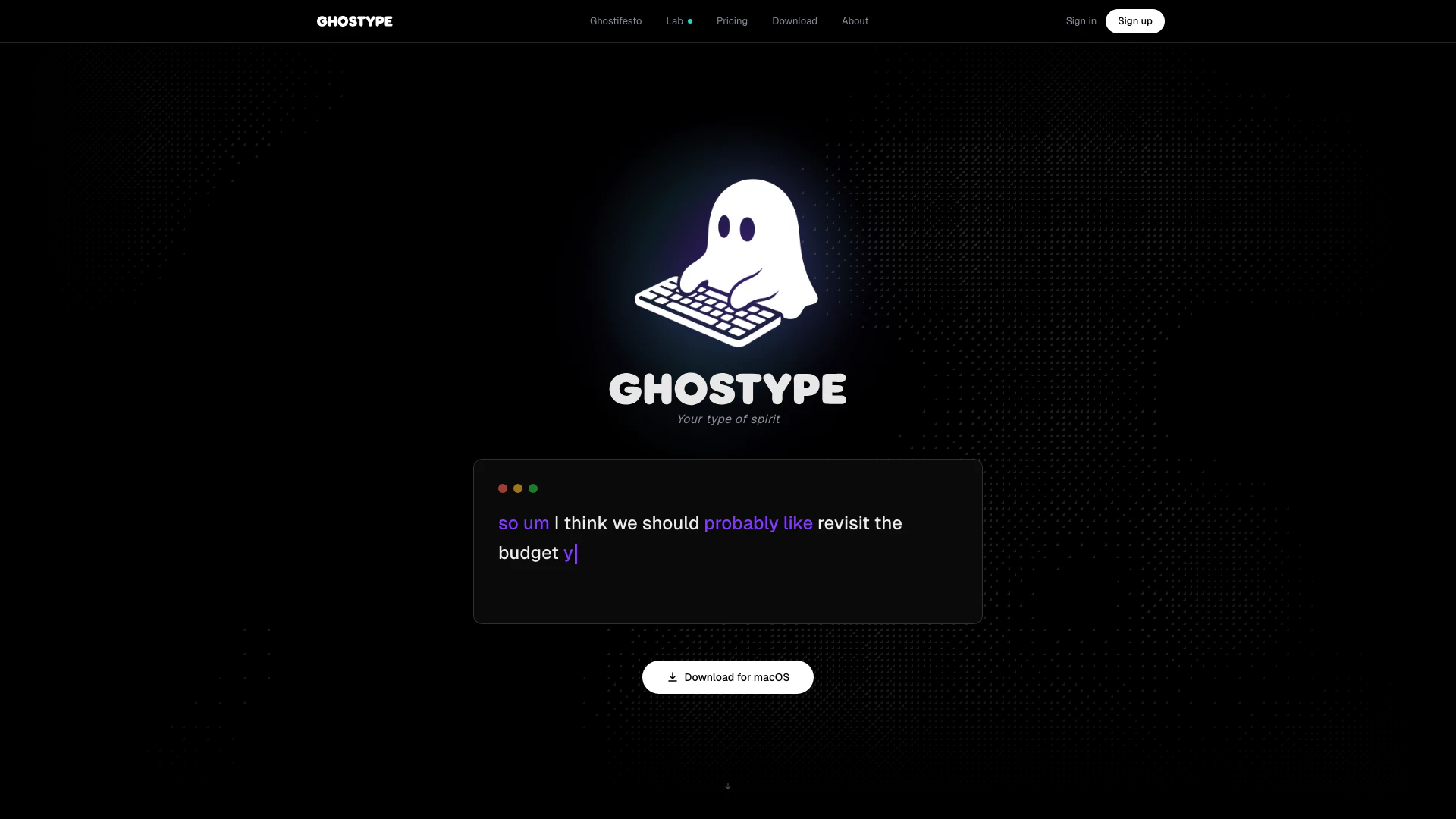


What is Ghostype?
Ghostype is an innovative AI tool designed specifically for macOS that acts as an invisible layer of assistance, enhancing user productivity by enabling context-aware and logic-driven voice inputs. This tool allows users to communicate more efficiently by converting speech into polished text, thus bridging the gap between speaking and typing speeds. With Ghostype, users can streamline their workflow, making their interactions in various applications faster and more intuitive.
How to use Ghostype?
- Download and install Ghostype from the official website.
- Open your preferred application where you want to use Ghostype, such as Slack or Notion.
- Activate Ghostype by using the designated hotkey to start speaking your message.
- As you speak, Ghostype will process your input, automatically polishing and formatting the text based on your preferences.
- Once you finish speaking, simply release the hotkey to send your message instantly.
What are the main features of Ghostype?
- AI Polish: Automatically refines spoken sentences into polished text.
- In-line Logic: Edit text by simply speaking corrections without needing to navigate menus.
- Suffix Commands: Add context to your sentences effortlessly by using specific commands.
- Polish Profiles: Customize voice tones for different applications, such as professional emails or casual texts.
- Auto Enter: Configure auto-send features to streamline message delivery.
- Instant Translate: Translate spoken words in real-time without switching apps.
- Voice History: Keep track of all voice inputs and their polished results for future reference.
Who is Ghostype for?
Ghostype is designed for professionals, students, and anyone who frequently communicates through text in various applications. It is particularly beneficial for those who prefer speaking over typing, such as busy executives, content creators, and remote workers who need to maintain efficiency in their digital communications. The tool is ideal for users who work across multiple platforms, requiring a seamless integration of voice and text input.
What are the use cases of Ghostype?
- Professional Communication: Use Ghostype to compose emails and messages in a polished and professional tone, enhancing workplace communication.
- Creative Writing: Authors and content creators can dictate their thoughts and ideas, allowing for a more fluid writing process without the constraints of typing.
- Real-time Translation: Utilize Ghostype's instant translation feature during meetings or conversations with multilingual participants, facilitating better understanding and collaboration.
Product Images


Ghostype Pros and Cons
Pros
- Fast Input Speed: GHOSTYPE allows users to input text 3.75 times faster than typing, enhancing productivity significantly.
- Context-Aware Polishing: The AI refines spoken input into polished text, ensuring clarity and professionalism in communication.
- Custom Profiles for Different Apps: Users can set different tones and styles for various applications, tailoring communication to the context.
Cons
No cons data detected for this tool
Ghostype Pricing
Free
For beginners. Voice input core with a character quota of 6,000 / week. Features include AI auto-editing, in-line logic editing, suffix commands (ghost ...), instant translate, quick note/memo, and 100+ languages.
Pro
For power users. Everything in Free, plus personalization features, custom hotkeys, auto enter (send on release), custom polish profiles, per-app polish profiles, smart contact matching, voice history & search, usage dashboard, and prioritized feature requests.
For the latest pricing, please visit this link: https://www.ghostype.one/pricing
Prices are subject to change. Please visit the official website for the most up-to-date pricing information.