Getaera




What is Getaera?
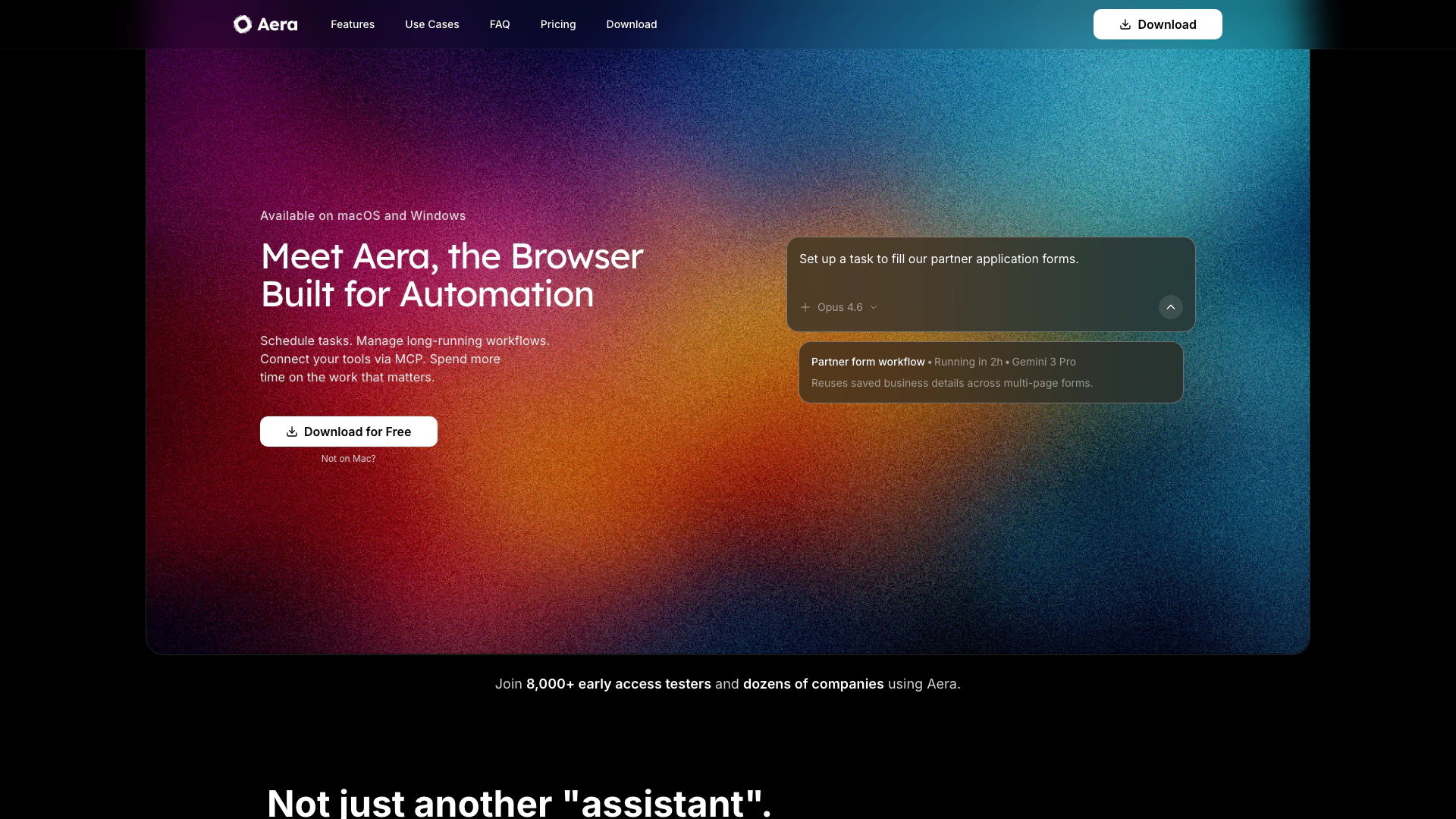
Getaera is an innovative browser designed specifically for automation, enabling users to build fully-autonomous workflows[1] directly within their browser. This tool allows users to schedule tasks, manage long-running workflows, and connect various tools seamlessly, thereby enhancing productivity and efficiency. By automating repetitive browser tasks, Getaera empowers users to focus on more important work, effectively reclaiming their time.
How to use Getaera?
- Download and install Getaera from the official website.
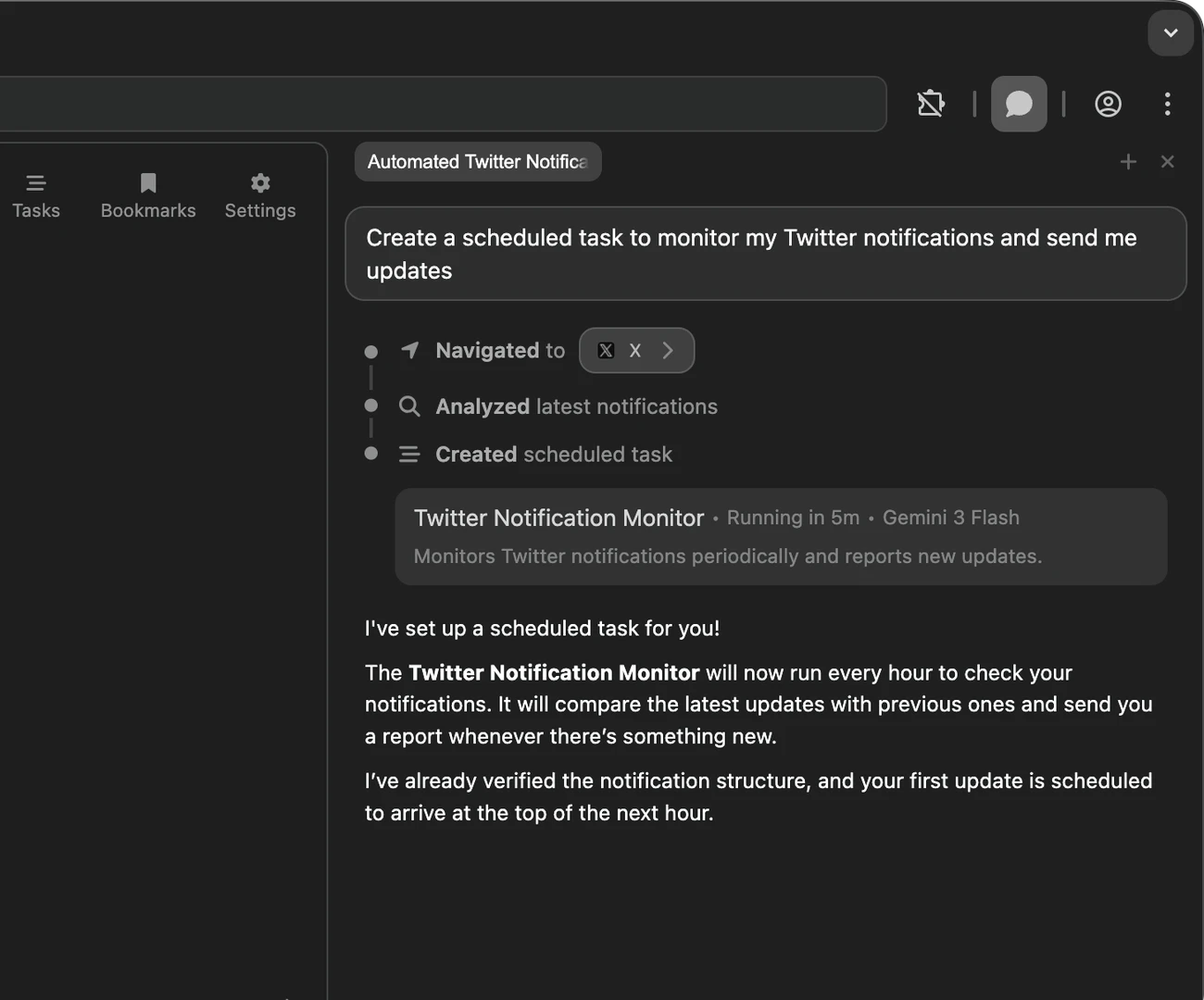
- Launch the browser and create your first task by defining the desired outcome and saving it.
- Schedule the task to run daily, weekly, or at your preferred cadence.
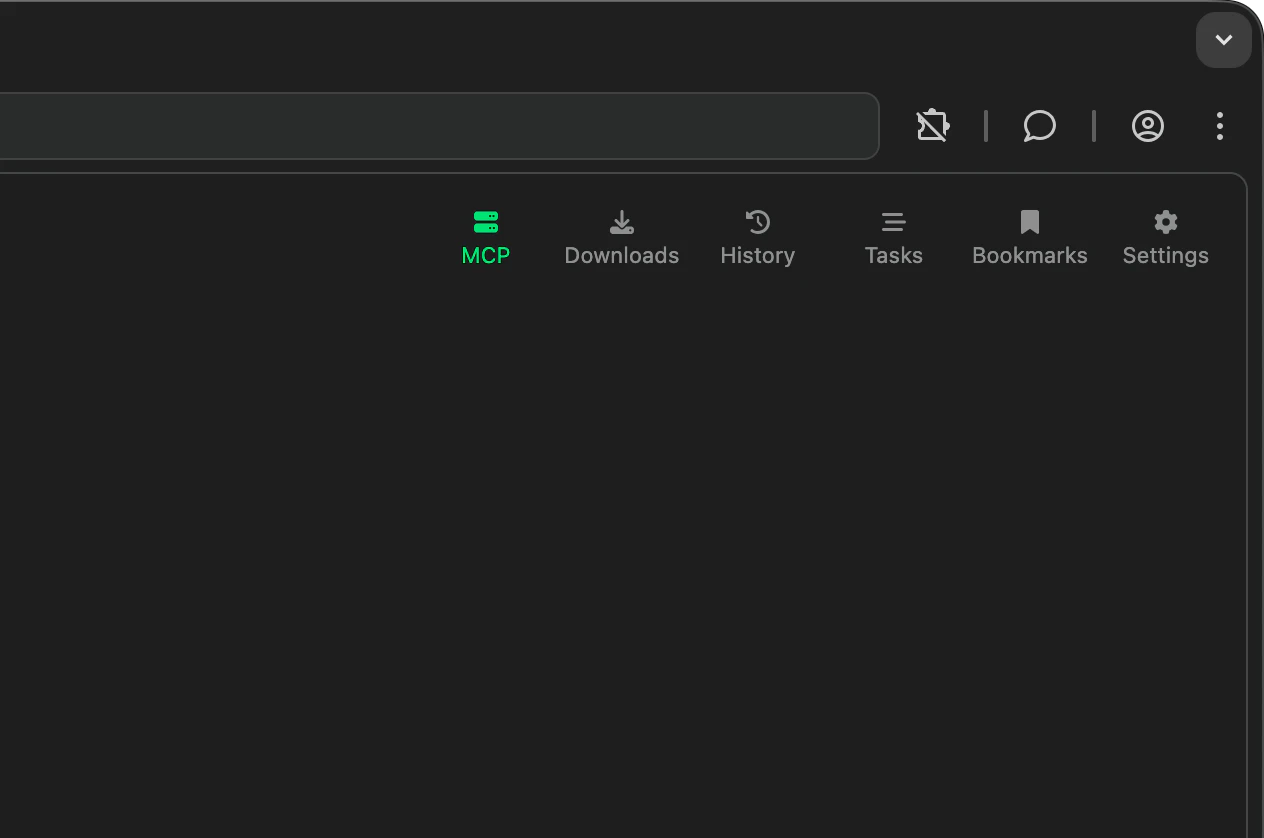
- Use the MCP (Multi-Connection Protocol) to connect Getaera with your existing tools, allowing for seamless data transfers and updates.
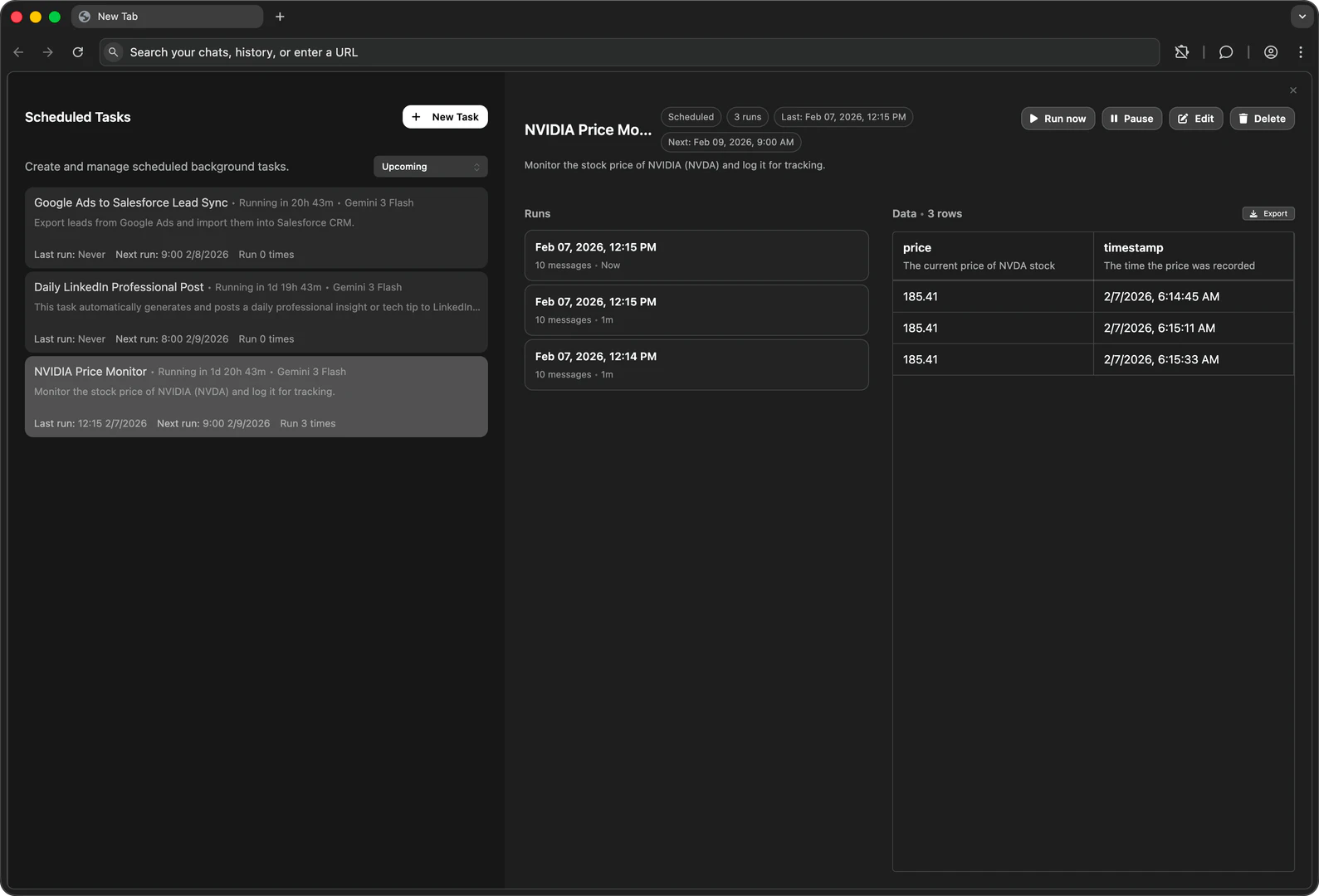
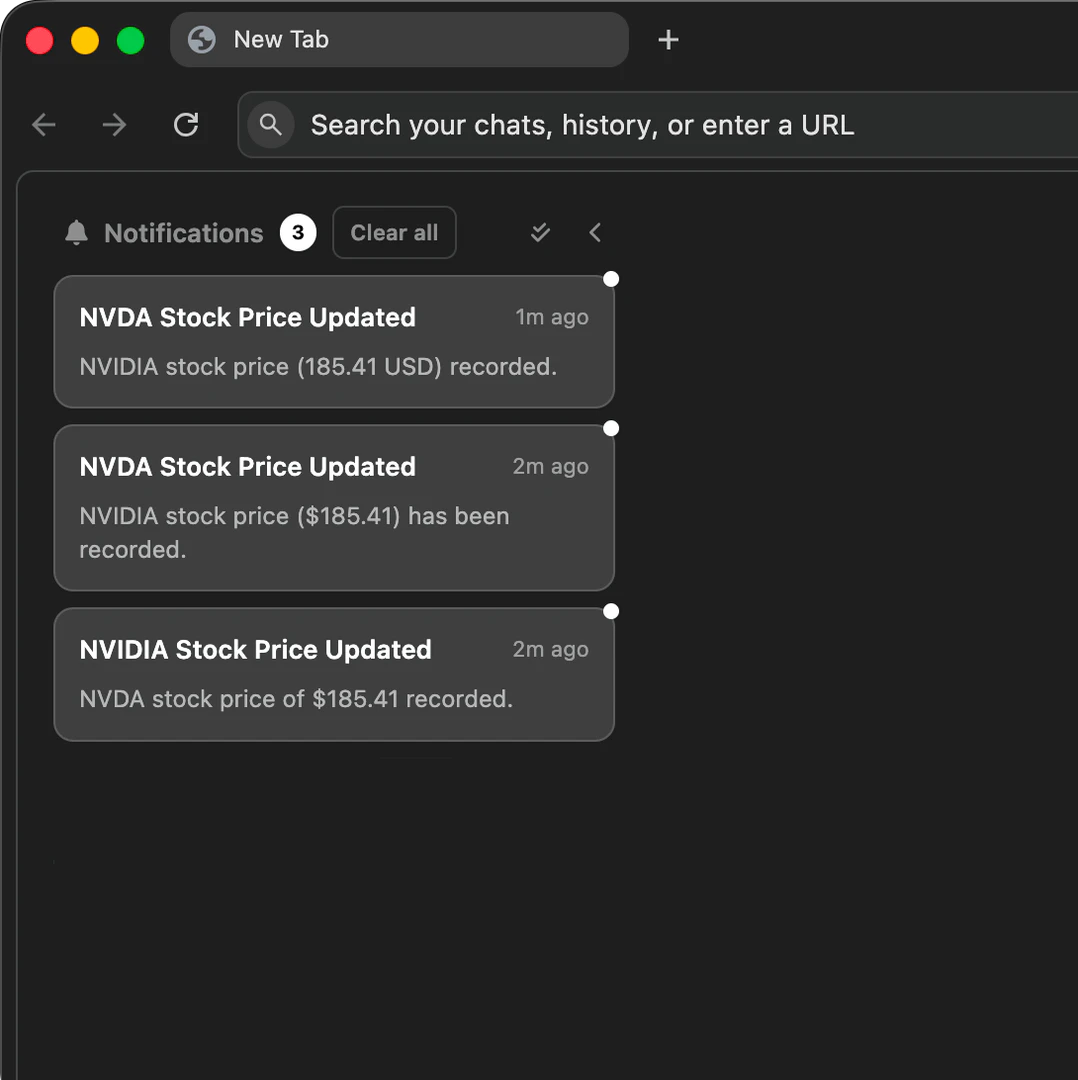
- Monitor the automation process and receive notifications once tasks are completed.
What are the main features of Getaera?
- Task Scheduling[2]: Easily set up tasks to run on a specific schedule without manual intervention.
- Workflow Management[3]: Manage long-running workflows that can continue processing even when the browser is closed.
- MCP Integration[4]: Connect Getaera with existing tools to trigger browser actions directly from them.
- Real-Time Data Access[5]: Get up-to-date context for every run, ensuring tasks reflect the latest information.
- Flexible Model Selection: Choose and switch between different models for workflow execution without being locked into a single option.
Who is Getaera for?
Getaera is designed for a wide range of users, including growth engineers, founders, and developers who are looking to automate repetitive browser tasks. It is ideal for professionals who spend significant time on web-based activities, such as checking analytics, scraping data, or managing reports, and want to streamline their workflows to focus on more strategic tasks.
What are the use cases of Getaera?
- Growth Engineers: Automate data collection and reporting tasks to gain insights without manual effort.
- Founders: Use Getaera to manage routine checks and updates, freeing up time for business development.
- Developers: Integrate Getaera into development workflows to automate testing and data handling tasks.
Product Images

Getaera Pros and Cons
Pros
- Automates Repetitive Tasks: Aera allows users to automate repetitive browser tasks, saving time and reducing manual effort.
- Flexible Scheduling: Users can schedule tasks to run daily, weekly, or at custom intervals, ensuring workflows continue without constant supervision.
- Integration with Existing Tools: Aera connects with existing tools via MCP, enabling seamless workflow automation directly from familiar platforms.
Cons
No cons data detected for this tool