Geminiomni


What is Gemini Omni?
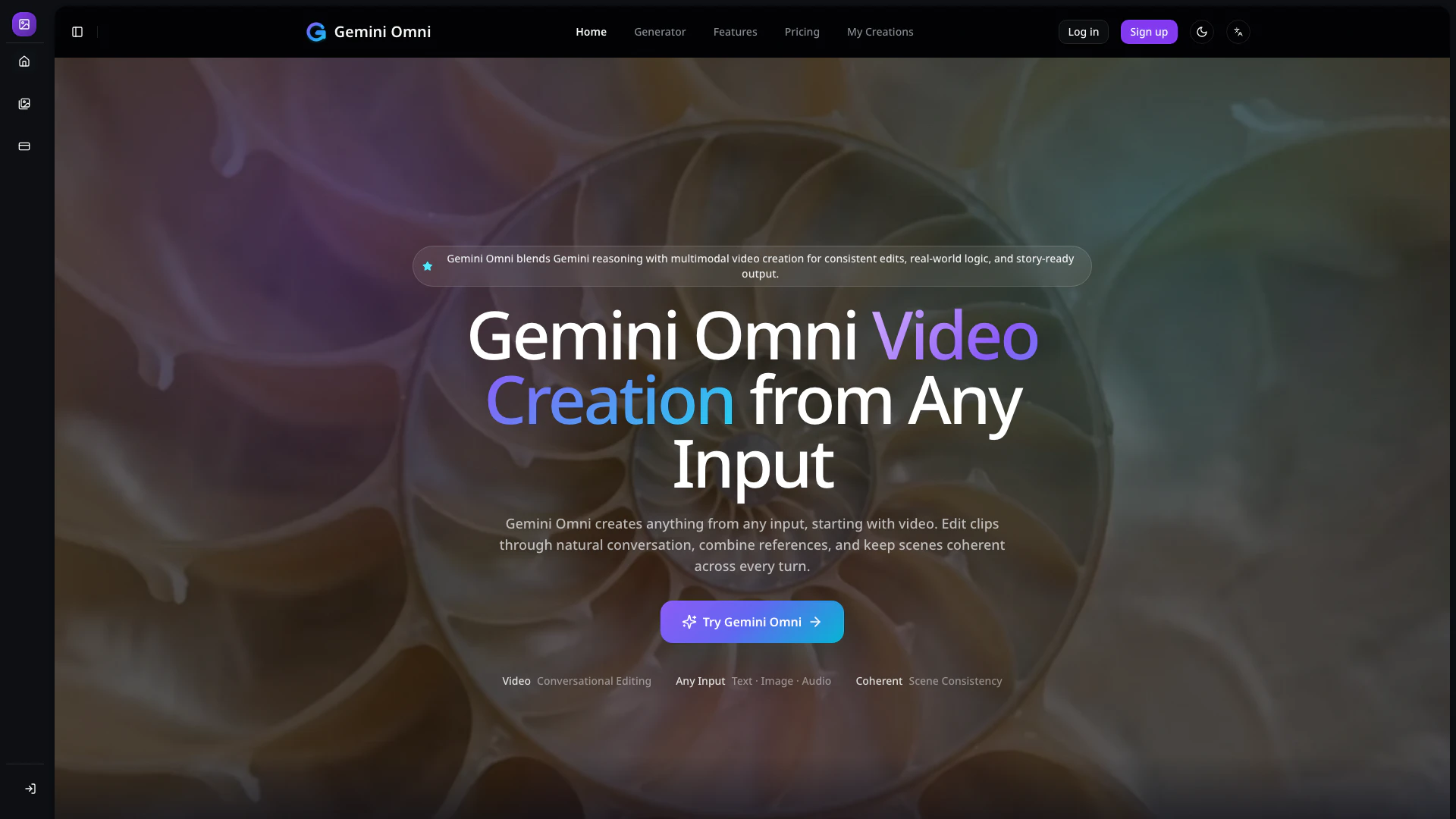
Gemini Omni is an innovative AI video creation and editing platform that transforms various forms of media—text, images, audio, and video—into coherent video clips. By leveraging advanced multimodal understanding, conversational editing, and stable scene control, Gemini Omni enhances the video production process, enabling users to move from initial concepts to polished assets seamlessly. This tool is designed to support complex video direction, handle multi-element scenes, and maintain scene continuity, making it an invaluable resource for creators looking to streamline their workflow.
How to use Gemini Omni?
To create better videos with Gemini Omni, follow these four steps:
- Add a Prompt or Reference: Start by describing the scene you want to create. You can upload a video, add an image, include audio, or provide a sketch to guide Gemini Omni in understanding your creative direction.
- Set the Creative Intent: Clearly define your creative goals, such as the action, style, character, object, camera angle, pacing, and sound cues, so that the tool can accurately follow your constraints.
- Generate or Edit the Video: Allow Gemini Omni to generate a coherent video output while ensuring that scene logic, reference details, and natural motion are preserved as much as possible.
- Refine Across Turns: Continue to refine your video by prompting the tool to swap objects, change styles, adjust camera angles, alter actions, or polish the final clip through iterative editing turns.
What are the main features of Gemini Omni?
Gemini Omni boasts a range of powerful features that enhance the video creation process:
- Conversational Editing: Allows for natural language adjustments to actions, styles, and camera angles across multiple turns.
- Multimodal Reference Support: Utilizes text, images, videos, audio, sketches, and motion references to create cohesive outputs.
- Physics-Aware Motion: Generates realistic motion that adheres to real-world physics, improving the believability of animations.
- Consistent Scene Memory: Maintains coherence across edits, ensuring characters and scenes remain consistent throughout the production process.
- Real-World Knowledge Integration: Combines knowledge from history, science, culture, and narrative logic to enhance storytelling.
Who is Gemini Omni for?
Gemini Omni is tailored for a diverse range of users, including marketers, content creators, product teams, educators, agencies, and businesses. It is particularly beneficial for those who require efficient production of marketing clips, product demos, storyboards, and educational explainers. The platform's capabilities cater to teams seeking to enhance their creative processes, reduce rework, and deliver high-quality video content more quickly.
What are the use cases of Gemini Omni?
Gemini Omni is versatile and can be applied in various scenarios, including:
- Marketing Clips: Create engaging promotional videos that capture audience attention and convey brand messages effectively.
- Product Demos: Develop coherent and visually appealing demonstrations for product launches, showcasing features and benefits in action.
- Storyboards: Assist in visualizing scenes and narratives through detailed storyboards that maintain character and scene continuity.
- Educational Explainers: Produce informative videos that combine accurate subject knowledge with engaging visuals and narratives to enhance learning experiences.
Geminiomni Pros and Cons
Pros
- Conversational Editing Capabilities: Gemini Omni allows users to edit videos through natural conversation, enabling a more intuitive and flexible editing process.
- Multimodal Input Support: The tool supports various input types including text, images, audio, and video, allowing for a cohesive output that retains creative control.
- Consistent Scene Management: Gemini Omni ensures scene consistency across edits, maintaining coherence in characters, objects, and camera angles throughout the video.
Cons
No cons data detected for this tool
Geminiomni Pricing
Basic Plan
2-10 seconds video editing with optional reference images.
Pro Plan
Advanced video editing capabilities with more features and higher generation limits.
For the latest pricing, please visit this link: https://geminiomni.fyi/pricing
Prices are subject to change. Please visit the official website for the most up-to-date pricing information.