Flowboardapp





What is Flowboardapp?
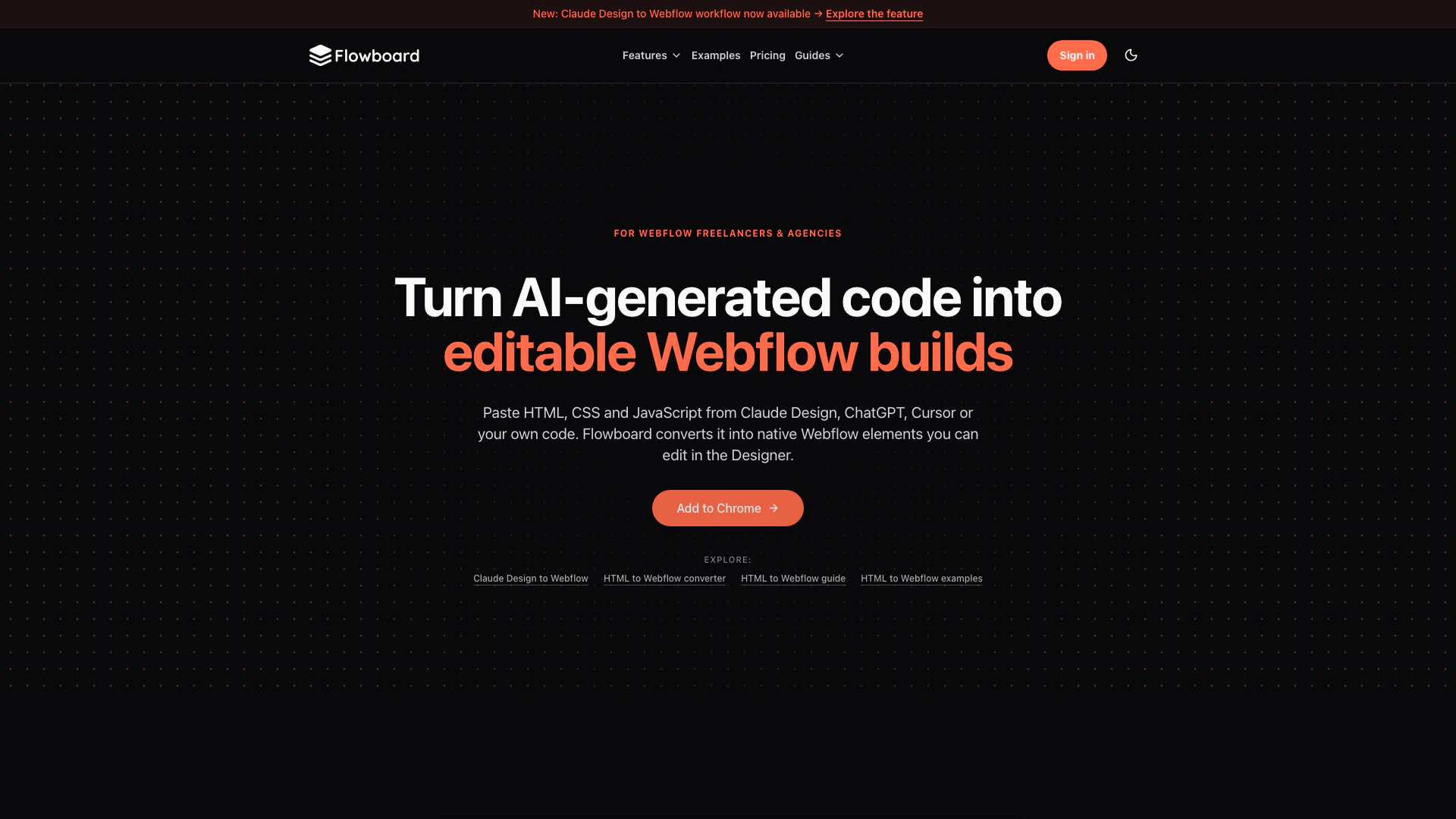
Flowboardapp is an innovative tool designed to facilitate the conversion of HTML, CSS, and JavaScript code into editable elements within Webflow. By allowing users to paste code from sources like Claude, ChatGPT, or their own scripts, Flowboardapp maps the structure and styles into native Webflow components. This tool eliminates the need for rebuilding elements from scratch, making it an essential resource for web designers looking to enhance their workflow and efficiency in creating visually appealing websites. With features like Live Capture and GSAP integration, Flowboardapp empowers users to animate and refine their designs effortlessly, all while maintaining full editability within Webflow's Designer environment.
How to use Flowboardapp?
- Open Webflow Designer: Launch the Webflow Designer on your browser and ensure you have the Flowboard extension installed.
- Paste Your Code: Copy the HTML, CSS, and JavaScript code from sources like Claude, ChatGPT, Cursor, or your own code, and paste it directly into Flowboard.
- Convert to Webflow Elements: Flowboard will automatically map the pasted code into editable Webflow elements, converting the structure, classes, and styles.
- Edit and Refine: Once the conversion is complete, you can refine the resulting elements directly in Webflow Designer to fit your design needs. Save your work for future reuse.
What are the main features of Flowboardapp?
- AI Code Conversion: Easily convert HTML, CSS, and JavaScript from various sources into editable Webflow elements.
- Native Webflow Interactions: Supports GSAP motion patterns and maps them into native Webflow interactions for easy editing.
- Live Capture: Capture components from live websites and import them into Webflow as editable elements.
- Reusable Component Library: Save converted sections for reuse across multiple projects, enhancing workflow efficiency.
- CSS State Support: Maintains supported hover and focus styles as native Webflow states, allowing for seamless design adjustments.
Who is Flowboardapp for?
Flowboardapp is tailored for web designers, developers, and digital marketers who work with Webflow and seek to streamline their design processes. It is particularly beneficial for those who frequently use AI-generated code or manually written HTML, CSS, and JavaScript. Additionally, educators and students learning web design can leverage Flowboardapp to quickly implement and modify code, making it an ideal tool for anyone involved in web development and design projects.
What are the use cases of Flowboardapp?
- Web Design Projects: Streamline the workflow for web designers who frequently import and edit code snippets in Webflow.
- Prototyping: Quickly prototype websites by importing pre-existing code and modifying it directly in Webflow without starting from scratch.
- Code Reusability: Save time by reusing previously converted HTML/CSS sections across different projects, ensuring consistency in design elements.
Flowboardapp Pros and Cons
Pros
- Seamless Code Conversion: Flowboard allows users to convert HTML, CSS, and JavaScript into editable Webflow elements seamlessly, enabling a smooth workflow for designers.
- Advanced Animation Support: The tool supports advanced GSAP animations and interactions, allowing for rich animations that remain editable within Webflow.
- Live Capture Feature: Flowboard enables users to capture live website components and import them as editable elements in Webflow, enhancing design efficiency.
Cons
- Required Technical Knowledge: Users may need a basic understanding of HTML, CSS, and JavaScript to effectively utilize Flowboard's features.
- Platform Limitation: Flowboard is specifically designed for use with Webflow, which may limit its applicability for users working on other platforms.
- Paid Features: Some advanced features and unlimited conversions may require a paid subscription, which could be a barrier for casual users.
Flowboardapp Pricing
Free
Try HTML to Webflow conversion before upgrading. * Starter component library * 3 HTML to Webflow conversions per day * 3 website captures per day * 8,000 character limit * No separate CSS & JS input
Pro
Unlimited HTML to Webflow conversions. * Reusable component library across projects * Unlimited website captures * Separate CSS and JavaScript supported * No character limits
For the latest pricing, please visit this link: https://flowboardapp.com/pricing
Prices are subject to change. Please visit the official website for the most up-to-date pricing information.