

Fabu





What is Fabu?
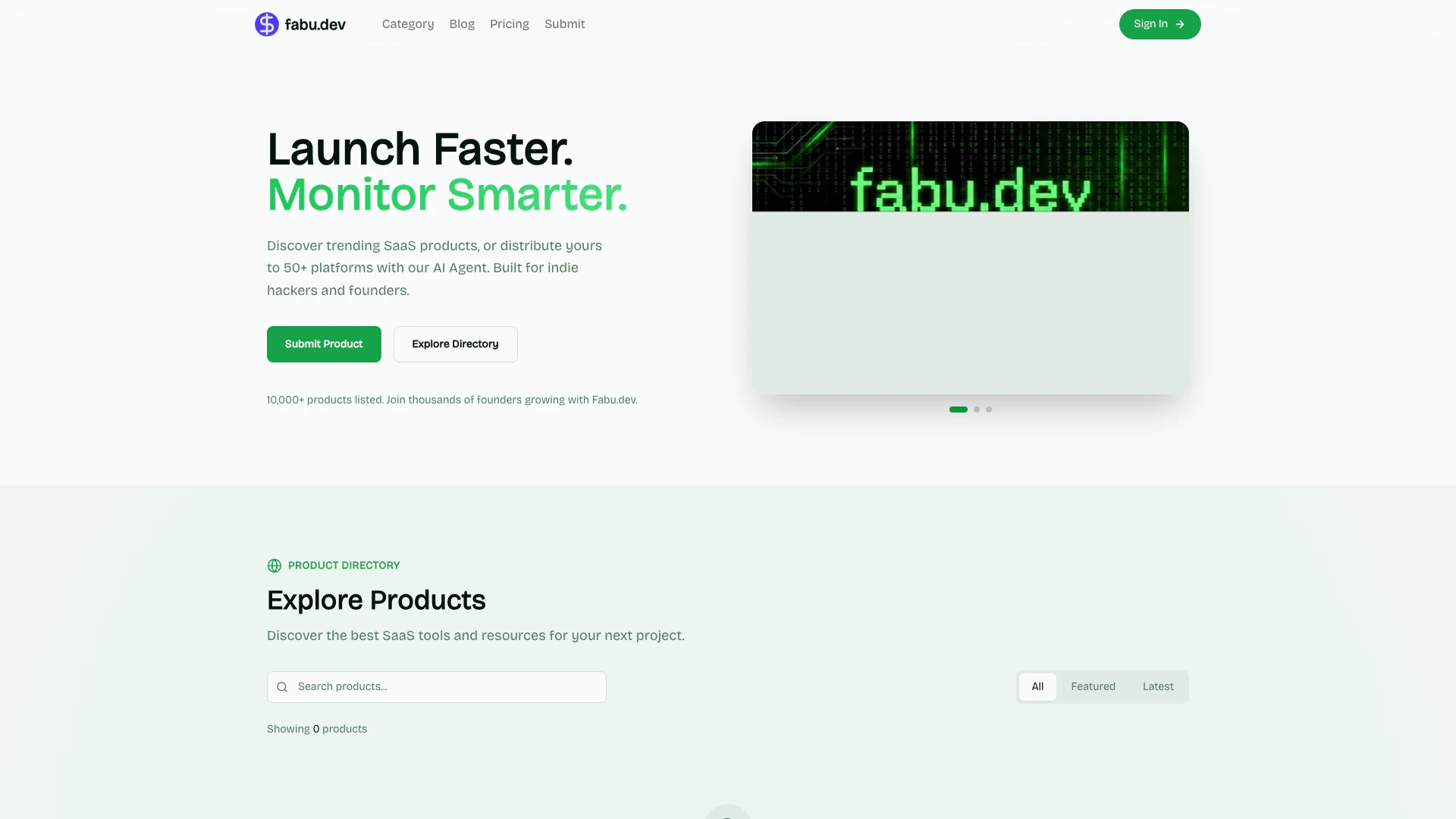
Fabu is a browser sidebar dashboard specifically designed for modern developers. It offers a streamlined approach to application management, enabling users to launch their applications with just one click and monitor their vital signs in real-time. This tool emphasizes efficiency by reducing management tasks, allowing developers to focus more on building their applications rather than managing them.
How to use Fabu?
- Install Fabu: Download and install the Fabu browser extension from the official website.
- Sign In: Create an account or sign in to your existing account to access the dashboard.
- Launch Your App: Use the one-click launch feature to start your application directly from the sidebar.
- Monitor Vital Signs: Access real-time monitoring tools to keep track of your app’s performance metrics and vital signs directly within the sidebar.
What are the main features of Fabu?
- One-Click Launch: Quickly launch your applications with a single click.
- Real-Time Monitoring: Keep an eye on your app's performance and vital statistics in real-time.
- Browser Sidebar Integration: Access all functionalities from a convenient sidebar dashboard.
- Developer-Centric Design: Tailored specifically for modern developers, enhancing productivity.
Who is Fabu for?
Fabu is designed for modern developers, indie hackers, and founders who need efficient tools to manage their applications. It is particularly useful for those who prefer a minimalist approach to application management, allowing them to spend more time building and less time on administrative tasks. This tool is ideal for anyone looking to streamline their development process and monitor application performance seamlessly.
What are the use cases of Fabu?
- Web Application Development: Developers can use Fabu to monitor their web applications' performance metrics in real-time.
- Startup Management: Founders can launch and track their startup applications quickly, ensuring they remain responsive to user needs.
- SaaS Product Monitoring: SaaS product creators can leverage Fabu to oversee the vital signs of their applications across multiple platforms.
Fabu Pros and Cons
Pros
- One-Click Launch: Fabu allows developers to launch their applications with a single click, streamlining the deployment process.
- Real-Time Monitoring: The tool provides real-time monitoring of app vital signs, helping developers to keep track of performance and issues as they arise.
- Developer-Centric Design: Fabu is specifically designed for modern developers, focusing on reducing management tasks and enhancing the building experience.
Cons
No cons data detected for this tool
Fabu Pricing
Free
Get 3 dofollow links to boost your SEO. Permanent link with backlink maintenance. Reviewed and listed within 72 hours. Publish your product the day you want. Backlink to our site is required. No customer support.
Pro
Get >= 3 dofollow links to boost your SEO. List right now, publish whenever you want. Permanent link, no backlink required. Featured placement at the top of listings. Share through social media and newsletters. Premium customer support.
Sponsor
Everything in Pro plan. Promote your product on almost every page. Available for all kinds of product. Only one advertisement per period. Schedule your advertising period. Premium customer support.
For the latest pricing, please visit this link: https://fabu.dev/pricing
Prices are subject to change. Please visit the official website for the most up-to-date pricing information.




