


Twitter-color Created with Sketch. Amazon-color Created with Sketch. Facebook-color Created with Sketch. github [#142] Created with Sketch. meta_fill Pinterest-color Created with Sketch. ProductHunt-color Created with Sketch. Spotify-color Created with Sketch. Threads Logo Streamline Icon: https://streamlinehq.com Yelp-color Created with Sketch. Youtube-color Created with Sketch.
TopAIToolsTopAITools
  • Free Tools
  • Category
  • Leaderboard
  • Deals
  • Submit
EN
TopAIToolsTopAITools
TopAI

TopAITools

TopAITools, The Best Top AI Tools

AI Glossary|English简体中文繁體中文한국어日本語PortuguêsEspañolDeutschFrançaisTiếng Việt|Map

© 2026 TopAITools. All rights reserved.

About

  • Privacy Policy
  • Terms of use

Contact Us

business@topaitoolsreview.com
Home
AI Development Tools
Fabricate
Last updated: July 27, 2026
Fabricate logo

Fabricate

Get deal
4.0|0 Comments|0 Saved
Introduction:
Easily create production-ready web apps with AI.
Launch Date:
August 18, 2025
Social links:
Monthly Visits:
--
Inputs:
Text
Outputs:
Code
AI Models:
AI Chatbot
Website
Free Trial
💼Work🎨Creativity
AI Development Tools423Low Code Ai Development Platforms110SaaS Development Tools80AI Web App Builders103App Development Collaboration Tools33App Ideation and Realization Tools42Low Code Website Development Tools35
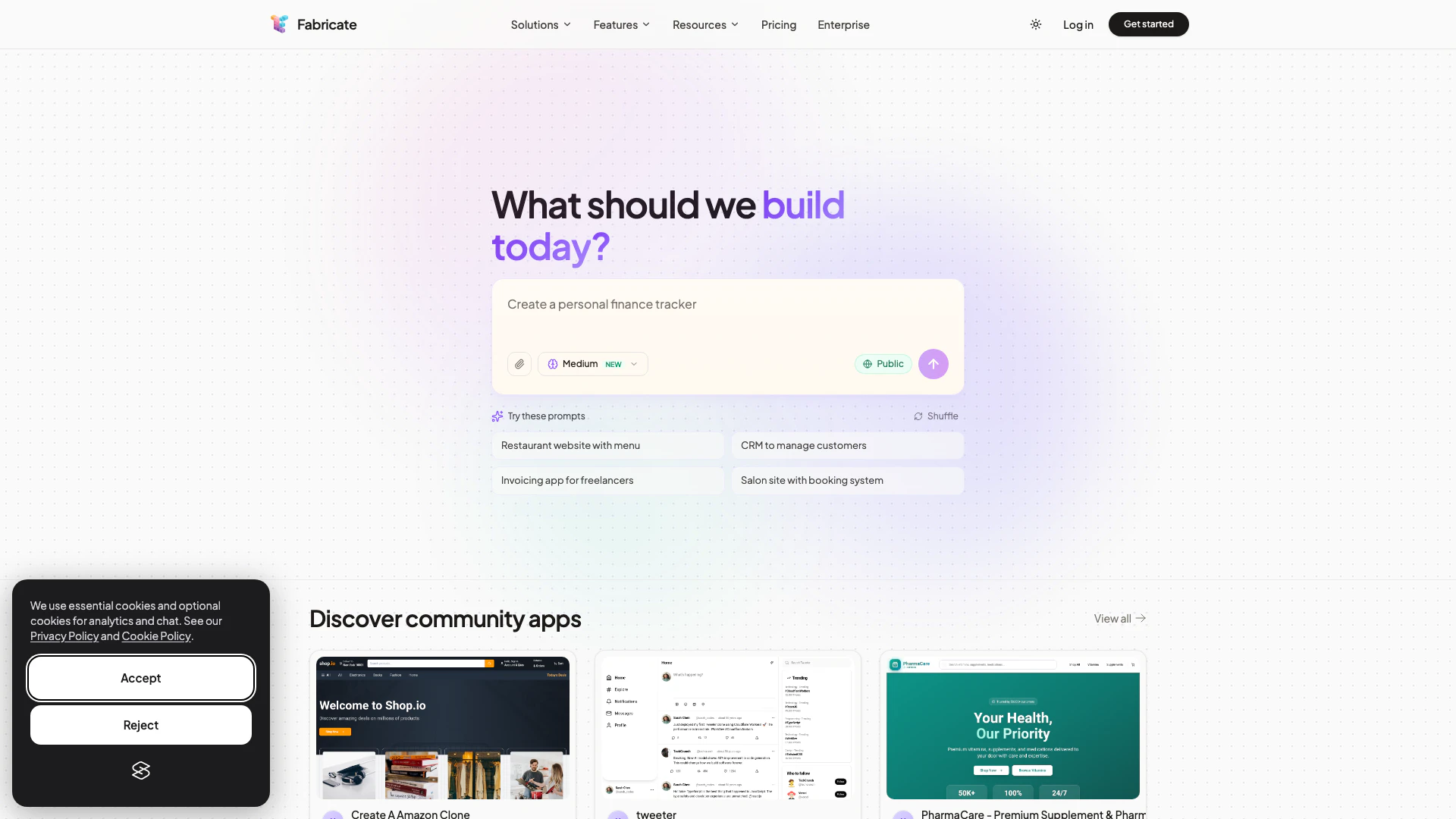
Fabricate website screenshot showing Easily create production-ready web apps ... interface and features
Use tool
Update this tool
Microsoft logo

Microsoft

Easily create and edit high-quality videos with Clipchamp.

Suno logo

Suno

Suno allows users to create original music effortlessly using AI technology.

Character Ai logo

Character Ai

Chat with millions of AI Characters on the #1 AI chat app. Where will your next adventure take you?

Docsgpt logo

Docsgpt

DocsGPT for Google Docs™ - Google Workspace Marketplace

Diagram logo

Diagram

Get started faster, find what you’re looking for, and stay in the flow—with AI tools build for your workflows. Sign up for free today and harness the power of Figma AI.

Fabricate Overview

What is Fabricate?

Fabricate is an innovative AI app builder[1] designed to transform your ideas into production-ready web applications seamlessly. It enables users to generate React[2] and TypeScript[3] applications simply from descriptive prompts, eliminating the need for any coding skills. With Fabricate, you can quickly deploy your applications, making it an ideal solution for entrepreneurs and businesses looking to bring their software ideas to life without the complexities of traditional development processes.


How to use Fabricate?

To use Fabricate, follow these steps: 1. Visit the Fabricate website: Go to https://fabricate.build/ to access the platform. 2. Describe your app idea: Use the prompt feature to detail what kind of application you want to create, specifying its functionalities and design elements. 3. Generate your app: Click on the build button to let Fabricate generate the application based on your description. 4. Review and customize: Once the app is generated, you can review it and make any necessary adjustments to fit your vision. 5. Deploy your app: After finalizing your app, deploy it instantly with just a few clicks.


What are the main features of Fabricate?

Fabricate offers a variety of powerful features, including: - No Coding Required: Users can create applications without any programming knowledge. - Instant Deployment: Deploy your applications in seconds once they are generated. - Customizable Templates: Access a range of templates for various app types, including e-commerce, SaaS, and more. - AI-Powered Generation: Leverage AI to convert your app descriptions into fully functional applications. - Cross-Platform Compatibility: Create applications that work seamlessly across different devices and platforms.


Who is Fabricate for?

Fabricate is designed for a diverse range of users including: - Founders and Entrepreneurs: Individuals looking to launch their startups without extensive technical resources. - Developers: Those who want to speed up their development process by generating apps quickly. - Designers: Professionals who wish to bring their app designs to life without coding. - Freelancers and Agencies: Service providers seeking efficient tools to deliver client projects rapidly. - Enterprises: Large organizations aiming to prototype and deploy internal applications efficiently.


What are the use cases of Fabricate?

Fabricate can be utilized in various scenarios, such as: 1. Creating E-Commerce Platforms: Build online stores with product catalogs, shopping carts, and payment systems. 2. Developing SaaS Applications: Generate dashboards for analytics, user management, and billing systems. 3. Building Portfolio Websites: Create personal or professional portfolio sites to showcase projects and services.

Fabricate Pros and Cons

Pros

  • No Coding Required: Fabricate allows users to create web applications without any coding skills, making it accessible for everyone.
  • Rapid Deployment: Users can deploy their applications instantly after generating them, significantly reducing development time.
  • Versatile Application Types: Fabricate supports a wide range of application types, from SaaS platforms to e-commerce stores, catering to various needs.

Cons

No cons data detected for this tool

Fabricate Compare

Tool NameIntroductionPricing
Type
RatingLaunch DateLearn more
Autodraw logo
Autodraw
AutoDraw
Free
🎨Creativity
January 2, 1998
Get deal
Rewind Ai logo
Rewind Ai
Rewind
Free
🙋‍♂️Personal💼Work
February 2, 2018
Get deal
Promptvibes logo
Promptvibes
Explore Prompt Vibes to create unique prompts with our ChatGPT Prompt generator. Discover a collection of the best prompts designed for various uses.
Free
🙋‍♂️Personal🎨Creativity
February 25, 2023
Get deal

Info current as of post date. Offers and availability may vary by location and are subject to change.

Fabricate Launch embeds

Use website badges to drive support from your community for your TopAITools Review. They're easy to embed on your homepage or footer.

FEATURED ONTopaitoolsreview.com

Fabricate Alternatives

Deepseek screenshot

Deepseek

DeepSeek focuses on pioneering general AI technologies and models.

Website
Free
💼Work🎨Creativity
OtherLarge Language Models (LLMs)AI Development ToolsAi Model Fine Tuning Tools
  • Other
  • Large Language Models (LLMs)
  • AI Development Tools
  • Ai Model Fine Tuning Tools
Use tool
328.9M
Direct72.66%
Search24.59%
Referrals2.09%
Deepseek V4 screenshot

Deepseek V4

Explore cutting-edge AI models with Deepseek.

Website
Free
💼Work🎨Creativity
Developer ToolsAI Development ToolsAi Model Fine Tuning ToolsAI Cloud Computing Platforms
  • Developer Tools
  • AI Development Tools
  • Ai Model Fine Tuning Tools
  • AI Cloud Computing Platforms
Use tool
298.3M
Direct72.09%
Search25.36%
Referrals1.91%
Openai Codex screenshot

Openai Codex

OpenAI Codex enhances coding efficiency with AI-driven task support.

Website
Free
💼Work🎨Creativity
Developer ToolsAI Coding AssistantsAI Development ToolsAI Prompt Engineering Tools
  • Developer Tools
  • AI Coding Assistants
  • AI Development Tools
  • AI Prompt Engineering Tools
Use tool
225.0M
Search52.42%
Direct37.63%
Referrals9.11%

Fabricate Tags

No Coding RequiredInstant DeploymentReact ApplicationsTypeScript SupportSaaS developmentWeb Applications

Also used for

AI Development Tools423Low Code Ai Development Platforms110SaaS Development Tools80AI Web App Builders103App Development Collaboration Tools33App Ideation and Realization Tools42Low Code Website Development Tools35SQL AI Tools9AI SEO Content Generator9Startup AI Assistant14AI Store Management3AI Coding Assistants139Ai Model Fine Tuning Tools37AI Training Resource Management6Test Management Tools22Quality Assurance Tools58AI Personalization Tools6Capacitor App Development Tools6App Analytics and Monitoring Tools28

Sources (3)

Fabricate logo
FabricateFree
Get deal

Fabricate Comments (0)

Your rating

?
0/2000

No comments yet

Be the first to share your thoughts!

Fabricate Prompts (0)

Prompts And Results

Add your own prompts and outputs to help others understand how to use this AI.

🚀0
🚀0



