
Expense Sorted
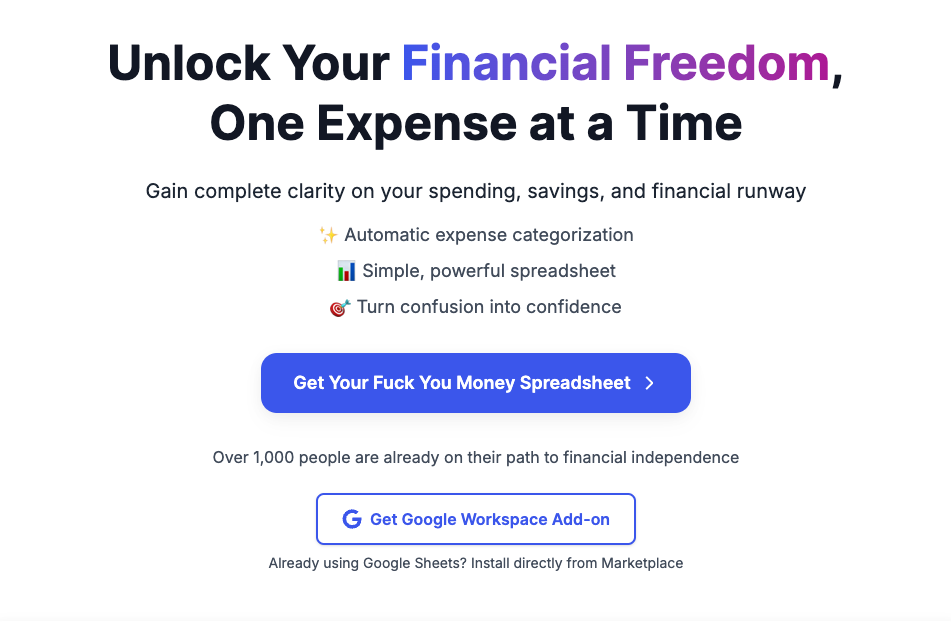





What is Expense Sorted?
Expense Sorted is a smart expense tracking tool designed to help users manage their finances effectively. It focuses on providing a comprehensive solution for tracking expenses, assessing financial health, and achieving financial freedom. By utilizing advanced technology, Expense Sorted simplifies the process of expense management, making it easier for individuals to understand their spending habits and make informed financial decisions.
How to use Expense Sorted?
- Sign up for an account on the Expense Sorted website.
- Choose between using the Google Sheets tool or the desktop app for tracking your expenses.
- Start entering your expenses by categorizing them into different types such as groceries, bills, or entertainment.
- Regularly review your financial health using the built-in analytics features to gain insights into your spending patterns.
- Adjust your budget and financial goals based on the data collected to improve your overall financial situation.
What are the main features of Expense Sorted?
- Smart expense tracking to categorize and monitor spending.
- Financial health check tools to assess your financial situation.
- Compatibility with Google Sheets for easy data entry and management.
- A dedicated desktop app for users who prefer offline tracking.
- Access to a financial freedom blog for tips and insights on managing finances.
Who is Expense Sorted for?
Expense Sorted is designed for individuals and families looking to take control of their finances. It is ideal for anyone who wants to track their expenses, improve their budgeting skills, and achieve financial wellness. Whether you are a student managing a tight budget or a working professional aiming for financial independence, Expense Sorted provides the tools and resources needed to enhance your financial literacy and management.
What are the use cases of Expense Sorted?
- Tracking monthly expenses to identify areas for savings and budget adjustments.
- Using the financial health check feature to evaluate overall financial wellness and make informed decisions.
- Accessing budgeting templates and resources to create personalized financial plans.
Expense Sorted Pros and Cons
Pros
- Personalized Google Sheet Template: The tool provides a personalized Google Sheet template that is created in the user's Google Drive, allowing for quick and easy access.
- AI-Powered Insights: The tool utilizes AI to categorize bank transactions automatically, helping users find saving opportunities and optimize spending.
- Easy Setup and Use: Users can complete setup in 30 seconds and analyze their financial data instantly by uploading bank statements.
Cons
- Limited Business Features: The business edition is still in development, indicating that current features may not fully cater to business users.
Analytics of Expense Sorted
Expense Sorted Website Traffic Analysis
Visits Over Time
Traffic Sources
Oct 2025 - Dec 2025 Worldwide Desktop Only
- Search: 46.30%
- Referrals: 28.63%
- Direct: 17.93%
- Social: 5.34%
- Paid Referrals: 1.34%
- Mail: 0.13%
Top Keywords
| Keyword | Volume | CPC | Estimated Value |
|---|---|---|---|
| google sheets investment tracker | 440 | $5.31 | $190.00 |
| couples budget template google sheets different incomes "percentage" | 140 | $0.00 | $90.00 |
| google sheets etf portfolio tracker | 90 | $0.00 | $90.00 |
| game investors google sheets | 40 | $0.00 | $40.00 |
| google sheets investment template | 40 | $0.00 | $40.00 |



