Evalyy




What is Evalyy?
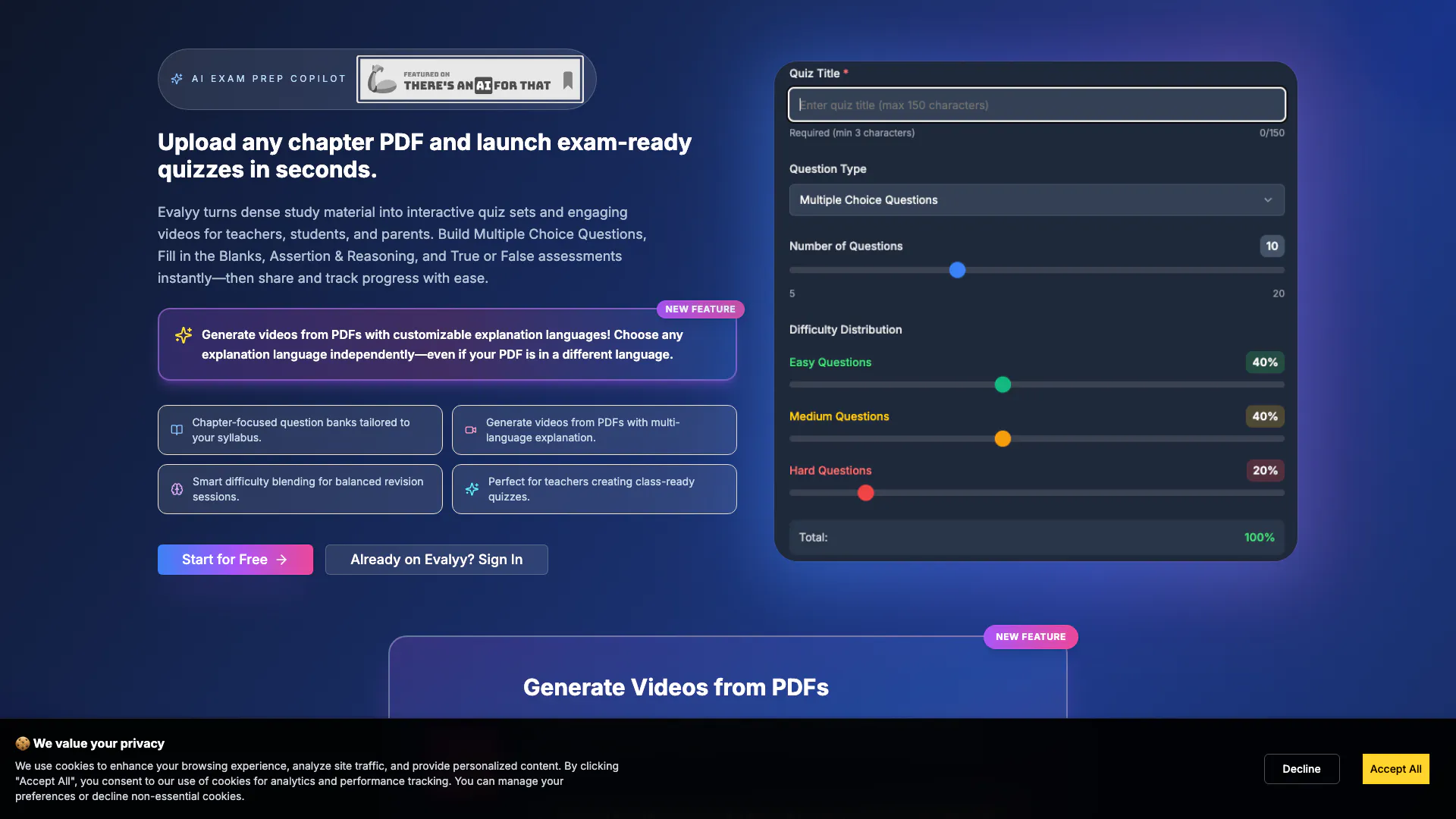
Evalyy is an innovative educational tool that transforms traditional PDFs into interactive quizzes and engaging educational videos. It allows users to generate various types of quizzes such as Multiple Choice Questions (MCQs), Fill in the Blanks, Assertion & Reasoning, and True/False assessments directly from chapter PDFs. Additionally, Evalyy can create AI-powered videos with explanations in any chosen language, independent of the PDF's original language. This makes it an ideal solution for teachers, students, and parents looking to enhance learning experiences through interactive content.
How to use Evalyy?
- Upload Your PDF: Begin by uploading the chapter PDF you wish to convert into quizzes or videos.
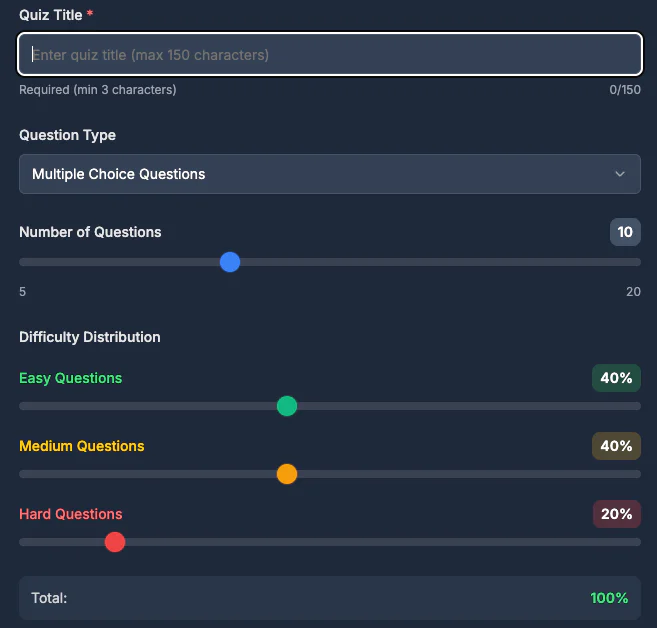
- Choose Quiz Type: Select the type of quiz you want to create—MCQs, Fill in the Blanks, Assertion & Reasoning, or True/False.
- Generate Quizzes: Click on the generate button to create your quizzes instantly from the uploaded content.
- Create Videos: If desired, use the PDF to Video feature to convert the PDF into an educational video with AI-generated explanations in your preferred language.
- Share and Track: Share the quizzes with students or peers and track their progress easily through the platform.
What are the main features of Evalyy?
- Interactive Quiz Creation: Generate MCQs, Fill in the Blanks, Assertion & Reasoning, and True/False quizzes effortlessly from PDF content.
- AI-Powered Video Generation: Convert PDFs into engaging educational videos with customizable AI explanations in any language.
- Curriculum Alignment: Tailor quizzes to align with specific academic levels and educational boards, ensuring relevance to real exam patterns.
- Progress Tracking: Easily share quizzes and monitor student progress through the platform, enhancing the learning experience.
- User-Friendly Interface: Designed for teachers, students, and parents, making it accessible for all educational needs.
Who is Evalyy for?
Evalyy is designed for a diverse audience including teachers who need to create assessments quickly, students preparing for exams who require structured revision tools, and parents who wish to support their children's learning with interactive materials. It is particularly beneficial for those involved in education at various levels, as it aligns with different curricula and educational boards, making it versatile for different learning environments.
What are the use cases of Evalyy?
- Classroom Assessments: Teachers can use Evalyy to create quizzes for classroom assessments, saving time on test preparation.
- Exam Preparation: Students can utilize the platform to generate practice quizzes that help them prepare for upcoming exams effectively.
- Home Study Support: Parents can leverage Evalyy to assist their children in studying at home by providing interactive quizzes and educational videos that cater to their learning needs.
Product Images

Evalyy Pros and Cons
Pros
- Interactive Quiz Generation: Evalyy allows users to create various types of quizzes such as MCQs, Fill in the Blanks, and True/False questions directly from chapter PDFs, making assessment preparation quick and efficient.
- Video Creation from PDFs: The tool can transform PDFs into educational videos with AI explanations, enhancing learning through visual aids and allowing language customization for explanations.
- Curriculum Alignment: Evalyy offers curriculum-aligned quizzes that cater to different academic levels and boards, ensuring that the questions reflect real exam patterns.
Cons
No cons data detected for this tool