

Editpixai
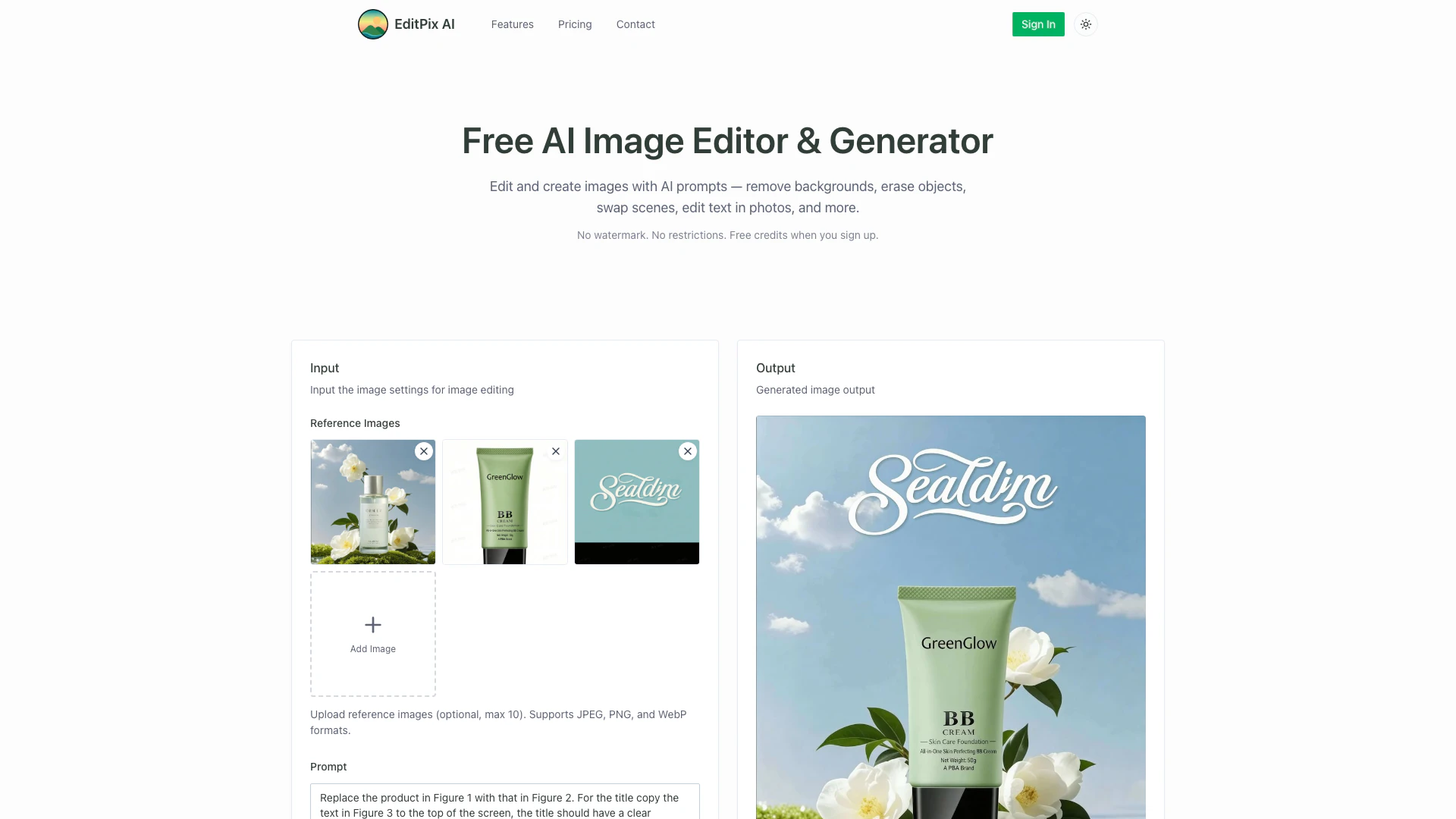





What is EditPix AI?
EditPix AI is a free AI image editor[1] and generator that allows users to edit photos and create new images using AI prompts. With no watermark[6]s or restrictions, it offers a user-friendly interface for removing backgrounds, swapping scenes, erasing objects, and more. EditPix empowers users to achieve professional-quality results quickly and easily, making it accessible for everyone.
How to use EditPix AI?
- Upload Your Image: Drag and drop or select any JPG, PNG, or WebP image to upload. You can also start from scratch to generate a new image with AI.
- Describe Your Edit: Type a prompt in plain language, such as 'remove the background' or 'erase the person on the left'.
- Download the Result: Get your AI-edited image in seconds, in full quality and without watermarks.
What are the main features of EditPix AI?
- AI Image Editor: Edit images with natural language prompts, including background removal[3], object erasure[4], and scene swapping[5].
- Image Generation[2]: Create new images from scratch using AI prompts.
- No Watermark: Download all edited images without watermarks, ensuring professional quality.
- Fast Processing: Achieve quick results with precise editing capabilities.
- Privacy Assurance: No data storage; your images are not saved after processing.
Who is EditPix AI for?
EditPix AI is designed for a diverse audience, including content creators, e-commerce sellers, photographers, and casual users looking to enhance their images. It's perfect for anyone needing quick and effective image editing solutions without the complexity of traditional software. Whether you're a student needing to polish presentations, a marketer wanting to create engaging visuals, or a designer requiring rapid prototyping, EditPix caters to your needs.
What are the use cases of EditPix AI?
- Product Photography: Remove backgrounds from product images for e-commerce listings.
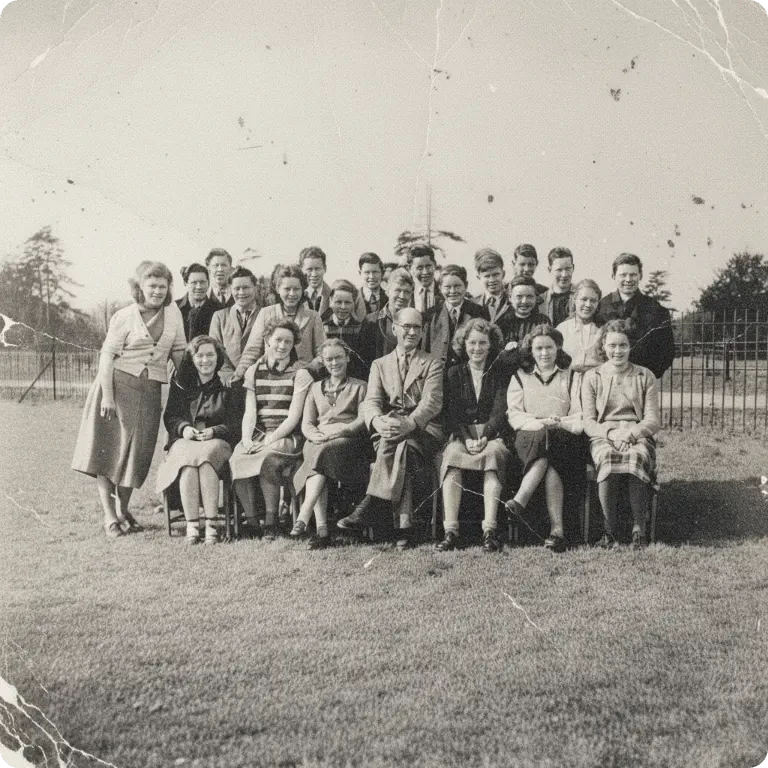
- Photo Restoration: Restore and enhance old or damaged photographs.
- Creative Projects: Generate custom stickers or cartoons from images for social media or personal use.
- Virtual Try-On: Change clothing in images for fashion-related projects.
- Image Enhancement: Upscale low-resolution images for high-quality prints or digital displays.
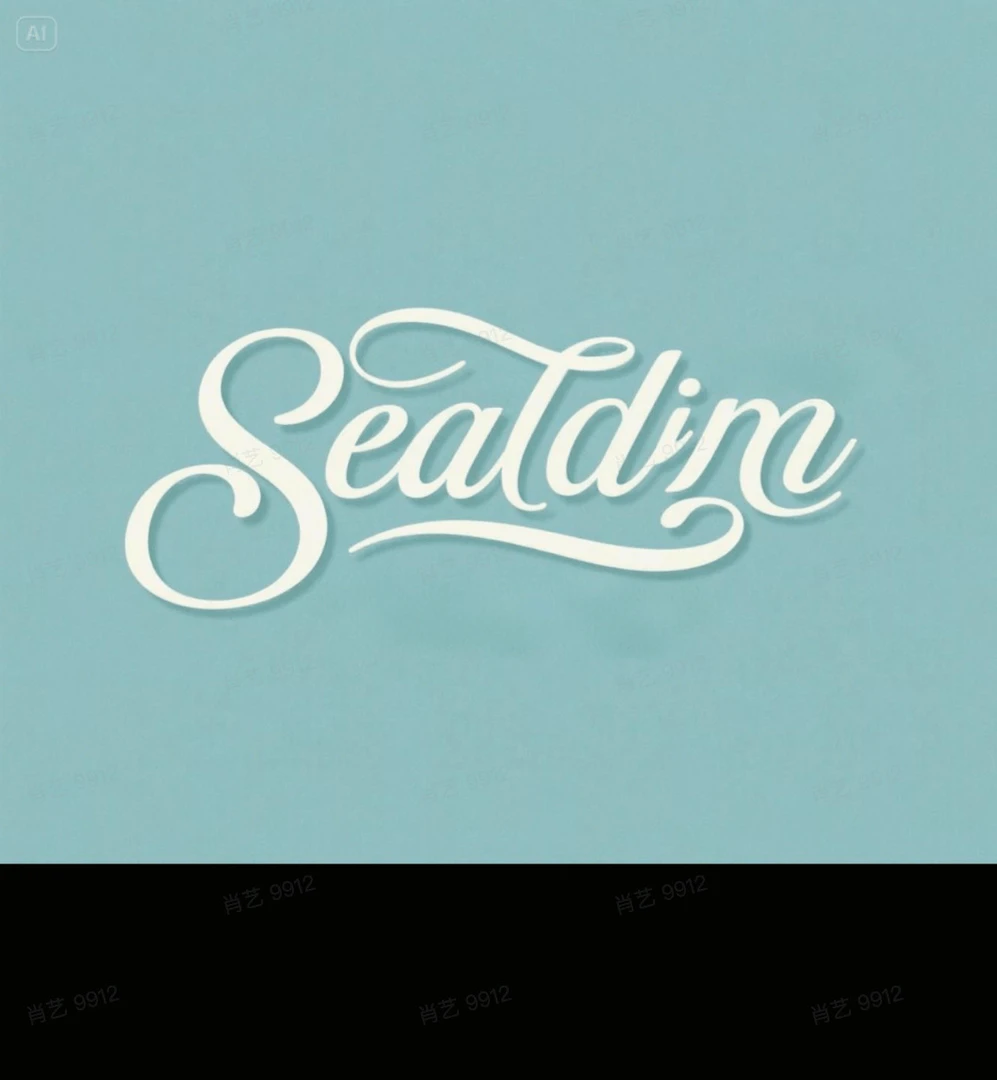
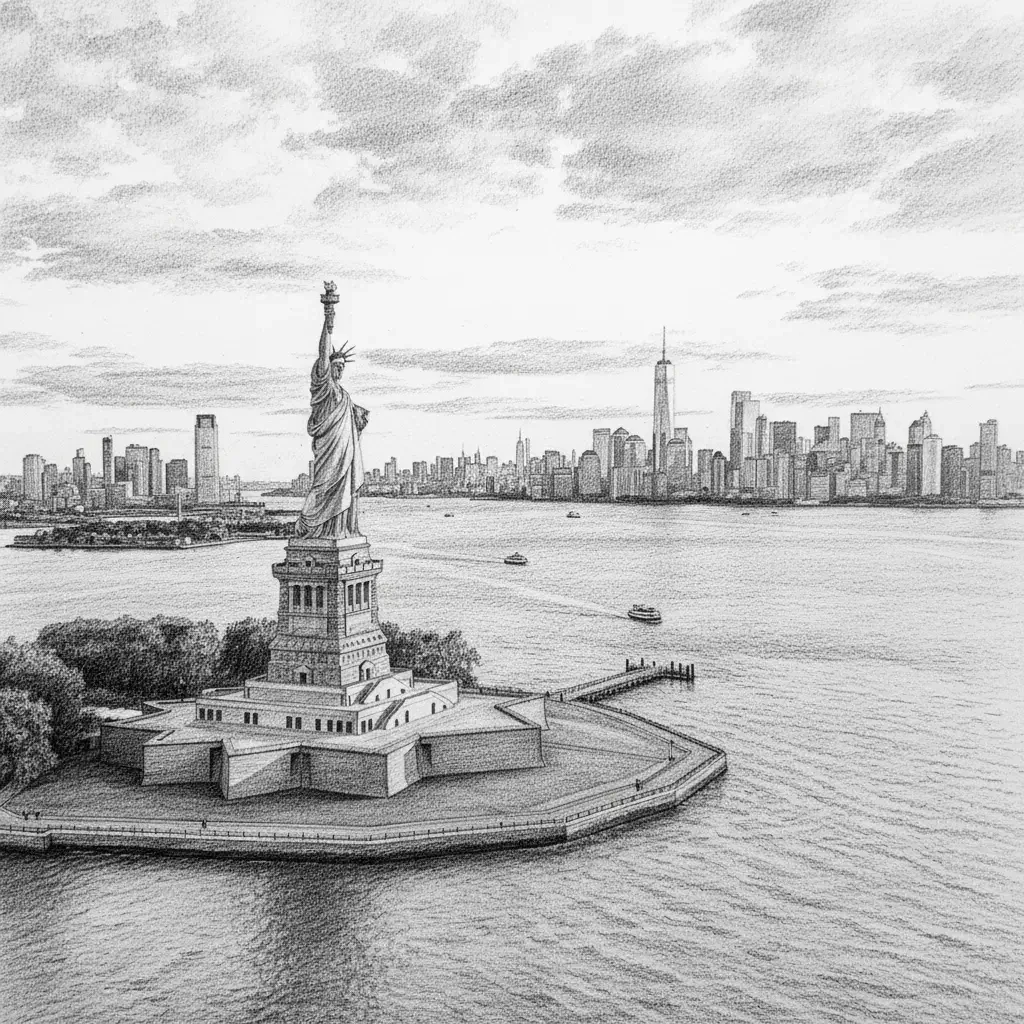
Product Images










Editpixai Pros and Cons
Pros
- No Watermark on Edits: All images edited or generated with EditPix are completely free of watermarks, ensuring a professional finish without branding.
- Intuitive AI Prompt System: Users can easily edit images by simply typing prompts in natural language, making the editing process straightforward and accessible.
- Wide Range of Editing Features: EditPix offers various editing capabilities, including background removal, object erasure, photo restoration, and image generation, all in one platform.
Cons
No cons data detected for this tool
Editpixai Pricing
Free Credits
Get free credits when you sign up to start editing photos with AI immediately, no payment required.
Credit Pack - 10 Generations
One-time purchase for up to 10 generations.
Credit Pack - 30 Generations
One-time purchase for up to 30 generations.
Credit Pack - 70 Generations
One-time purchase for up to 70 generations.
Credit Pack - 200 Generations
One-time purchase for up to 200 generations.
Credit Pack - 600 Generations
One-time purchase for up to 600 generations.
Credit Pack - 2000 Generations
One-time purchase for up to 2000 generations.
Credit Pack - 6000 Generations
One-time purchase for up to 6000 generations.
For the latest pricing, please visit this link: https://editpix.ai/pricing
Prices are subject to change. Please visit the official website for the most up-to-date pricing information.





