Editly
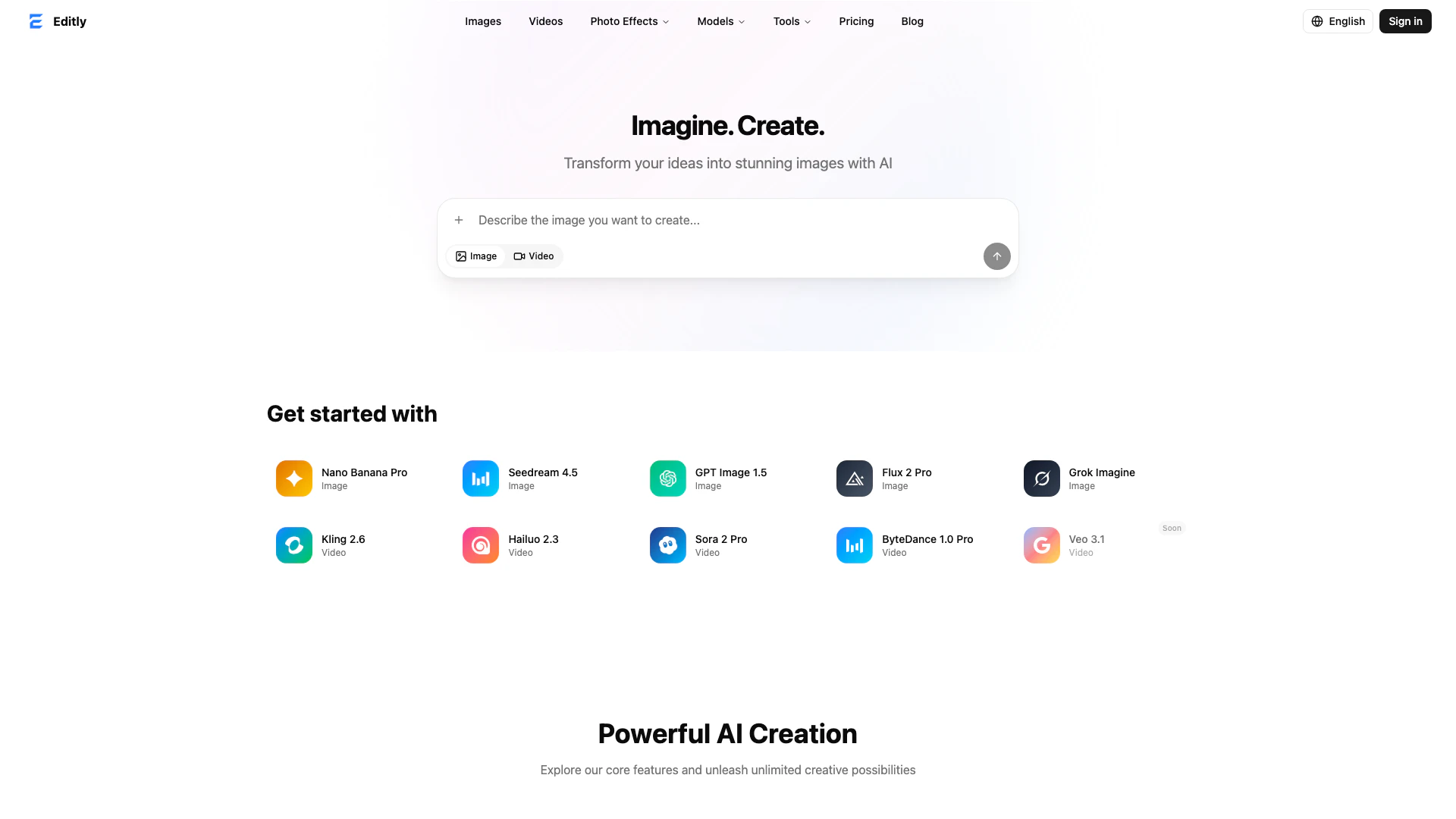





What is Editly?
Editly is an all-in-one AI creation platform[1] designed to empower users to generate images, edit photos, and create videos seamlessly. With its multiple AI models, Editly provides a versatile environment for both amateur and professional creators. The platform emphasizes ease of use, allowing users to generate stunning visuals without the need for extensive technical knowledge. Notably, Editly offers a free trial option, ensuring users can explore its capabilities without any financial commitment. The absence of watermarks on generated content makes it an attractive choice for commercial use, catering to a wide range of creative needs.
How to use Editly?
- Sign up for an account on the Editly website to access the platform.
- Choose your desired AI model for image or video generation from the options available.
- Input your prompts or upload images to begin the creative process.
- Utilize the smart editing tools to enhance your images or videos as needed.
- Preview your creations and make any adjustments before finalizing.
- Download your finished images or videos, which will be free of watermarks and ready for commercial use.
What are the main features of Editly?
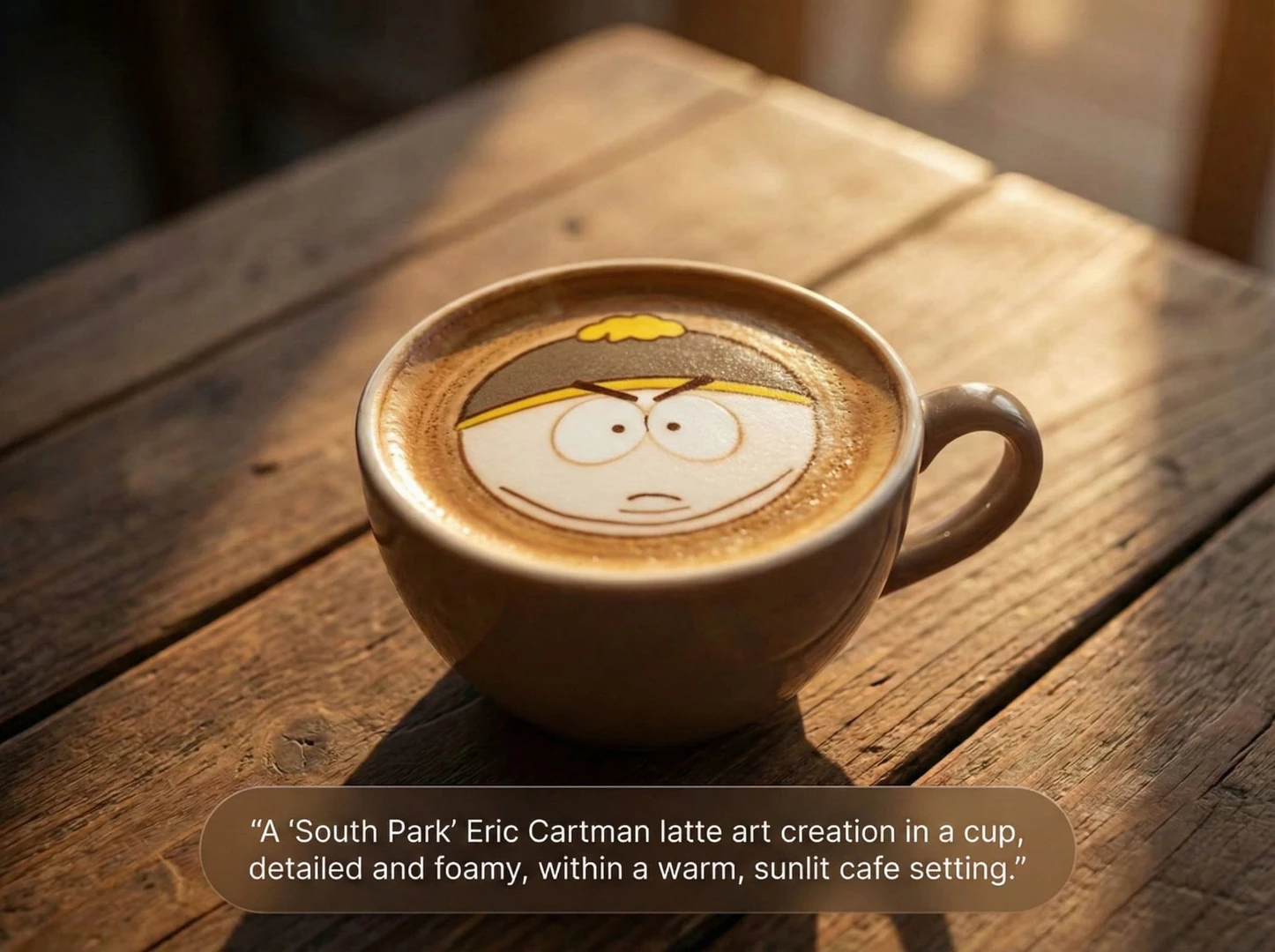
- AI Image Generation[2]: Create unique images by describing your vision, with multiple AI models available.
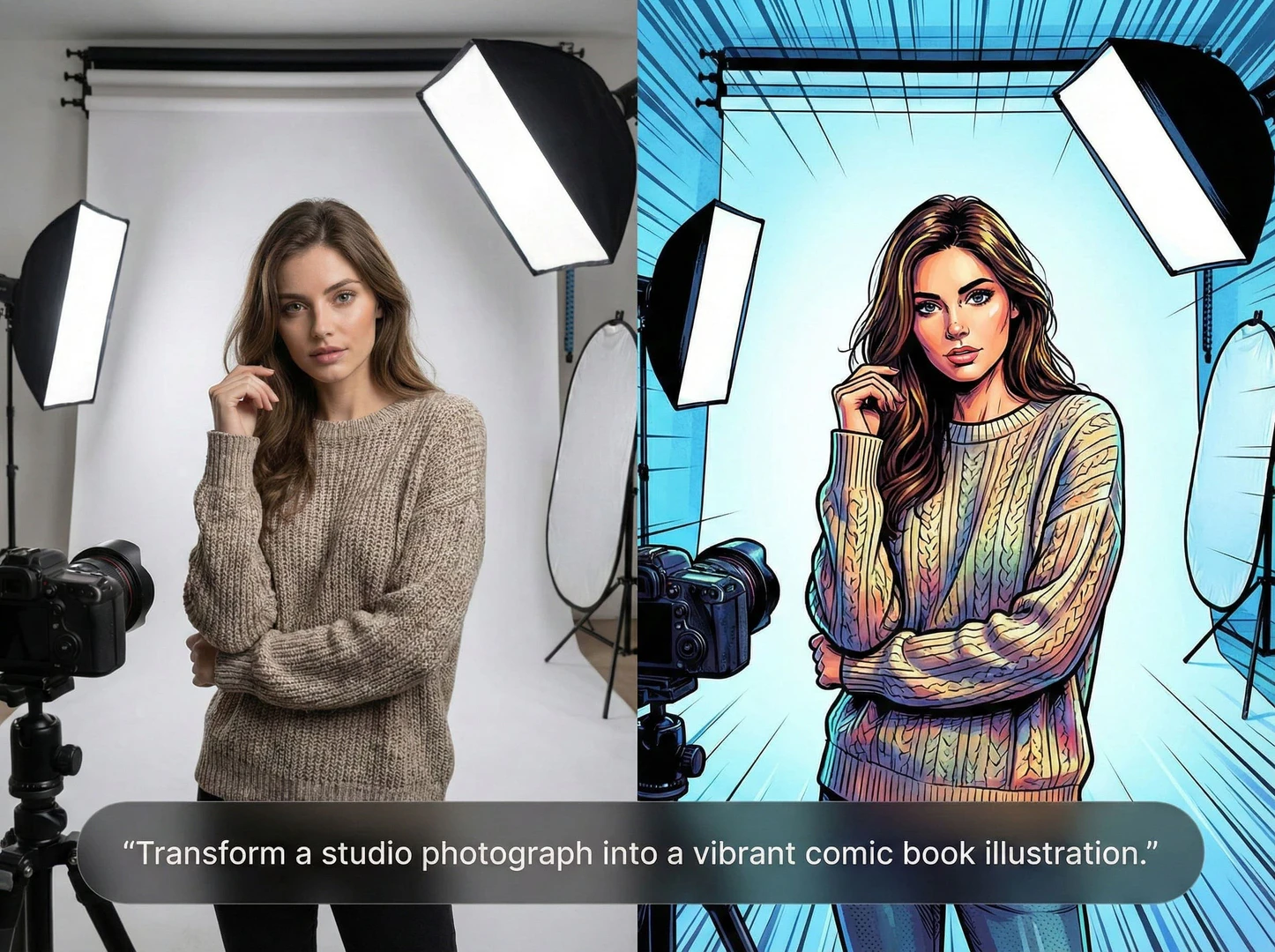
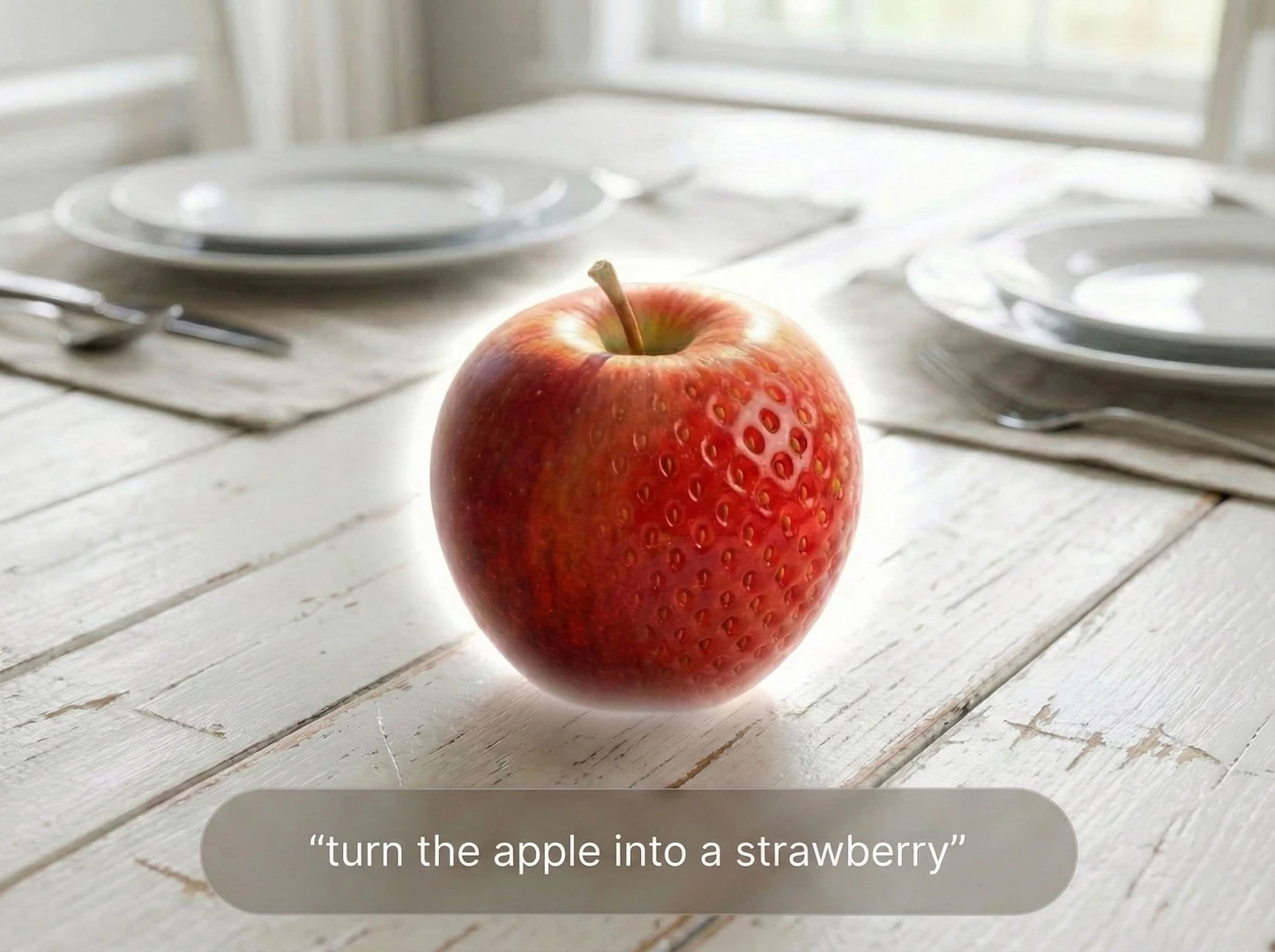
- Smart Image Editing[4]: Adjust brightness, apply filters, and enhance images with automatic subject detection.
- Video Creation[3]: Generate videos from still images or text prompts, with automatic transitions and effects.
- Photo Restoration: Fix and enhance old or low-quality photos, restoring clarity and detail.
- No Watermark: All downloads are free of watermarks, making them suitable for commercial use.
- User-Friendly Interface: Clean layout and intuitive tools ensure a smooth creative process.
Who is Editly for?
Editly is designed for a diverse audience including content creators, marketers, graphic designers, and anyone in need of high-quality visual content. Whether you are a small business owner looking to create promotional materials, a social media manager needing engaging posts, or an artist experimenting with digital media, Editly provides the tools necessary to streamline your creative workflow. Its user-friendly interface and powerful AI capabilities make it accessible to both beginners and experienced professionals.
What are the use cases of Editly?
- Social Media Content Creation: Generate eye-catching images and videos for platforms like Instagram and Facebook.
- Marketing and Advertising: Create promotional visuals and ads without needing extensive graphic design skills.
- Content for Blogs and Websites: Produce unique images that enhance written content and improve user engagement.
- Personal Projects: Transform personal photos into artistic styles or generate custom visuals for personal use.
Product Images

Editly Pros and Cons
Pros
- All-in-One AI Creation Platform: Editly offers a comprehensive suite for generating images, editing photos, and creating videos, making it a versatile tool for various creative needs.
- User-Friendly Interface: The platform features a clean and intuitive UI, allowing users to navigate easily and start creating without a steep learning curve.
- No Watermark on Outputs: Users can download their creations without watermarks, ensuring professional-quality results suitable for commercial use.
- Fast Image and Video Generation: AI-driven tools enable quick generation of images and videos, significantly speeding up the creative process.
Cons
No cons data detected for this tool
Editly Pricing
Starter
1,200 credits/month, billed yearly. Generate up to ~80 images/month, generate up to ~60 videos/month, access all AI models, credits refresh monthly, priority queue, no watermark, commercial use, 8 concurrent tasks.
Plus
3,000 credits/month, billed yearly. Generate up to ~200 images/month, generate up to ~150 videos/month, access all AI models, credits refresh monthly, priority queue, no watermark, commercial use, 8 concurrent tasks.
Pro
4,500 credits/month, billed yearly. Generate up to ~300 images/month, generate up to ~225 videos/month, access all AI models, credits refresh monthly, priority queue, no watermark, commercial use, 16 concurrent tasks.
For the latest pricing, please visit this link: https://editly.art/pricing
Prices are subject to change. Please visit the official website for the most up-to-date pricing information.
Analytics of Editly
Editly Website Traffic Analysis
Visits Over Time
Traffic Sources
Dec 2025 - Jan 2026 Worldwide Desktop Only
- Referrals: 98.14%
- Direct: 0.89%
- Search: 0.69%
- Social: 0.21%
- Paid Referrals: 0.04%
- Mail: 0.00%
Top Keywords
| Keyword | Volume | CPC | Estimated Value |
|---|---|---|---|
| editly | 840 | $0.00 | $40.00 |
Editly Reviews
It's one of those tools you open and immediately want to use. Clean layout, no clutter, and the important stuff is right where you expect it.
The background remover is honestly my favorite part. It's quick, the edges look clean, and it saves me from doing tedious cutouts by hand.
The image generation is solid, and support actually replies. Pricing feels fair—subscribe monthly or just buy credits when you need them.
For more reviews, visit this link: https://editly.art/#reviews