Documentextract



What is Document Extract[1]?
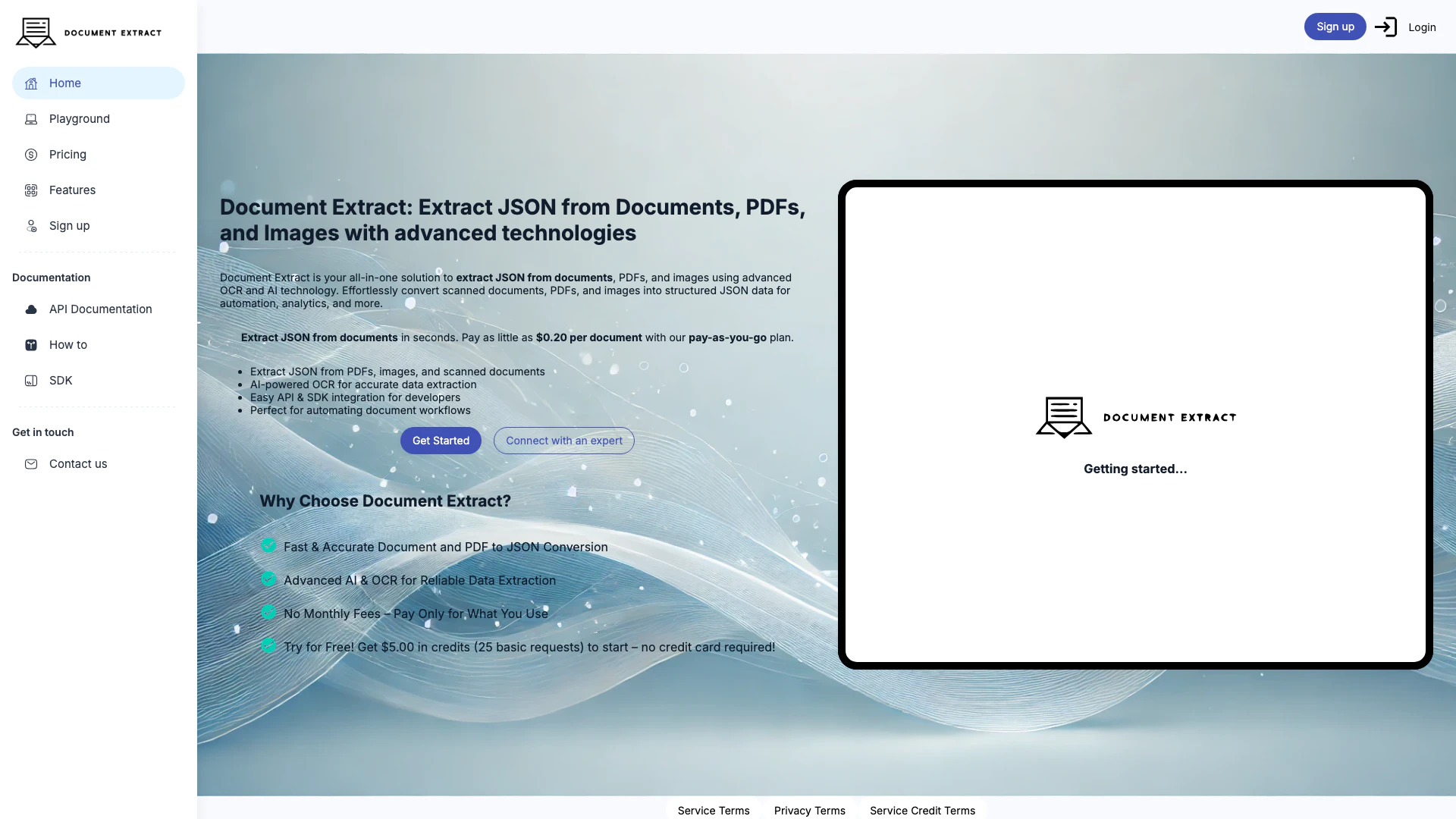
Document Extract is a powerful tool designed to extract structured JSON[2] data from various types of documents, including PDFs and images. Utilizing advanced Optical Character Recognition[3] (OCR[4]) and artificial intelligence (AI[5]) technologies, it enables users to convert scanned documents and images into organized JSON format efficiently. This tool is ideal for businesses and developers looking to automate document workflows and enhance data analysis processes. Document Extract provides a seamless integration experience through its API and SDK, making it accessible for developers to implement in their applications.
How to use Document Extract?
- Sign up for an account on the Document Extract website to access the tool.
- Choose between using the API or SDK based on your development needs.
- Upload your documents, PDFs, or images that you wish to extract data from.
- Use the provided endpoints to initiate the extraction process and receive structured JSON data as output.
- Review the extracted JSON for accuracy and integrate it into your workflows or applications.
What are the main features of Document Extract?
- Advanced OCR technology for high accuracy in data extraction.
- Ability to extract JSON from various formats including PDFs and images.
- Easy-to-use API and SDK for seamless integration into applications.
- Pay-as-you-go pricing model with no monthly fees, starting as low as $0.20 per document.
- Fast processing time for document conversion, enhancing workflow efficiency.
Who is Document Extract for?
Document Extract is tailored for businesses, developers, and organizations that require efficient data extraction from documents. It is particularly useful for those in industries such as finance, healthcare, and legal sectors where accurate data handling is critical. Additionally, it serves developers looking to integrate document processing capabilities into their applications, providing a robust solution for automating workflows and improving data accessibility.
What are the use cases of Document Extract?
- Automating data entry processes by converting scanned invoices into structured JSON for accounting software.
- Extracting information from legal documents to facilitate quick data retrieval and analysis.
- Processing forms and applications submitted in PDF format to streamline approval workflows.
Documentextract Pros and Cons
Pros
- Advanced OCR Technology: Utilizes advanced OCR and AI technology for accurate data extraction from documents, PDFs, and images.
- Easy Integration: Offers easy API and SDK integration, making it convenient for developers to implement.
- Pay-as-You-Go Pricing: Flexible pricing model allows users to pay only for the documents processed, starting at $0.20 per document.
- Fast Processing: Enables quick extraction of structured JSON data from various document types in seconds.
Cons
No cons data detected for this tool