Dicta




What is Dicta?
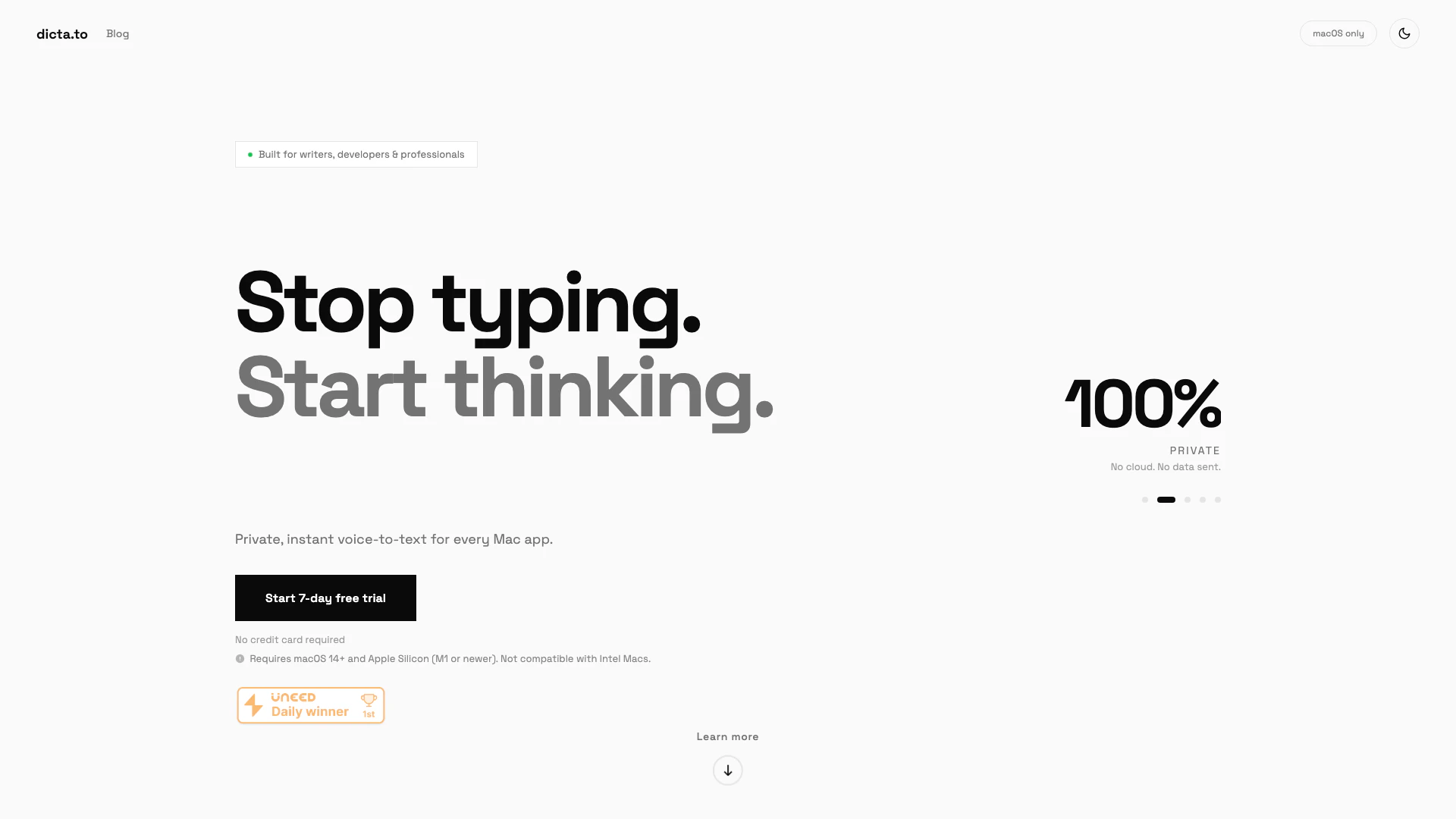
Dicta is a fast and private dictation[1] tool designed specifically for Mac users. It enables users to transcribe speech to text with an impressive latency of just 80 milliseconds, utilizing advanced engines such as Whisper[4], Parakeet[5], or Apple’s built-in engine. This tool operates entirely on-device, ensuring that no data is sent to the cloud, thereby maintaining user privacy. Priced at a one-time fee of $9.99, Dicta is compatible with macOS 14 and Apple Silicon, making it a valuable asset for writers, developers, and professionals who prefer dictation over typing.
How to use Dicta?
- Install Dicta on your Mac and set up a global hotkey in the app settings.
- Whenever you want to dictate, press and hold the hotkey.
- Speak clearly, and your speech will be transcribed in real time, appearing in the application where your cursor is positioned.
What are the main features of Dicta?
- Fast Transcription[2]: Achieves 80ms latency[3] for near-instant speech-to-text conversion.
- Privacy-Focused: 100% on-device processing[6] ensures no data is sent to the cloud.
- Multiple Engines: Offers three transcription engines (Whisper, Parakeet, Apple) for flexibility.
- Unlimited Dictation: No time limits or word caps, allowing for continuous dictation.
- Language Support: Automatically detects and supports over 25 languages.
Who is Dicta for?
Dicta is ideal for writers, developers, and professionals who require efficient and private dictation capabilities on their Mac. It caters to individuals who often find themselves typing lengthy documents, emails, or code and want to enhance their productivity by dictating their thoughts instead. Additionally, it is suitable for those in fields such as legal and medical professions where confidentiality is paramount.
What are the use cases of Dicta?
- Writing Articles: Journalists and bloggers can quickly dictate articles and reports without the interruption of typing.
- Coding: Developers can dictate code snippets or comments directly into their IDE, improving workflow efficiency.
- Medical Documentation: Healthcare professionals can document patient information securely and efficiently without compromising privacy.
Dicta Pros and Cons
Pros
- Fast Transcription Speed: Dicta offers real-time transcription with a latency of just 80ms, allowing users to see their words appear almost instantly as they speak.
- 100% On-Device Processing: All speech recognition is done locally on the user's Mac, ensuring complete privacy and security without any data being sent to the cloud.
- One-Time Payment: Users can purchase Dicta for a one-time fee of $9.99, with no subscription fees or recurring charges, making it a cost-effective solution.
- Multiple Language Support: Dicta supports automatic detection and transcription in over 25 languages, making it versatile for multilingual users.
- No Time Limits: Unlike other dictation tools, Dicta does not impose a time limit on dictation sessions, allowing users to dictate as long as needed.
Cons
No cons data detected for this tool
Dicta Pricing
One-time Payment
$9.99 one-time payment. No subscription. Includes 7-day free trial with no credit card required, unlimited dictation, auto-translation, AI proofreading, and 2 years of updates for new features and macOS compatibility.
For the latest pricing, please visit this link: https://dicta.to/#problem
Prices are subject to change. Please visit the official website for the most up-to-date pricing information.
Dicta Reviews
really enjoying getting ideas into claude rapidly with dictato's instant offline transcription. it's saving my wrists and fingers when I have a lot to say! thanks @DictatoVoice
No cloud, no privacy worries — just instant results. Honestly a productivity boost I didn't expect.
For more reviews, visit this link: https://dicta.to#reviews