

Designinthebrowser





What is Design In The Browser?
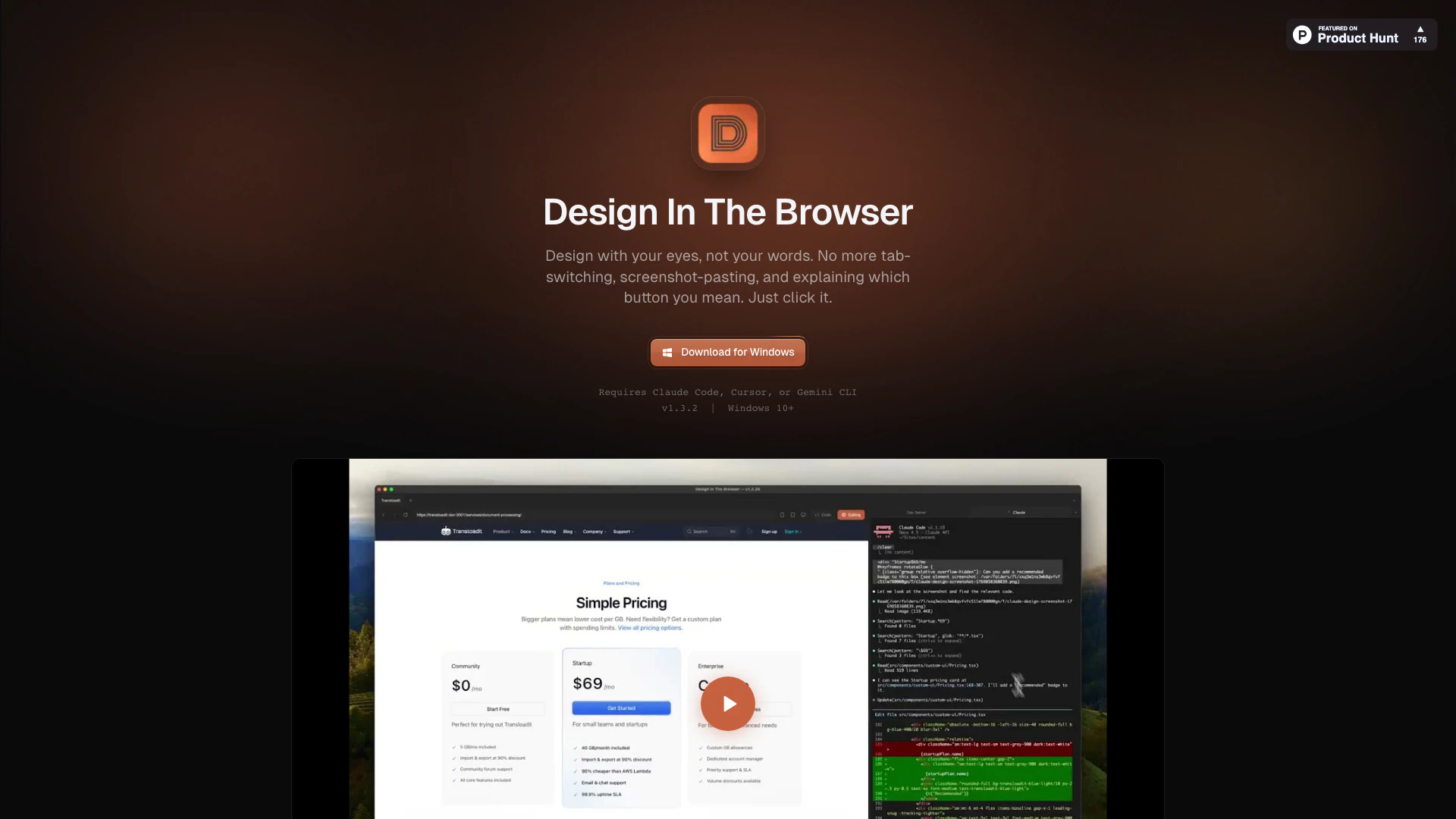
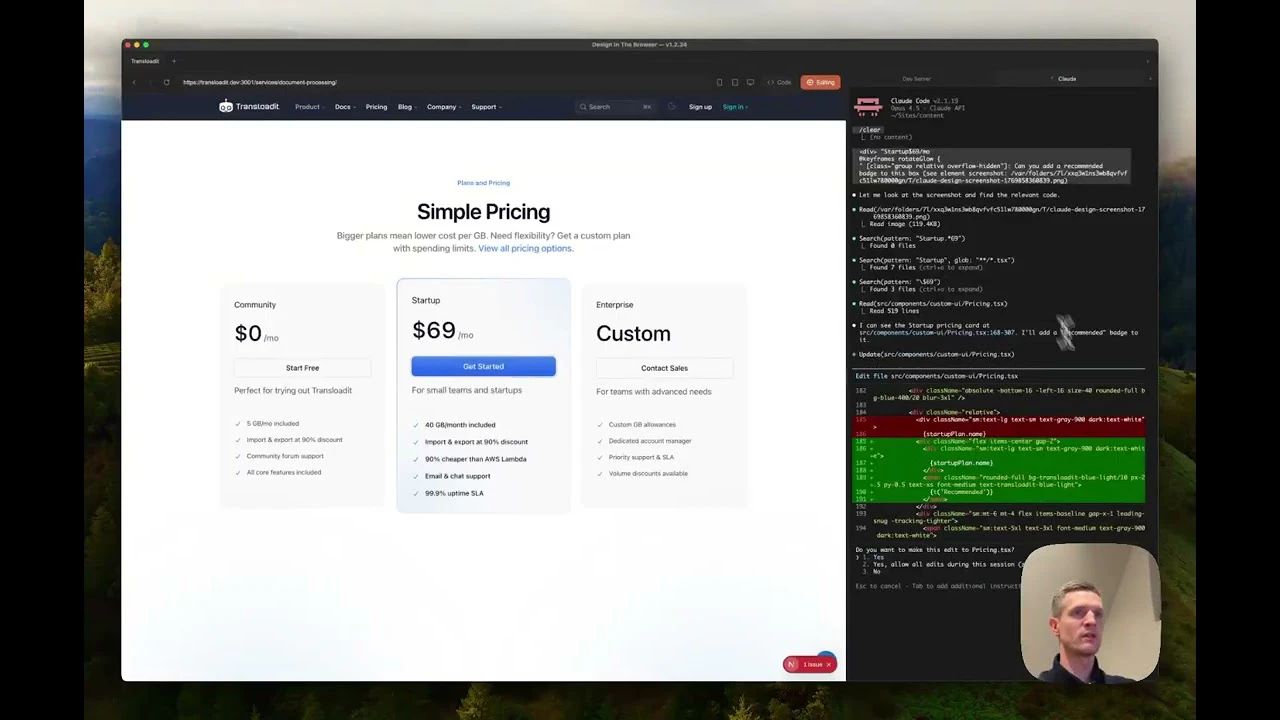
Design In The Browser is an innovative tool that allows users to bridge visual design and AI-powered frontend development seamlessly. With its point-and-click[1] functionality, users can interact directly with web elements in their browser. By clicking on any element, users can instruct AI models[2] like Claude[3], Cursor[4], or Gemini CLI[5] to generate the corresponding code, eliminating the need for tedious explanations or tab-switching. This tool is designed for both designers and developers, streamlining the workflow between visual design and coding, making it easier to implement design changes quickly and efficiently.
How to use Design In The Browser?
- Download and install Design In The Browser from the official website.
- Open the tool and navigate to the web page you want to work on.
- Use the point-and-click feature to select any element on the page.
- Choose the AI model (Claude, Cursor, or Gemini CLI) to generate code for the selected element.
- Make any necessary adjustments using the integrated terminal and CSS inspector.
- Save your changes or export the generated code.
What are the main features of Design In The Browser?
- Point & Click Interface: Easily select elements to instruct the AI without needing screenshots.
- Jump to Code: Directly access the source code of any selected element.
- Multi-Edit Capability: Select multiple elements at once and queue up changes for batch processing.
- Integrated Terminal: Work within the same window for both browser and terminal operations.
- Responsive Testing: Instantly switch between different device viewports (desktop, tablet, mobile).
- CSS Inspector: Inspect styles and copy values between elements with ease.
- Reference Images: Upload screenshots for the AI to match and adapt to, reducing the need for verbal descriptions.
- Design Tokens: Directly reference CSS variables and Tailwind tokens in prompts to maintain brand consistency.
Who is Design In The Browser for?
Design In The Browser is tailored for web designers, frontend developers, and UX/UI professionals who seek to enhance their workflow. It is particularly beneficial for those who prefer a visual approach to coding and want to streamline the process of implementing design changes. The tool caters to both beginners and experienced professionals, making it an ideal choice for anyone looking to bridge the gap between design and development efficiently.
What are the use cases of Design In The Browser?
- Rapid Prototyping: Quickly create and modify web designs without switching between multiple tools.
- Design Implementation: Use the tool to directly translate design mockups into code, ensuring accuracy and speed.
- Collaborative Development: Facilitate teamwork between designers and developers by providing a common interface for making design changes.
Product Images
Designinthebrowser Pros and Cons
Pros
- Visual Design Integration: Design In The Browser allows users to point and click on any element in their browser, seamlessly integrating visual design with AI-powered frontend development.
- No More Tab-Switching: The tool combines browser and terminal functionality in one window, eliminating the need for constant tab-switching.
- Multi-Edit Capability: Users can select multiple elements and queue up changes to send all at once, enhancing efficiency in design adjustments.
Cons
No cons data detected for this tool
Designinthebrowser Reviews
Been using this since yesterday. This is phenomenal. Thank you.
This tool is exceptional and super precise at what it does. It deserves way more recognition.
For more reviews, visit this link: https://designinthebrowser.com/#reviews




