Deepmake
What is DeepMake?
DeepMake is an innovative generative AI[1] tool designed to streamline and enhance content creation[2] processes. By utilizing leading open-source AI technologies, DeepMake allows users to quickly generate visual effects[3] (VFX), create stock videos from text prompts, and effortlessly segment layers, making content creation both fast and easy. Unlike traditional cloud-based solutions, DeepMake operates locally on your computer, providing users with greater control, no usage limits, and the ability to enhance images and videos without reliance on external services.
How to use DeepMake?
- Download and install DeepMake from the official website.
- Launch the application and create an account or log in.
- Choose the type of content you wish to create (e.g., text-to-image[4], image-to-image[5]).
- Input your prompts or select images as needed.
- Utilize the AI tools to generate, refine, or enhance your visual content.
- Save or export your final outputs in your desired format.
What are the main features of DeepMake?
- Text-to-Image Generation: Instantly generate high-quality images from written prompts.
- Image-to-Image Generation: Refine, augment, or create new images based on existing images.
- Smart Masking for Faces: Automatically mask faces in videos for enhanced editing.
- Smart Masking for Any Object: Efficiently mask characters, backgrounds, and various objects in videos.
- Image and Video Upscaling: Use AI technology to enhance the quality of both images and videos.
Who is DeepMake for?
DeepMake is designed for content creators, digital artists, video editors, and marketing professionals looking to elevate their visual content production. It is particularly beneficial for those who require high-quality visuals without the constraints of cloud services, making it ideal for freelancers, agencies, and anyone in need of fast and efficient content generation tools.
What are the use cases of DeepMake?
- Creating Stock Videos: Generate high-quality stock videos from text prompts for use in various projects.
- Video Editing: Enhance video content with automatic face and object masking for professional-grade results.
- Art and Design Projects: Quickly produce unique images for art, marketing materials, and social media campaigns.
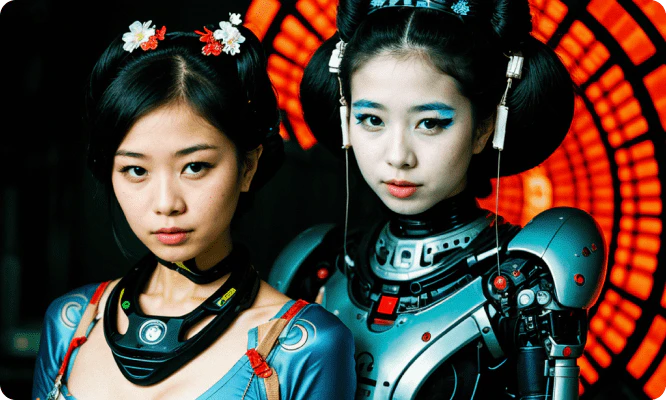
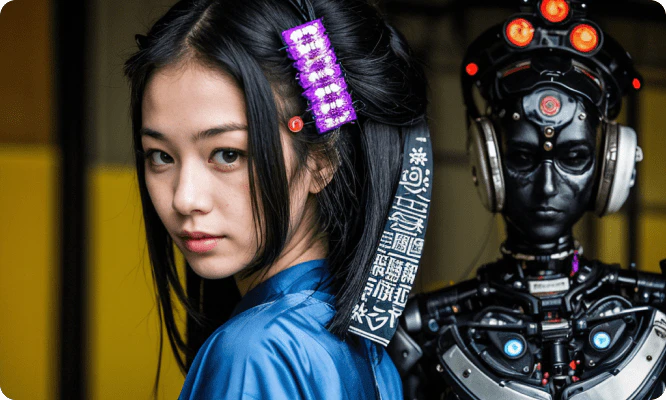
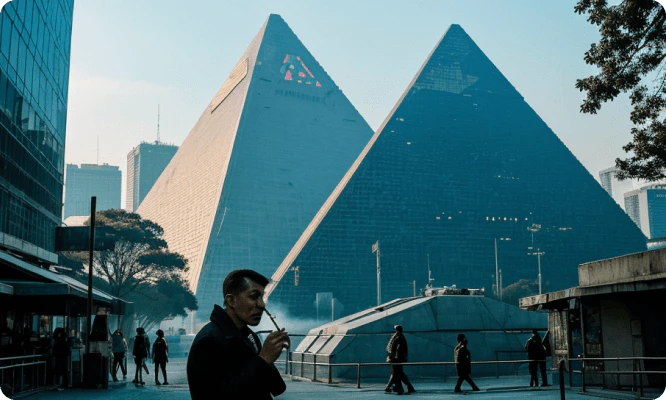
Product Images



Deepmake Pros and Cons
Pros
- Local AI Processing: DeepMake runs AI tools locally on your computer, eliminating reliance on cloud services and providing faster processing.
- Unlimited Usage: Users benefit from no usage limits or fees, allowing for extensive content creation without additional costs.
- Advanced Editing Features: DeepMake offers advanced features like smart masking for faces and objects, enhancing the editing process significantly.
Cons
No cons data detected for this tool
Analytics of Deepmake
Deepmake Website Traffic Analysis
Visits Over Time
Traffic Sources
Nov 2025 - Jan 2026 Worldwide Desktop Only
- Search: 41.28%
- Direct: 37.13%
- Social: 10.75%
- Referrals: 9.57%
- Paid Referrals: 1.15%
- Mail: 0.07%
Top Keywords
| Keyword | Volume | CPC | Estimated Value |
|---|---|---|---|
| muke ai | 3.58K | $1.20 | $480.00 |
| ai rotoscoping | 470 | $3.26 | $20.00 |
| muke ai. | 180 | $0.00 | $170.00 |
| rotoscoping ai online | 140 | $0.00 | $130.00 |
| deepmake | 100 | $0.00 | $200.00 |