

Deepbrain





What is Deepbrain?
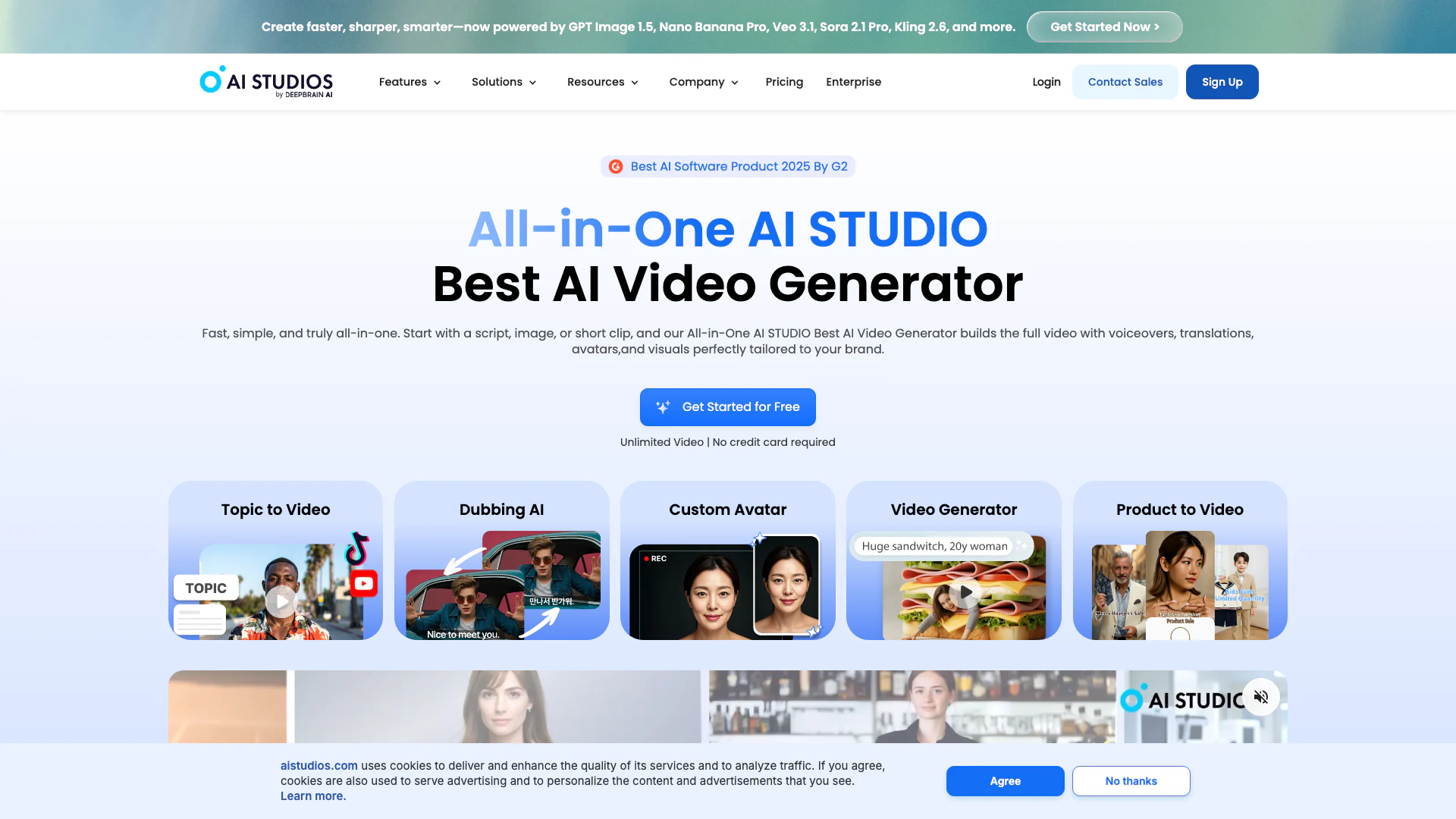
Deepbrain is an advanced AI Video Generator[1] that utilizes cutting-edge technology to transform text into engaging videos. It offers features like Text-to-Video[2], Generative Videos[3], and Custom Avatars[4], making it suitable for various applications including HR training and content creation for platforms like YouTube. With over 2,000 realistic avatars and support for 150+ languages in AI dubbing[5], Deepbrain aims to streamline video production processes, enabling users to create high-quality content quickly and efficiently.
How to use Deepbrain?
- Sign up for a free account on the Deepbrain website.
- Choose the type of video you want to create (Text-to-Video, URL to Video, etc.).
- Input your script, document, or URL that contains the content you want to convert into a video.
- Select from over 2,000 AI avatars and customize your video settings, including language and voice options.
- Generate the video and review the output. Make any necessary adjustments to the script or visuals.
- Export your final video in your desired format.
What are the main features of Deepbrain?
- AI Video Generation from text, documents, or URLs.
- Over 2,000 realistic AI avatars for diverse applications.
- AI Dubbing with translation[6] capabilities in 150+ languages.
- Text-to-Speech functionality with 2,000+ natural voices.
- 7,000+ customizable video templates for various industries.
- Interactive AI avatars for real-time engagement.
- SCORM-compliant video exports for educational use.
Who is Deepbrain for?
Deepbrain is designed for a wide range of users including HR professionals seeking effective training solutions, content creators on platforms like YouTube and TikTok, marketers looking to produce engaging advertisements, and educators aiming to create interactive learning materials. Its versatile features make it suitable for anyone looking to streamline video production and enhance audience engagement through innovative AI technologies.
What are the use cases of Deepbrain?
- Creating training videos for employee onboarding and development in corporate environments.
- Generating promotional videos for products and services tailored for social media platforms.
- Producing educational content and e-learning modules for schools and universities.
- Developing interactive video presentations that engage viewers with quizzes and feedback.
- Translating and dubbing videos into multiple languages to reach a global audience.
Product Images


Deepbrain Pros and Cons
Pros
- Extensive Avatar Options: Deepbrain offers over 2,000 realistic AI avatars, allowing users to choose or create custom avatars for various use cases, enhancing personalization in video content.
- Multilingual Dubbing and Translation: The platform supports dubbing and translation in over 150 languages, ensuring global reach and accessibility for video content.
- Fast Video Generation: Deepbrain enables quick video creation from text or documents, significantly reducing production time and costs, making it ideal for content creators.
- User-Friendly Interface: The platform features an intuitive interface that simplifies the video creation process, making it accessible even for users without advanced editing skills.
Cons
No cons data detected for this tool
Deepbrain Pricing
Free
Best for getting started with AI video creation. Create up to 3 AI videos, videos up to 3 minutes, 1 Custom Avatar, export videos in 720p, and 1 priority video per month. Includes audio-only AI Dubbing and 16 one-time generative credits with limited generative models.
Personal
Most Popular. Best for solo creators producing AI videos without limits. Unlimited AI videos, videos up to 30 minutes, 3 Custom Avatars, export videos in 1080p, and 50 priority videos per month. Includes AI Dubbing with lip-sync and 120 minutes of AI Dubbing per month, 720 generative credits per year, and full access to generative models.
Team
Best Value. Built for teams collaborating on unlimited AI video creation. Unlimited AI videos, videos up to 60 minutes, 5 Custom Avatars, export videos in 4K, and 150 priority videos per month. Includes AI Dubbing with lip-sync and 240 minutes of AI Dubbing per month, 1800 generative credits per year (per seat), and full access to generative models.
Enterprise
Custom. Advanced AI video solutions for enterprise needs. Unlimited AI videos, unlimited video duration, unlimited custom avatars, export videos in 4K, and always priority processing. Includes extended AI Dubbing with lip-sync, enterprise-scale generative credit, and full access to generative models with custom options.
For the latest pricing, please visit this link: https://www.aistudios.com/pricing
Prices are subject to change. Please visit the official website for the most up-to-date pricing information.
Analytics of Deepbrain
Deepbrain Website Traffic Analysis
Visits Over Time
Traffic Sources
Nov 2025 - Jan 2026 Worldwide Desktop Only
- Search: 43.49%
- Direct: 35.68%
- Referrals: 12.67%
- Social: 5.26%
- Paid Referrals: 1.50%
- Mail: 0.23%
Top Keywords
| Keyword | Volume | CPC | Estimated Value |
|---|---|---|---|
| runway ml | 222.66K | $0.55 | $200.00 |
| deepbrain ai | 12.84K | $0.80 | $3110.00 |
| deepbrain | 3.73K | $1.84 | $650.00 |
| deepbrainai | 880 | $0.97 | $10.00 |
| deepbrain.io | 470 | $0.00 | $20.00 |
Deepbrain Reviews
As being someone that was new to content creation, it provided me the tools necessary to create videos for my YouTube channel. The avatars are so realistic, it's unbelievable. I totally recommend this product for newbies starting off in their content journey, it helps with developing your creativity and also gives other persons comfort knowing they can publish their work, without having to show their faces, as not everyone wants to be seen on the internet or social media.
What I like best about AI Studios is its ability to generate AI videos from basic text instantly, providing a quick and efficient way to create realistic AI avatars. The Text-to-Speech feature and support for multiple languages make it highly versatile and accessible.
AI Studios offers a fast and intuitive way to create professional-quality AI videos without the need for advanced editing skills. The user-friendly interface and wide selection of avatars and voice options make it easy to generate engaging content quickly. I especially appreciate the ability to update scripts and regenerate videos instantly, which is a huge time-saver.
For more reviews, visit this link: https://www.deepbrain.io/aistudios#customers





Deepbrain Social Listening
AKOOL vs. Deepbrain AI Avatars...
Welcome to our in-depth benchm...
Deepbrain AI Avatar Tutorial –...
In this step-by-step guide, we...
DeepBrain AI Studios Review - ...
🔥 (Discount Link) Try DeepBra...
Unlock to view 30 social media results.