Decaworkai





What is Decaworkai?
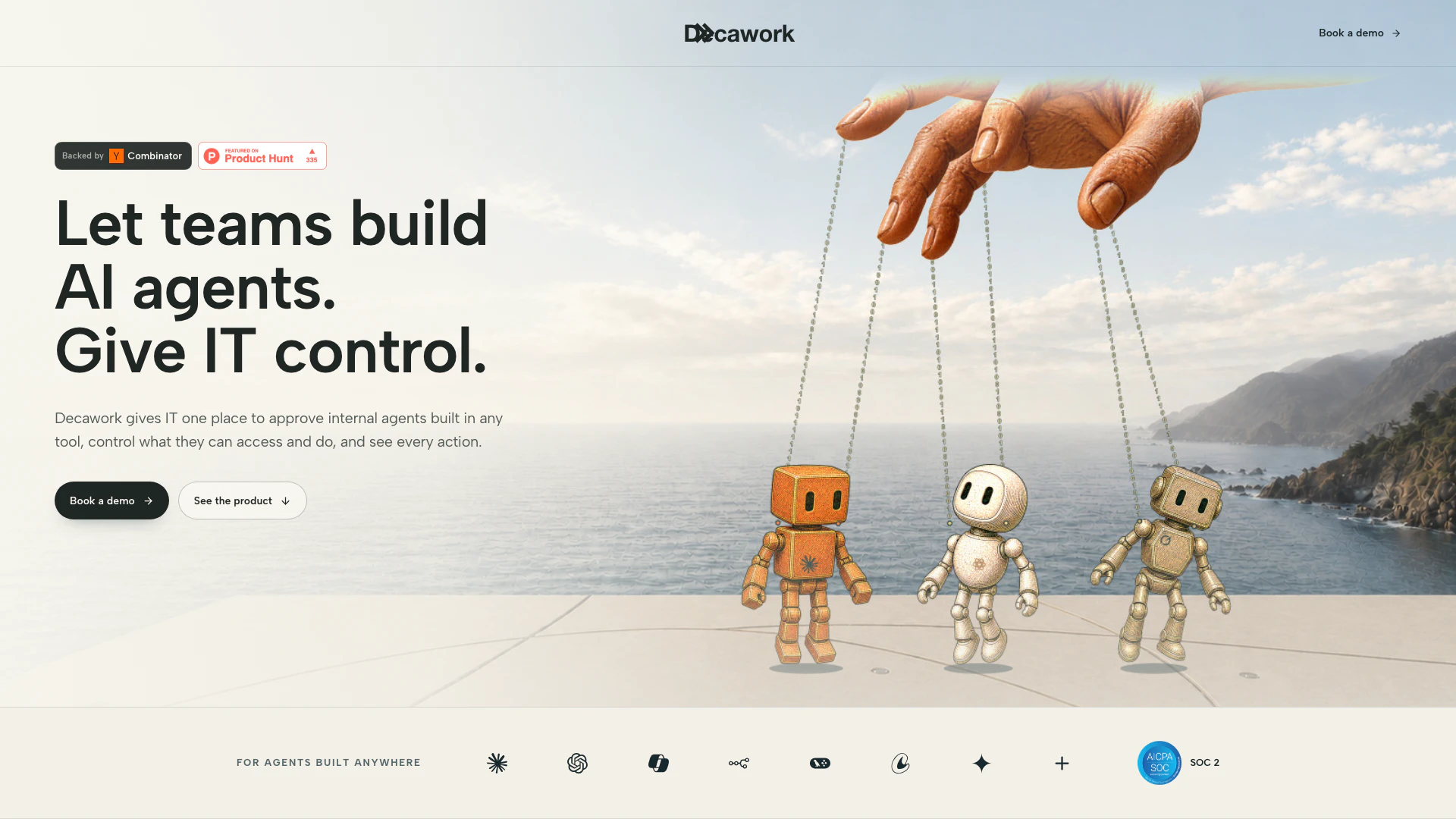
Decaworkai is a powerful platform designed to give IT teams comprehensive control over internal AI agents built across various tools within an organization. It allows teams to create, manage, and monitor AI agents while ensuring that IT retains oversight on access and permissions. This tool serves as a centralized control plane, streamlining the process of agent management and enhancing organizational efficiency by providing a clear audit trail of actions performed by these agents. With Decaworkai, companies can ensure that their internal AI initiatives are secure, compliant, and effective, empowering teams to innovate while maintaining control.
How to use Decaworkai?
- Sign Up and Log In: Create an account on Decawork.ai and log in to access the control plane.
- Create and Approve Agents: Use the platform to build internal AI agents tailored to your team’s needs. Submit these agents for IT approval, ensuring they meet access and security protocols.
- Manage Access and Permissions: Define what each agent can access and do within the organization. Set up short-lived credentials and specific permissions to maintain security.
- Monitor Agent Activity: Utilize the audit trail feature to monitor every action taken by the agents. Review logs to see which agent performed specific tasks and who approved those actions.
- Iterate and Update: Continuously update and manage agents based on team feedback and changing needs, ensuring compliance with organizational policies.
What are the main features of Decaworkai?
- Centralized Control Plane: Manage all internal AI agents from a single interface, streamlining oversight and administration.
- Agent Inventory: Keep track of all agents built across teams, including details on their functionality and active status.
- Access Management: Implement scoped credentials and approval gates for each agent, ensuring secure access to company systems.
- Audit Trail: Access comprehensive logs that detail every action performed by agents, enhancing accountability and transparency.
- Team Collaboration: Allow teams to build their own agents while providing IT with control to approve and monitor their activities.
Who is Decaworkai for?
Decaworkai is designed for IT teams and organizational leaders who need to maintain control over internal AI initiatives while enabling team members to innovate and build custom AI agents. It is particularly beneficial for companies looking to implement AI solutions across various departments such as marketing, HR, finance, and legal. By providing a centralized platform for agent management, Decaworkai caters to organizations that prioritize security, compliance, and efficient workflow management in their AI deployments.
What are the use cases of Decaworkai?
- Marketing Automation: Utilize the LinkedIn Content Agent to automate content posting and engagement on social media platforms, enhancing marketing outreach.
- Recruitment Efficiency: Implement the Candidate Briefing Agent to streamline the recruitment process, providing insights and summaries of candidates efficiently.
- Onboarding New Employees: Use the New Hire Onboarding Agent to automate the onboarding process for new employees, ensuring a smooth transition into the company.
- Policy Assistance: Deploy the Employee Policy Assistant to help employees access company policies and procedures quickly, improving HR efficiency.
- Contract Management: Leverage the Contract Review Agent to automate the review process of legal documents, reducing turnaround times and improving accuracy.
Decaworkai Pros and Cons
Pros
- Centralized Control of AI Agents: Decawork allows IT teams to approve and manage internal AI agents built across various tools, providing centralized control.
- Comprehensive Audit Trail: The platform offers a complete audit trail for every action taken by the agents, ensuring accountability and transparency.
- Flexible Agent Management: Decawork enables teams to build AI agents in any tool while maintaining a single point of management, enhancing operational efficiency.
Cons
- Integration Limitations: The tool may require specific integrations with various platforms, which could limit its functionality based on existing systems.