

Cursor





What is Cursor?
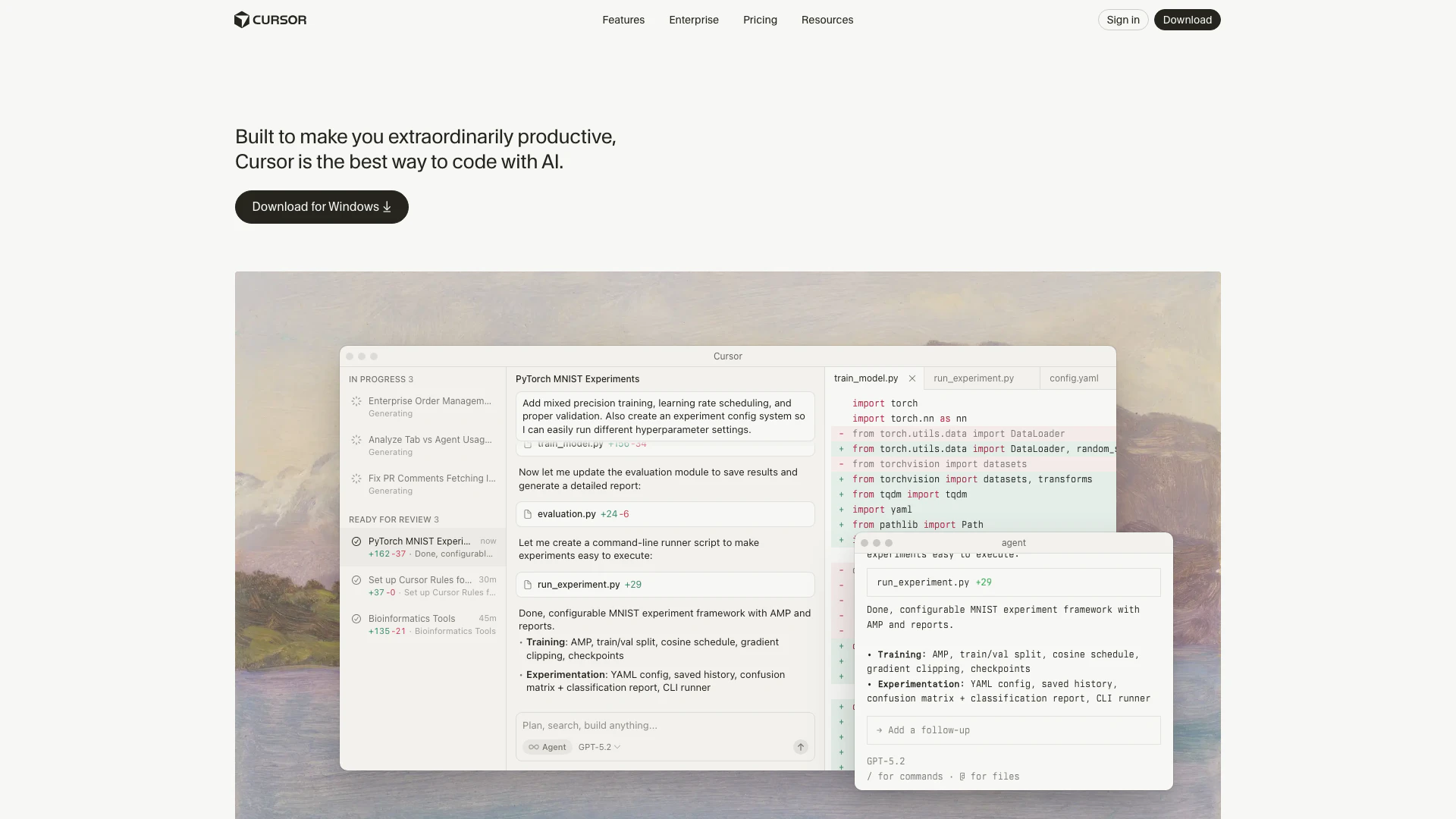
Cursor is an innovative AI-powered coding tool designed to enhance productivity for developers. It provides advanced features that streamline the coding process, allowing users to code more efficiently and effectively. With Cursor, developers can leverage AI to assist in writing code, debugging, and managing their projects, making it an essential tool for both individual programmers and teams.
How to use Cursor?
- Download and install Cursor from the official website.
- Open Cursor and create a new project or load an existing one.
- Utilize the AI features by typing your code or commands; Cursor will provide suggestions and autocomplete options.
- Use integrated tools for debugging and managing your codebase, allowing for a seamless coding experience.
What are the main features of Cursor?
- AI-powered code suggestions and autocompletion.
- Integration with popular platforms like GitHub and Slack.
- Support for multiple programming languages.
- Advanced debugging tools and performance analytics.
- Customizable settings to tailor the coding environment.
Who is Cursor for?
Cursor is designed for professional developers, software engineers, and teams working in collaborative environments. It caters to those looking to enhance their coding efficiency, from individual freelancers to large enterprises. Additionally, students and learners in computer science can benefit from Cursor's intuitive AI features as they develop their programming skills.
What are the use cases of Cursor?
- Enhancing productivity in software development projects by providing real-time code suggestions.
- Assisting teams in collaborative coding environments with integrated communication tools.
- Streamlining debugging processes and improving code quality through advanced analytics.
Product Images





Cursor Pros and Cons
Pros
- AI-Powered Coding Assistance: Cursor offers AI-driven coding assistance, enhancing productivity by providing context-aware suggestions and autocomplete features.
- Integration with Development Tools: The tool seamlessly integrates with popular platforms like GitHub and Slack, allowing for efficient collaboration and code review.
- Customizable Coding Experience: Cursor allows users to customize their coding environment, including tab completion and coding models, to suit individual preferences.
Cons
No cons data detected for this tool
Cursor Pricing
Bugbot Free
Includes: Limited code reviews each month, Unlimited access to Cursor Ask, Cursor connection to auto-fix bugs, GitHub integration.
Pro
Everything in Hobby, plus: Extended limits on Agent, Unlimited Tab completions, Background Agents, Maximum context windows.
Pro+
Everything in Pro, plus: 3x usage on all OpenAI, Claude, Gemini models.
Ultra
Everything in Pro, plus: 20x usage on all OpenAI, Claude, Gemini models, Priority access to new features.
Bugbot Teams
Everything in Pro, plus: 14-day team trial, Unlimited code reviews on all PRs, Analytics and reporting dashboard, Advanced rules and settings.
Bugbot Enterprise
Everything in Teams, plus: 30-day org-wide trial, Advanced analytics and reporting, Priority support and account management.
For the latest pricing, please visit this link: https://cursor.com/pricing
Prices are subject to change. Please visit the official website for the most up-to-date pricing information.
Analytics of Cursor
Cursor Website Traffic Analysis
Visits Over Time
Traffic Sources
Oct 2025 - Dec 2025 Worldwide Desktop Only
- Direct: 59.80%
- Search: 35.07%
- Referrals: 4.44%
- Social: 0.44%
- Paid Referrals: 0.23%
- Mail: 0.02%
Top Keywords
| Keyword | Volume | CPC | Estimated Value |
|---|---|---|---|
| cursor | 2.25M | $1.73 | $1000000.00 |
| cursor ai | 619.73K | $1.58 | $450050.00 |
| cursor download | 151.35K | $1.35 | $123950.00 |
| cursor pricing | 122.40K | $2.60 | $103600.00 |
| cursor ide | 55.20K | $2.50 | $38590.00 |
Cursor Reviews
It was night and day from one batch to another, adoption went from single digits to over 80%. It just spread like wildfire, all the best builders were using Cursor.
The most useful AI tool that I currently pay for, hands down, is Cursor. It's fast, autocompletes when and where you need it to, handles brackets properly, sensible keyboard shortcuts, bring-your-own-model... everything is well put together.
The best LLM applications have an autonomy slider: you control how much independence to give the AI. In Cursor, you can do Tab completion, Cmd+K for targeted edits, or you can let it rip with the full autonomy agentic version.
For more reviews, visit this link: https://www.cursor.com/#reviews





Cursor Social Listening
Cursor Agent: 10 Pro Tips!
0:00 – 1. Plan mode 2:53 – 2. ...
Introducing Cursor 2.0
Introducing Cursor 2.0. Our f...
Introducing Cursor 3
We’re introducing Cursor 3. It...
Unlock to view 74 social media results.