

Cursecut





What is CurseCut?
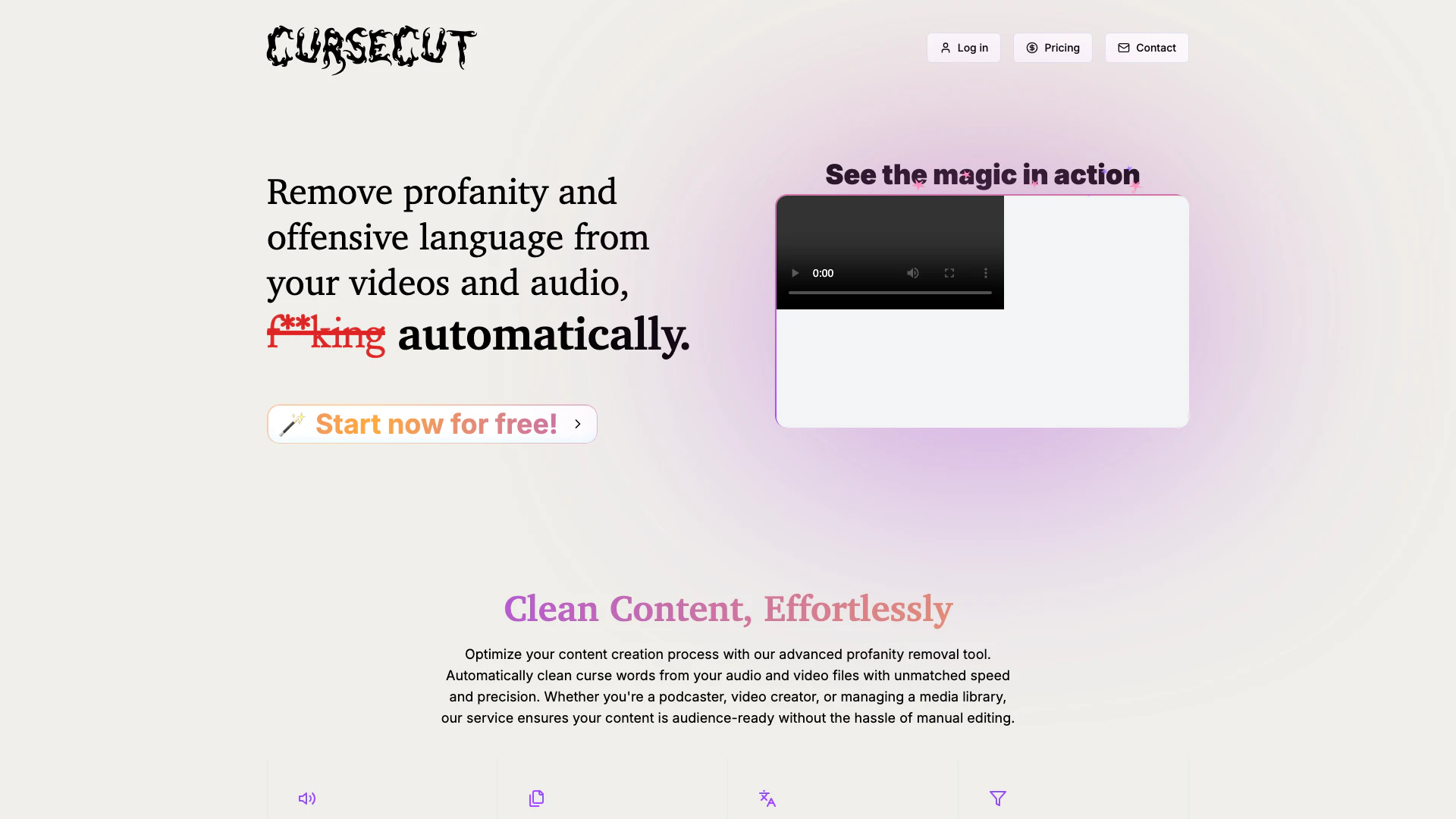
CurseCut is an advanced AI-powered tool designed to automatically remove profanity from video and audio content. It allows content creators to effortlessly clean their audio and video files, ensuring that their materials are suitable for a wider audience without the hassle of manual editing. With support for various audio and video formats, CurseCut optimizes the content creation process, making it an essential tool for podcasters, video creators, and anyone managing media libraries.
How to use CurseCut?
- Visit the CurseCut website and log in to your account.
- Upload your audio or video files, ensuring they are within the 2GB size limit.
- Choose your preferred language for profanity detection or let the AI automatically detect it.
- Select the filtering options, including specific words or phrases you want to censor.
- Choose your preferred censorship method (beep tones, silence, custom sounds, etc.).
- Start the processing and wait for the tool to automatically clean your content.
- Download the cleaned files and enjoy your polished audio or video!
What are the main features of CurseCut?
- Automatic Profanity Removal: Effortlessly clean your audio and video files of offensive language.
- Universal Format Support: Compatible with MP3, WAV, MP4, AVI, MOV, and more.
- Batch Processing: Clean multiple files simultaneously to save time.
- Multi-language Support: Recognizes profanity in over 30 languages with automatic detection.
- Customizable Filtering: Define specific words or phrases to censor with precision.
- Granular Control: Adjust how much of each flagged word should be muted.
- Versatile Censorship Options: Choose from various methods like beeps or silence.
- Local Processing: Ensures privacy by processing files on your machine.
Who is CurseCut for?
CurseCut is ideal for a diverse range of users including podcasters, video creators, and content managers who need to ensure their media is appropriate for all audiences. It caters to bilingual content creators and those working in multi-language environments, making it a valuable tool for anyone looking to maintain professional standards in their content while efficiently managing profanity removal.
What are the use cases of CurseCut?
- Podcasts: Perfect for cleaning up episodes to ensure they are suitable for all listeners, maintaining professionalism.
- YouTube Channels: Helps creators remove offensive language from vlogs or tutorials, making them more family-friendly.
- Documentaries: Ideal for filmmakers needing to edit real interviews while preserving the essence of conversations.
Cursecut Pros and Cons
Pros
- Efficient Profanity Removal: CurseCut automatically removes profanity from audio and video, ensuring clean content without manual editing.
- Batch Processing Capability: The tool allows users to process multiple files simultaneously, saving time for content creators.
- Multi-language Support: CurseCut recognizes and filters profanity in over 30 languages, making it versatile for diverse content creators.
- Customizable Filtering Options: Users can define specific words or phrases to censor, providing control over content cleanliness.
- Local Processing for Privacy: All processing occurs locally on the user's machine, ensuring content privacy and security.
Cons
No cons data detected for this tool
Analytics of Cursecut
Cursecut Website Traffic Analysis
Visits Over Time
Traffic Sources
Oct 2025 - Dec 2025 Worldwide Desktop Only
- Search: 45.64%
- Direct: 43.60%
- Social: 4.88%
- Referrals: 4.44%
- Paid Referrals: 1.25%
- Mail: 0.09%
Top Keywords
| Keyword | Volume | CPC | Estimated Value |
|---|---|---|---|
| cursecut | 410 | $0.00 | $620.00 |
| censor any song ai | 250 | $0.00 | $140.00 |
| mp3 remove offensive lyrics | 220 | $0.00 | $190.00 |
| online censor song audio | 220 | $0.00 | $190.00 |
| censor sound effect ai generator | 170 | $0.00 | $160.00 |
Cursecut Reviews
CurseCut is a lifesaver for my documentary project. It's handled hours of interview footage, removing offensive language while preserving the essence of conversations. Perfect for dealing with real, unfiltered dialogue.
CurseCut's batch processing is a time-saver for my daily vlogs! I can clean up multiple videos overnight. Their support team is super responsive too, which I really appreciate.
As a bilingual content creator, I was skeptical, but CurseCut handles both German and English well. It's effective with multiple languages, which is crucial for my work. Sehr gut!
For more reviews, visit this link: https://cursecut.com/#people-love-it




