

Clipfinder
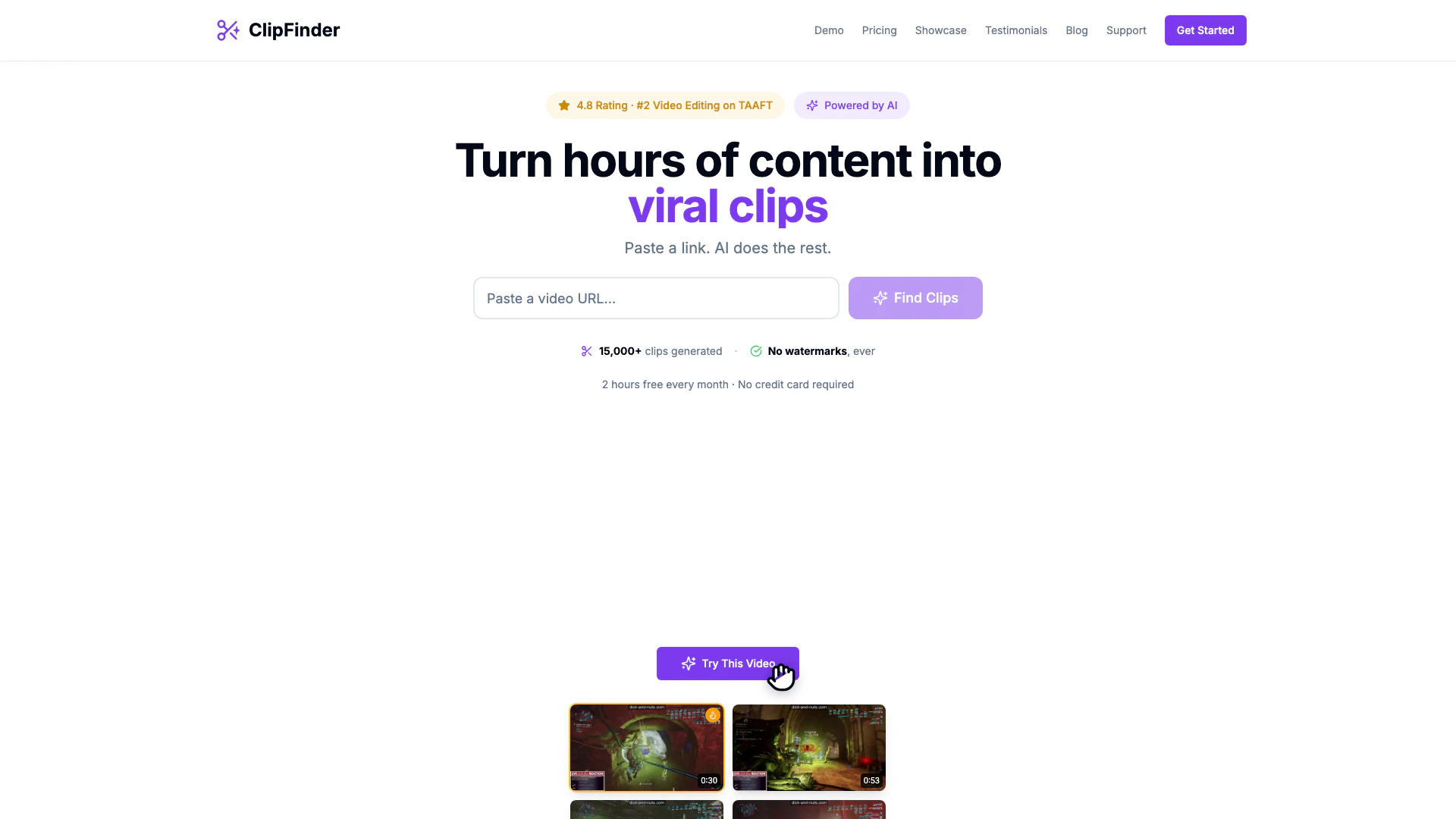




What is Clipfinder?
Clipfinder is an innovative AI[1] tool designed to extract the best moments from any video, saving users the hassle of scrubbing through hours of content. By simply pasting a video link, users can generate high-quality clips in minutes. This tool is especially beneficial for content creators who need to quickly identify and share engaging segments from long-form videos, such as streams, podcasts, and more. With Clipfinder, users can turn chaotic footage into organized, export-ready clips without the need for extensive manual editing.
How to use Clipfinder?
- Paste any video URL: Start by copying the link of the video you want to extract clips from, whether it's from streams, VODs, or podcasts.
- Let AI analyze the video: Clipfinder will watch your video, identifying the best moments and ranking them based on their viral potential[3].
- Browse and export clips: You can either view the top picks or browse by chapters. Once you find the clips you like, you can trim and export them instantly.
What are the main features of Clipfinder?
- AI-Powered Clip Extraction[2]: Automatically finds and ranks the best moments in your videos.
- No Watermarks[5]: Download clips without any branding, maintaining a professional look.
- Affordable Pricing: At just $2 per hour of video, Clipfinder is significantly cheaper than competitors.
- User-Friendly Interface[4]: Simple steps to paste links and retrieve clips.
- Visual Trimmer: Fine-tune clip boundaries before downloading to ensure you get exactly what you want.
- Captions Included: All downloaded clips come with captions in .srt/.vtt format.
Who is Clipfinder for?
Clipfinder is tailored for content creators, streamers, podcasters, and anyone who frequently works with long-form video content. It is especially useful for those who want to quickly extract engaging clips for social media sharing or promotional purposes without spending excessive time on manual editing. Whether you are a VTuber, a gaming streamer, or a business professional looking to highlight key moments in webinars, Clipfinder provides a streamlined solution for all video editing needs.
What are the use cases of Clipfinder?
- Creating Highlight Reels: Easily compile the best moments from gaming streams or podcasts into shareable highlight reels.
- Social Media Clips: Generate engaging short clips for platforms like TikTok, Instagram, or Twitter to attract more viewers.
- Content Promotion: Extract memorable segments from webinars or educational videos to use in marketing campaigns or promotional materials.
Product Images

Clipfinder Pros and Cons
Pros
- AI-Powered Clip Extraction: Utilizes AI to automatically extract the best moments from long videos, saving time and effort.
- Affordable Pricing: Offers competitive pricing at $2/hour, significantly cheaper than alternatives which charge around $6/hour.
- No Watermarks on Clips: Provides clips without watermarks, ensuring a professional look for shared content.
Cons
No cons data detected for this tool
Clipfinder Pricing
Pay As You Go
No subscriptions. No hidden fees. Based on video duration, not processing time. 2 hours free every month. Unlimited clips per video. 1080p downloads. No watermarks. AI-powered clip detection. In-browser trimming. Captions for all videos (.srt/.vtt).
For the latest pricing, please visit this link: https://clipfinder.org/pricing
Prices are subject to change. Please visit the official website for the most up-to-date pricing information.
Analytics of Clipfinder
Clipfinder Website Traffic Analysis
Visits Over Time
Traffic Sources
Jan 2026 - Jan 2026 Worldwide Desktop Only
- Referrals: 100.00%
Top Keywords
| Keyword | Volume | CPC | Estimated Value |
|---|---|---|---|
| video clip findeer | 0 | $0.00 | $60.00 |
| clipfinder | 460 | $0.00 | $260.00 |
| clip finder | 330 | $1.95 | $30.00 |
| clip finer | 140 | $0.00 | $130.00 |
Clipfinder Reviews
It's saved me a lot of time by not having to dig through hours of footage... sometimes it suggests funny moments I didn't even notice myself!
Other clip tools were too expensive and never found what I wanted. ClipFinder is actually affordable, and finds clips that are genuinely what I had in mind.
For more reviews, visit this link: https://www.clipfinder.org#testimonials



