

Clawcode
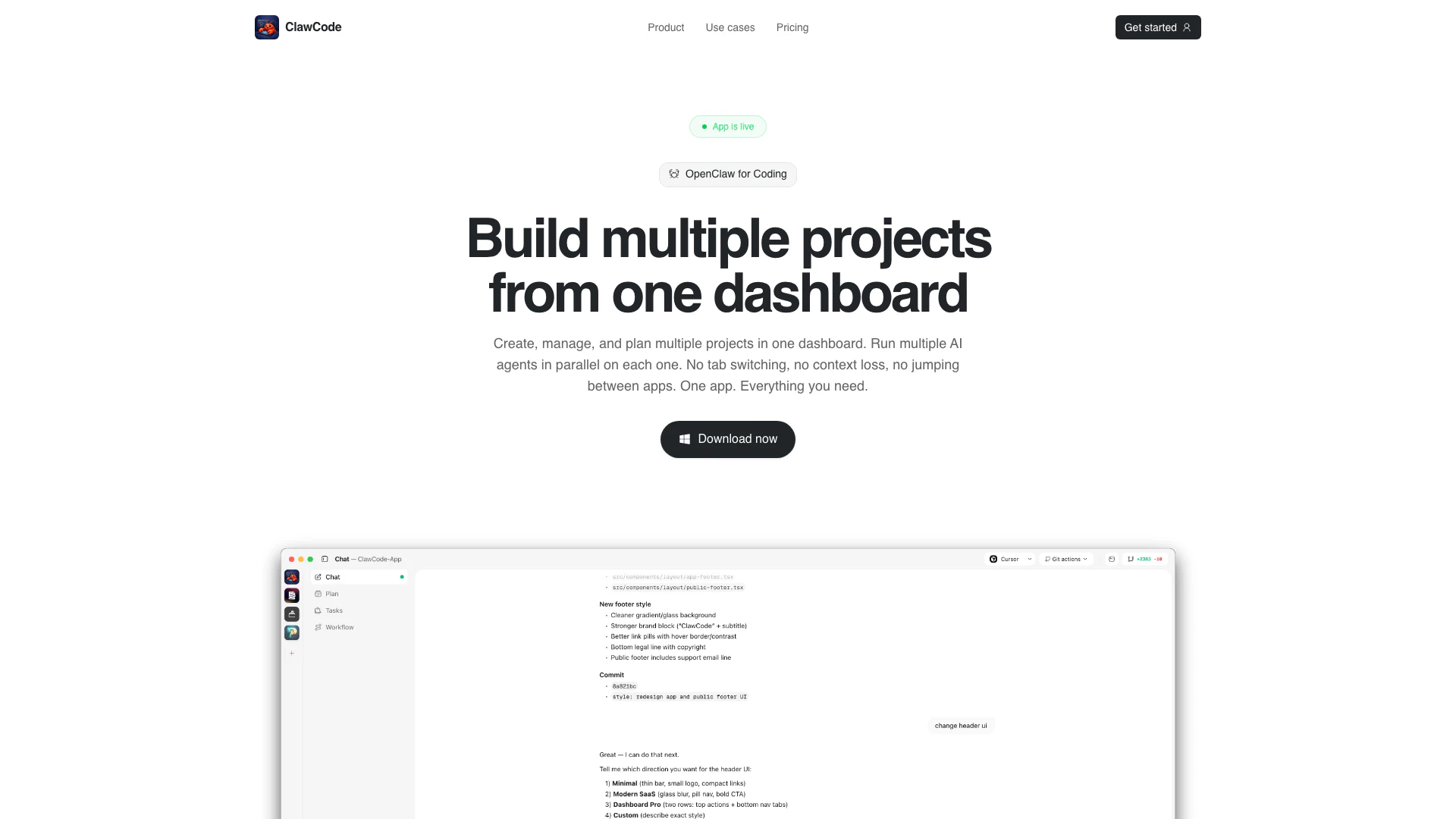




What is ClawCode?
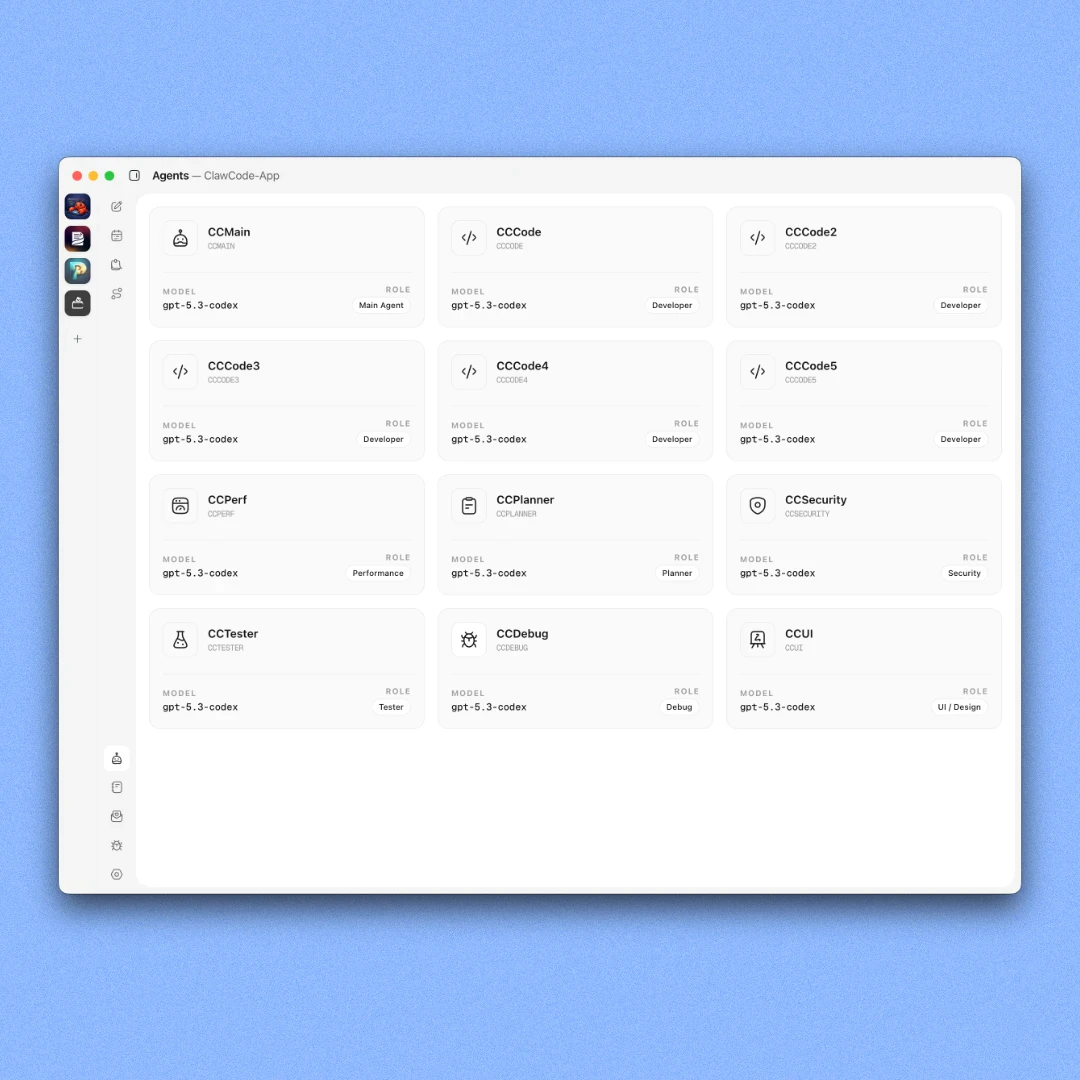
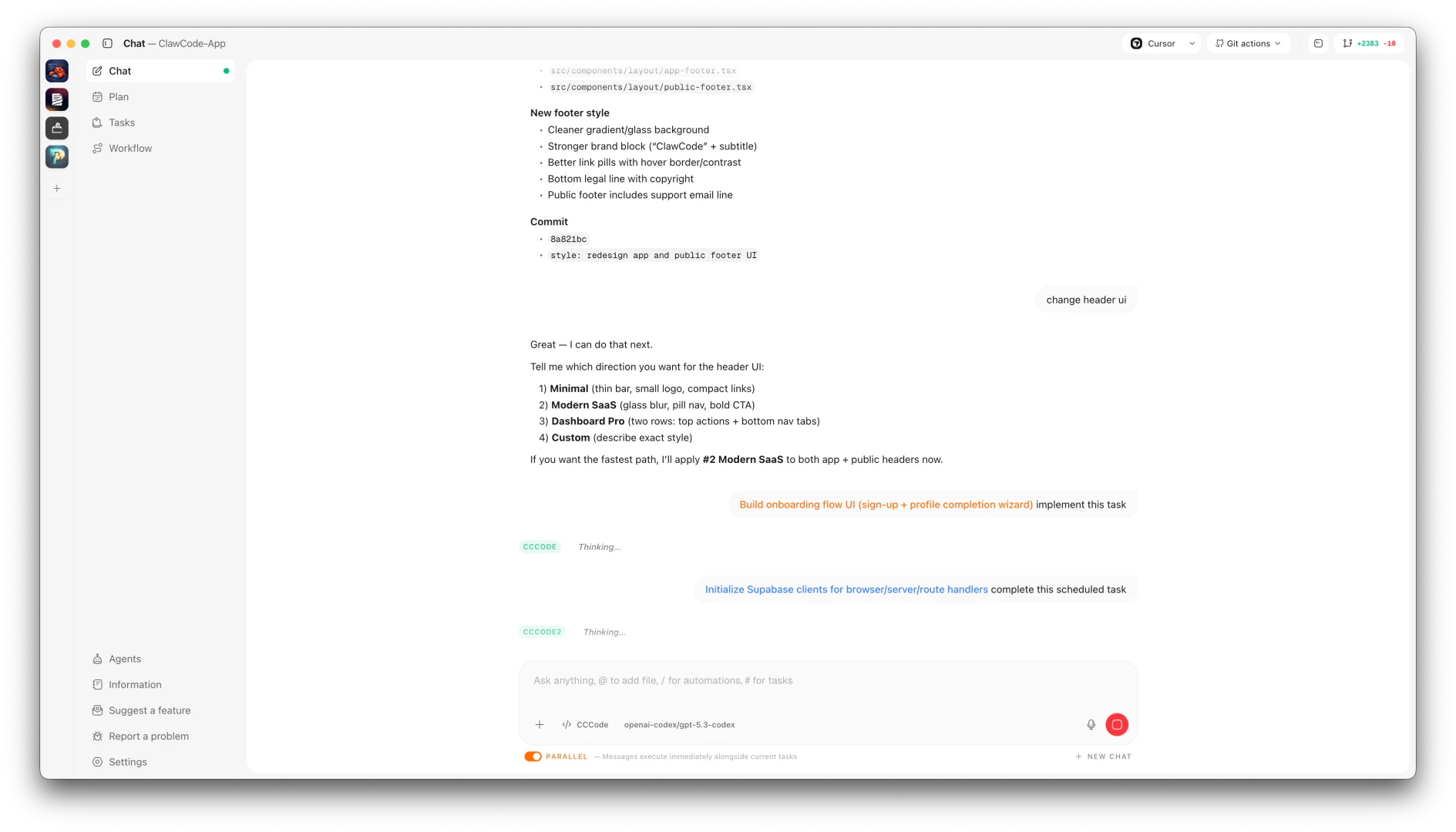
ClawCode is an innovative project management[2] tool designed for software development teams, allowing users to create, manage, and plan multiple projects from a single dashboard. With ClawCode, each project is equipped with 12 specialized AI coding agents[1] that can run in parallel, enabling seamless task assignment, change reviews, and project shipping without the need to switch between different applications. This centralized approach not only enhances productivity but also minimizes context loss, making it easier for teams to collaborate effectively on various projects.
How to use ClawCode?
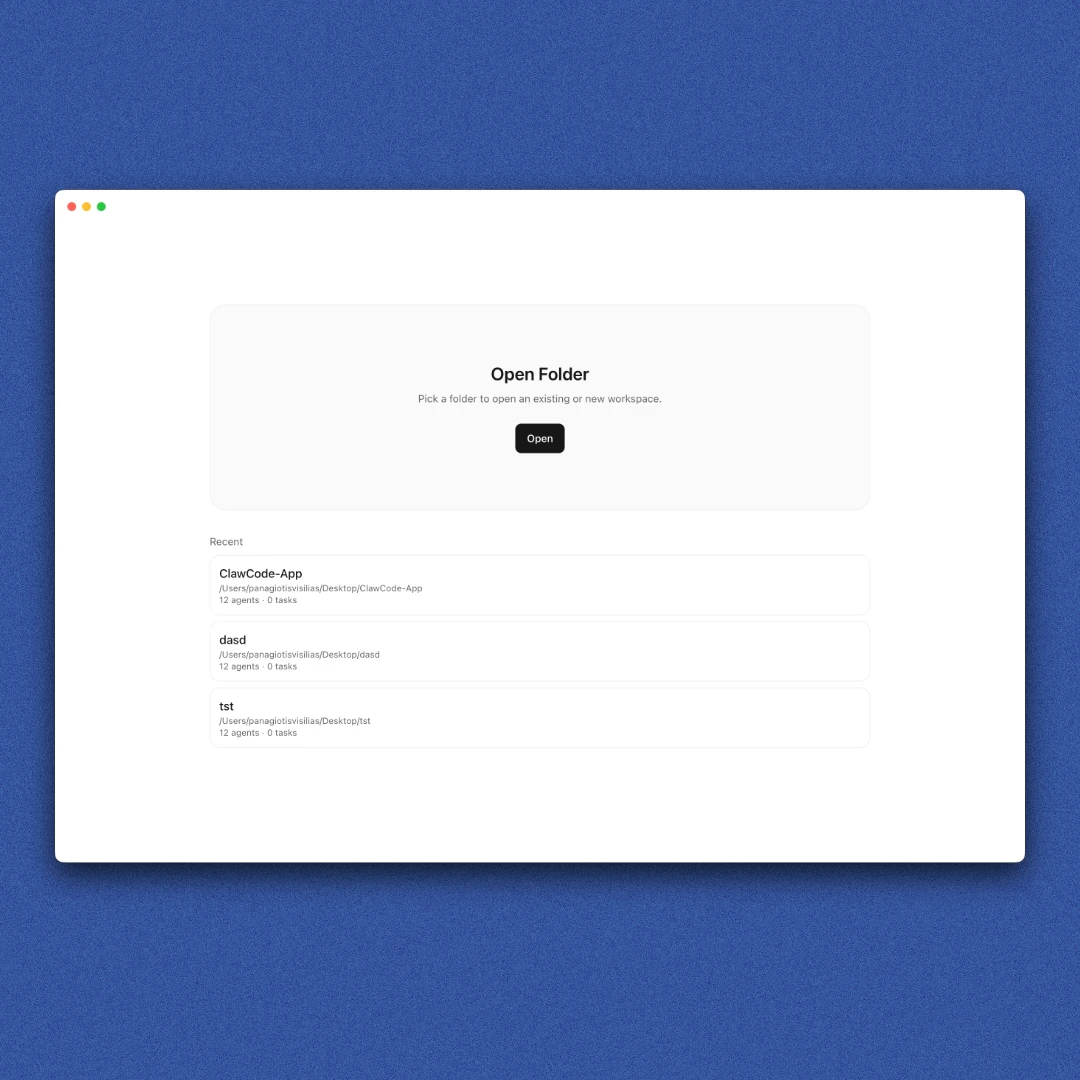
- Open a Workspace: Start by creating a new project in ClawCode, which will automatically launch 12 specialized AI agents dedicated to your workspace.
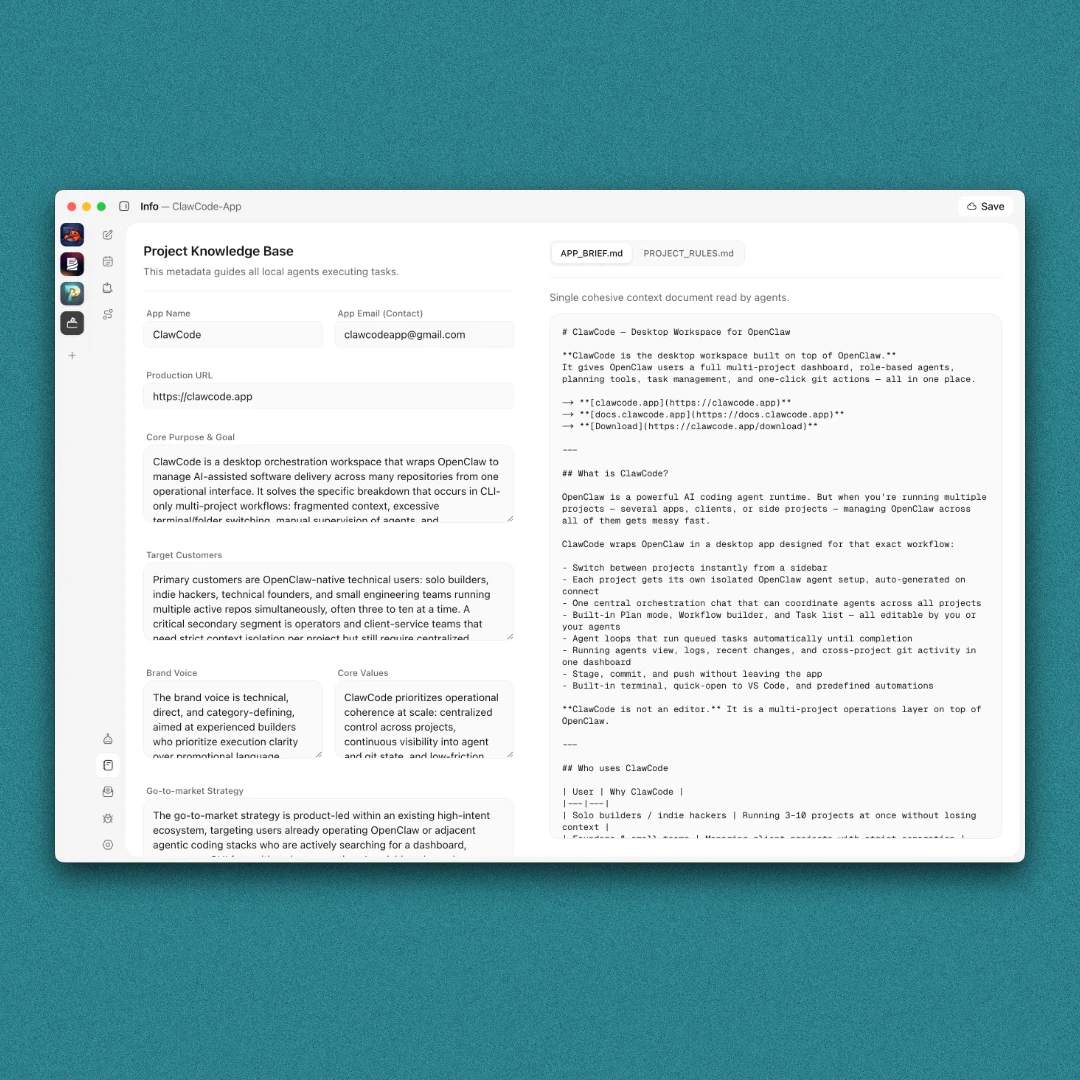
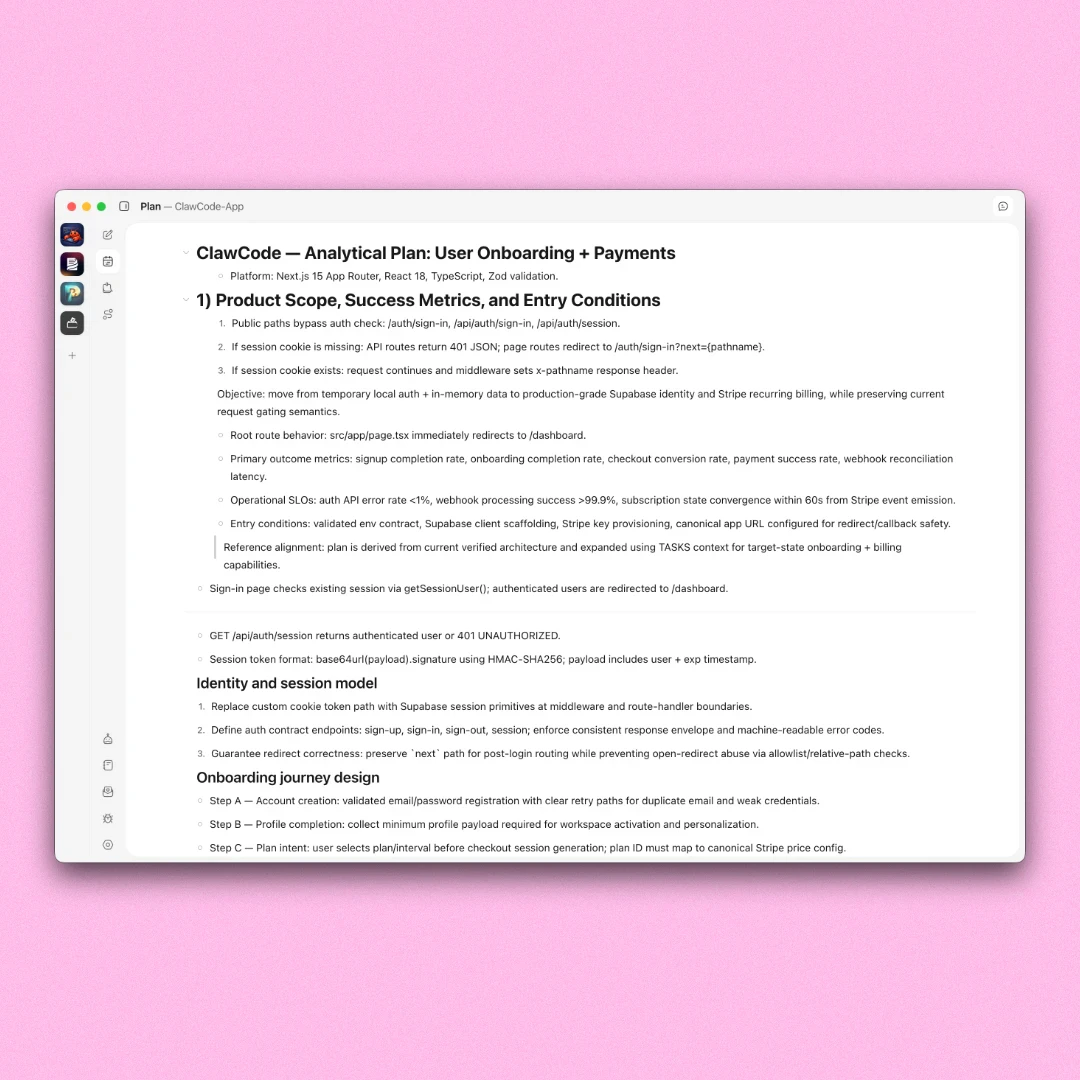
- Add Project Info: Input your project brief and rules. This information will guide the agents in building plans and identifying improvements.
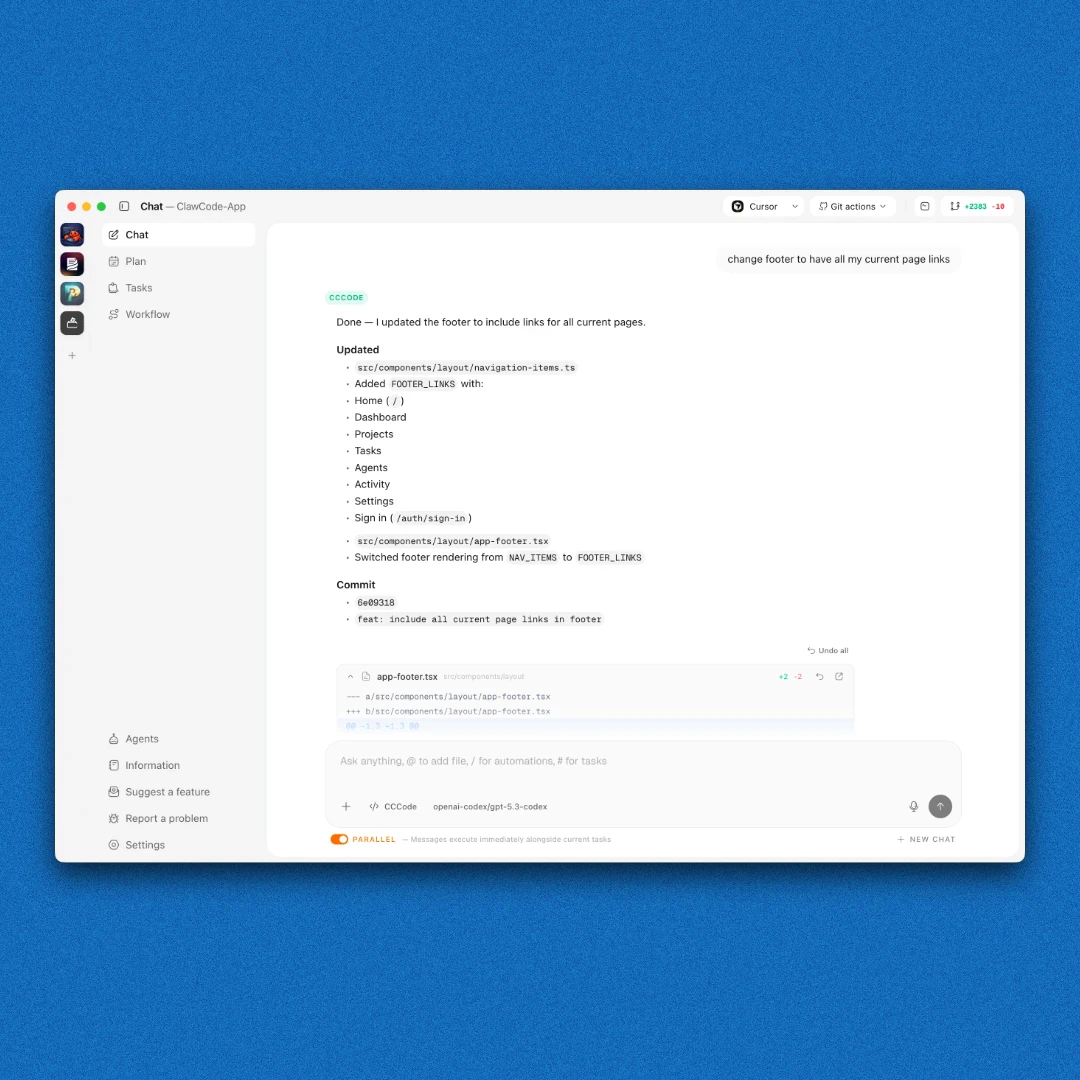
- Automate Your Build: Use the dashboard to send instructions to multiple agents simultaneously or queue complex tasks, allowing your team to ship features efficiently while you focus on other aspects of your projects.
What are the main features of ClawCode?
- 12 Specialized Agents: Each workspace is equipped with 12 dedicated AI agents, including coders, planners, QA testers, and more, ready to assist in various tasks.
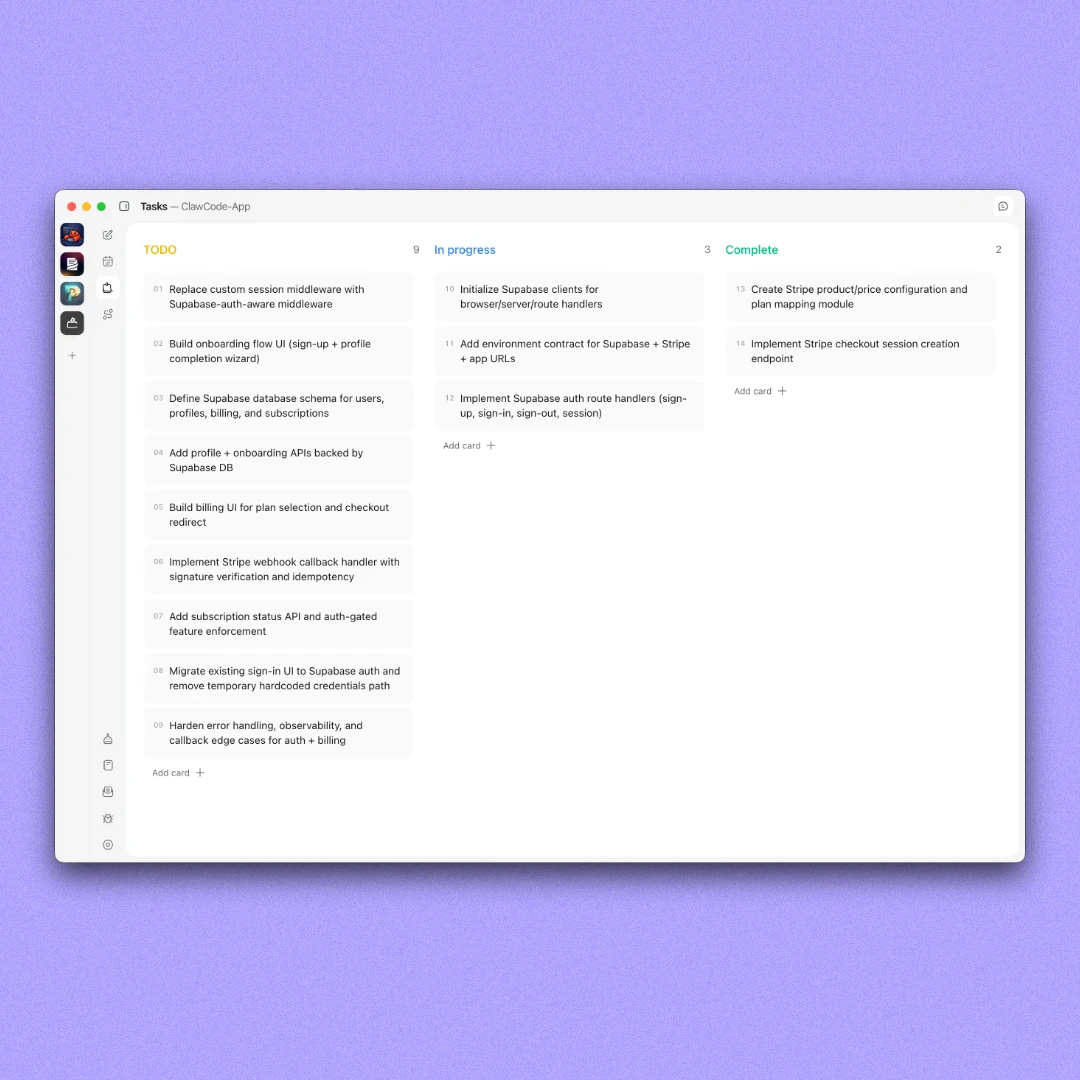
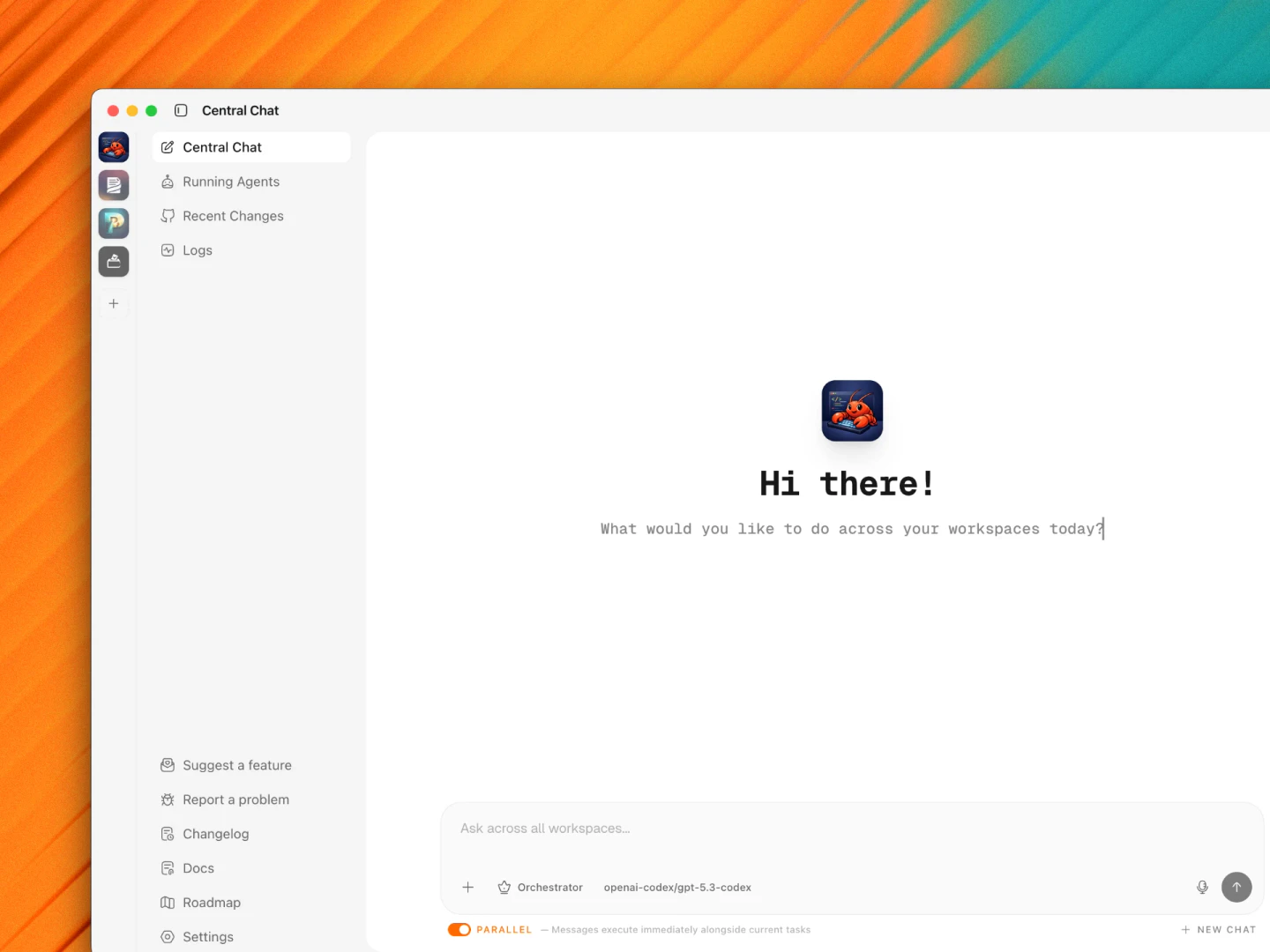
- Central Dashboard[3]: A unified view of all your projects, running agents, and recent changes, allowing for easy management and oversight.
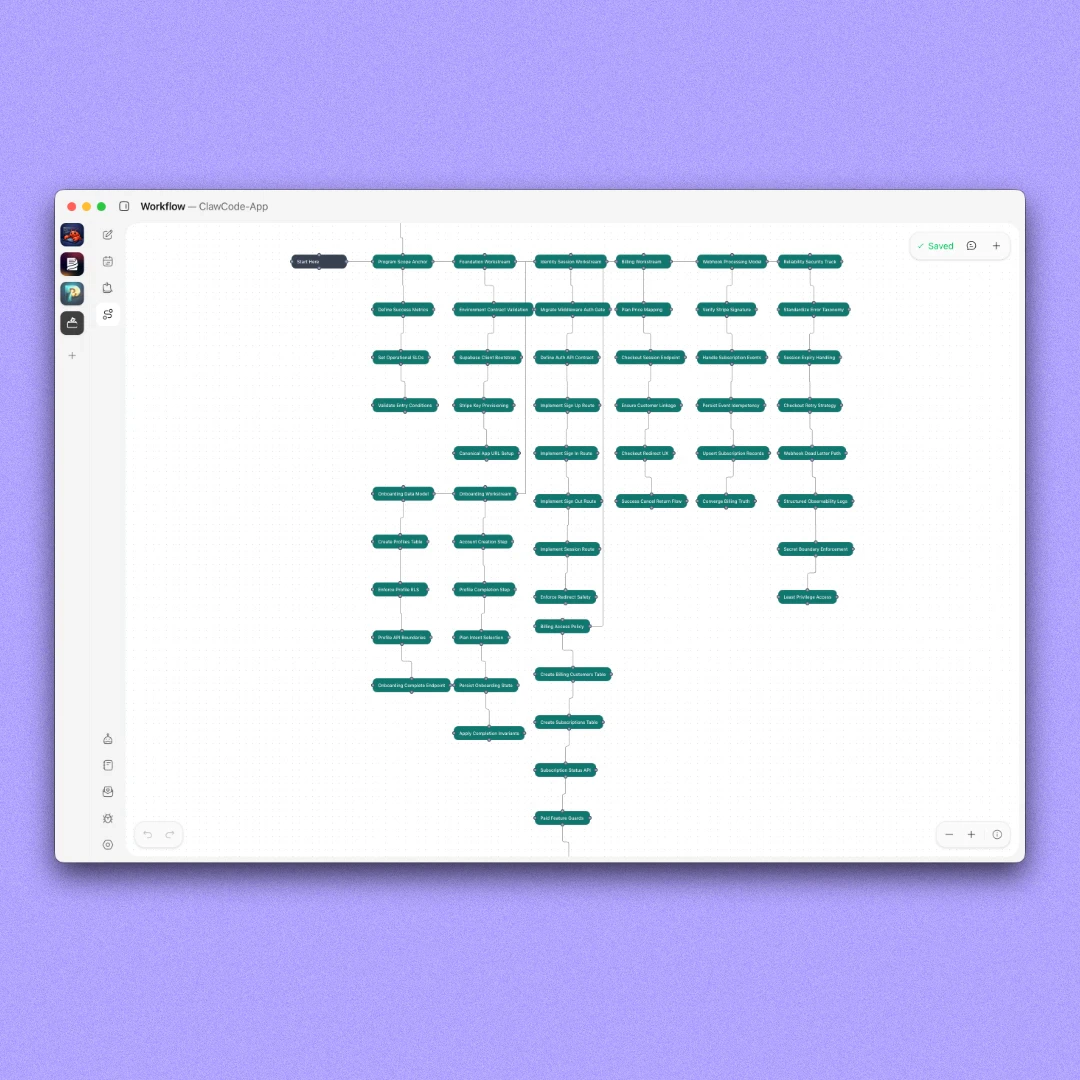
- Workflow Canvas[4]: A visual tool for mapping out app functionalities, which can be created manually or generated by the Planner agent.
- Task Board: Break down your project plans into actionable tasks and assign agents to execute them.
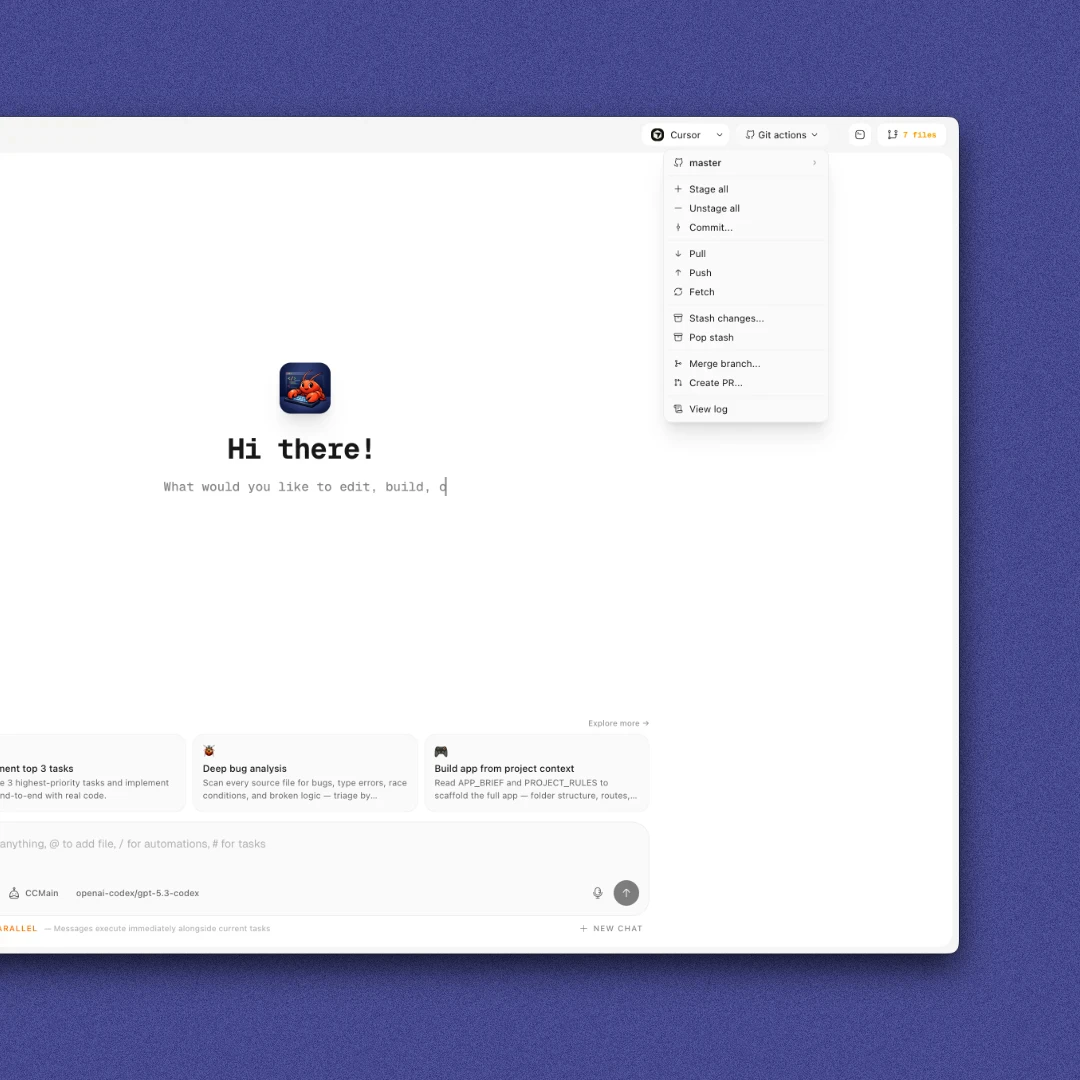
- Git Actions: Manage your code repository directly from the dashboard with features like staging, committing, and merging branches.
Who is ClawCode for?
ClawCode is tailored for software development teams, project managers, and tech entrepreneurs looking for an efficient way to manage multiple coding projects simultaneously. It is ideal for those who want to streamline their workflow by utilizing AI agents for coding, testing, and project management tasks. Whether you're a startup developing new software, a tech company managing various applications, or a freelancer handling multiple clients, ClawCode provides the tools necessary to enhance productivity and collaboration.
What are the use cases of ClawCode?
- Agile Project Management: Utilize ClawCode to plan, execute, and monitor agile development cycles across multiple projects, ensuring timely delivery and adaptability.
- Collaborative Software Development: Teams can work together more effectively by leveraging AI agents to handle coding, testing, and documentation tasks in parallel.
- Code Quality Assurance: Use specialized agents for QA testing and bug hunting to maintain high code quality throughout the development process.
Product Images
Clawcode Pros and Cons
Pros
- Centralized Project Management: ClawCode allows users to manage multiple projects from a single dashboard, reducing the need for tab switching and context loss.
- Specialized AI Agents: Each project workspace is equipped with 12 specialized AI agents, including coders, planners, and QA testers, enhancing productivity and efficiency.
- Visual Workflow Planning: The workflow canvas enables users to visually map out their app's functionality, making planning and organization more intuitive.
Cons
No cons data detected for this tool
Clawcode Pricing
Pro — Monthly
Full access to all Pro features. Requires OpenClaw (free, open-source) installed and configured. Uses your own AI models connected through OpenClaw (Claude, GPT, and others). Desktop app for macOS (Apple Silicon + Intel) and Windows. Project-isolated agents per app. Central orchestration chat across projects. Plans, tasks, workflows editable by users and agents. Agent loops for auto-running queued tasks. In-dashboard git actions and terminal. Central logs, running agents, and recent changes.
Pro — Yearly
Full access to all Pro features. Requires OpenClaw (free, open-source) installed and configured. Uses your own AI models connected through OpenClaw (Claude, GPT, and others). Desktop app for macOS (Apple Silicon + Intel) and Windows. Project-isolated agents per app. Central orchestration chat across projects. Plans, tasks, workflows editable by users and agents. Agent loops for auto-running queued tasks. In-dashboard git actions and terminal. Central logs, running agents, and recent changes.
For the latest pricing, please visit this link: https://clawcode.app/pricing
Prices are subject to change. Please visit the official website for the most up-to-date pricing information.




