Carve





What is Carve?
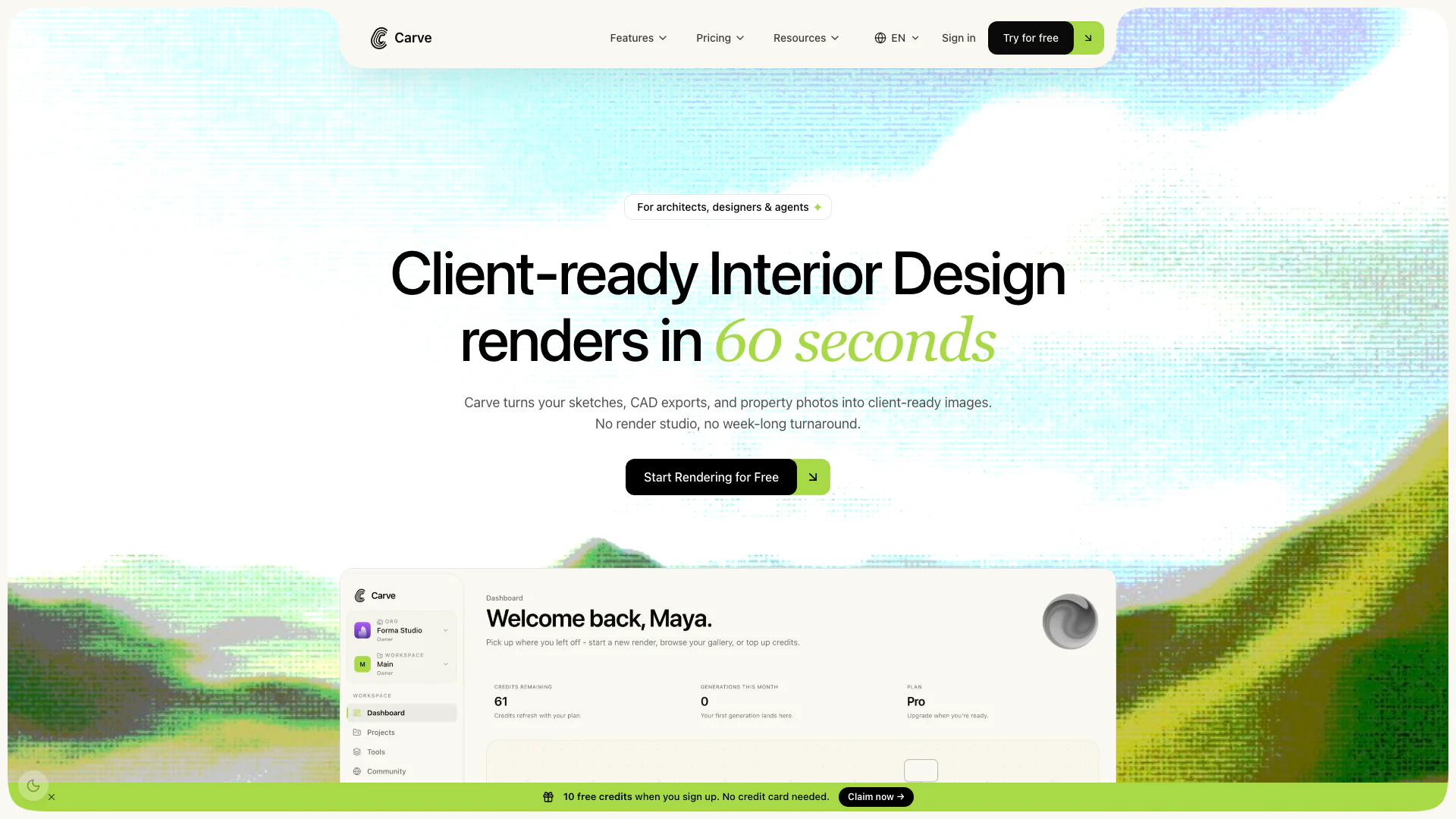
Carve is an innovative visualization tool designed to transform sketches, CAD exports, and property photos into high-quality, client-ready renders in under a minute. Tailored specifically for architects, interior designers, and real estate agents, Carve streamlines the rendering process, significantly reducing the time and cost associated with traditional visualization methods. By leveraging advanced technology, Carve allows professionals in architecture and real estate to produce stunning visual representations of their projects with ease, enhancing their workflow and client engagement.
How to use Carve?
- Start by uploading your sketches, CAD files, or property photos into the Carve platform.
- Choose from over 1,000 textures, colors, and design options to customize your render according to your project needs.
- Once your design is set, click the render button and wait for less than a minute to receive your high-quality visualization ready for client presentation.
What are the main features of Carve?
- Quick rendering time: Generates client-ready renders in under a minute.
- Extensive library: Access to over 1,000 textures, colors, and designs for diverse project needs.
- Cost-effective: Achieves up to 80% savings on visualization costs compared to traditional methods.
- User-friendly interface: Simple navigation and intuitive design for ease of use.
- Flexible workflows: Tailored models and API access for enterprise users.
Who is Carve for?
Carve is designed for a diverse range of professionals in the architecture and real estate sectors. This includes architects who need to visualize concepts quickly, interior designers looking to present material and color options to clients, real estate agents needing high-quality marketing visuals, developers requiring project visuals for investors, and students seeking affordable, studio-quality renders for their portfolios. Enterprises can also benefit from Carve's flexible workflows and dedicated support, making it a versatile tool for anyone involved in building design and visualization.
What are the use cases of Carve?
- Architects can reclaim 50-100 hours per project by generating quick visualizations from initial concepts to final renders.
- Interior designers can present multiple material and color options rapidly, improving client engagement and decision-making.
- Real estate agents can create high-quality marketing visuals and videos before a property is built, enhancing their marketing strategy.
Carve Pros and Cons
Pros
- Fast Rendering Speed: Carve can generate photorealistic renders in under 60 seconds, allowing users to quickly visualize their designs without manual cleanup.
- Collaborative AI Canvas: The platform enables architects, designers, and clients to collaborate in one place, ensuring secure design IP and a version-controlled history of renders.
- Full IP Ownership: Users retain full ownership of their designs and renders, with no limitations on usage, selling, or adaptation.
Cons
No cons data detected for this tool
Carve Pricing
Starter
For solo architects and individual designers. 150 credits per month. All interior + exterior styles. Render, Edit & Animate all included. 4K resolution output. Text-prompt edits & area edits. Animate - Cinematic motion from any render. Full render history & version tree. Standard generation queue. Live chat support.
Pro
For small studios shipping several projects a month. 600 credits per month. Priority generation queue. Shareable gallery links. Upscale up to 8K. Text-prompt edits & area edits. Animate - Cinematic motion from any render. Full render history & version tree. Priority live chat support.
Agency
For teams running multiple client accounts at once. 1500 credits per month. Unlimited team seats + workspaces. Brand presets & dedicated support. Upscale up to 8K. Unlimited team member seats. Unlimited workspaces per organisation. Priority generation queue. Shareable gallery links. Dedicated Slack / live chat support.
For the latest pricing, please visit this link: https://carve.so/pricing
Prices are subject to change. Please visit the official website for the most up-to-date pricing information.