

Cameralyze No Code Ai Studio
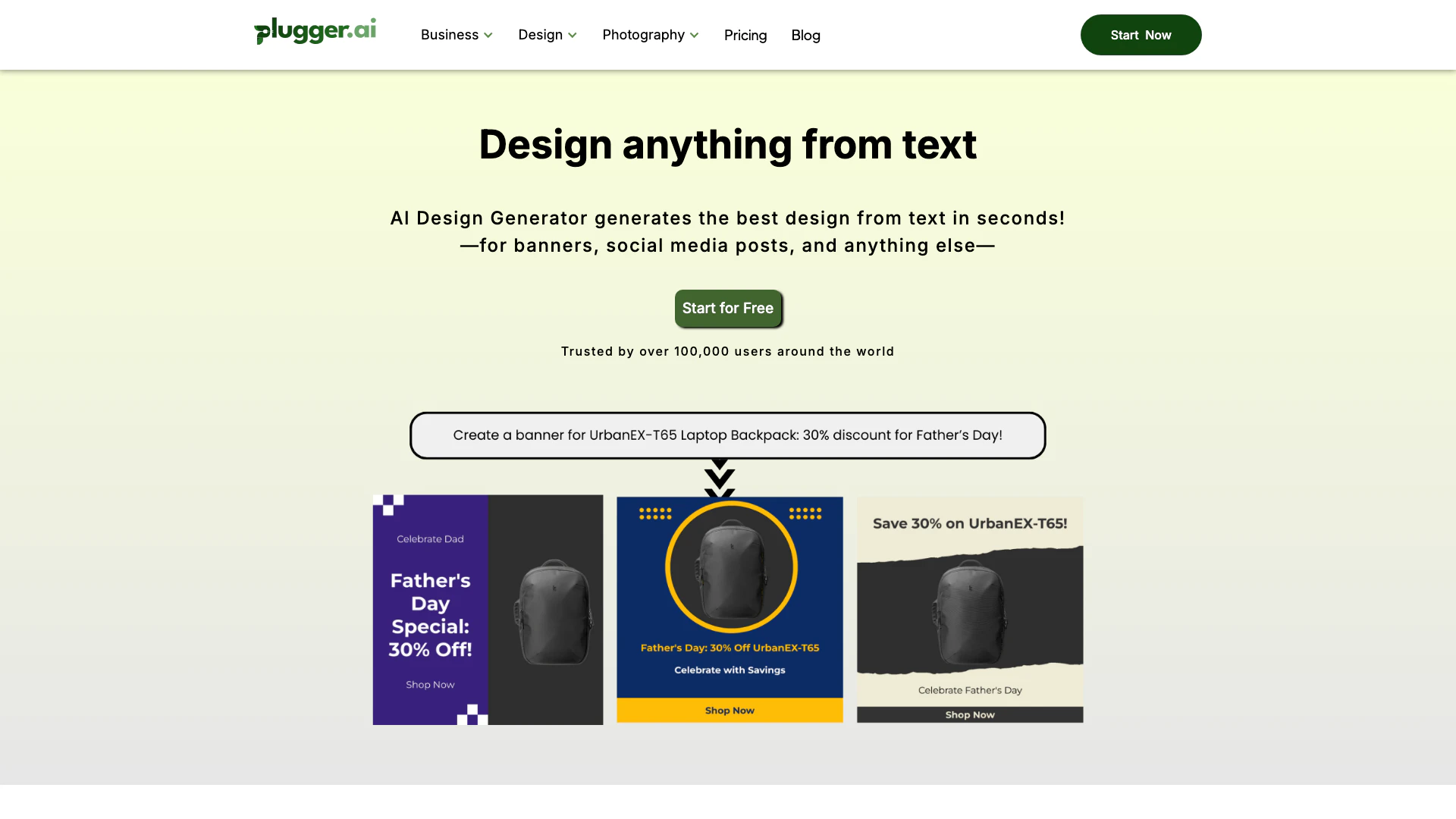





What is Cameralyze No Code Ai Studio?
Cameralyze No Code Ai Studio, also known as Plugger, is an innovative AI Design Generator that enables users to effortlessly create stunning designs for various purposes, including social media posts, banners, and artwork. This no-code platform leverages artificial intelligence to automate the design process, making it accessible for users without any design expertise. With Cameralyze, you can generate a wide array of visual content quickly and efficiently, catering to the needs of businesses, marketers, and individuals looking to enhance their visual communications.
How to use Cameralyze No Code Ai Studio?
- Sign up for an account on the Cameralyze platform at [plugger.ai](https://www.plugger.ai/).
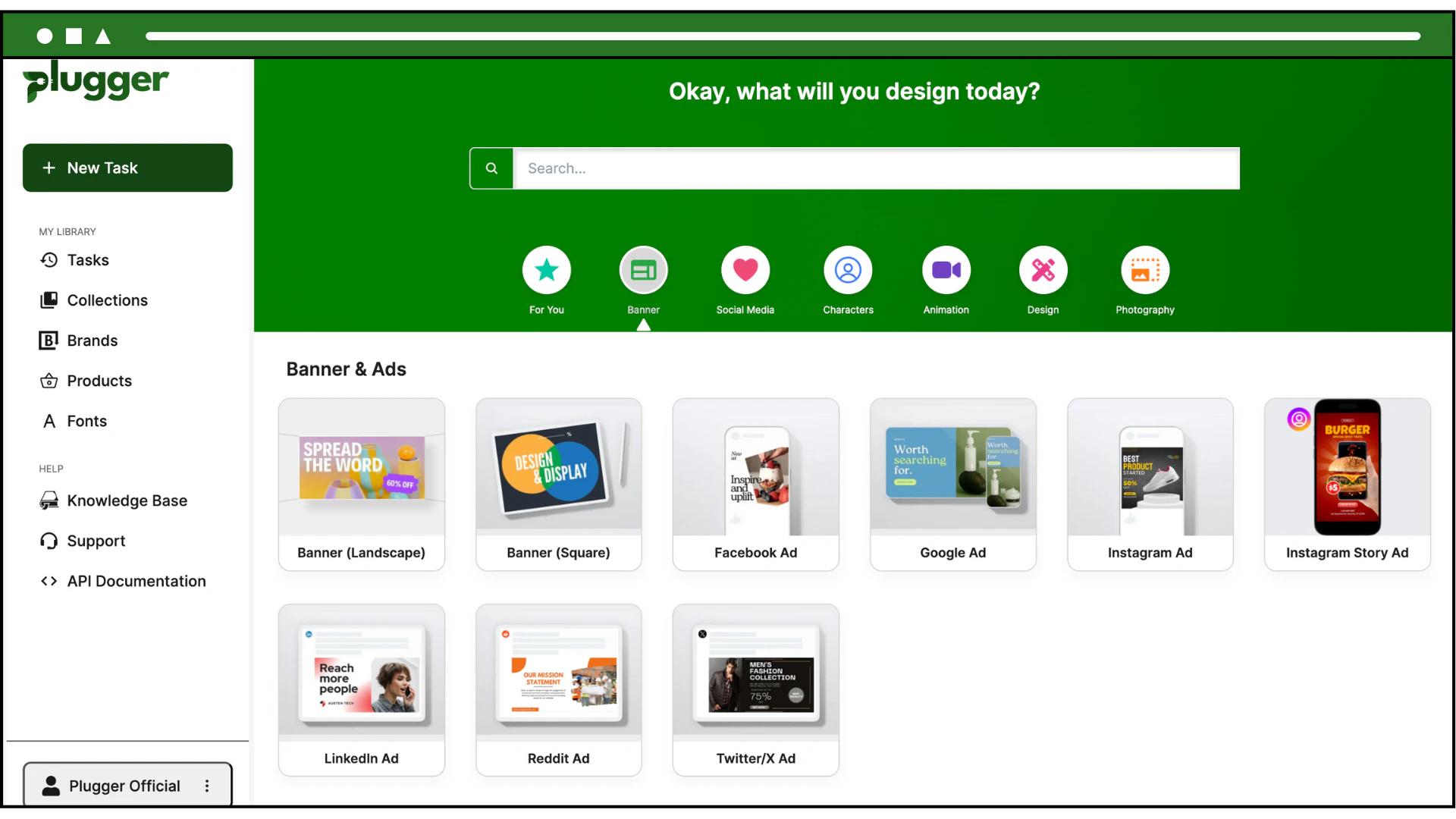
- Choose the type of design you want to create, such as a social media post, banner, or logo.
- Utilize the AI-powered tools to input your design preferences, including text, images, and styles.
- Review and customize the generated designs to fit your needs.
- Download or share your completed design directly from the platform.
What are the main features of Cameralyze No Code Ai Studio?
- AI Design Automation: Quickly generate designs for social media, banners, and more without needing design skills.
- Customizable Templates: Access a variety of templates that can be tailored to fit specific branding and design needs.
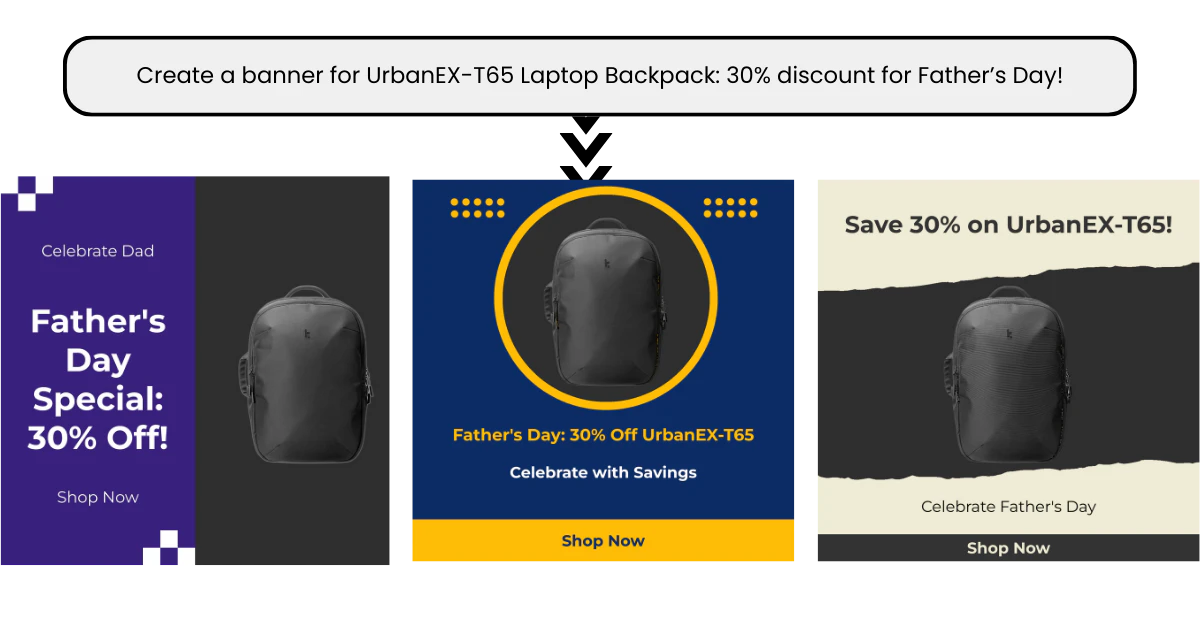
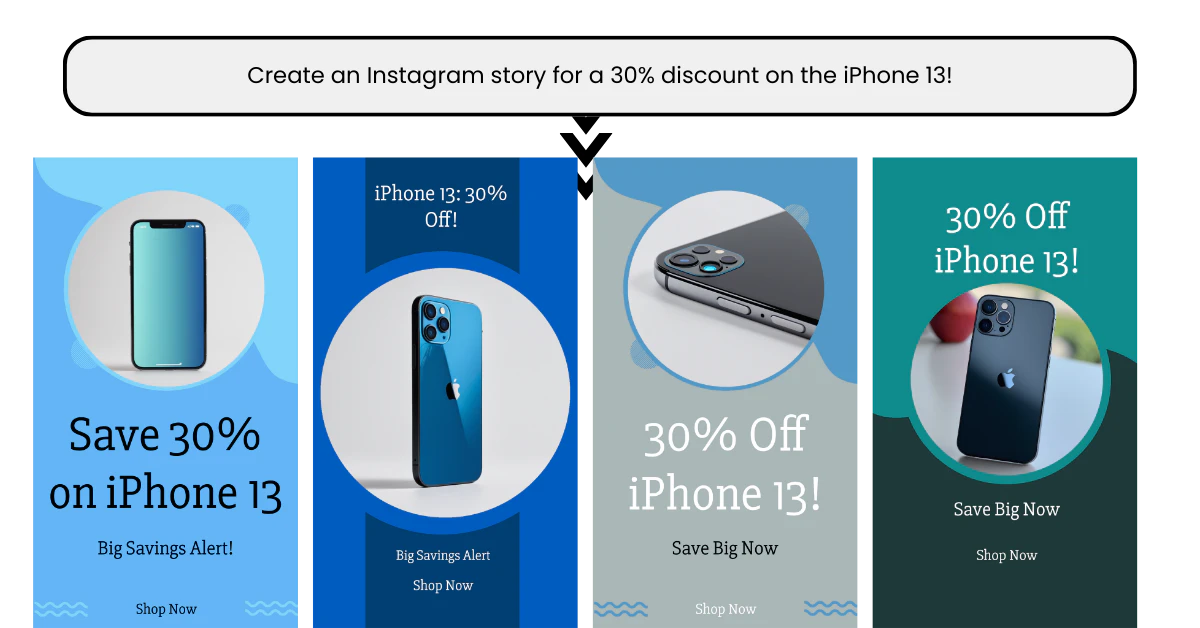
- Multiple Design Types: Create everything from Instagram stories to e-commerce product images.
- High-Quality Outputs: Generate professional-grade visuals suitable for commercial use.
- User-Friendly Interface: An intuitive platform that simplifies the design process for all users.
Who is Cameralyze No Code Ai Studio for?
Cameralyze No Code Ai Studio is designed for a diverse audience, including startups, small businesses, e-commerce brands, and digital marketing agencies. It is particularly beneficial for those who need to produce high-quality visual content quickly and efficiently without the need for extensive design knowledge. Marketers, social media managers, and content creators can leverage this tool to enhance their branding and engagement across various platforms.
What are the use cases of Cameralyze No Code Ai Studio?
- Social Media Content Creation: Quickly generate engaging posts and stories for platforms like Instagram and Facebook.
- E-commerce Product Promotion: Design visually appealing banners and product images to attract customers and increase sales.
- Branding and Marketing Materials: Create logos, business cards, and promotional graphics to establish a strong brand presence.
- Event Promotion: Develop eye-catching designs for events, webinars, and marketing campaigns to enhance visibility.
Product Images
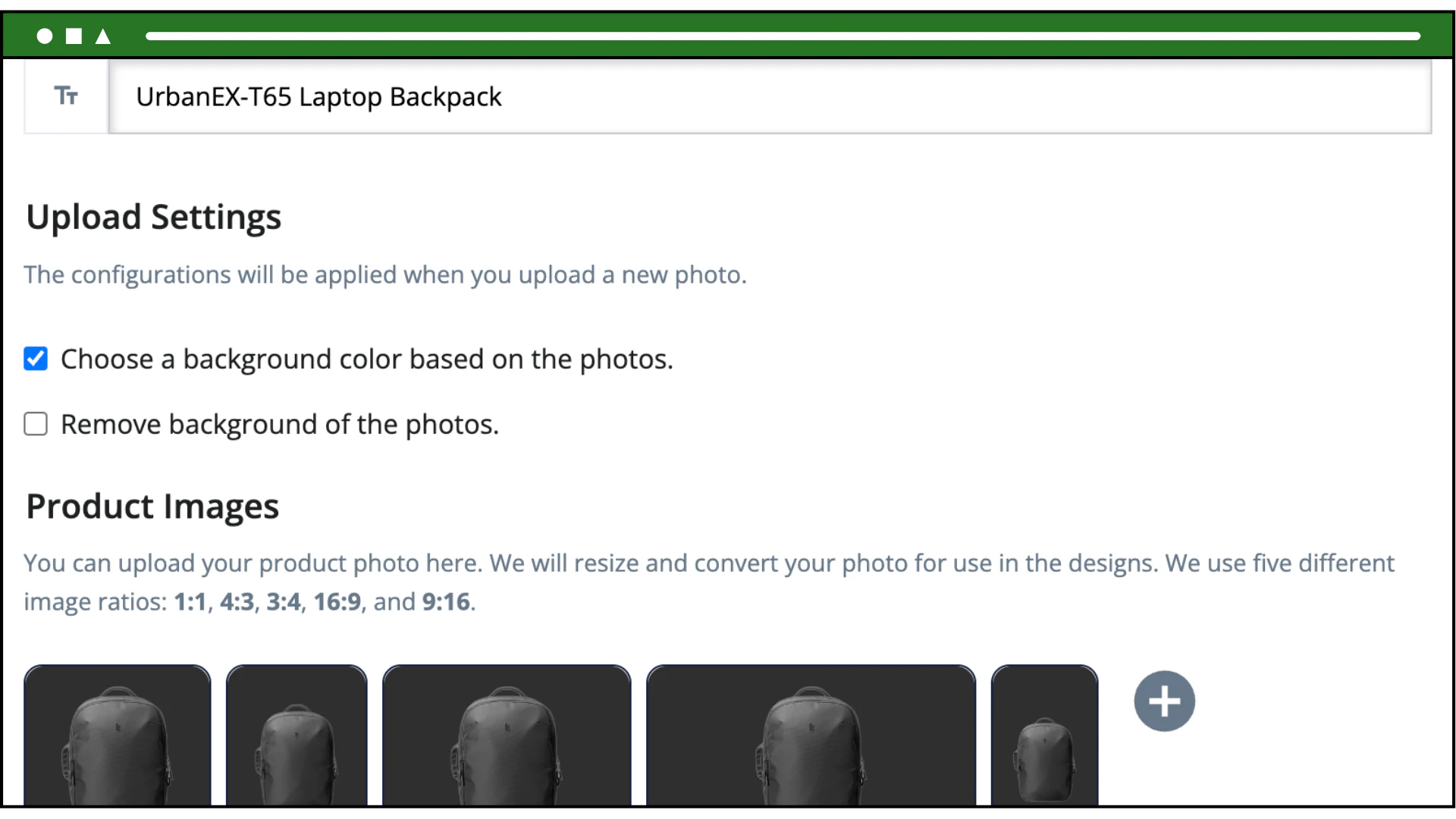
Cameralyze No Code Ai Studio Pros and Cons
Pros
- Unlimited Design Generation: Users can generate unlimited high-quality designs tailored for various sizes and platforms.
- Time-Saving Automation: The automated design process saves time and improves the quality and consistency of designs.
- User-Friendly Interface: The platform is designed to provide engaging content creation for social media, banners, and more.
- Affordable Pricing: Starting at $15 per month, the pricing is competitive for the features offered.
- Hands-On Support and Onboarding: Free hands-on onboarding and support are available for users.
Cons
No cons data detected for this tool
Cameralyze No Code Ai Studio Pricing
Basic Plan
Starts at $15/mo. Free hands-on onboarding & support! No limitation on generation!
For the latest pricing, please visit this link: https://www.plugger.ai/
Prices are subject to change. Please visit the official website for the most up-to-date pricing information.
Analytics of Cameralyze No Code Ai Studio
Cameralyze No Code Ai Studio Website Traffic Analysis
Visits Over Time
Traffic Sources
Oct 2025 - Dec 2025 Worldwide Desktop Only
- Search: 50.03%
- Direct: 36.33%
- Referrals: 8.88%
- Social: 3.61%
- Paid Referrals: 0.89%
- Mail: 0.13%
Top Keywords
| Keyword | Volume | CPC | Estimated Value |
|---|---|---|---|
| logo ai creator | 2.09K | $1.80 | $100.00 |
| apa itu landmark face machine learning | 410 | $0.00 | $110.00 |
| image karakter hand drawn ai | 190 | $0.00 | $140.00 |
| lora design v3 logo | 160 | $0.00 | $150.00 |
| clip interrogator nsfw | 150 | $0.00 | $100.00 |





Cameralyze No Code Ai Studio Social Listening
Google AI Studio: Build, Test ...
Google AI Studio's new "Build"...
【Google AI Studio最全教程】13个技巧彻底掌...
视频简介: 这可能是目前关于Google AI Studio...
12分鐘學會Google AI Studio:六大核心功能全...
🔥 想完全免费用上Google最新最强的免费AI工具吗? ...
Unlock to view 35 social media results.