Brandsnap


What is Brandsnap?
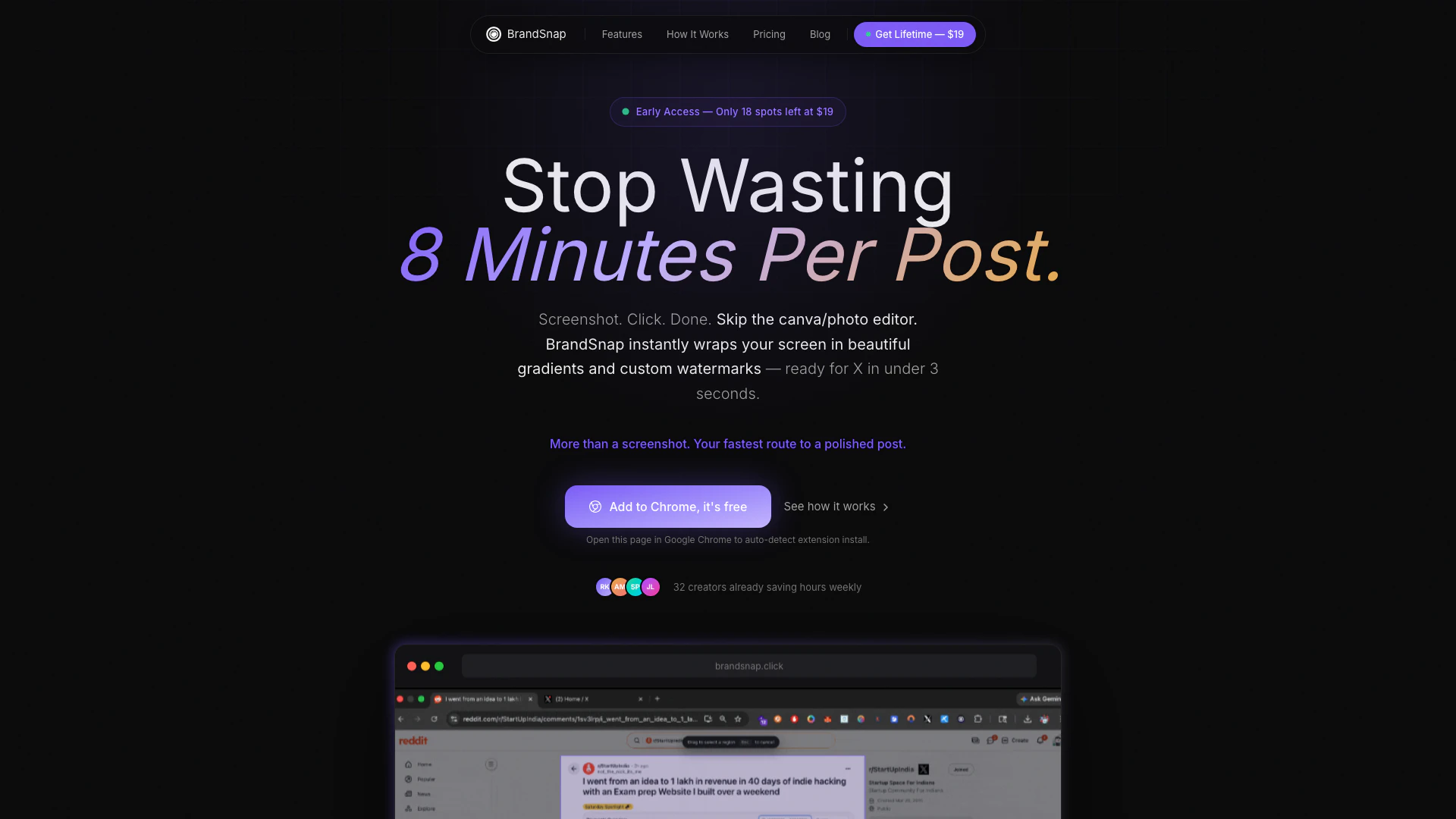
Brandsnap is an innovative tool designed to streamline the process of creating visually appealing, branded social media posts from screenshots. By allowing users to capture any screenshot and instantly transform it into a polished post with customized backgrounds, watermarks, and styling, Brandsnap eliminates the need for traditional graphic design software like Canva. This tool is particularly valuable for content creators who want to maintain a consistent brand image while saving time and effort in their posting workflow.
How to use Brandsnap?
- Install the Brandsnap extension from the Chrome Web Store and set it up by entering your social media handle and selecting your preferred gradient background.
- Click the Brandsnap extension to capture a screenshot by choosing from options such as Visible Area, Region, Element, or Full Page.
- Once the screenshot is captured, Brandsnap automatically applies your selected gradient background and watermarks your handle.
- Download the styled screenshot or copy it to your clipboard, then paste it directly into your social media platform to post.
What are the main features of Brandsnap?
- Instant screenshot capture with visible area, region, element, or full-page options.
- Automatic application of gradient backgrounds for enhanced visual appeal.
- Built-in watermarking feature to promote your brand effortlessly.
- Quick capture functionality that skips the traditional editing process.
- Support for multiple aspect ratios (4:5, 1:1, 16:9, 9:16).
- Ability to blur sensitive data in screenshots for privacy protection.
- Custom backgrounds and uploads available for more personalized posts.
- High-quality export options, including 2× and 4K quality.
Who is Brandsnap for?
Brandsnap is primarily aimed at content creators, social media managers, marketers, and anyone who frequently shares visual content online. It is especially beneficial for those who post analytics, product screenshots, or promotional content on platforms like X (formerly Twitter), LinkedIn, and Instagram. By simplifying the process of creating branded posts, Brandsnap caters to users who value efficiency and consistency in their online branding efforts.
What are the use cases of Brandsnap?
- Quickly capturing and branding social media posts for analytics or performance metrics without spending excessive time on design.
- Instantly creating promotional graphics for product launches or announcements that require immediate posting.
- Sharing educational content or tutorials with visually appealing screenshots that enhance engagement on social media.
Brandsnap Pros and Cons
Pros
- Instant Branding Features: BrandSnap allows users to instantly apply gradients and watermarks to screenshots, making posts visually appealing without the need for additional editing software.
- Time Efficiency: The tool significantly reduces the time required to create social media posts, allowing users to go from screenshot to post in just 3 seconds.
- Cost-Effective Solution: With a one-time payment of $19 for lifetime access, BrandSnap offers a cost-effective alternative to subscription-based graphic design tools.
Cons
No cons data detected for this tool
Brandsnap Pricing
Free
Get started instantly with basic capture (visible area + region), limited gradient backgrounds, watermark always visible, standard export quality, and manual workflow (editor required).
Pro
Lifetime access with one payment of $19. No subscription, no recurring fees. If you post even once a day, Pro pays for itself in under a week.
For the latest pricing, please visit this link: https://www.brandsnap.click/#pricing
Prices are subject to change. Please visit the official website for the most up-to-date pricing information.