Brainyze





What is Brainyze?
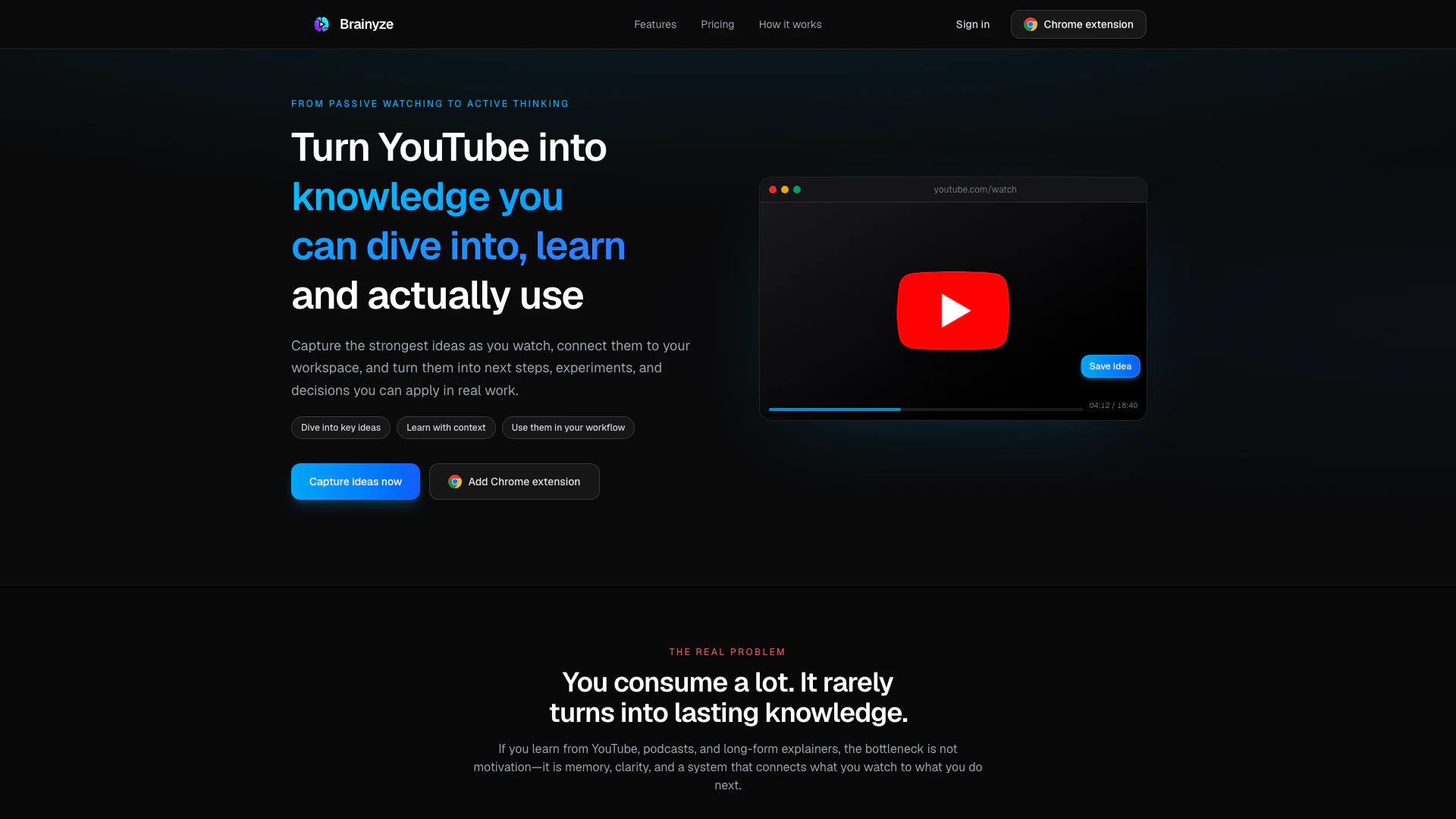
Brainyze is an innovative tool designed to enhance the learning experience for individuals who consume content through platforms like YouTube. It allows users to capture ideas and quick notes without disrupting their focus, facilitating a seamless transition from passive watching to active learning. With features such as flashcards, collections, and AI-generated mind maps, Brainyze transforms scattered insights into a structured knowledge base, helping users retain and utilize what they learn effectively.
How to use Brainyze?
- Install the Chrome extension from the Chrome Web Store and pin it for easy access.
- Open any YouTube video, such as a tutorial or podcast clip, and watch as usual.
- When an idea or insight strikes, open the capture panel from the player controls.
- Choose between 'Idea' for structured thoughts or 'Quick note' for fast captures.
- Write your note in your own words, add optional tags, and save it with the timestamp and link for future reference.
What are the main features of Brainyze?
- Active capture of ideas and notes without breaking focus.
- Integration with YouTube for seamless learning experiences.
- Organization of notes into collections and categories.
- AI-generated mind maps to visualize connections between ideas.
- Flashcards for spaced repetition learning.
- Timestamped notes that link back to the original video content.
Who is Brainyze for?
Brainyze is tailored for serious learners who actively seek to retain and utilize knowledge gained from videos, podcasts, and tutorials. It is ideal for self-directed individuals such as students, early-career professionals, and lifelong learners who juggle multiple resources like Notion and ChatGPT. If you treat learning as a craft and desire a system that helps you connect insights and ideas, Brainyze is the perfect tool for you.
What are the use cases of Brainyze?
- Capture and organize insights from YouTube tutorials to enhance skill development.
- Create structured notes and mind maps from podcast discussions for better retention.
- Review and utilize captured ideas through flashcards for exam preparation or professional growth.
Brainyze Pros and Cons
Pros
- Active Learning Approach: Brainyze encourages active learning by allowing users to capture ideas and notes in real-time while watching videos, enhancing retention and understanding.
- Integrated Dashboard: The tool features a comprehensive dashboard that organizes captured notes, flashcards, and mind maps, making it easy to review and connect ideas.
- Timestamped Notes: Users can save notes with timestamps linked to specific moments in videos, ensuring context is preserved for future reference.
Cons
No cons data detected for this tool
Brainyze Pricing
Free
Capture 5 ideas each month from your videos. Use AI tools 10 times/month to organize ideas. Get dashboard access with collections and graph view.
Starter
Capture up to 50 ideas/month for consistent learning. Use AI tools 150 times/month for organization and categorization. See insights on your idea activity and progress.
Pro
Capture unlimited ideas across all your videos. Use AI tools 400 times/month for deep organization and search. Unlock advanced search across everything you saved. Best fit for intensive courses and research workflows.
For the latest pricing, please visit this link: https://brainyze.app/signup
Prices are subject to change. Please visit the official website for the most up-to-date pricing information.